HelloGrowthCRM software
Built for real small-business sales teams
HelloGrowthCRM helps reps qualify faster, follow up on time, and close more deals—with practical automation in one place.
- AI lead scoring and pipeline visibility
- Built-in dialer, WhatsApp, and email automation
- Sales forecasting and RevOps-ready reporting
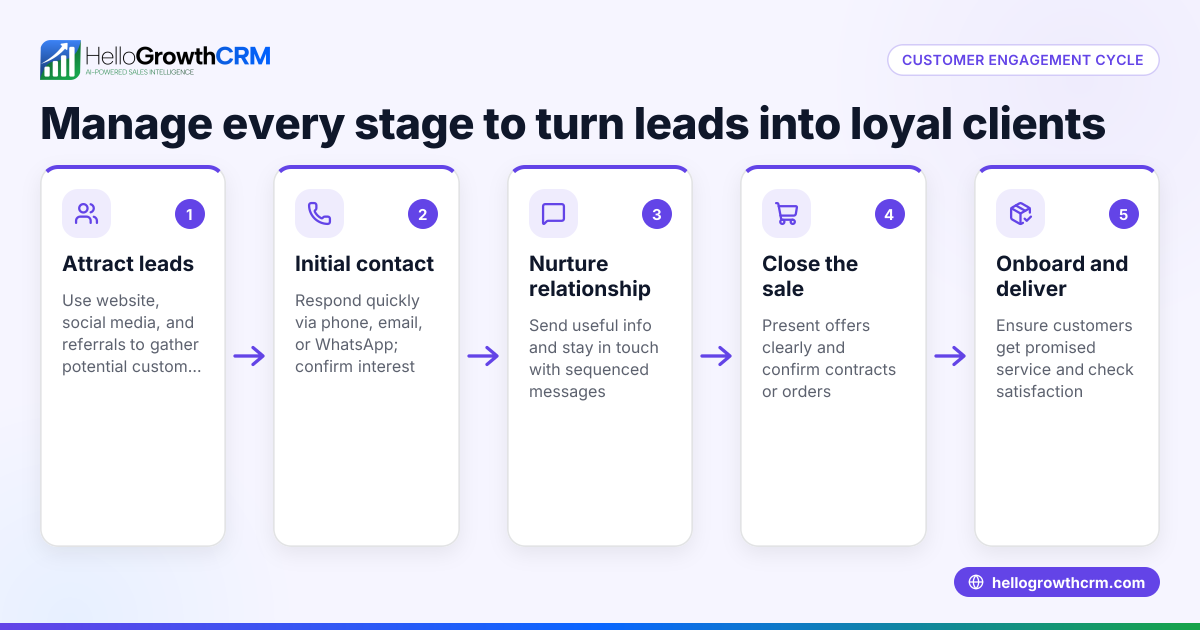
Automate customer engagement means using tools and processes to interact with your customers consistently and promptly without manual effort every time. This helps maintain relationships, improve satisfaction, and increase sales. This article covers why automation matters for small businesses, step-by-step actions to automate engagement, common pitfalls to avoid, a practical example, and how HelloGrowthCRM supports this process.
Why this comes up / what goes wrong
Small business owners often struggle to keep up with customer communication because they handle many roles themselves. They may rely on manual follow-ups via text, email, or phone calls, which can lead to delayed responses or missed opportunities. Without automation, it’s easy to lose track of customer needs, forget to send important messages, or fail to nurture leads effectively. This results in lower customer satisfaction and lost sales.
Step-by-step
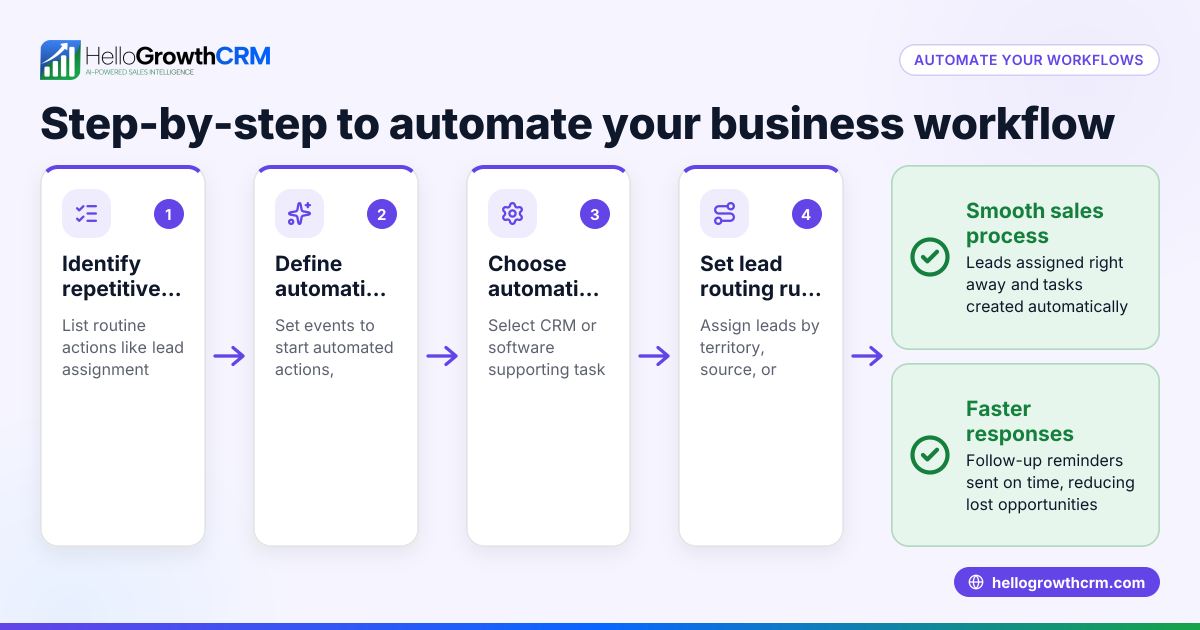
- Identify key customer touchpoints to automate: List where you interact with customers—lead capture, follow-up messages, service requests, and referrals. Check that these points are clear and measurable.
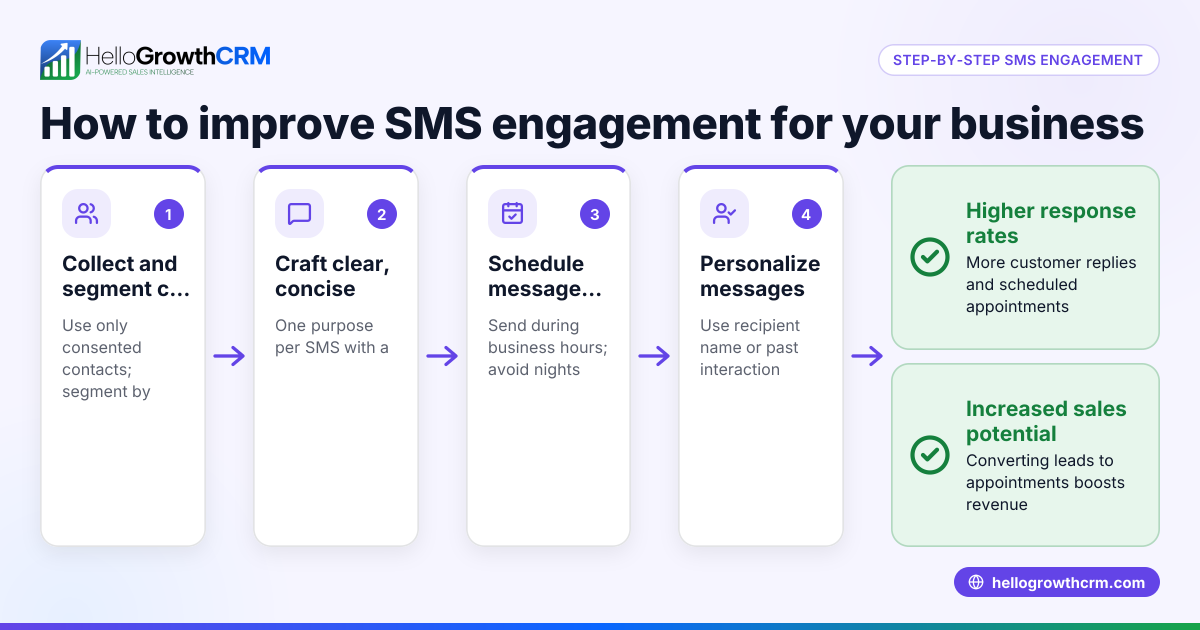
- Choose communication channels to automate: Decide if you want to use WhatsApp, SMS, email, or all three. Make sure your customers prefer these channels and that you have permission to contact them.
- Set up automated messages and sequences: Create templates for greetings, follow-ups, reminders, and thank-you notes. Check the tone and timing to keep messages relevant and non-intrusive.
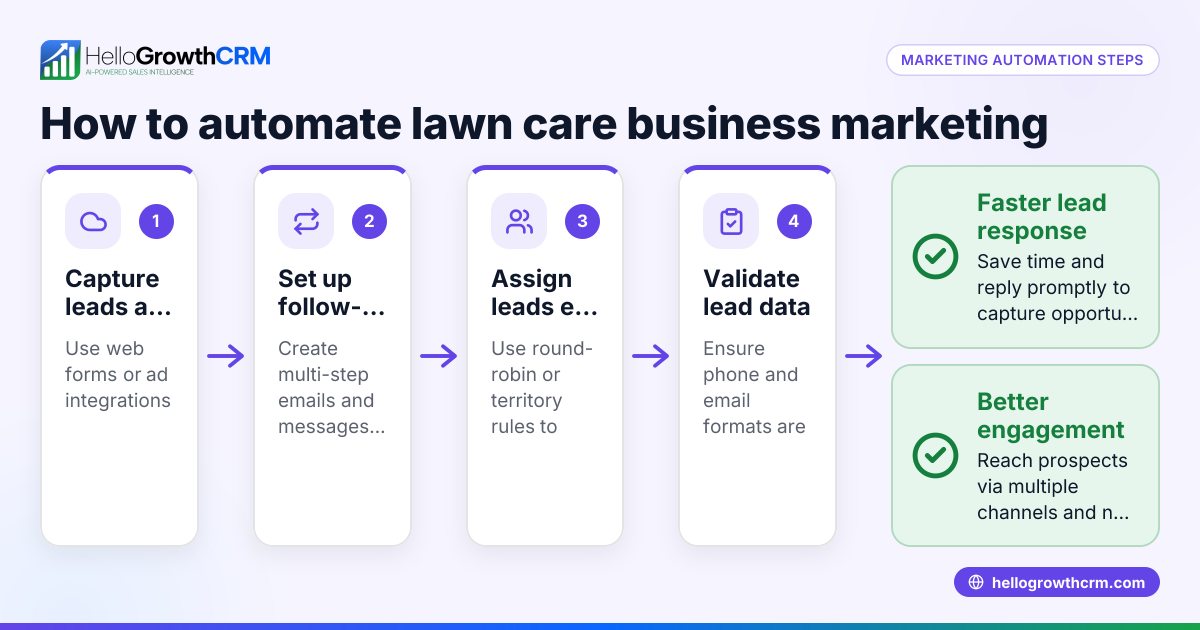
- Integrate lead capture with your CRM: Connect your website forms or other lead sources so new contacts automatically enter your system for follow-up.
- Use AI or rules-based lead scoring: Prioritize leads based on engagement or other criteria to focus your efforts where they matter most.
- Automate task and pipeline management: Assign follow-up tasks automatically and move deals through your sales pipeline based on customer responses or actions.
- Monitor and adjust your automation: Regularly review engagement rates and customer feedback. Adjust message content, timing, and channels as needed.
- Keep customer service requests linked to sales records: Ensure any post-sale service tickets or knowledge base interactions stay connected to the original deal for a complete customer view.
Example (fictional figures)
A plumbing company in Austin, Texas, wants to automate customer engagement to reduce lost leads and improve service.
- They capture leads from their website form automatically into their CRM.
- They set up an automated WhatsApp welcome message sent immediately after lead capture.
- Follow-up reminders are sent by SMS three days later if there is no response.
- Service requests are logged as tickets linked to the customer’s original deal.
Costs and results over one quarter:
- Website form integration setup: $500 (one-time)
- Monthly CRM subscription: $150
- Time saved by automation: 20 hours/month × $25/hour = $500/month
- Increase in lead follow-up rate from 60% to 90%, leading to an estimated $15,000 more in sales.
Calculations:
$25 × 20 hours = $500 $500 × 3 months = $1,500 saved in labor $15,000 additional sales – $1,500 labor saved – $950 CRM/setup costs = $12,550 net gain
Common mistakes
- Not defining clear automation goals: Prevent this by listing what you want to achieve (e.g., faster follow-ups, more referrals).
- Over-automating and losing personal touch: Use automation for routine messages but personalize key communications.
- Ignoring customer preferences for communication channels: Check which channels your customers use and prefer.
- Failing to keep service requests linked to sales records: This causes fragmented customer information; use a CRM that connects these.
- Neglecting to review and update automation regularly: Set quarterly reviews to keep content relevant and effective.
- Not integrating lead capture properly: Leads can be lost or delayed; test integrations fully.
Doing this in HelloGrowthCRM
HelloGrowthCRM helps automate customer engagement with features like a branded customer portal, referral program tracking, support tickets, and a knowledge base. After the sale, service requests stay on the same customer record as the deal, ensuring full visibility. The system supports WhatsApp and SMS CRM communication to automate follow-ups and customer interactions efficiently. Learn more about the customer health score and other features at HelloGrowthCRM for the United States and WhatsApp and SMS CRM.
Frequently asked questions
What is customer engagement automation? Customer engagement automation uses software to send timely, relevant messages and manage interactions without manual effort. It ensures consistent communication and helps maintain customer relationships.
Which communication channels are best to automate? WhatsApp, SMS, and email are common channels to automate. Choose based on where your customers are most active and responsive. Many small businesses benefit from WhatsApp and SMS automation for quick, direct contact.
How do I avoid losing the personal touch when automating? Use automation for routine messages like greetings and reminders but personalize key messages based on customer data. Segment your contacts and tailor messages to their needs.
Can automation handle post-sale service requests? Yes, automation can track service requests and support tickets linked to the customer’s original deal, providing a full history in one place. HelloGrowthCRM offers this feature.
How often should I review my automation setup? Review your automation at least quarterly. Analyze engagement data and customer feedback to update messages, timing, and channels.
Key takeaways
- Automate customer engagement to maintain timely, consistent communication without manual effort.
- Identify key touchpoints and preferred channels before setting up automation.
- Use automation for routine follow-ups but keep personal communication where it counts.
- Link service requests and tickets to customer records for a complete view.
- Regularly review and adjust automation based on performance and customer feedback.
- HelloGrowthCRM supports automation with customer portals, referral tracking, tickets, and integrated communication.
Start automating your customer engagement today with HelloGrowthCRM. Start on the Free Forever plan (200 leads, no credit card) to see how it works for your business.
Ready to put this into practice?
Set up your pipeline, WhatsApp follow-ups, and AI lead scoring in minutes — free, no credit card.
Try HelloGrowthCRM freeGet CRM tips in your inbox
Join thousands of sales professionals who get weekly insights on CRM strategy, AI automation, and pipeline optimization.

The HelloGrowthCRM team publishes guides on CRM strategy, AI sales tools, and revenue operations for small business sales teams.