HelloGrowthCRM software
Built for real small-business sales teams
HelloGrowthCRM helps reps qualify faster, follow up on time, and close more deals—with practical automation in one place.
- AI lead scoring and pipeline visibility
- Built-in dialer, WhatsApp, and email automation
- Sales forecasting and RevOps-ready reporting
Automated CRM logging from sales calls means your sales calls are automatically recorded in your CRM system with relevant details such as call time, lead information, and notes. This eliminates the need for manual entry, helping your team keep accurate records and follow up promptly.
Why this comes up / what goes wrong
Small and mid-sized businesses in India often rely on WhatsApp, spreadsheets, or manual note-taking to track sales calls. This leads to lost leads, missed follow-ups, and inaccurate sales data. When sales reps spend time manually updating CRM records, errors happen, and important information can slip through the cracks. Automated logging helps teams save time, improve data accuracy, and maintain a clear sales pipeline.
Step-by-step
- Choose a CRM with call logging features: Pick a CRM that supports automatic call logging or has a built-in dialer that records calls and links them to lead records. Check if it supports your main communication channels like WhatsApp.
- Integrate your phone system or dialer: Connect your phone system or use a CRM with a built-in dialer to capture call metadata (caller ID, time, duration) automatically.
- Set up automatic note capture: Use AI agents or call transcription features to draft call summaries or notes, reducing manual typing.
- Link calls to leads or deals: Ensure each call is associated with the correct lead or deal in the CRM for easy tracking.
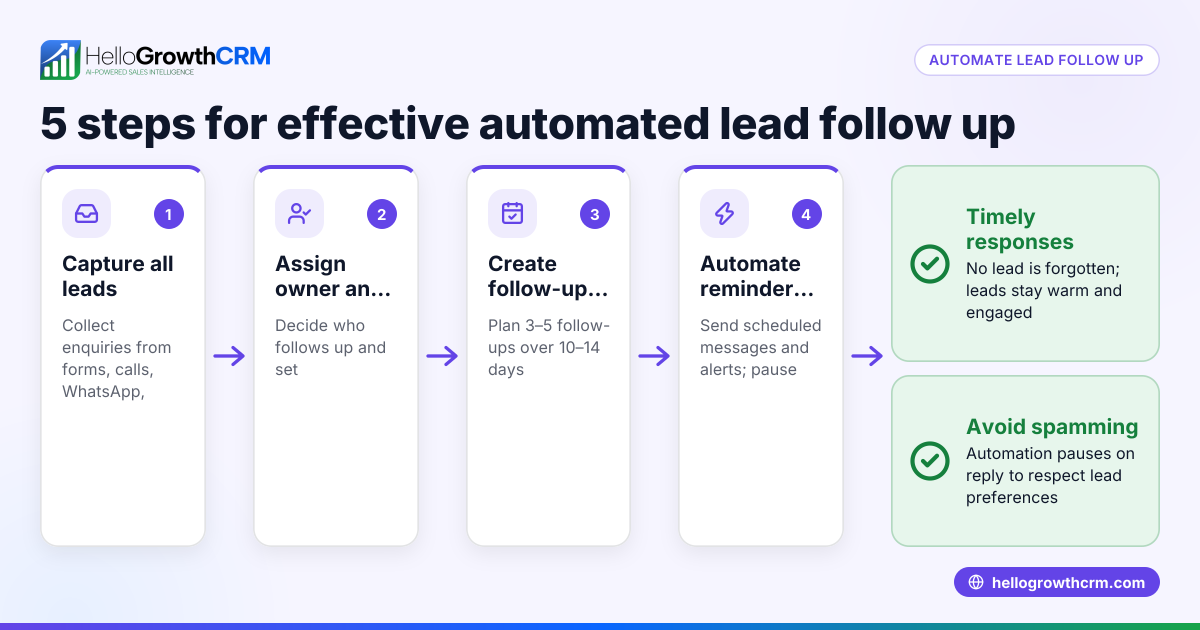
- Schedule follow-ups automatically: Use the CRM to create follow-up tasks or reminders based on call outcomes.
- Train your team: Teach sales reps how to review and complete auto-generated call notes and follow-ups.
- Monitor and refine: Regularly check call logs and follow-up completions to improve process efficiency.
For CRMs that support WhatsApp and SMS, verify that conversations are logged on lead records so your team has a complete history.
Example (fictional figures)
Ashok runs a small electronics parts trading business in Pune. His sales team makes 20 calls daily, each call generating a follow-up task manually. Ashok wants to automate logging and follow-ups.
- Average call duration: 5 minutes
- Manual follow-up time per call: 3 minutes
- Sales team size: 3 reps
Manual follow-up time per day:
3 reps × 20 calls × 3 minutes = 180 minutes = 3 hours
If Ashok automates call logging and follow-up drafting, reps save 3 hours daily.
Assuming ₹200 per hour wage,
3 hours × ₹200 = ₹600 saved daily
Monthly saving (22 working days):
₹600 × 22 = ₹13,200
Ashok invests in a CRM with a built-in dialer and AI agents to draft follow-ups. This reduces errors and improves lead response time.
Common mistakes
- Not integrating the dialer properly: Leads to missing call data. Prevent by testing integration before going live.
- Ignoring WhatsApp conversations: Many Indian SMBs use WhatsApp heavily. Ensure your CRM logs WhatsApp chats along with calls.
- Over-relying on AI without review: AI drafts need human review to avoid errors. Train reps to check notes.
- Not linking calls to deals or leads: Causes scattered data. Always associate calls with the correct record.
- Skipping follow-up scheduling: Without automatic reminders, tasks get missed. Use CRM task boards to track follow-ups.
- Failing to train the team: Automation only works if everyone uses it correctly. Provide training and documentation.
For more on managing calls, see how a built-in CRM dialer can help streamline your process.
Doing this in HelloGrowthCRM
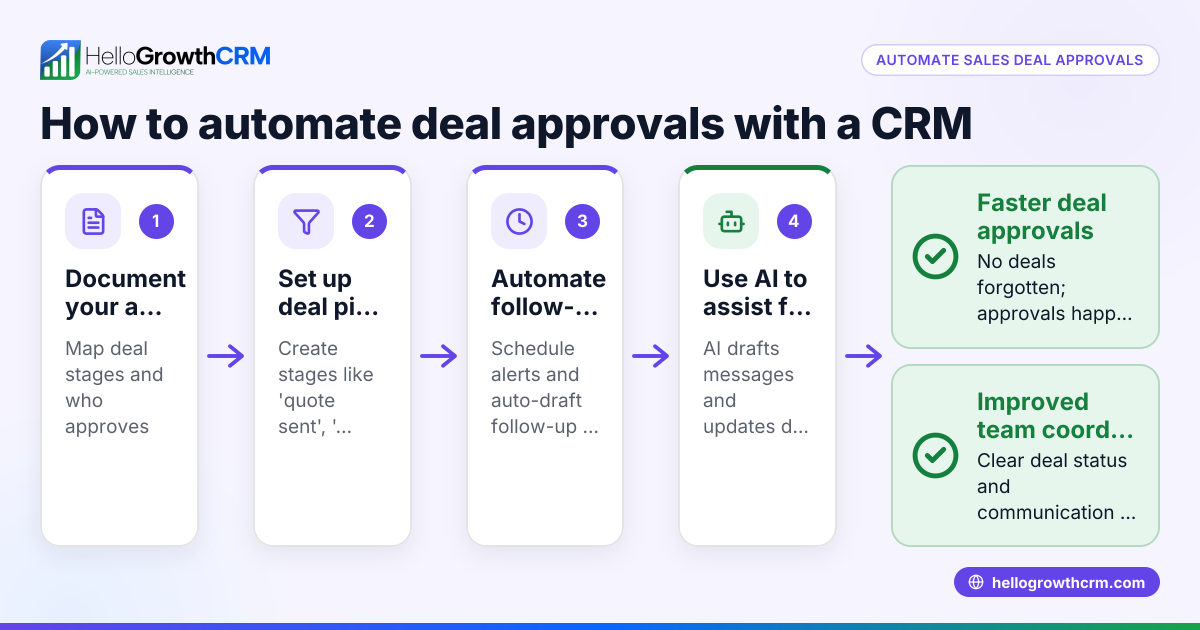
HelloGrowthCRM helps Indian SMBs automate CRM logging from sales calls with features like Deals (pipeline) where quotations appear as deals at the 'quote sent' stage with follow-up dates, so no opportunity is forgotten. WhatsApp conversations are logged directly on the lead record, and follow-ups can be sent as WhatsApp or SMS messages. AI agents draft follow-up messages after calls so reps only review and send, saving time and reducing errors. Learn more about HelloGrowthCRM’s built-in CRM dialer and WhatsApp and SMS CRM.
Frequently asked questions
Can I automate logging calls made outside the office phone system? Yes, if your CRM supports mobile app integrations or a built-in dialer that works on mobiles, calls made on mobile phones can be logged automatically. Check if the CRM supports your communication channels like WhatsApp.
How accurate are AI-generated call notes? AI-generated notes can draft summaries based on call data but require human review to ensure accuracy and completeness. Training your team to review these drafts is important.
Will automated logging work with WhatsApp sales conversations? Some CRMs, including HelloGrowthCRM, log WhatsApp conversations on lead records, enabling seamless tracking alongside calls and messages.
What happens if a call is missed or not answered? Automated logging captures call attempts and durations. You can set follow-up reminders for missed calls to ensure timely callbacks.
Is manual entry still needed after automation? Automation reduces manual entry but reps should review and complete call notes or update deal stages as needed to maintain data quality.
Key takeaways
- Automated CRM logging saves time by capturing call details without manual entry.
- Integrate your phone system or use a CRM with a built-in dialer for best results.
- AI agents can draft follow-up messages, but reps must review before sending.
- Link calls and WhatsApp conversations to leads and deals for complete tracking.
- Schedule follow-ups automatically to avoid missed opportunities.
- Train your team to use automation features effectively.
Start automating your sales call logging and follow-ups today with HelloGrowthCRM. Start on the Free Forever plan (200 leads, no credit card).
Ready to put this into practice?
Set up your pipeline, WhatsApp follow-ups, and AI lead scoring in minutes — free, no credit card.
Try HelloGrowthCRM freeGet CRM tips in your inbox
Join thousands of sales professionals who get weekly insights on CRM strategy, AI automation, and pipeline optimization.

The HelloGrowthCRM team publishes guides on CRM strategy, AI sales tools, and revenue operations for small business sales teams.