HelloGrowthCRM software
Built for real small-business sales teams
HelloGrowthCRM helps reps qualify faster, follow up on time, and close more deals—with practical automation in one place.
- AI lead scoring and pipeline visibility
- Built-in dialer, WhatsApp, and email automation
- Sales forecasting and RevOps-ready reporting
Workflow automation helps small businesses by automating routine sales and operational tasks, speeding up lead follow-up, and reducing manual errors. It frees your team to focus on higher-value work and improves consistency in customer communication. This article covers why workflow automation matters, how to implement it step-by-step, a practical example, common pitfalls, and how HelloGrowthCRM supports automation.
Why this comes up / what goes wrong
Many small-business owners struggle with slow lead follow-up, lost sales opportunities, and inefficient manual processes using text messages, email, and spreadsheets. Without automation, it is easy to miss timely callbacks or forget steps in a sales sequence. This leads to lost revenue and frustrated customers. Workflow automation addresses these issues by systematizing lead routing, task creation, and follow-ups, so nothing slips through the cracks.
Small teams often rely on manual tracking of leads and follow-ups, which can cause inconsistent communication and missed opportunities. Sales reps may spend too much time on repetitive tasks instead of selling. Workflow automation solves these problems by reducing manual work and ensuring every lead is handled promptly.
Step-by-step
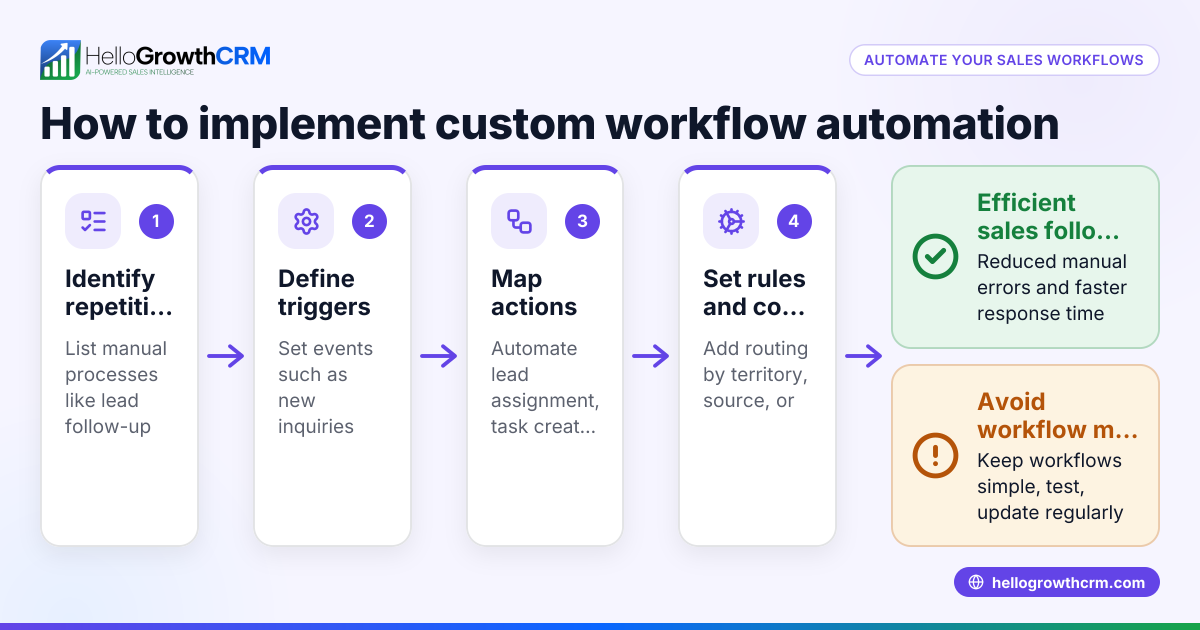
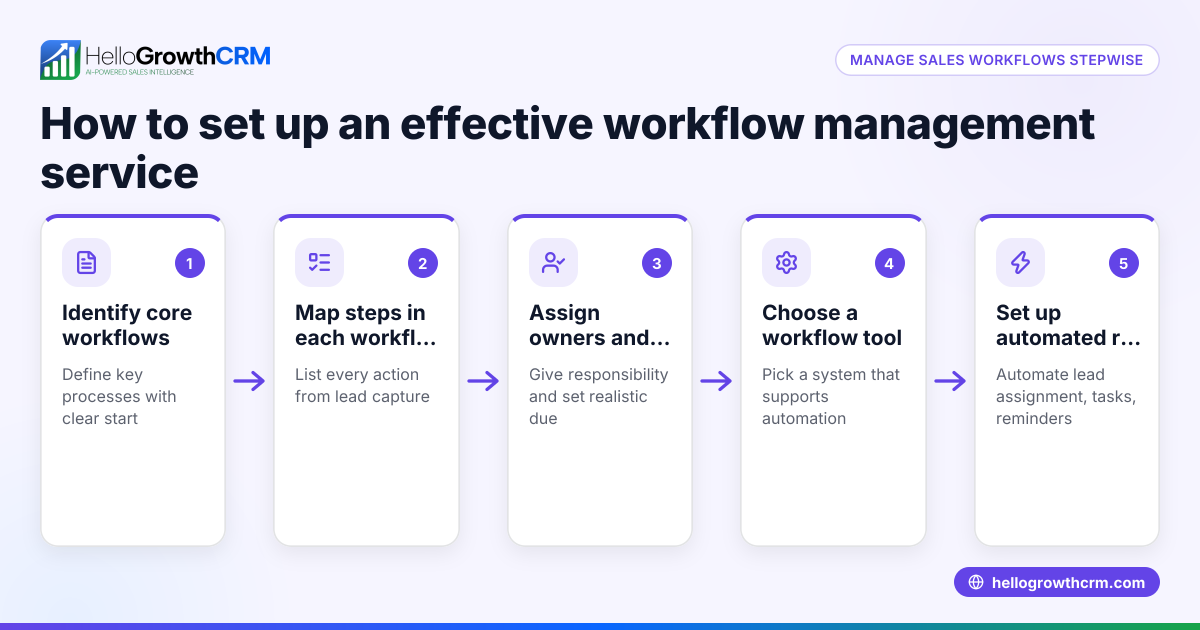
- Identify repetitive tasks to automate: List tasks like lead assignment, follow-up reminders, and status updates that are repetitive and time-consuming. Focus on tasks that block your team from focusing on selling.
- Choose automation triggers: Decide what events should start workflows, such as a new lead capture from a web form or a change in deal stage in your CRM.
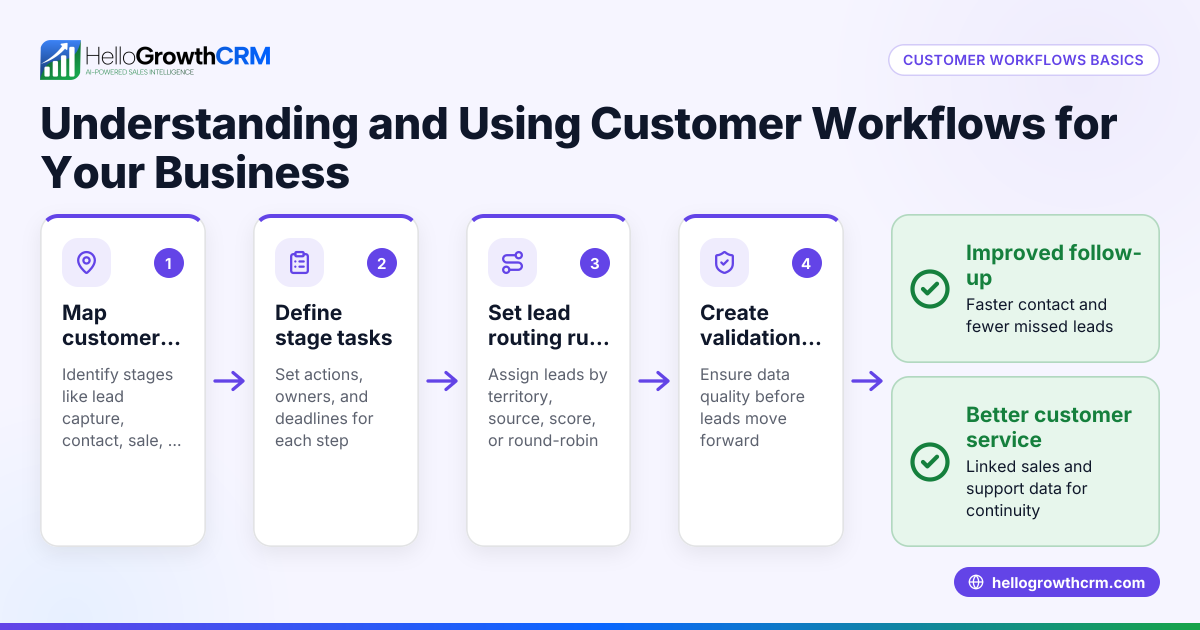
- Set up lead routing rules: Assign leads automatically by territory, source, score, or round-robin to balance workload fairly among sales reps.
- Create task and follow-up sequences: Automate multi-step outreach across email, SMS, and WhatsApp until a prospect replies, ensuring no lead is forgotten.
- Implement validation checks: Use field-level validation to ensure data quality and completeness so leads are routed correctly.
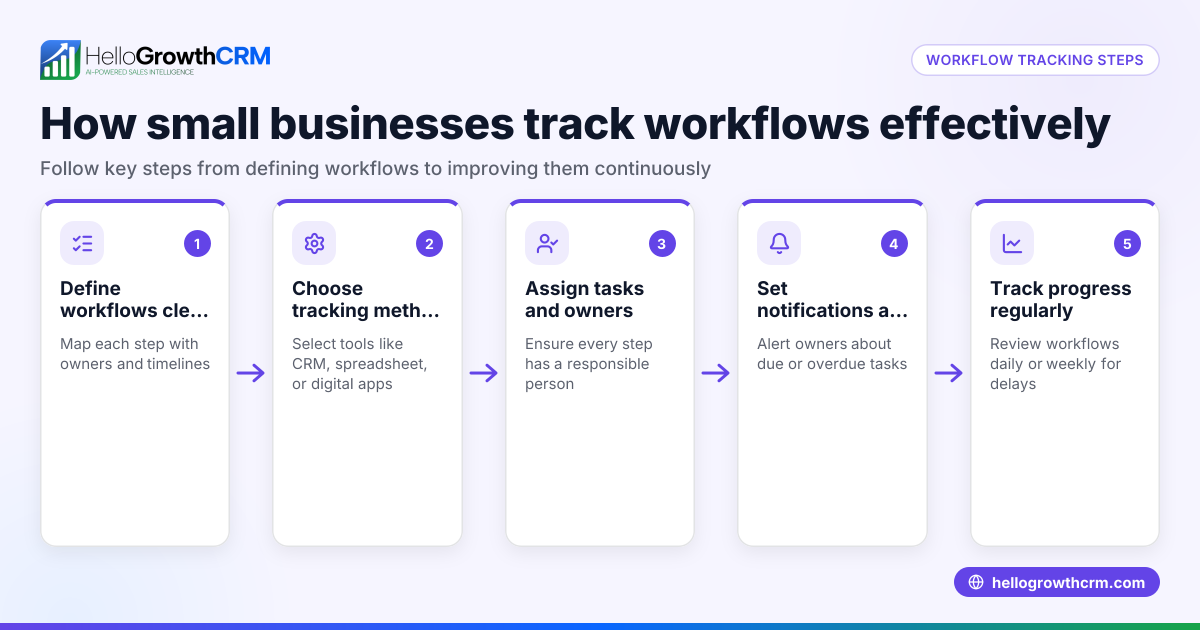
- Monitor and refine workflows: Track workflow performance regularly and adjust steps to improve efficiency and conversion rates.
Check that automation doesn’t overwhelm your team with too many notifications or irrelevant tasks. Make sure your CRM supports multi-channel sequences and easy workflow adjustments. For more on automation features, see AI CRM and WhatsApp and SMS CRM.
Example (fictional figures)
A two-location dental practice in Columbus, Ohio, handles 200 new patient inquiries monthly. They manually assign leads and follow up by email and phone, losing about 20% due to slow responses.
They implement workflow automation on 01/01/2026 to:
- Assign leads evenly by location using round-robin
- Automatically create a first-call task
- Run a five-step follow-up sequence over two weeks
Before automation: Leads per month = 200 Lost leads due to slow follow-up = 20% × 200 = 40 leads lost
After automation: Assuming automation reduces lost leads by half: Leads lost = 40 ÷ 2 = 20 leads lost
Revenue per new patient = $500 Additional revenue recovered = 20 × $500 = $10,000 monthly
This example shows how workflow automation can recover $10,000 monthly by improving lead follow-up speed and consistency.
Common mistakes
- Automating everything without prioritization: Focus on high-impact repetitive tasks first to avoid complexity. Prevent by mapping workflows carefully.
- Ignoring data quality: Poor data causes wrong lead routing and follow-ups. Prevent by setting validation rules to ensure accurate lead information.
- Overloading sales reps with notifications: Too many alerts cause fatigue and missed actions. Prevent by tuning workflow notifications and limiting alerts to essential tasks.
- Not monitoring workflow effectiveness: Without tracking, you won’t know what to improve. Prevent by regularly reviewing automation reports and metrics.
- Using single-channel outreach only: Limiting to email misses prospects preferring SMS or WhatsApp. Prevent by using multi-channel sequences as in WhatsApp and SMS CRM.
- Skipping training and change management: Automation works best when your team understands and trusts it. Prevent by training staff on new workflows and gathering feedback.
Doing this in HelloGrowthCRM
HelloGrowthCRM offers workflows, lead routing, and validation rules to automate lead assignment and task creation. For example, a new web-form inquiry can be assigned round-robin with an automatic first-call task created. Sequences and campaigns automate multi-step outreach over email, SMS, and WhatsApp, stopping automatically when a prospect replies. AI agents draft follow-up messages after calls for reps to review and send, reducing manual effort. Learn more about these features on the AI CRM page.
Frequently asked questions
What tasks can I automate with workflow automation? You can automate lead assignment, task creation, follow-up sequences, status updates, and data validation. Focus on repetitive tasks that consume time and cause delays.
How does workflow automation improve sales follow-up? It ensures timely, consistent outreach by automatically assigning leads, scheduling tasks, and running multi-step message sequences until prospects respond.
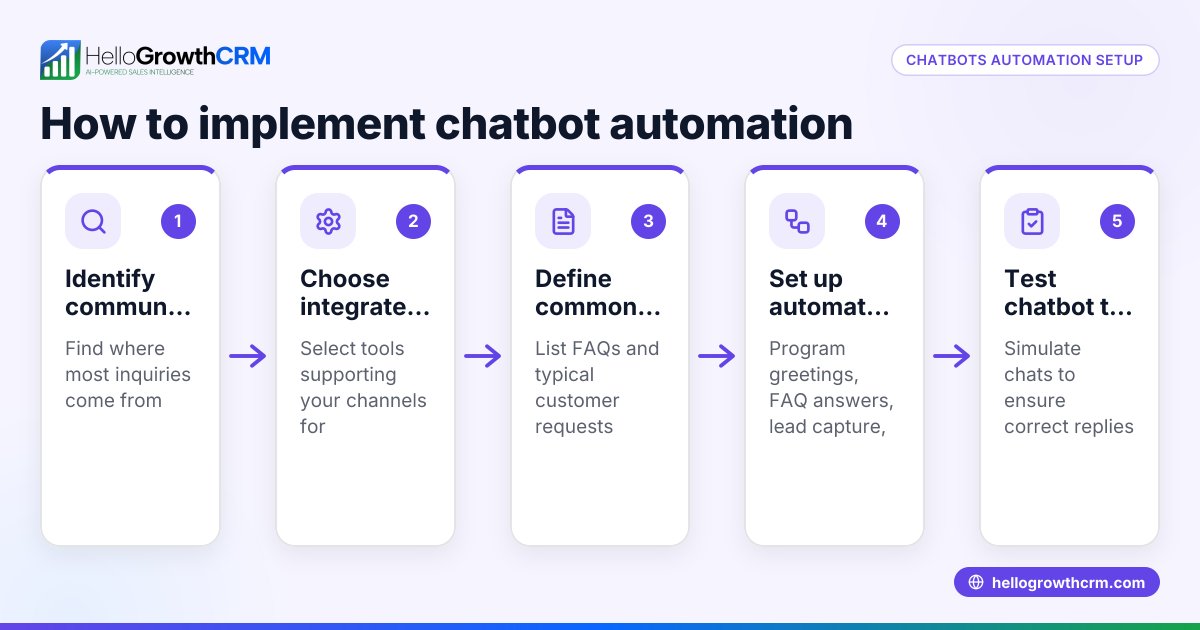
Can I automate communication on multiple channels? Yes, modern CRMs like HelloGrowthCRM support sequences across email, SMS, and WhatsApp, enabling you to reach prospects on their preferred platform.
How do I avoid overwhelming my sales team with automation? Set appropriate notification limits, prioritize key workflows, and regularly review automation performance to keep workload manageable.
Is workflow automation suitable for small businesses? Absolutely. It helps small teams handle leads efficiently, reduce manual errors, and scale sales efforts without adding headcount.
How do I get started with workflow automation? Start by identifying your repetitive tasks and choose a CRM that supports workflows and multi-channel sequences. HelloGrowthCRM offers these features and a Free Forever plan to try automation risk-free.
Key takeaways
- Workflow automation speeds up lead follow-up and reduces errors.
- Automate repetitive sales tasks like lead routing and follow-ups.
- Use multi-channel sequences for better prospect engagement.
- Monitor and adjust workflows to maintain effectiveness.
- Avoid common mistakes like ignoring data quality and overloading notifications.
- HelloGrowthCRM supports automation with workflows, sequences, and AI agents.
Start improving your sales process today. Start on the Free Forever plan (200 leads, no credit card) and see how workflow automation can help your small business grow.
Ready to put this into practice?
Set up your pipeline, WhatsApp follow-ups, and AI lead scoring in minutes — free, no credit card.
Try HelloGrowthCRM freeGet CRM tips in your inbox
Join thousands of sales professionals who get weekly insights on CRM strategy, AI automation, and pipeline optimization.

The HelloGrowthCRM team publishes guides on CRM strategy, AI sales tools, and revenue operations for small business sales teams.