HelloGrowthCRM software
Built for real small-business sales teams
HelloGrowthCRM helps reps qualify faster, follow up on time, and close more deals—with practical automation in one place.
- AI lead scoring and pipeline visibility
- Built-in dialer, WhatsApp, and email automation
- Sales forecasting and RevOps-ready reporting
The best CRM reporting and analytics software for Canadian small businesses provides actionable insights into sales pipelines, lead follow-up, and revenue forecasting. It should enable sales leaders and teams to identify bottlenecks, prioritise leads, and track performance without relying on spreadsheets or multiple disconnected tools.
Why this comes up / what goes wrong
Small and mid-sized Canadian businesses often lose leads or sales opportunities because they rely on fragmented tools like text messages, email threads, and spreadsheets to manage their sales processes. Without clear reporting and analytics, it is hard to know which deals are stalling or which sales reps need support. This leads to slow follow-up, missed revenue, and difficulty in forecasting sales accurately. Business owners searching for the best CRM reporting and analytics software in Canada want a solution that integrates lead capture, communication, and pipeline insights into one platform that their team will actually use.
Step-by-step
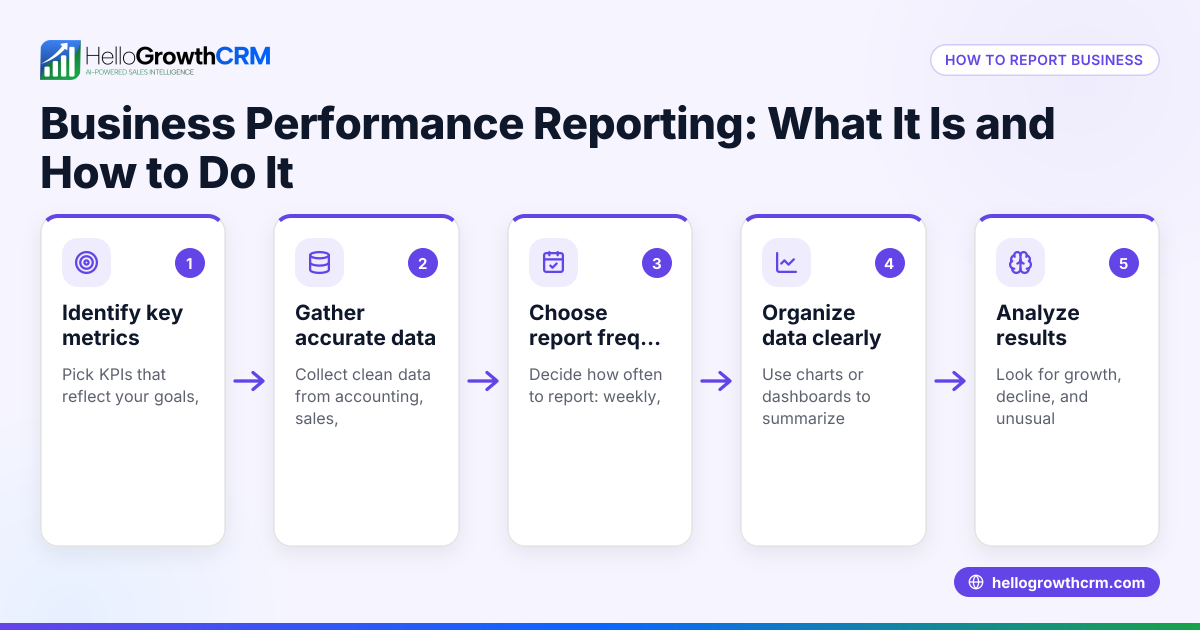
- Identify your sales reporting needs: List the key metrics you want to track, such as deal stages, conversion rates, sales velocity, and revenue forecasts. Check if the CRM offers AI-driven insights or only basic reports.
- Check integration with communication channels: Ensure the CRM supports the channels your team uses daily, like WhatsApp, SMS, and email, so all conversations are logged and follow-ups are scheduled.
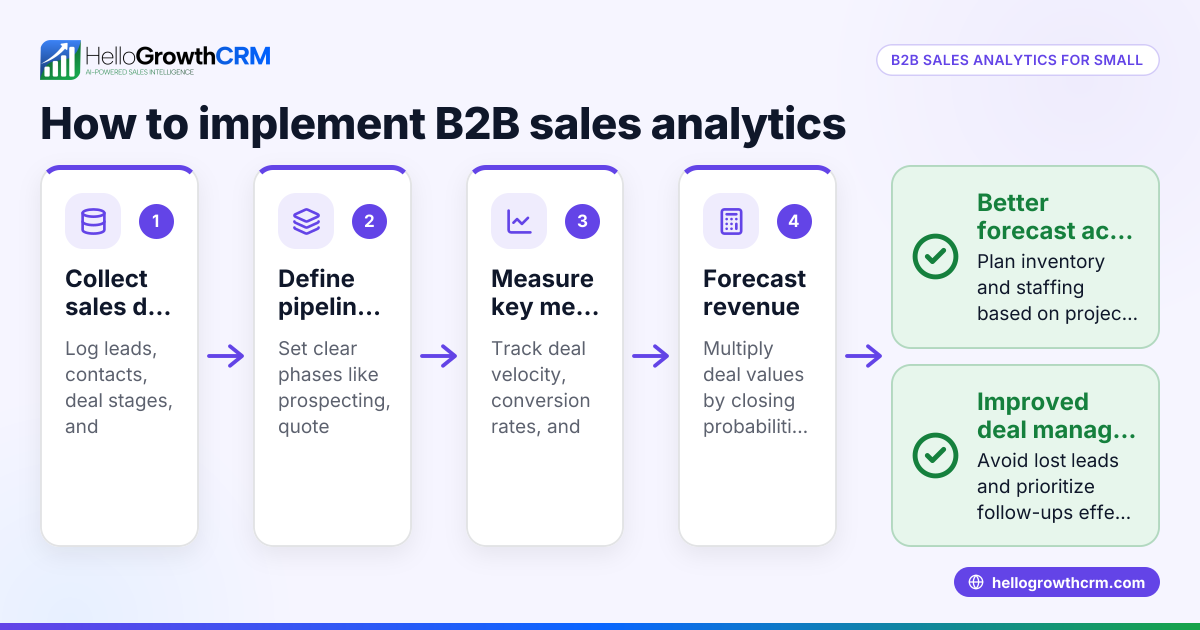
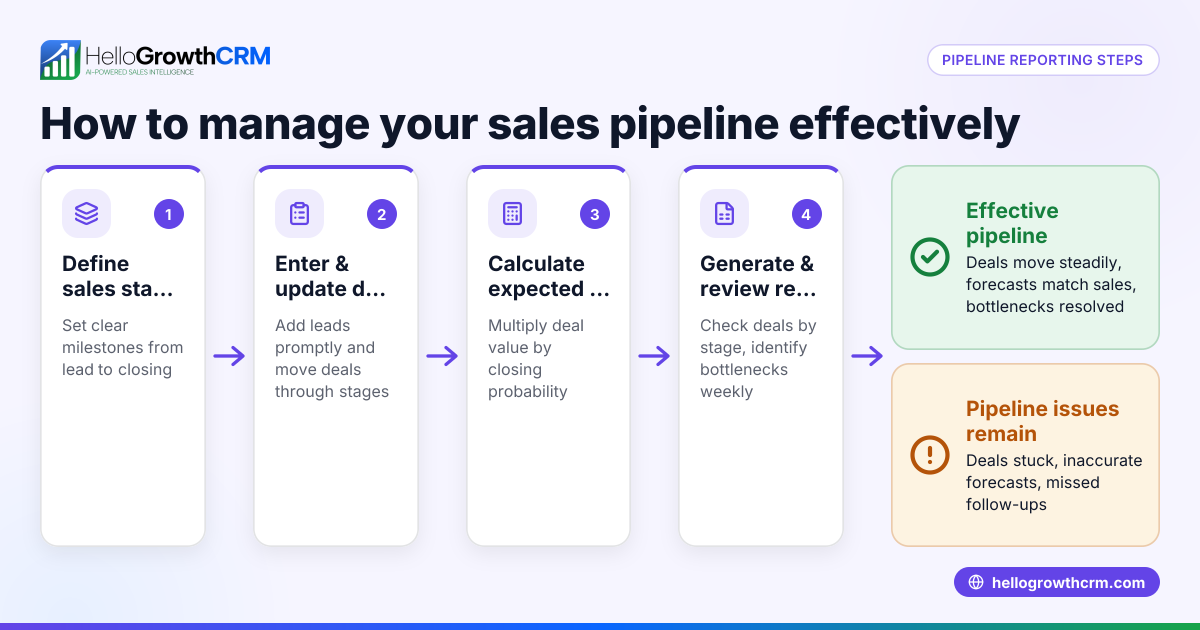
- Evaluate pipeline visibility and forecasting features: Look for CRM software that shows which deal stages are causing delays and provides AI-assisted revenue forecasts based on historical data.
- Assess task and activity management: Confirm the CRM has task boards or activity lists to keep follow-ups organised and prevent leads from slipping through the cracks.
- Consider ease of use and adoption: A CRM with a simple interface and mobile-friendly features encourages your sales team to update records and use the reporting tools consistently.
- Review pricing and support options: Compare costs and included features on Canadian pricing pages to find a CRM that fits your budget and growth plans.
- Request demos and trial access: Test shortlisted CRMs to see how their reporting dashboards and analytics work with your sales data.
For a detailed comparison of CRM options, see our compare CRMs page.
Example (fictional figures)
An HVAC company in Surrey, British Columbia, wants to improve its sales forecasting. They currently track leads in spreadsheets but often miss follow-ups.
- Current monthly sales pipeline value: C$250,000
- Average deal close rate: 30%
- Average sales cycle length: 45 days
Using a CRM with AI forecasting, the owner sees that deals in the "Proposal Sent" stage are stalling.
Forecasted revenue calculation:
C$250,000 × 30% = C$75,000 expected close amount
The CRM also highlights leads with overdue follow-ups, prompting immediate action.
By focusing on clearing the "Proposal Sent" stage, the company can increase conversion and improve monthly revenue predictability.
Common mistakes
- Ignoring integration with communication channels: Not choosing a CRM that logs WhatsApp or SMS conversations leads to lost context and missed follow-ups. Prevent this by verifying messaging support before purchasing.
- Overlooking AI insights and forecasting: Relying solely on manual reports or spreadsheets misses opportunities to spot pipeline issues early. Use CRM tools with built-in AI pipeline health analysis.
- Choosing overly complex software: A feature-heavy CRM that your team finds hard to use results in poor adoption and inaccurate data. Opt for user-friendly CRMs with clear task boards.
- Not setting up task management: Without scheduled activities and reminders, follow-ups get forgotten. Implement task boards to keep daily calls and tasks organised.
- Failing to evaluate pricing in local context: Some CRM pricing may not include features important to Canadian businesses. Always check the CRM pricing in Canada page for accurate cost comparisons.
Doing this in HelloGrowthCRM
HelloGrowthCRM offers pipeline forecast and AI insights that let owners see which deal stages are stalling without building spreadsheets. Its WhatsApp and SMS features log all conversations on the lead record and enable follow-ups via messages. Each follow-up becomes a task with a due date on activity and task boards, so daily calls and tasks are organised and easy to track. Learn more about HelloGrowthCRM features for Canadian businesses on HelloGrowthCRM for Canada.
Frequently asked questions
What is the typical pricing for CRM reporting and analytics software in Canada? Pricing varies depending on features and user counts. Many CRMs offer tiered plans with AI insights and messaging integrations available on higher tiers. Check the CRM pricing in Canada page for detailed pricing information.
Are there CRM reporting alternatives for sales directors in Canada? Yes, some businesses use dedicated business intelligence tools alongside CRMs, but this adds complexity. Choosing a CRM with built-in reporting and AI analytics can streamline sales management.
Can I use WhatsApp and SMS inside Canadian CRM software? Some CRMs, including HelloGrowthCRM, support WhatsApp and SMS messaging natively, logging conversations and enabling follow-ups directly within the CRM.
How do AI insights improve CRM reporting? AI analyses historical sales data and current pipeline stages to forecast revenue and highlight bottlenecks, enabling proactive management rather than reactive reporting.
What should small businesses prioritise when choosing CRM reporting software? Prioritise ease of use, integration with communication channels, AI-driven pipeline visibility, and task management to ensure your team uses the CRM consistently.
Key takeaways
- Choose CRM software that offers AI-assisted pipeline forecasting and highlights deal stage bottlenecks.
- Ensure WhatsApp and SMS messaging are integrated for seamless lead communication and logging.
- Use activity and task boards to organise follow-ups and daily sales tasks.
- Avoid overly complex CRMs that reduce team adoption and data accuracy.
- Review Canadian pricing and feature sets carefully before selecting a CRM.
- Trial and compare multiple CRMs to find the best fit for your business needs.
For detailed Canadian pricing and plans, see Canadian pricing.
Ready to put this into practice?
Set up your pipeline, WhatsApp follow-ups, and AI lead scoring in minutes — free, no credit card.
Try HelloGrowthCRM freeGet CRM tips in your inbox
Join thousands of sales professionals who get weekly insights on CRM strategy, AI automation, and pipeline optimization.

The HelloGrowthCRM team publishes guides on CRM strategy, AI sales tools, and revenue operations for small business sales teams.