HelloGrowthCRM software
Built for real small-business sales teams
HelloGrowthCRM helps reps qualify faster, follow up on time, and close more deals—with practical automation in one place.
- AI lead scoring and pipeline visibility
- Built-in dialer, WhatsApp, and email automation
- Sales forecasting and RevOps-ready reporting
Booking a call means arranging a specific date and time for a phone or video conversation with someone important to your business, like a lead, customer, or partner. This helps avoid missed connections, ensures preparation, and improves communication efficiency.
Why this comes up / what goes wrong
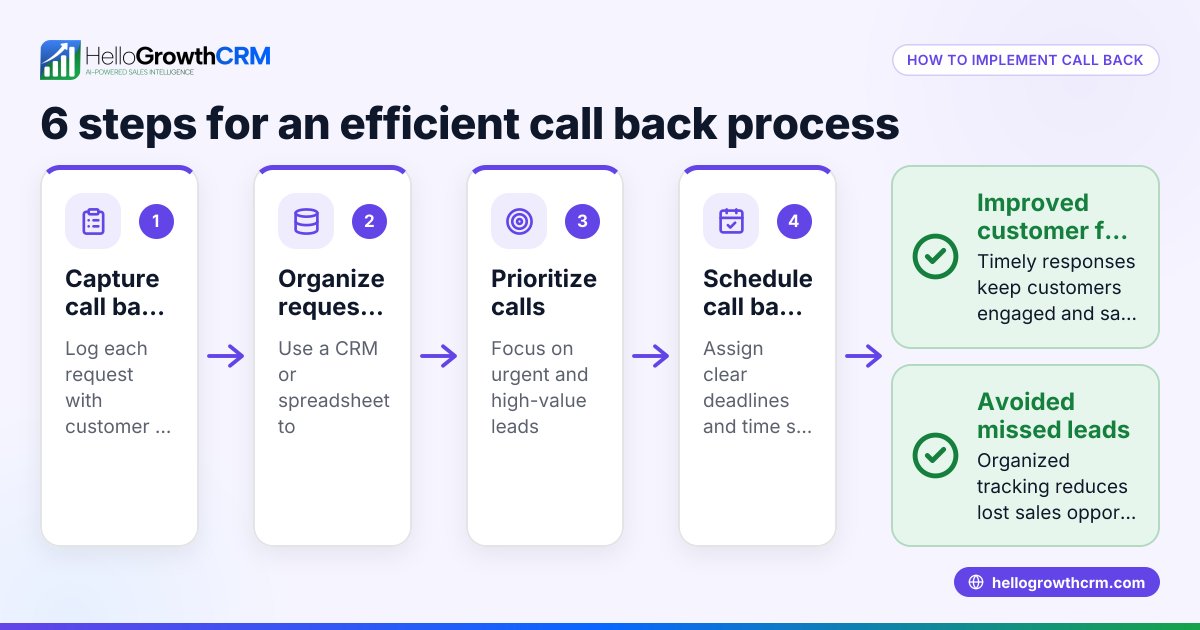
Small-business owners often need to book calls to discuss sales, projects, or support. Without a clear booking process, calls can be missed or delayed, leading to lost leads and confusion. Many small teams rely on emails, texts, or spreadsheets to schedule and track calls, which can cause errors or forgotten follow-ups. This slows down sales and frustrates customers.
Step-by-step
- Identify the need for a call: Decide when a call is necessary to clarify details, negotiate, or build relationships.
- Propose call times: Contact the other party by email, text, or messaging app and suggest a few specific dates and times.
- Confirm the booking: When the other party agrees, send a confirmation message with the exact date, time (including time zone), and communication method (phone number, WhatsApp, video link).
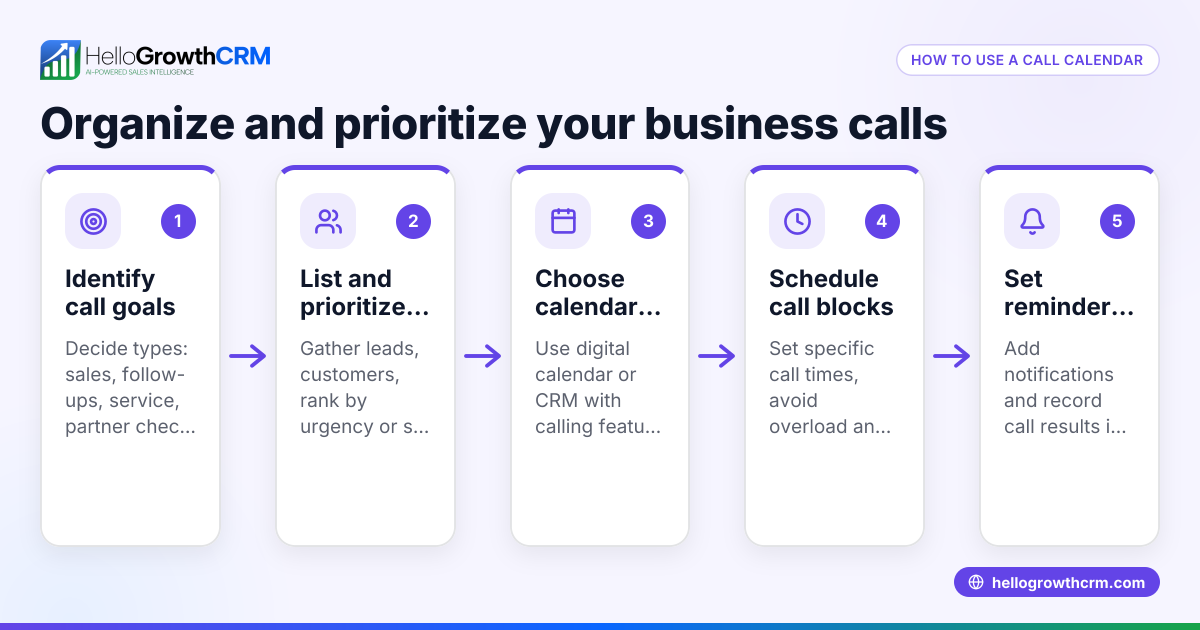
- Add the call to your calendar: Use a calendar app or CRM to schedule the call and set reminders.
- Prepare for the call: Review relevant information about the lead or client, and prepare questions or talking points.
- Make or receive the call: At the scheduled time, call promptly using the agreed method.
- Log the call outcome: Immediately after, note what was discussed, decisions made, and next steps.
- Follow up: Send any promised information or arrange the next meeting.
Always double-check time zones and preferred communication channels to avoid confusion. Using a CRM can automate reminders and logging, reducing errors (see WhatsApp and SMS CRM).
Example (fictional figures)
GreenLeaf Landscaping, a small business in Charlotte, North Carolina, wants to book a call with a potential commercial client. They propose three call times on 07/15/2026:
- 9:00 AM Eastern Time
- 1:00 PM Eastern Time
- 3:00 PM Eastern Time
The client agrees to 1:00 PM ET.
GreenLeaf confirms the call details:
- Date: 07/15/2026
- Time: 1:00 PM ET
- Method: Phone call to (704) 555-1234
They add the call to their calendar and set a reminder 10 minutes before.
At 1:00 PM, GreenLeaf calls the client.
After the call, the sales rep logs the following:
- Discussed project scope and budget
- Client requested a proposal by 07/20/2026
- Next step: Prepare and send proposal
Worked example of proposal cost calculation:
Estimated materials cost = $15,000 Estimated labor cost = $10,000 Total estimated cost = $15,000 + $10,000 = $25,000
They plan to offer a 10% discount to win the contract:
Discount amount = $25,000 × 10% = $2,500 Final proposal price = $25,000 - $2,500 = $22,500
This clear booking and follow-up process helps GreenLeaf avoid missed calls and keeps their sales pipeline moving.
Common mistakes
- Not confirming the call time clearly: Always send a confirmation message with date, time, time zone, and method to avoid no-shows.
- Ignoring time zones: Double-check time zones especially when scheduling across regions.
- Failing to prepare for the call: Review client details beforehand to make conversations productive.
- Not logging call outcomes: Record notes immediately after the call to avoid forgetting important details.
- Relying on manual tracking: Use a CRM or calendar to automate reminders and follow-ups.
- Using multiple unconnected tools: Consolidate calls, messaging, and notes in one system to reduce errors (see WhatsApp and SMS CRM).
Doing this in HelloGrowthCRM
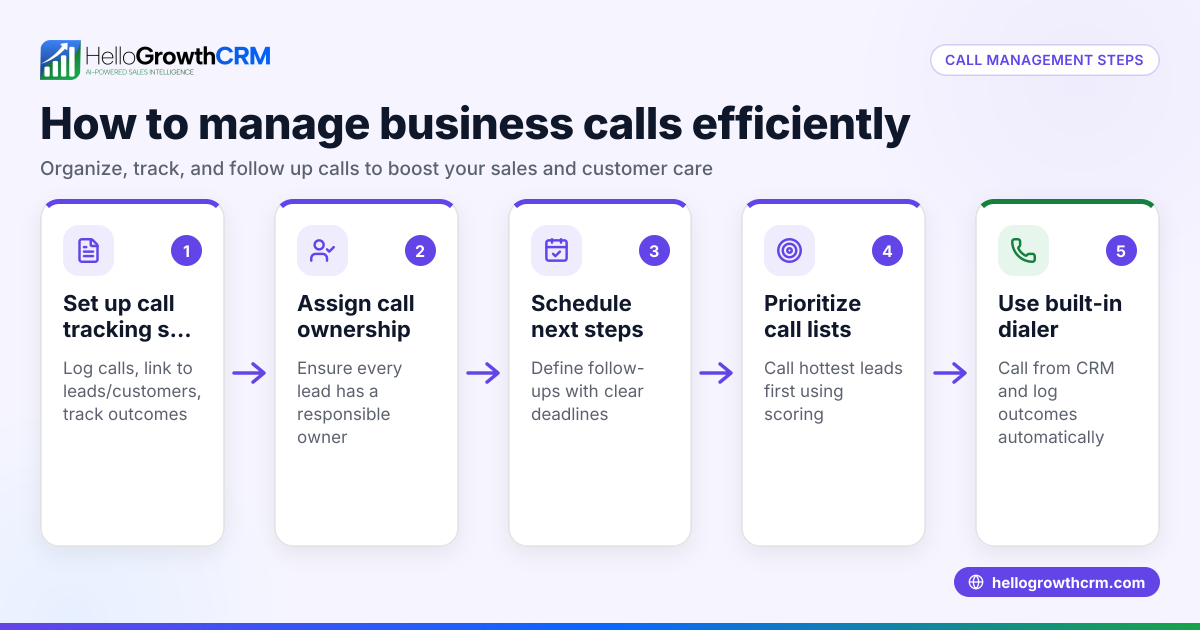
HelloGrowthCRM offers a built-in dialer that lets your sales reps call directly from the CRM. Reps work through their lists inside the CRM, and each call’s outcome is logged automatically on the lead record. This keeps your call history organized and linked to contacts and deals, simplifying follow-up and improving sales tracking. Learn more about the built-in CRM dialer.
Frequently asked questions
What does it mean to book a call? Booking a call means scheduling a specific date and time to speak by phone or video. It ensures both parties are prepared and available, improving communication efficiency.
How do I confirm a booked call? Send a clear message confirming the date, time (including time zone), and communication method. Use calendar invites or reminders to reduce no-shows.
Can I book calls using WhatsApp or SMS? Yes, many businesses use WhatsApp or SMS to propose and confirm call times. HelloGrowthCRM supports managing these messages alongside calls for better tracking (WhatsApp and SMS CRM).
What if the other party cancels or reschedules? Respond promptly to reschedule and update your calendar and CRM records to avoid confusion.
How can I keep track of multiple booked calls? Use a CRM or calendar system to log calls, set reminders, and track outcomes. HelloGrowthCRM’s dialer helps you manage calls and notes in one place (built-in CRM dialer).
Key takeaways
- Booking a call means scheduling a phone or video conversation at a mutually agreed time.
- Confirm call details clearly, including time zone and communication method.
- Prepare for calls and log outcomes immediately afterward.
- Avoid common mistakes like poor confirmation and manual tracking.
- Use tools like HelloGrowthCRM’s built-in dialer to streamline call management.
Booking calls efficiently helps your small business follow up faster and close more deals. Start managing your calls and leads better with HelloGrowthCRM.
Start on the Free Forever plan (200 leads, no credit card) to organize your calls, contacts, and sales pipeline today.
Ready to put this into practice?
Set up your pipeline, WhatsApp follow-ups, and AI lead scoring in minutes — free, no credit card.
Try HelloGrowthCRM freeGet CRM tips in your inbox
Join thousands of sales professionals who get weekly insights on CRM strategy, AI automation, and pipeline optimization.

The HelloGrowthCRM team publishes guides on CRM strategy, AI sales tools, and revenue operations for small business sales teams.