HelloGrowthCRM software
Built for real small-business sales teams
HelloGrowthCRM helps reps qualify faster, follow up on time, and close more deals—with practical automation in one place.
- AI lead scoring and pipeline visibility
- Built-in dialer, WhatsApp, and email automation
- Sales forecasting and RevOps-ready reporting
Builder automated follow up means using software tools to send timely, consistent messages to potential clients without manual effort. This helps builders contact leads quickly and regularly, reducing lost opportunities. This article explains why automated follow-up is crucial for builders, provides step-by-step guidance on setting it up, outlines common mistakes to avoid, and shows how HelloGrowthCRM supports automated follow-up for builder businesses.
Why this comes up / what goes wrong
Builders in Canada often juggle multiple projects, subcontractors, and client communications. Leads from web forms, referrals, or walk-ins can be missed or forgotten if follow-up is slow or inconsistent. Sales teams may rely on text messages, emails, or spreadsheets, which are prone to errors and delays. Without automation, builders risk losing leads to competitors who respond faster or appear more professional. Accountants and business owners also struggle to track sales activity and forecast revenue without a clear follow-up system.
Step-by-step
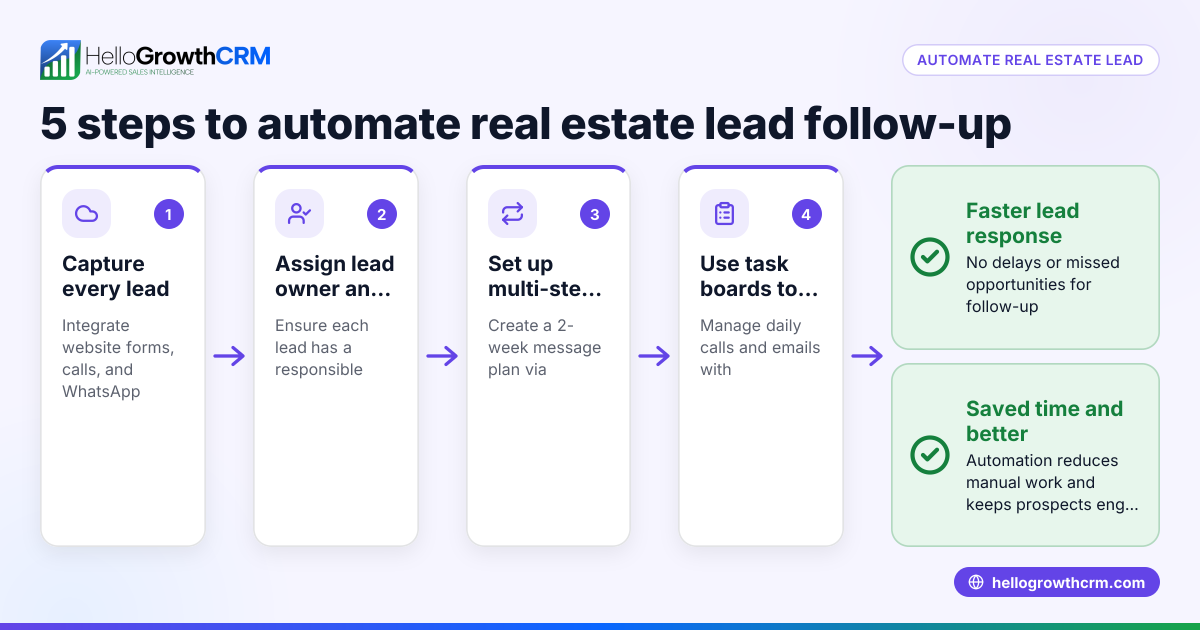
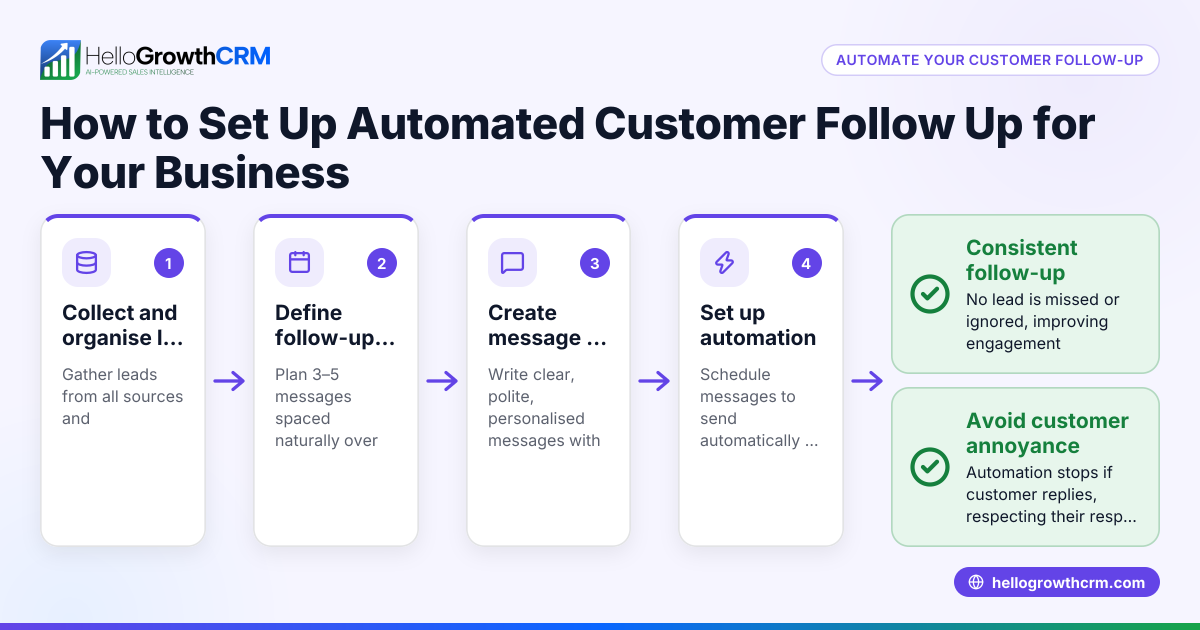
- Gather your lead sources: Identify where your leads come from (website forms, phone calls, referrals). Ensure these sources feed into a central system or CRM.
- Define your follow-up stages: Decide how many follow-up attempts you want (e.g., initial contact, reminder, offer, final call) and over what time frame (e.g., two weeks).
- Choose your communication channels: Builders often use WhatsApp, SMS, and email. Decide which channels you will automate and personalise.
- Set up automated sequences: Use a CRM or software that sends scheduled messages automatically until the lead responds or the sequence ends. Check that the system stops messages when a reply arrives.
- Assign tasks and reminders: For leads needing personal calls or meetings, create tasks with due dates so your sales team knows what to do each day.
- Track and update lead status: Log every interaction to keep the sales pipeline accurate and up to date.
- Review and adjust: Regularly check which messages work best and adjust your sequences or task priorities accordingly.
For builders interested in workflow tools, see sales task boards for managing daily follow-ups and email automation and sequences for automated messaging.
Example (fictional figures)
ABC Custom Homes, a builder in Surrey, British Columbia, receives 30 new leads monthly from their website and referrals. They want a five-step follow-up over 14 days.
- Lead value estimate: C$50,000 average contract.
- Goal: Contact all leads within 24 hours and follow up four more times if no response.
Step 1: Initial automated WhatsApp message sent immediately. Step 2: Reminder SMS after 3 days. Step 3: Email with project brochure after 7 days. Step 4: Phone call task assigned to sales rep after 10 days. Step 5: Final WhatsApp message after 14 days.
If 30 leads × C$50,000 = C$1,500,000 potential monthly revenue.
Assuming a 10% conversion without follow-up (3 sales): C$50,000 × 3 = C$150,000
With automated follow-up improving contact and conversion by 20% (NEEDS EXPERT REVIEW), they expect 3.6 sales: C$50,000 × 3.6 = C$180,000
This simple automation could increase monthly sales revenue by C$30,000.
Common mistakes
- Not responding quickly enough: Leads lose interest if you wait more than a day. Use automation to send instant first contacts.
- Sending too many messages: Over-contacting irritates leads. Limit follow-ups to 4-5 over two weeks.
- Ignoring channel preferences: Some clients prefer WhatsApp, others email. Tailor sequences accordingly.
- Relying on memory or spreadsheets: Leads get lost without task boards and logged interactions. Use a CRM system.
- Not stopping sequences when leads reply: This causes confusion and wastes effort. Automation should pause on response.
- Failing to review results: Without tracking which messages work, you miss chances to improve.
Using sales task boards and email automation and sequences can help avoid these mistakes.
Doing this in HelloGrowthCRM
HelloGrowthCRM offers builder businesses tools to automate and organise follow-up efficiently. Its activities and task boards let you create follow-up tasks with due dates, so daily calls and reminders appear as a clear list rather than relying on memory. Automated sequences run multi-step outreach campaigns over two weeks, sending messages by WhatsApp, SMS, and email until the prospect replies, then stopping automatically. For sales reps, AI agents (in beta) draft follow-up messages after calls, letting reps review and send without writing from scratch. Learn more about these features at HelloGrowthCRM for Canada.
Frequently asked questions
How quickly should builders follow up with new leads? Ideally, builders should contact new leads within 24 hours to maximise interest. Automated first messages can go out instantly, followed by scheduled reminders. Prompt follow-up shows professionalism and improves conversion chances.
What channels work best for builder follow-up in Canada? WhatsApp, SMS, and email are common channels. WhatsApp is popular for quick, informal communication, SMS for timely reminders, and email for detailed information. Using multiple channels in a sequence increases the chance of reaching leads.
Can automated follow-up replace personal calls? Automation handles initial and routine messages, freeing sales reps to focus on personal calls when leads show interest. Automated task boards help assign calls at the right time, ensuring no lead is forgotten.
How do I avoid spamming leads with automation? Limit follow-ups to about five messages over two weeks and stop the sequence immediately when a lead replies. Personalise messages to add value rather than just repeating sales pitches.
What should I look for in a CRM for builder follow-up? Look for features like task boards for managing daily calls, multi-channel automated sequences, and AI assistance for message drafting. Integration with WhatsApp and SMS is important for Canadian builders.
Key takeaways
- Automated follow-up helps builders contact leads quickly and consistently, reducing lost sales.
- Use multi-step sequences across WhatsApp, SMS, and email tailored to lead preferences.
- Assign daily follow-up tasks with due dates to keep sales reps organised.
- Stop automated sequences immediately when leads respond to avoid spamming.
- Regularly review follow-up effectiveness and adjust messages.
- HelloGrowthCRM supports builders with task boards, automated sequences, and AI agents to streamline follow-up.
Start automating your builder follow-up today. Start on the Free Forever plan (200 leads, no credit card).
Ready to put this into practice?
Set up your pipeline, WhatsApp follow-ups, and AI lead scoring in minutes — free, no credit card.
Try HelloGrowthCRM freeGet CRM tips in your inbox
Join thousands of sales professionals who get weekly insights on CRM strategy, AI automation, and pipeline optimization.

The HelloGrowthCRM team publishes guides on CRM strategy, AI sales tools, and revenue operations for small business sales teams.