HelloGrowthCRM software
Built for real small-business sales teams
HelloGrowthCRM helps reps qualify faster, follow up on time, and close more deals—with practical automation in one place.
- AI lead scoring and pipeline visibility
- Built-in dialer, WhatsApp, and email automation
- Sales forecasting and RevOps-ready reporting
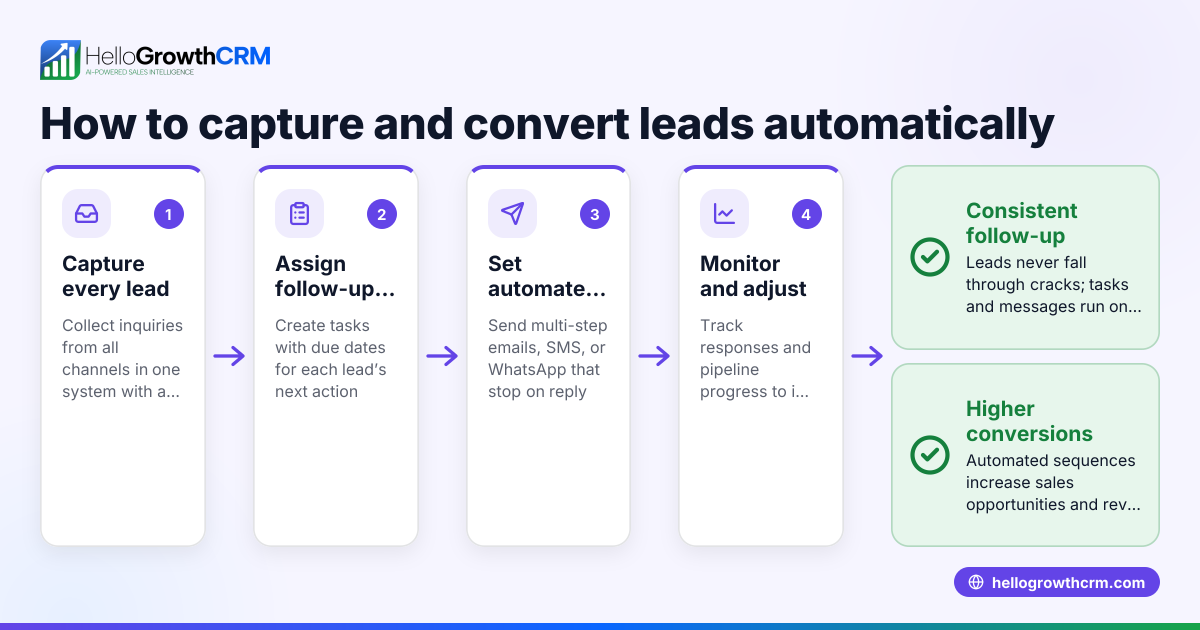
An automated lead follow-up software demo lets you see how the software captures leads, assigns owners and next steps, schedules follow-ups as tasks, and sends automated messages via email, SMS, or WhatsApp until a prospect responds. Demos help you decide if the software fits your sales process and team.
Why this comes up / what goes wrong
Many Canadian small and mid-sized businesses lose leads because follow-up is slow, inconsistent, or forgotten. They often rely on manual tracking through text messages, email chains, or spreadsheets, which do not remind or schedule follow-ups automatically. This leads to missed sales opportunities and wasted marketing spend. Evaluating an automated lead follow-up software demo helps confirm whether the product can organize leads, automate follow-ups, and improve response times, which is critical for growing sales efficiently.
Step-by-step
- Request a demo showcasing key features: Ask for a live or recorded demo that includes lead capture from your website forms, calls, and WhatsApp.
- Check lead capture and assignment: Confirm the software automatically imports leads, assigns an owner, and sets a next step instead of leaving leads in notebooks or spreadsheets.
- Review task and activity management: See how follow-ups become tasks with due dates and how daily calls and activities are listed clearly to avoid relying on memory. Explore sales task boards.
- Test automated sequences: Verify the software runs multi-step follow-up sequences over days or weeks, sending messages through email, SMS, or WhatsApp that stop immediately when a prospect replies. Learn about email automation and sequences.
- Ask about lead prioritization: Check if AI lead scoring is included to help prioritize leads based on engagement and likelihood to buy. See AI lead scoring.
- Evaluate ease of use and integrations: Confirm the interface is intuitive for your team and integrates with your existing tools like web forms and WhatsApp.
- Inquire about reporting and forecasting: Ask if the demo includes sales forecasting or reporting features to track follow-up effectiveness.
Example (fictional figures)
A home-renovation contractor in Calgary, Alberta, receives 100 new inquiries monthly and wants to automate follow-up to reduce lost leads.
- Monthly leads: 100
- Conversion rate before automation: 10% (10 sales)
- Average sale value: C$15,000
- Estimated conversion increase after automation: 20% (12 sales)
Calculation:
Current monthly revenue = 10 sales × C$15,000 = C$150,000 New monthly revenue = 12 sales × C$15,000 = C$180,000 Revenue increase = C$180,000 - C$150,000 = C$30,000
If the software demo confirms easy lead capture, task management, and sequences, the contractor can expect a C$30,000 monthly revenue boost from improved follow-up.
Common mistakes
- Ignoring task reminders: Relying on memory causes missed follow-ups. Prevent by using software with clear daily task lists and due dates.
- Overcomplicating sequences: Too many steps or channels can annoy prospects. Prevent by testing demo sequences and adjusting their length and frequency.
- Not stopping sequences on reply: Continuing outreach after a prospect responds wastes effort and can harm relationships. Prevent by verifying the software stops sequences automatically upon reply.
- Neglecting lead ownership: Leads without clear owners can be forgotten or contacted by multiple team members. Prevent by confirming lead assignment features in the demo.
- Skipping integration checks: Software that doesn’t connect to your web forms or WhatsApp adds manual work and delays. Prevent by testing lead capture during the demo.
Doing this in HelloGrowthCRM
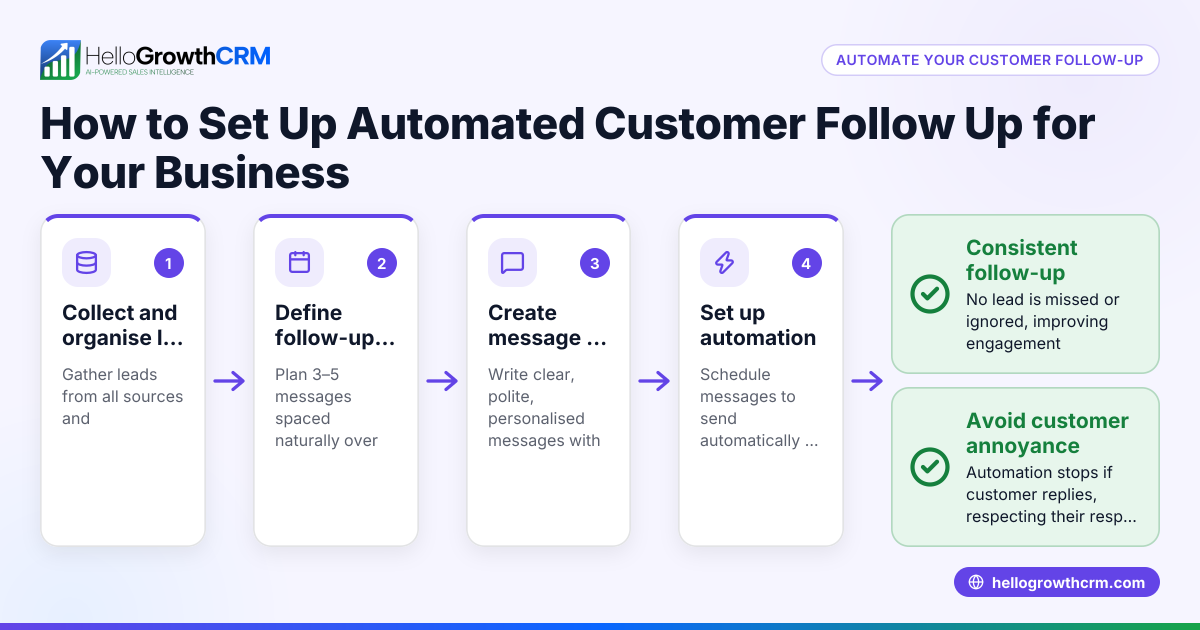
HelloGrowthCRM captures every enquiry from forms, calls, or WhatsApp as a lead with an assigned owner and next step, keeping leads out of notebooks. Each follow-up becomes a task with a due date, and the day’s calls appear as a clear list, not a memory test. You can run five-step follow-up sequences automatically over two weeks via email, SMS, or WhatsApp, stopping immediately when a prospect replies. Learn more about sales task boards, email automation and sequences, and AI lead scoring.
Frequently asked questions
What should I look for in an automated lead follow-up software demo? Look for lead capture from your existing channels, task management with reminders, automated multi-step sequences that pause on reply, and ease of use for your team.
How can automated lead follow-up software improve ROI? By reducing lost leads and increasing conversion rates, automated follow-up can boost sales revenue. Use tools like a CRM ROI calculator to estimate benefits.
Can I automate follow-up on WhatsApp and SMS? Yes, some CRM software supports sequences that send messages on WhatsApp, SMS, and email, stopping when the prospect replies.
How does AI lead scoring help? AI lead scoring prioritizes leads based on engagement and likelihood to buy, helping your team focus on the most promising prospects.
Is task management important in lead follow-up? Yes, task boards organize follow-ups as due tasks and calls, helping your team avoid missed opportunities. See sales task boards.
Key takeaways
- A demo shows if software automates lead capture, task management, and follow-up sequences effectively.
- Automated sequences should pause immediately when a prospect replies.
- Lead ownership and task reminders prevent leads from being forgotten.
- Integration with current channels like WhatsApp and web forms saves manual work.
- AI lead scoring helps prioritize leads for better conversion.
Start your automated lead follow-up with HelloGrowthCRM’s Free Forever plan, which includes 200 leads and no credit card required. Visit Start on the Free Forever plan (200 leads, no credit card).
Ready to put this into practice?
Set up your pipeline, WhatsApp follow-ups, and AI lead scoring in minutes — free, no credit card.
Try HelloGrowthCRM freeGet CRM tips in your inbox
Join thousands of sales professionals who get weekly insights on CRM strategy, AI automation, and pipeline optimization.

The HelloGrowthCRM team publishes guides on CRM strategy, AI sales tools, and revenue operations for small business sales teams.