HelloGrowthCRM software
Built for real small-business sales teams
HelloGrowthCRM helps reps qualify faster, follow up on time, and close more deals—with practical automation in one place.
- AI lead scoring and pipeline visibility
- Built-in dialer, WhatsApp, and email automation
- Sales forecasting and RevOps-ready reporting
Business call forwarding is a phone service that sends incoming calls from your primary business number to another phone number you specify. This can be a mobile phone, another landline, or a team member’s direct line. The goal is to make sure customers can reach someone who can help, even if the main office phone is unanswered or the staff is away.
Why this comes up / what goes wrong
Small business owners often struggle with missed calls when they rely on a single phone line or when employees are out of the office. For example, if calls only ring on a receptionist’s desk phone, and that person is busy or unavailable, customers may get voicemail or no answer at all. This leads to lost sales opportunities and unhappy customers.
Many small businesses also use multiple phones—like personal mobiles or different department lines—without a unified system. This can cause confusion about which number to answer or where to forward calls. Without call forwarding, customers might give up or go to a competitor.
Call forwarding solves these problems by automatically redirecting calls to the right person or device. It improves customer service by ensuring calls get answered promptly, no matter where staff are located.
Step-by-step
- Select your forwarding number: Decide which phone number will receive the forwarded calls. This could be a mobile phone, another office line, or a receptionist’s phone.
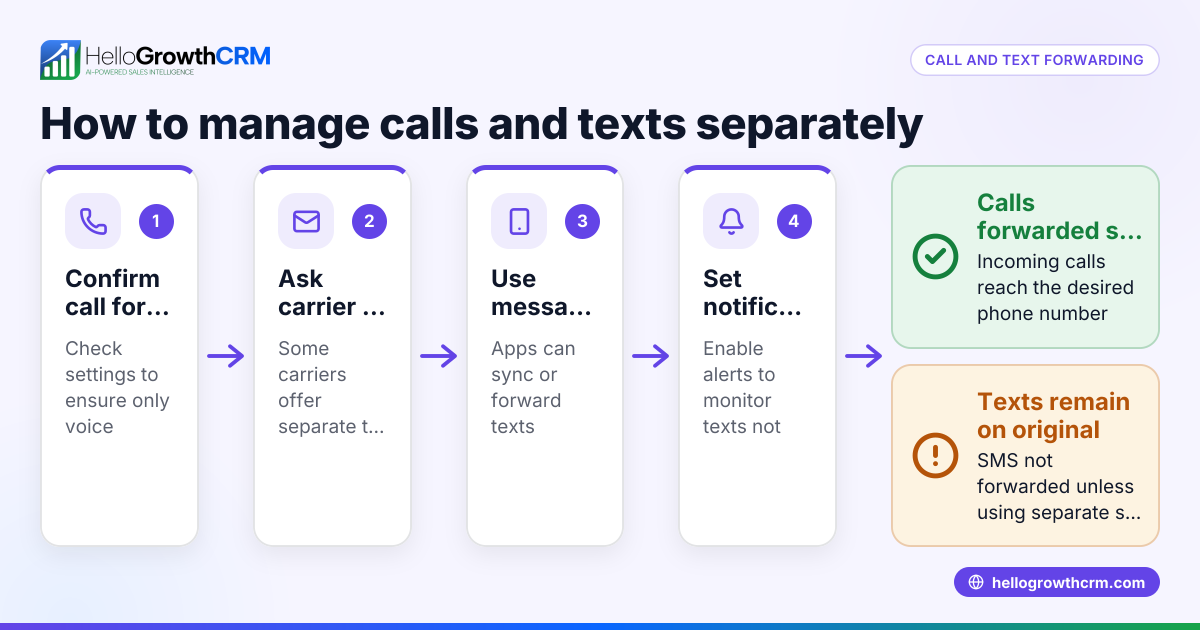
- Confirm call forwarding support: Contact your phone service provider to check if your business phone plan includes call forwarding, and ask about any fees or restrictions.
- Activate call forwarding: Use your phone system’s settings or dial service codes to turn on call forwarding. This typically involves entering a code followed by the forwarding number.
- Set forwarding conditions: Choose when calls should forward—immediately, after a set number of rings, or only if the line is busy or unanswered.
- Test the setup: From a different phone, call your business number to confirm the call forwards correctly to the chosen number.
- Notify your team: Inform all relevant staff about the forwarding setup and how to handle forwarded calls.
- Monitor and update: Regularly review call forwarding performance and adjust forwarding numbers or rules as your business changes.
For managing calls after forwarding, consider tools like the built-in CRM dialer to keep track of call outcomes and follow-ups.
Example (fictional figures)
A landscaping company in Denver, Colorado, wants to forward calls from their main office phone to the owner’s mobile phone after 4 rings to avoid missing customer inquiries.
- The office phone rings 4 times without answer.
- Call forwarding activates and sends the call to the owner’s mobile.
- The owner answers and schedules a landscaping job.
Costs:
- Monthly office phone service fee: $60
- Call forwarding service fee: $12
- Total monthly cost = $60 + $12 = $72
This setup helps the company avoid missed calls and lost business by ensuring someone always answers customer calls promptly.
Common mistakes
- Not testing call forwarding after setup: Always make test calls to confirm calls forward correctly and avoid missed leads.
- Forwarding to an unattended number: Make sure the forwarding number is monitored during business hours to answer calls.
- Ignoring possible extra fees: Check with your provider about additional charges for forwarded calls, especially for long-distance forwarding.
- Failing to update forwarding numbers: Keep forwarding numbers current when staff changes or roles shift to prevent calls going unanswered.
- Not informing staff about forwarding rules: Everyone handling calls should know the forwarding setup to maintain consistent customer service.
Avoid these mistakes by following the setup steps carefully and reviewing call forwarding regularly.
Doing this in HelloGrowthCRM
HelloGrowthCRM offers a built-in dialer that lets sales reps call leads directly from inside the CRM. Each call’s outcome is logged automatically on the lead’s record, helping your team stay organized and follow up efficiently. While HelloGrowthCRM does not provide call forwarding itself, using its dialer alongside your forwarding setup helps manage outbound and inbound calls effectively. For US businesses, HelloGrowthCRM also supports managing communications through WhatsApp and SMS CRM, helping teams maintain quick responses. Learn more about using HelloGrowthCRM for your business in the US at HelloGrowthCRM for the United States.
Frequently asked questions
What is the difference between call forwarding and call routing? Call forwarding sends all incoming calls from one number to another, usually based on simple rules like immediate forwarding or forwarding when busy. Call routing is more advanced and can direct calls based on time, caller ID, or department. Small businesses often use call forwarding for its simplicity.
Can I forward calls from a mobile phone? Yes, most mobile phones support call forwarding. You can enable it in the phone’s call settings or by dialing specific service codes from your carrier.
Will call forwarding increase my phone bill? It can. Some providers charge extra for forwarded calls, especially if forwarding to a long-distance number. Check your plan details to avoid unexpected charges.
How do I stop call forwarding? You can disable call forwarding through your phone’s settings or by dialing the deactivation code provided by your phone carrier.
Can HelloGrowthCRM forward calls for me? HelloGrowthCRM does not offer call forwarding but includes a built-in CRM dialer that helps your team make and log calls efficiently from inside the CRM.
Key takeaways
- Business call forwarding redirects incoming calls to ensure no leads are missed.
- Setting up forwarding involves choosing a forwarding number, activating it with your provider, and testing thoroughly.
- Common mistakes include not testing, forwarding to unattended numbers, ignoring fees, and failing to update forwarding settings.
- Using the built-in dialer helps manage calls and track outcomes alongside call forwarding.
- Regularly review and adjust forwarding rules to keep your system working smoothly.
Improve how your business handles calls today. Start on the Free Forever plan (200 leads, no credit card).
Ready to put this into practice?
Set up your pipeline, WhatsApp follow-ups, and AI lead scoring in minutes — free, no credit card.
Try HelloGrowthCRM freeGet CRM tips in your inbox
Join thousands of sales professionals who get weekly insights on CRM strategy, AI automation, and pipeline optimization.

The HelloGrowthCRM team publishes guides on CRM strategy, AI sales tools, and revenue operations for small business sales teams.