HelloGrowthCRM software
Built for real small-business sales teams
HelloGrowthCRM helps reps qualify faster, follow up on time, and close more deals—with practical automation in one place.
- AI lead scoring and pipeline visibility
- Built-in dialer, WhatsApp, and email automation
- Sales forecasting and RevOps-ready reporting
No, call forwarding does not forward text messages (SMS). Call forwarding is a feature that reroutes incoming phone calls to another phone number but does not apply to text messages. Texts remain on the original device or phone number unless you use a separate service or app specifically designed to forward SMS.
Why this comes up / what goes wrong
Many small business owners set up call forwarding to ensure they never miss customer calls when they are away from their main phone or office. For example, a residential real estate team in Phoenix might forward calls from their office landline to a team leader's mobile phone. They assume that text messages sent to the office number will also be forwarded automatically. This misunderstanding can lead to missed texts, delayed customer responses, and lost sales opportunities. Since texts are not forwarded by default, important inquiries can remain unseen on the original device, causing frustration and potential loss of business.
Step-by-step
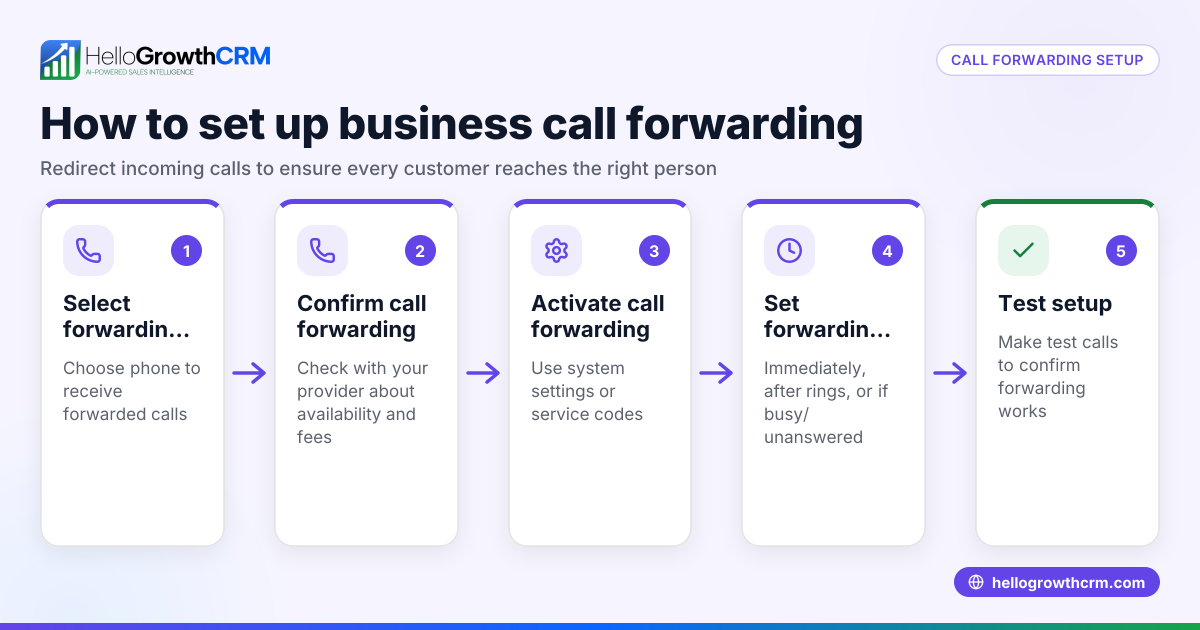
- Understand what call forwarding covers: Confirm that call forwarding only reroutes voice calls. Check your phone or carrier settings to verify that call forwarding is enabled for calls only.
- Check if your carrier offers SMS forwarding: Some mobile carriers provide separate SMS forwarding or message mirroring services. Contact your carrier to find out if this is available and how to set it up.
- Use a messaging app or service for texts: To forward or sync texts, consider apps that allow message access across multiple devices or cloud services that backup SMS.
- Set up notifications on your primary device: If forwarding texts is not possible, ensure you monitor texts on the original device regularly by enabling alerts.
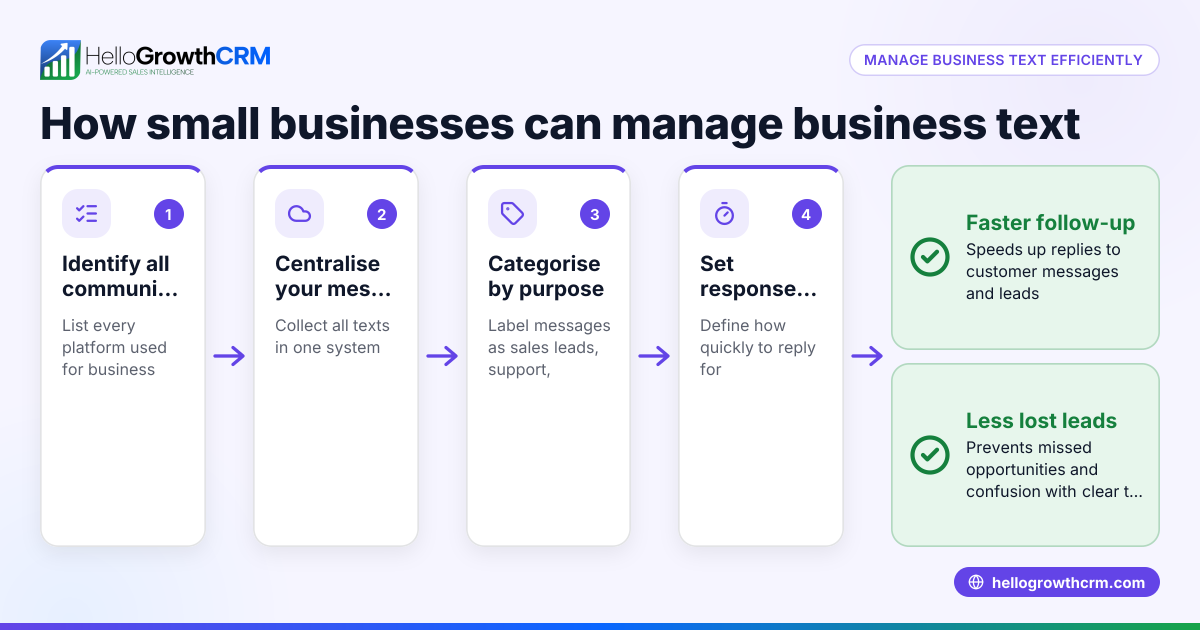
- Combine call and text management in your workflow: Use tools or platforms that help keep track of both calls and texts so you don’t lose any customer communication.
- Test your setup: After configuring forwarding or syncing, send test calls and texts to confirm that calls forward correctly and texts are received or accessible.
Example (fictional figures)
The Phoenix Residential Real Estate Team wants to ensure they never miss client communications. They forward calls from their office landline to a team leader's mobile phone but realize texts are not forwarded.
- Office landline monthly cost: $150
- Mobile phone monthly cost: $80
- SMS forwarding service (carrier): $20/month
They decide to add the SMS forwarding service:
$150 + $80 + $20 = $250 monthly communication cost
Without SMS forwarding, they risk missing texts leading to lost deals worth an estimated $10,000 monthly.
By adding SMS forwarding, they improve responsiveness and protect sales revenue.
Common mistakes
- Assuming call forwarding includes texts: Prevent this by verifying with your carrier and testing both calls and texts separately.
- Not monitoring texts on the original device: Prevent by setting alerts or using apps that sync messages.
- Using different numbers for calls and texts: Prevent by consolidating communications through a CRM or unified platform.
- Ignoring text messages in sales follow-up: Prevent by integrating text communication into your sales process.
- Overlooking carrier charges for forwarding services: Prevent by checking costs before setup.
Doing this in HelloGrowthCRM
HelloGrowthCRM offers a built-in dialer that lets your sales team call directly from the CRM and log call outcomes on each lead. While it does not forward texts automatically, using the built-in dialer helps your team stay organized by tracking calls and their results in one place. Learn more about the built-in CRM dialer and how HelloGrowthCRM supports WhatsApp and SMS CRM for managing messages alongside calls. For US businesses, see the HelloGrowthCRM for the United States page.
Frequently asked questions
Does call forwarding work for text messages? No, call forwarding only reroutes voice calls. Text messages remain on the original device or phone number unless you use a separate SMS forwarding service or app.
How can I forward texts to another phone? You need to use a carrier-provided SMS forwarding service or third-party apps that sync texts across devices. Check with your carrier or app providers for options.
Can I manage calls and texts from one platform? While call forwarding does not cover texts, using a CRM with a built-in dialer can help you manage calls efficiently and keep track of outcomes. For texts, separate messaging apps or SMS forwarding services are needed.
Will forwarding calls and texts cost more? Call forwarding is often included in plans, but SMS forwarding may incur extra charges depending on your carrier. Confirm costs before activating.
What if I miss texts because they are not forwarded? Set up alerts on the original device, use message syncing apps, or consolidate communications in a CRM to prevent missed texts.
Key takeaways
- Call forwarding only redirects phone calls, not text messages.
- Text messages require separate forwarding or syncing services.
- Verify with your carrier what services are available and their costs.
- Use apps or CRMs that integrate calls and texts for better communication management.
- Regularly test your forwarding setup to avoid missed contacts.
To manage your sales calls and keep track of customer communication effectively, consider using the built-in CRM dialer in HelloGrowthCRM. Start on the Free Forever plan (200 leads, no credit card) today to organize your calls and improve follow-up.
Ready to put this into practice?
Set up your pipeline, WhatsApp follow-ups, and AI lead scoring in minutes — free, no credit card.
Try HelloGrowthCRM freeGet CRM tips in your inbox
Join thousands of sales professionals who get weekly insights on CRM strategy, AI automation, and pipeline optimization.

The HelloGrowthCRM team publishes guides on CRM strategy, AI sales tools, and revenue operations for small business sales teams.