HelloGrowthCRM software
Built for real small-business sales teams
HelloGrowthCRM helps reps qualify faster, follow up on time, and close more deals—with practical automation in one place.
- AI lead scoring and pipeline visibility
- Built-in dialer, WhatsApp, and email automation
- Sales forecasting and RevOps-ready reporting
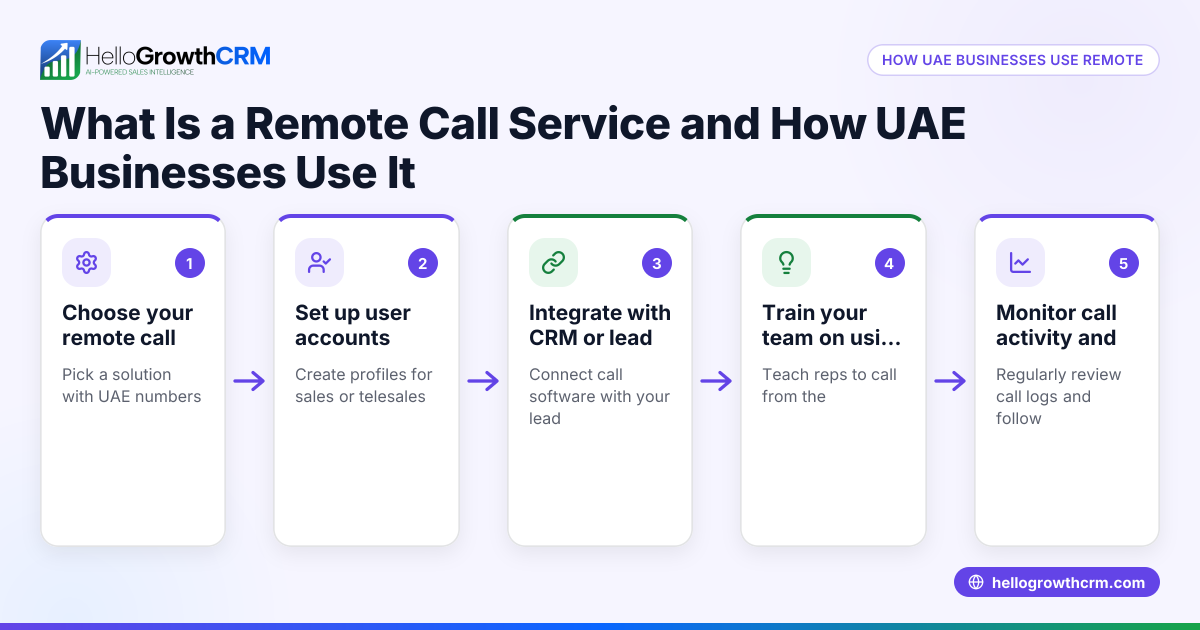
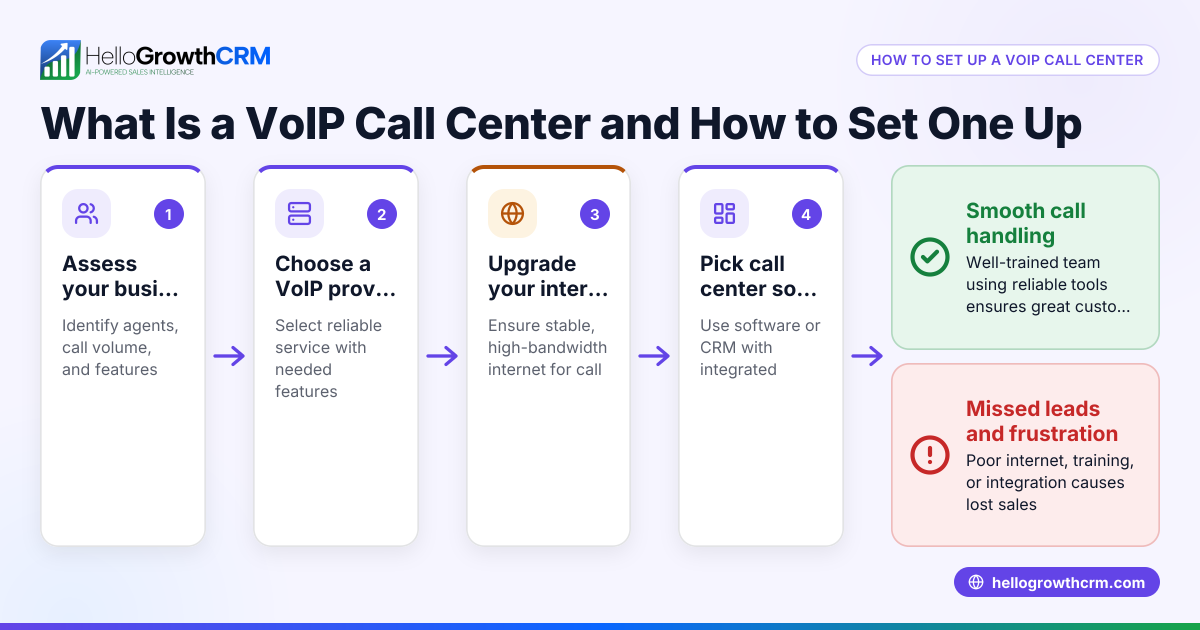
A "call center anywhere" is a remote call center setup where agents can work from any location using internet-based tools. This lets small businesses handle calls without a physical office, improving flexibility and reach. This article explains why businesses consider call centers anywhere, how to set one up step-by-step, common pitfalls, and how HelloGrowthCRM’s built-in dialer supports remote calling.
Why this comes up / what goes wrong
Small-business owners often search for "call center anywhere" when they want to handle customer calls but lack a physical office or want to save on overhead costs. They may be struggling with managing phone calls through personal cell phones, text messages, or spreadsheets, which leads to lost leads and slow follow-up. A traditional call center with dedicated space and hardware can be expensive and inflexible for small teams. Remote call centers allow agents to work from home or anywhere with internet access, making it easier to scale and manage sales or support calls.
Step-by-step
- Define your call center goals and team size
- Decide what types of calls (sales, support, surveys) your team will handle.
- Determine how many agents you need and their working hours.
- Choose the right technology platform
- Select a CRM with integrated calling features to manage leads and calls efficiently.
- Check for built-in dialers that let agents call directly from the CRM and log outcomes.
- Set up your calling infrastructure
- Ensure each agent has a reliable internet connection and a headset.
- Configure the CRM dialer for local calling and call logging.
- Train your team on tools and processes
- Provide training on using the CRM dialer and logging call outcomes tied to contact and deal records.
- Establish call scripts and follow-up procedures.
- Implement call tracking and reporting
- Use CRM reporting features to monitor call volumes, outcomes, and lead progress.
- Adjust team workload and scripts based on data.
- Ensure compliance and data security
- Verify that your call system complies with telemarketing and privacy laws, and always get consent before marketing calls.
- Use secure CRM platforms to keep customer data safe.
- Continuously optimize your call center
- Collect feedback from agents and customers.
- Update training and technology as needed.
Example (fictional figures)
A B2B software reseller in Denver, Colorado, wants to start a remote call center with 3 agents. They expect each agent to make 40 calls per day, aiming to convert 5% of calls into qualified leads.
- Calls per agent per day = 40
- Number of agents = 3
- Total calls per day = 40 × 3 = 120
- Conversion rate = 5%
- Qualified leads per day = 120 × 5% = 6
The software reseller plans to use a CRM with a built-in dialer to track calls and outcomes.
Monthly calls (assuming 20 working days):
- 120 calls/day × 20 days = 2,400 calls/month
- Qualified leads/month = 6 leads/day × 20 days = 120 leads/month
This setup helps the reseller maintain call volume and follow-up without a physical call center.
Common mistakes
- Using personal phones without call logging
- Prevent by adopting a CRM with a built-in dialer that logs every call and outcome automatically.
- Ignoring call quality and training
- Prevent by providing regular training and scripts to maintain consistency.
- Not tracking call metrics
- Prevent by using CRM reporting to monitor calls and adjust strategies.
- Failing to ensure data security
- Prevent by choosing secure CRM platforms and complying with privacy laws.
- Overloading agents without breaks
- Prevent by scheduling realistic call targets and breaks to avoid burnout.
- Neglecting follow-up processes
- Prevent by setting clear follow-up tasks in the CRM after each call.
Doing this in HelloGrowthCRM
HelloGrowthCRM offers a built-in dialer that enables reps to work a list from inside the CRM. Each call’s outcome is logged automatically on the lead record, keeping full call history tied to contacts and deals. This helps small and mid-sized businesses run their call centers remotely without juggling multiple tools. Learn more about the built-in CRM dialer and how HelloGrowthCRM supports WhatsApp and SMS CRM communication for a unified sales approach.
Frequently asked questions
What does "call center anywhere" mean?
It means setting up a call center that operates remotely, allowing agents to handle calls from any location using internet-based tools rather than a physical office.
How can a small business start a call center anywhere?
Start by defining your call goals and team size, choosing a CRM with a built-in dialer, training your team, and tracking call outcomes tied to contact and deal records in the CRM.
What technology do I need for a remote call center?
At minimum, a CRM with an integrated dialer, stable internet, and headsets for agents. The CRM should log call outcomes and provide reporting for performance tracking.
How do I ensure my remote call center follows legal requirements?
You need to comply with telemarketing and privacy laws applicable in your area. Consult a legal expert to confirm compliance.
Can HelloGrowthCRM help me manage calls anywhere?
Yes, HelloGrowthCRM’s built-in dialer lets your team call leads directly from the CRM and logs call outcomes, supporting remote call center operations efficiently.
How do I avoid losing leads in a remote call center setup?
Use a CRM to track every call and follow-up task, ensuring no lead is forgotten. Regularly review call reports to prioritize high-potential leads.
Key takeaways
- "Call center anywhere" lets agents handle calls remotely with internet tools.
- Choose a CRM with a built-in dialer to manage calls and log outcomes.
- Train agents and track call metrics to improve performance.
- Avoid common mistakes like poor call logging and ignoring data security.
- HelloGrowthCRM’s built-in dialer supports remote call center workflows.
Start your remote call center today with HelloGrowthCRM. Start on the Free Forever plan (200 leads, no credit card) to try the built-in dialer and manage your leads efficiently.
Ready to put this into practice?
Set up your pipeline, WhatsApp follow-ups, and AI lead scoring in minutes — free, no credit card.
Try HelloGrowthCRM freeGet CRM tips in your inbox
Join thousands of sales professionals who get weekly insights on CRM strategy, AI automation, and pipeline optimization.

The HelloGrowthCRM team publishes guides on CRM strategy, AI sales tools, and revenue operations for small business sales teams.