HelloGrowthCRM software
Built for real small-business sales teams
HelloGrowthCRM helps reps qualify faster, follow up on time, and close more deals—with practical automation in one place.
- AI lead scoring and pipeline visibility
- Built-in dialer, WhatsApp, and email automation
- Sales forecasting and RevOps-ready reporting
Call center automation solutions use technology to streamline customer calls and follow-ups, reducing manual work and speeding up response times. They typically include automated dialing, follow-up sequences, and AI support. This article explains why small businesses need these solutions, outlines practical steps to implement them, lists common mistakes to avoid, and shows how HelloGrowthCRM’s built-in dialer, sequences, and AI agents can help.
Why this comes up / what goes wrong
Small-business owners often start with manual call handling—using spreadsheets, personal phones, or basic tools to track leads and customer calls. This approach can cause slow follow-up, lost leads, and inconsistent customer experiences. When sales teams rely on texting, emailing, and spreadsheets without automation, they waste time dialing numbers manually and miss timely follow-ups. As the business grows, managing calls and tracking outcomes becomes overwhelming, leading to dropped leads and lost revenue.
Automation solutions address these problems by organizing calls, logging outcomes, and automating follow-up tasks. This helps small businesses respond faster, keep better records, and improve sales effectiveness.
Step-by-step
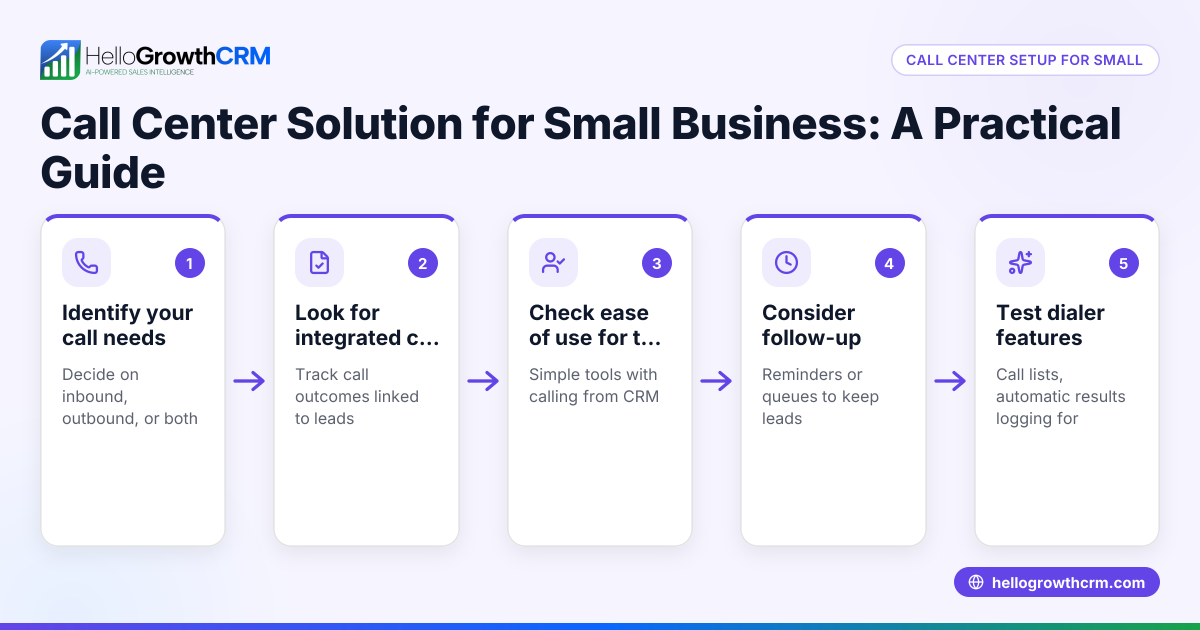
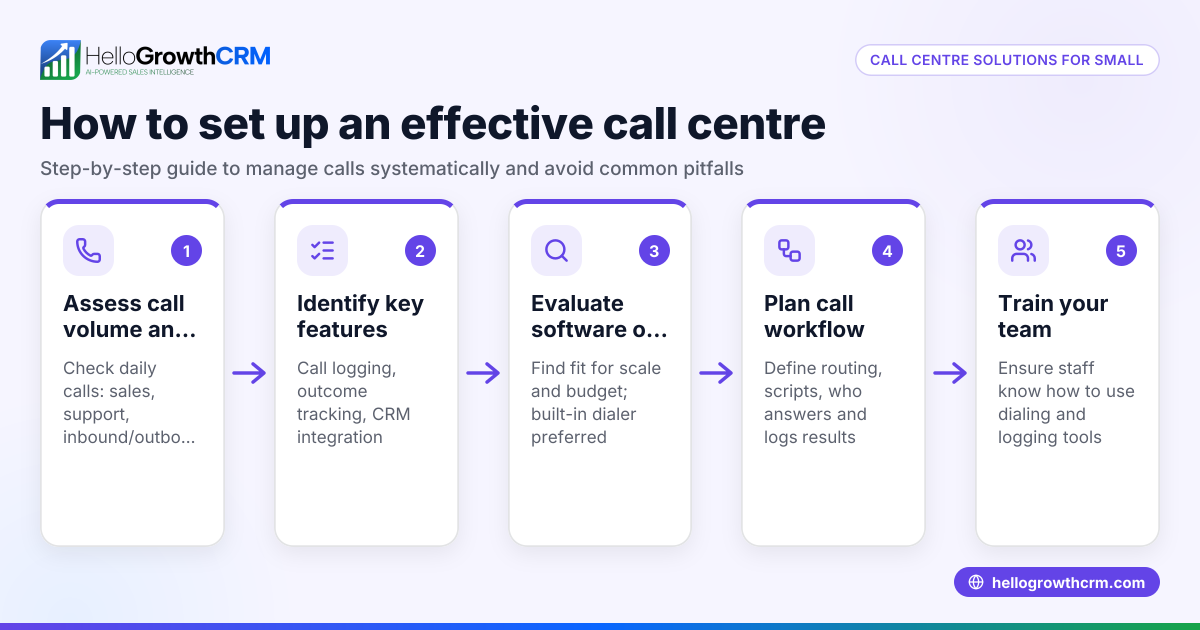
- Assess your call volume and team size
- Check how many calls your team handles daily.
- Identify bottlenecks like slow dialing or missed follow-ups.
- Choose automation features that fit your needs
- Look for built-in dialers to call leads directly from your system.
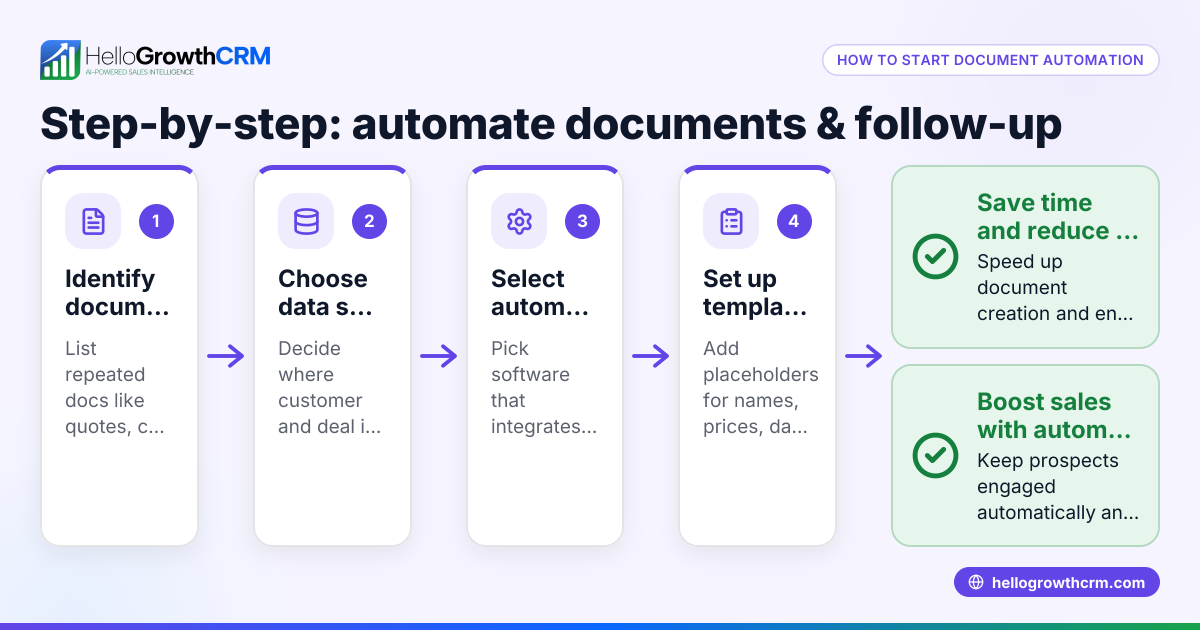
- Consider sequences that automate multi-step follow-ups via email, SMS, or WhatsApp.
- Explore AI agents that can draft follow-up messages to save time.
- Map your sales process and follow-up schedule
- Define stages from first call to closing the deal.
- Set timing for follow-ups (for example, a five-step follow-up over two weeks).
- Train your team on the automation tools
- Ensure reps know how to use the dialer and log call outcomes.
- Show them how sequences stop automatically when a prospect replies.
- Monitor and adjust regularly
- Track call outcomes and response rates.
- Adjust follow-up messages and timing to optimize results.
- Integrate with your CRM for full visibility
- Use a CRM that ties calls, messages, and deals together.
- This keeps your sales pipeline organized and transparent.
Example (fictional figures)
A two-location dental practice in Columbus, Ohio, wants to improve patient appointment bookings. They handle about 50 calls daily with a small sales team of 3.
- Current manual dialing wastes 5 minutes per call: 50 calls × 5 minutes = 250 minutes (4 hours 10 minutes) daily lost dialing.
- Automated dialer reduces dialing time by 60%: 250 minutes × 40% = 100 minutes (1 hour 40 minutes) dialing time remaining.
- Time saved daily: 250 minutes - 100 minutes = 150 minutes (2 hours 30 minutes).
- If each rep uses saved time for follow-up sequences, conversion rates improve, leading to 5 extra booked appointments monthly.
- Assuming each appointment is worth $150: 5 appointments × $150 = $750 additional monthly revenue.
This example shows how automation saves time and increases revenue by improving follow-up efficiency.
Common mistakes
- Skipping process mapping: Without a clear sales process, automation can send irrelevant messages. Prevent this by defining your stages and follow-up timing first.
- Over-automating without personalization: Automated messages that feel robotic can turn prospects off. Use AI agents to draft messages that reps review and personalize.
- Ignoring call outcome logging: Not recording call results leads to repeated outreach and lost context. Use a built-in dialer that logs outcomes automatically.
- Failing to train the team: Tools are ineffective if reps don’t know how to use them. Provide thorough training and ongoing support.
- Not monitoring results: Without tracking, you won’t know what works. Regularly review call and follow-up data to improve.
Doing this in HelloGrowthCRM
HelloGrowthCRM offers a built-in dialer that lets reps work a list from inside the CRM, logging each call’s outcome directly on the lead. It supports sequences and campaigns, running a five-step follow-up over two weeks automatically and stopping as soon as the prospect replies. Additionally, AI agents in HelloGrowthCRM draft follow-up messages after calls so reps only need to review and send, saving time while keeping communication personalized. Learn more about the built-in CRM dialer and AI CRM features, and how HelloGrowthCRM fits for the United States.
Frequently asked questions
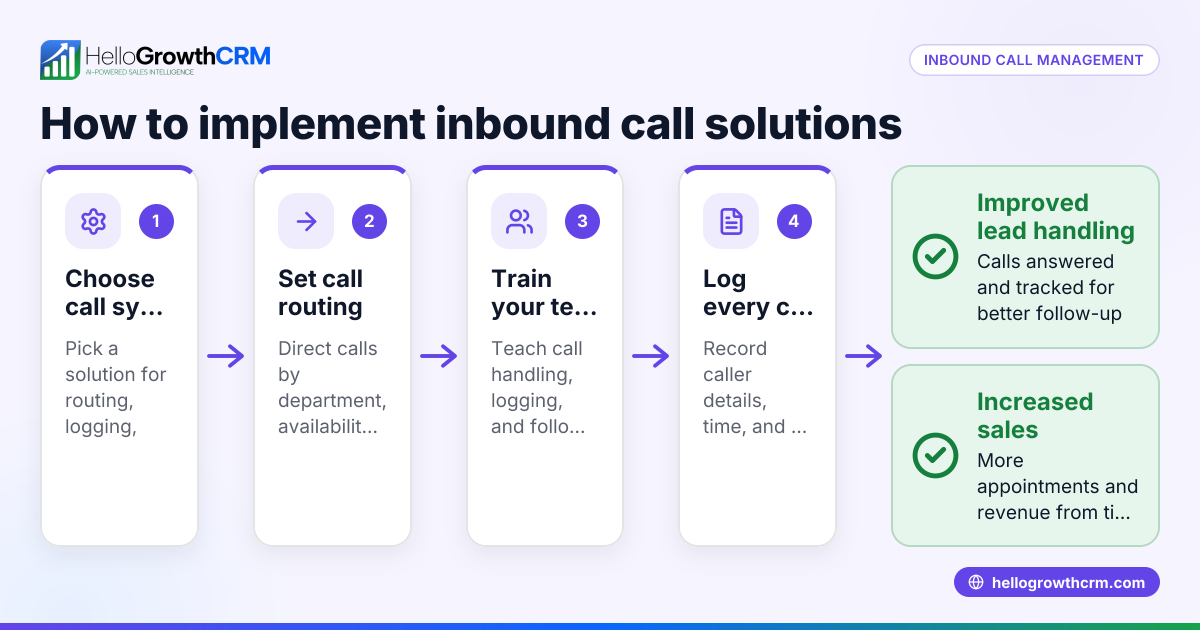
What are call center automation solutions? Call center automation solutions use technology to handle repetitive tasks like dialing, follow-ups, and logging calls. This reduces manual work, speeds up response times, and improves customer experience.
Can small businesses benefit from call center automation? Yes, even small businesses with a few sales reps can save time and prevent lost leads by automating calls and follow-ups. It helps maintain consistent communication and better track sales pipelines.
How does AI help in call center automation? AI can draft follow-up messages, update records, and manage workflows automatically. This reduces the workload on sales reps and ensures timely, relevant communication.
What should I look for in a call center automation tool? Look for features like a built-in dialer to call directly from the CRM, automated follow-up sequences, and AI assistance for messaging. Also, ensure it logs call outcomes and integrates with your sales process.
Is training necessary for automation tools? Yes, training ensures your team uses the tools effectively and understands how to personalize automated messages. Without training, automation may not deliver its full benefits.
Key takeaways
- Call center automation saves time by automating dialing, follow-ups, and call logging.
- Mapping your sales process is essential before implementing automation.
- Use AI agents to draft personalized follow-up messages for better engagement.
- Train your team thoroughly to maximize the automation benefits.
- Monitor call and follow-up outcomes regularly to improve performance.
- HelloGrowthCRM offers built-in dialer, sequences, and AI agents to support these tasks.
Call center automation can transform how your small business handles leads and customer calls. To get started, explore HelloGrowthCRM’s free plan and see how automation fits your sales process. Start on the Free Forever plan (200 leads, no credit card).
Ready to put this into practice?
Set up your pipeline, WhatsApp follow-ups, and AI lead scoring in minutes — free, no credit card.
Try HelloGrowthCRM freeGet CRM tips in your inbox
Join thousands of sales professionals who get weekly insights on CRM strategy, AI automation, and pipeline optimization.

The HelloGrowthCRM team publishes guides on CRM strategy, AI sales tools, and revenue operations for small business sales teams.