HelloGrowthCRM software
Built for real small-business sales teams
HelloGrowthCRM helps reps qualify faster, follow up on time, and close more deals—with practical automation in one place.
- AI lead scoring and pipeline visibility
- Built-in dialer, WhatsApp, and email automation
- Sales forecasting and RevOps-ready reporting
A call group is a team of salespeople who share the responsibility for calling leads or customers. Instead of one person handling all calls, the call group allows multiple reps to work from the same lead list. This helps small businesses speed up follow-up, balance workloads, and reduce missed sales opportunities.
Why this comes up / what goes wrong
Small business owners often face challenges in managing sales calls because leads arrive at different times and from various channels like web forms, emails, or text messages. Without a clear system, calls can be delayed, duplicated, or ignored, leading to lost sales and frustrated customers. Running sales on separate tools like spreadsheets or text messages makes it harder to coordinate calls effectively. A call group solves these problems by assigning a team to handle calls collectively, ensuring faster response times and balanced workloads.
Step-by-step
- Define your call group members: Choose which sales reps or reps will be part of the call group. Check their availability, experience, and skills.
- Create a shared call list: Collect all leads into one list accessible to the call group. This can come from your CRM or other lead sources.
- Assign call responsibilities: Decide how calls will be distributed among the group. Common methods include round robin (rotating calls evenly), first available rep, or by lead score.
- Set call rules and schedules: Establish working hours for calls, maximum call attempts per lead, and follow-up timing to avoid overcalling.
- Track call outcomes: Use a system to log results such as connected, voicemail left, or no answer. This helps measure performance and plan next steps.
- Review and adjust: Regularly analyze call success rates and workload distribution. Reassign leads or members as needed to improve efficiency.
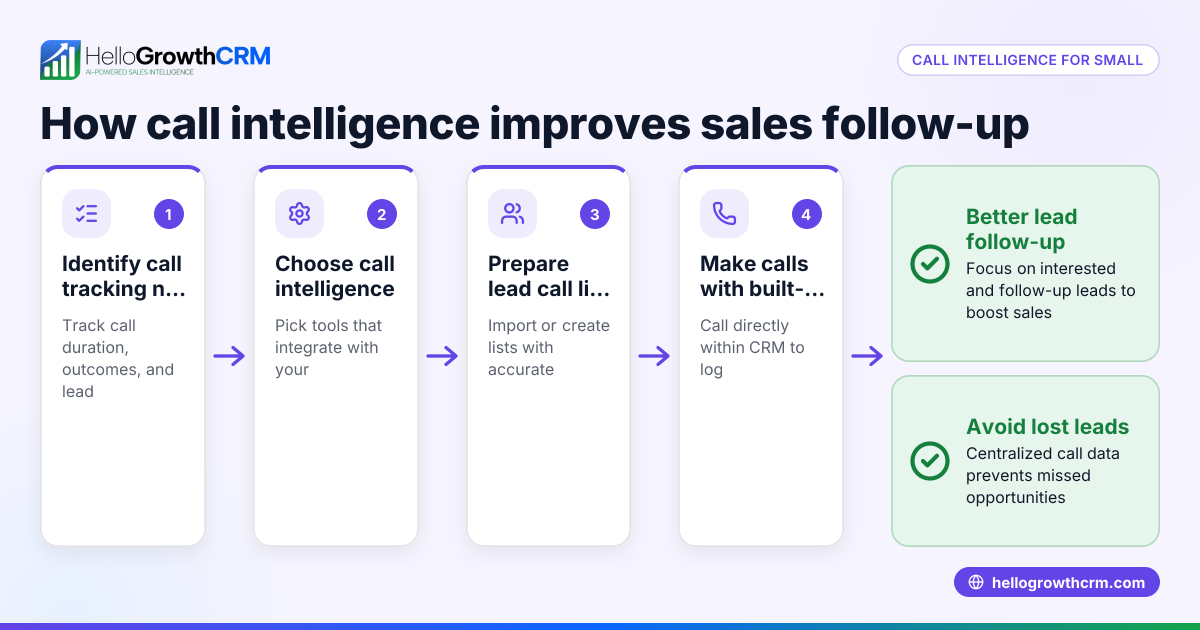
For better efficiency, use a built-in CRM dialer that lets your team call directly from the CRM and automatically logs call outcomes.
Example (fictional figures)
A B2B software reseller in Denver, Colorado, receives 600 new leads on 05/01/2026. They set up a call group of 3 sales reps to handle these leads.
- Total leads: 600
- Number of reps: 3
- Leads per rep = 600 ÷ 3 = 200
Each rep is responsible for 200 leads over 10 business days.
- Calls per day per rep = 200 ÷ 10 = 20
The company tracks call outcomes and finds each rep makes about 6 successful contacts daily.
This organized call group approach helps the reseller follow up quickly and balances the workload evenly among reps.
Common mistakes
- Not defining clear call group roles: Leads to confusion and duplicated calls. Prevent by assigning specific members and responsibilities clearly.
- Using separate spreadsheets or tools: Causes lost or outdated lead information. Prevent by centralizing call lists in one CRM.
- Failing to track call outcomes: Makes it hard to measure performance or follow up properly. Prevent by logging every call result.
- Ignoring call schedules and limits: Leads to overcalling or missed calls. Prevent by setting clear call times and maximum call attempts.
- Not reviewing call group performance regularly: Misses chances to improve. Prevent by scheduling weekly or biweekly reviews.
Using a WhatsApp and SMS CRM alongside calls can improve multi-channel follow-up and customer engagement.
Doing this in HelloGrowthCRM
HelloGrowthCRM offers a built-in dialer that lets your reps work from a lead list directly inside the CRM. Each call’s outcome is logged automatically on the lead’s record, keeping your sales pipeline updated without extra data entry. This helps your call group manage calls efficiently and track progress in one place. Learn more about the built-in CRM dialer and how it supports call groups.
Frequently asked questions
What is the difference between a call group and a call queue? A call group is a team of people assigned to handle calls collectively, usually outbound calls to leads. A call queue typically routes incoming calls one at a time to available agents. Call groups share lead lists for outbound calling, while call queues manage inbound call distribution.
How do I assign calls fairly in a call group? Common methods include round robin (rotating calls evenly), assigning by lead score, or first available rep. Choose a method that fits your team size and sales process.
Can call groups handle both inbound and outbound calls? Yes, call groups can be used for both inbound and outbound calls depending on your phone system setup and business needs.
How do I measure call group effectiveness? Track metrics like calls made, connection rates, follow-up success, and conversion rates. Logging call outcomes in a CRM helps with accurate measurement.
Can HelloGrowthCRM help my call group manage WhatsApp and SMS follow-ups? Yes, HelloGrowthCRM supports WhatsApp and SMS sequences alongside calls, allowing your call group to maintain multi-channel communication efficiently.
Key takeaways
- A call group is a team sharing responsibility for calling leads to improve follow-up speed and coverage.
- Setting up a call group requires defining members, sharing lead lists, assigning calls, and tracking results.
- Common mistakes include unclear roles, scattered data, and poor tracking, which can be avoided with clear processes.
- HelloGrowthCRM’s built-in dialer supports call groups by enabling calling and outcome logging directly inside the CRM.
- Combining calls with WhatsApp and SMS sequences enhances multi-channel sales outreach.
Start organizing your sales calls efficiently with a call group and try HelloGrowthCRM’s built-in dialer. Start on the Free Forever plan (200 leads, no credit card) today to see how it works.
Ready to put this into practice?
Set up your pipeline, WhatsApp follow-ups, and AI lead scoring in minutes — free, no credit card.
Try HelloGrowthCRM freeGet CRM tips in your inbox
Join thousands of sales professionals who get weekly insights on CRM strategy, AI automation, and pipeline optimization.

The HelloGrowthCRM team publishes guides on CRM strategy, AI sales tools, and revenue operations for small business sales teams.