HelloGrowthCRM software
Built for real small-business sales teams
HelloGrowthCRM helps reps qualify faster, follow up on time, and close more deals—with practical automation in one place.
- AI lead scoring and pipeline visibility
- Built-in dialer, WhatsApp, and email automation
- Sales forecasting and RevOps-ready reporting
Call history is a detailed log of every phone call your business makes or receives. It includes the date and time of the call, phone numbers involved, call duration, and the call outcome, such as whether the call resulted in a sale, a voicemail, or a follow-up. Keeping an organized call history helps small-business owners track communication with customers and leads, ensuring no opportunities are missed.
Why this comes up / what goes wrong
Small-business owners often rely heavily on phone calls to connect with customers and prospects. Without a reliable system to log and review these calls, important details can be lost. For example, a sales rep might forget to follow up after a call, or a manager may not know which calls led to sales. Using separate tools like text messages, emails, or spreadsheets can scatter information and slow down follow-up, resulting in lost leads and revenue.
Many small businesses run their sales communication on text messages, email, and spreadsheets, which makes it hard to keep a clear, centralized call history. This scattered approach often leads to missed callbacks, forgotten details, and lost sales opportunities. Knowing exactly what happened in each call and when to follow up is critical to closing deals and growing your business.
Step-by-step
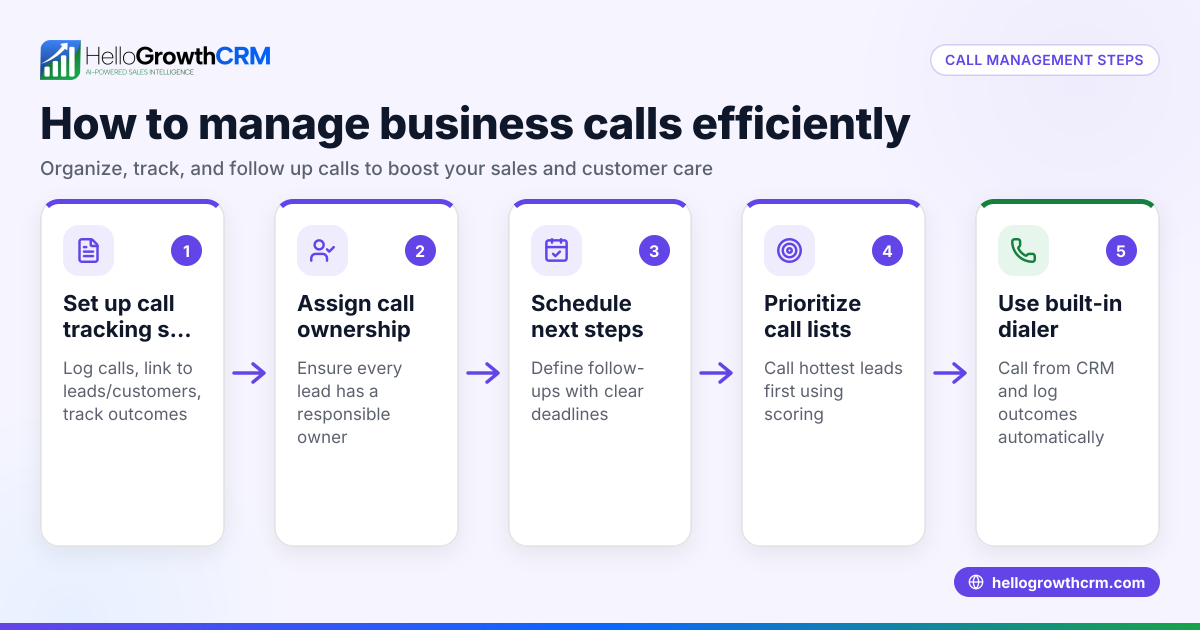
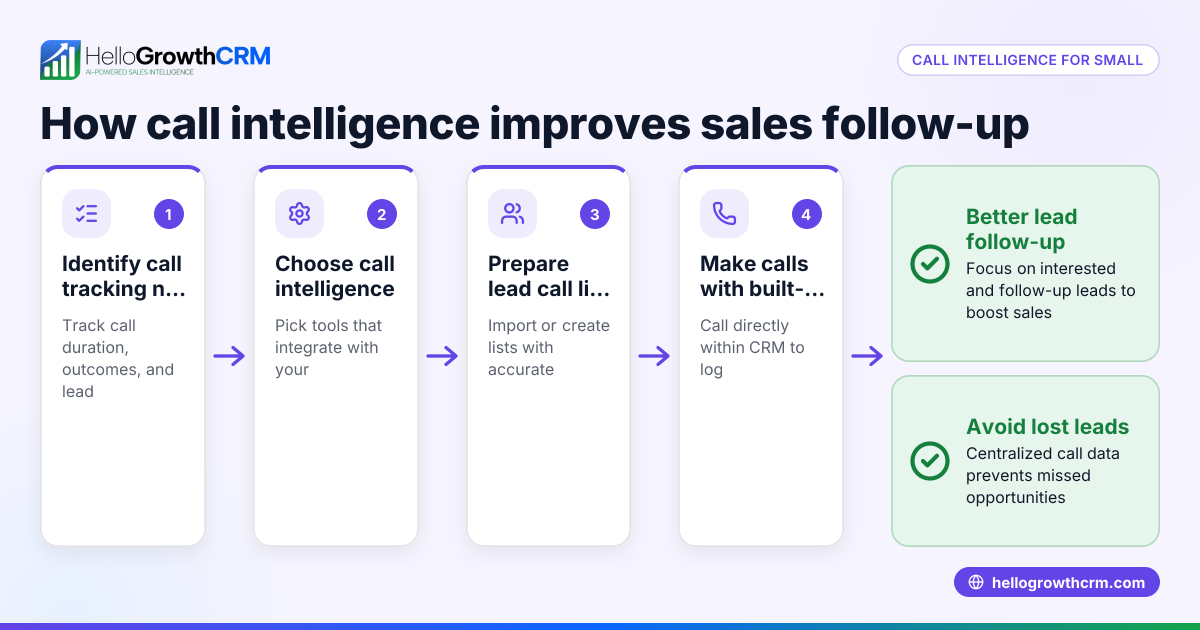
- Choose a method to track calls. Decide whether to use a phone system with call logging, a CRM with call history features, or manual logs such as spreadsheets. Centralizing call history avoids losing track of conversations.
- Log key details for each call. Record the date, time, phone numbers, call duration, and the call outcome (e.g., sale, voicemail, follow-up needed). These details form the basis for effective follow-up.
- Organize calls by contact or lead. Group all calls under each customer or prospect to view complete interaction history. This helps you see the full picture of your communication.
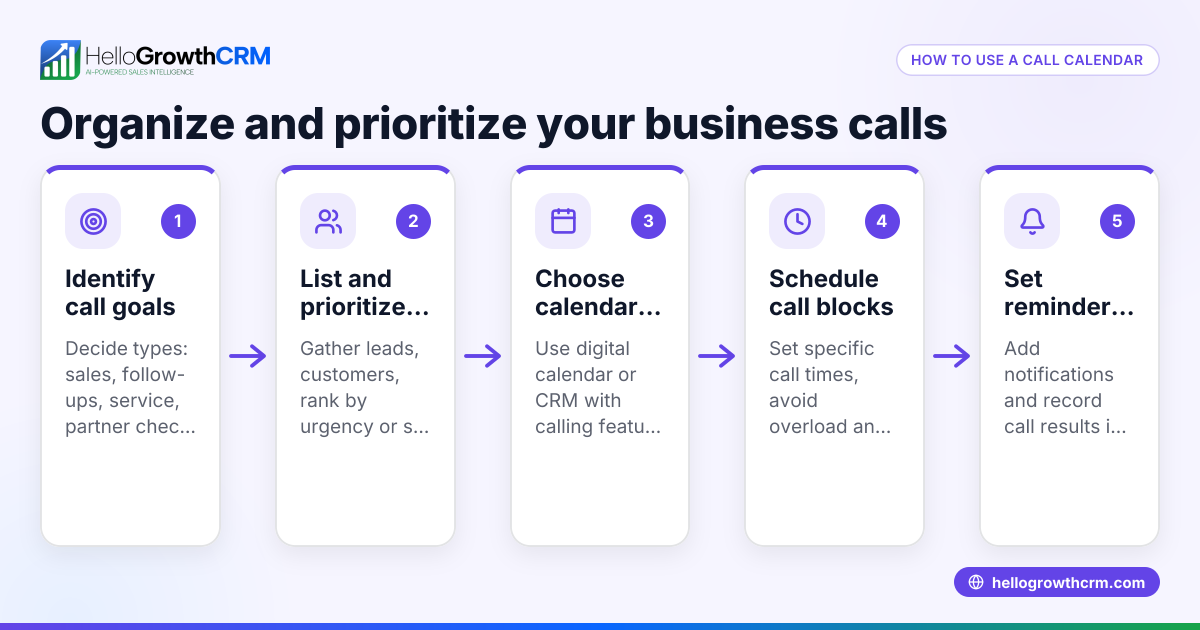
- Review call history regularly. Check recent calls to identify leads that need follow-up or unresolved issues. Regular reviews prevent opportunities from slipping through the cracks.
- Use call history data to improve sales. Analyze call patterns and outcomes to train your team and prioritize leads. Understanding which calls convert helps focus your efforts.
- Secure your call records. Store call history securely and ensure compliance with privacy regulations. Protect your customer data by using trusted tools.
Using a CRM with integrated call history and communication tools like WhatsApp and SMS can simplify these steps. For example, HelloGrowthCRM offers a WhatsApp and SMS CRM that helps centralize communication.
Example (fictional figures)
A residential real-estate team in Phoenix, Arizona, uses call history to improve lead follow-up and sales.
On 04/15/2026, agent John called a lead interested in a $350,000 property.
- Call duration: 12 minutes
- Outcome: Scheduled a property tour
On 04/16/2026, John called a second lead about a $420,000 home.
- Call duration: 8 minutes
- Outcome: Left voicemail
On 04/17/2026, John called a third lead interested in a $480,000 property.
- Call duration: 15 minutes
- Outcome: Negotiation started
At the end of the week, the team reviewed call durations for successful calls:
12 minutes + 8 minutes + 15 minutes = 35 minutes total call time
35 minutes ÷ 3 calls = 11.67 minutes average call duration
They noticed longer calls often led to better outcomes, so they decided to schedule more calls during morning hours when leads were more responsive.
Common mistakes
- Not logging call outcomes: Without recording call results, it’s difficult to know which leads require follow-up. Prevent this by logging the outcome immediately after each call.
- Using multiple tools for call records: Scattered records across texts, emails, and spreadsheets cause lost data. Use a centralized system to keep all call history in one place.
- Ignoring call history reviews: Failing to review call logs regularly means missed opportunities. Schedule weekly reviews to stay on top.
- Inconsistent logging practices: Different team members logging calls differently causes confusion. Standardize your process with clear guidelines.
- Poor data security: Storing call data insecurely risks privacy breaches. Use secure platforms that comply with data protection standards.
Using a CRM with a built-in dialer helps avoid these mistakes by automatically logging calls and outcomes consistently for every team member.
Doing this in HelloGrowthCRM
HelloGrowthCRM offers a built-in dialer that lets your sales team make calls directly from the CRM. Each call’s outcome is automatically logged on the lead’s record, keeping a full call history tied to contacts and deals. This helps your team efficiently work through call lists and ensures no call details are lost. Learn more about the built-in CRM dialer and how it can streamline your sales process. For more information, visit HelloGrowthCRM for the United States.
Frequently asked questions
What details are included in call history? Call history usually includes the date and time of the call, phone numbers involved, call duration, and notes or call outcomes. These details help you track communication and follow up effectively.
How does call history improve sales? Reviewing call history helps identify which calls led to sales, which require follow-ups, and patterns in customer behavior. This insight allows you to prioritize leads and train your sales team.
How can I keep call history secure? Use secure systems that comply with privacy laws to store call records. Avoid saving call data on unsecured devices or public platforms.
Should I use a CRM with built-in call history or separate tools? A CRM with built-in call history centralizes communication, reduces errors, and saves time. HelloGrowthCRM’s built-in dialer logs calls automatically, making management easier.
How often should I review call history? Regular reviews, such as weekly or biweekly, help you stay on top of leads and improve your sales approach.
Key takeaways
- Call history records all business calls with key details like time, duration, and outcomes.
- Organized call logs prevent lost leads and improve follow-up.
- Regularly reviewing call history helps optimize sales strategies.
- Avoid common mistakes like inconsistent logging and scattered records.
- HelloGrowthCRM’s built-in dialer simplifies call logging and management within your CRM.
Start managing your calls more effectively by trying HelloGrowthCRM’s built-in dialer. Start on the Free Forever plan (200 leads, no credit card) today and keep your call history organized from day one.
Ready to put this into practice?
Set up your pipeline, WhatsApp follow-ups, and AI lead scoring in minutes — free, no credit card.
Try HelloGrowthCRM freeGet CRM tips in your inbox
Join thousands of sales professionals who get weekly insights on CRM strategy, AI automation, and pipeline optimization.

The HelloGrowthCRM team publishes guides on CRM strategy, AI sales tools, and revenue operations for small business sales teams.