HelloGrowthCRM software
Built for real small-business sales teams
HelloGrowthCRM helps reps qualify faster, follow up on time, and close more deals—with practical automation in one place.
- AI lead scoring and pipeline visibility
- Built-in dialer, WhatsApp, and email automation
- Sales forecasting and RevOps-ready reporting
Canned responses for customer service are pre-written messages designed to quickly address frequent customer questions or solve common issues. They save time by reducing repetitive typing, improve consistency in communication, and allow support teams to focus on more complex problems. Using canned responses helps small businesses maintain quality service and faster reply times.
Why this comes up / what goes wrong
Small-business owners often find their customer service teams overwhelmed by repetitive questions. Without canned responses, agents spend excessive time typing similar answers repeatedly, which slows response times and frustrates customers. Inconsistent replies can confuse customers or damage the brand’s reputation. Training new team members becomes harder without a standard set of replies. These issues can lead to lost sales and poor customer reviews. Canned responses provide a way to streamline communication, save time, and keep messaging uniform.
Step-by-step
- Identify frequent questions and issues. Review past customer emails, chats, and calls to find the most common inquiries your team receives.
- Draft clear and concise responses. Write answers that are straightforward, polite, and easy to understand. Avoid jargon and keep the tone consistent with your brand.
- Categorize responses by topic. Organize canned replies into groups such as billing, product details, shipping, or technical support. This makes them easier for your team to find.
- Test responses internally. Share drafts with your customer service team to get feedback on clarity and completeness. Adjust any responses that cause confusion.
- Train your team on usage. Teach agents how to quickly insert canned responses and when to personalize them to keep communication human.
- Regularly update the responses. Schedule reviews every few months or when your products, policies, or common questions change.
- Use a CRM or helpdesk tool to manage responses. A system with a customer portal, tickets, and knowledge base helps keep service requests linked to the same customer record as the deal, improving response speed and consistency. See how these features work in HelloGrowthCRM (/product/customer-health-score).
Example (fictional figures)
A residential real-estate team in Phoenix, Arizona, receives about 500 customer inquiries monthly. They create 20 canned responses for common questions like property availability and financing.
- Average time to answer each inquiry before canned responses: 5 minutes
- Time saved per inquiry using canned responses: 3 minutes
Calculations: 500 inquiries × 3 minutes saved = 1,500 minutes saved 1,500 minutes ÷ 60 = 25 hours saved monthly 25 hours × $20/hour = $500 saved per month
This $500 saving allows the team to handle more leads or improve service quality without extra staffing costs.
Common mistakes
- Using overly generic responses. Prevent this by customizing templates for specific questions and situations to avoid sounding robotic.
- Not updating canned responses regularly. Prevent this by scheduling quarterly reviews to keep replies accurate and relevant.
- Relying solely on canned responses without personalization. Prevent this by training staff to add personal touches and adapt replies when needed.
- Storing responses in hard-to-access places. Prevent this by using CRM tools with easy access to canned replies during customer interactions, such as the customer portal and tickets features (/product/customer-health-score).
- Ignoring customer feedback on responses. Prevent this by collecting and acting on feedback to improve response quality.
Doing this in HelloGrowthCRM
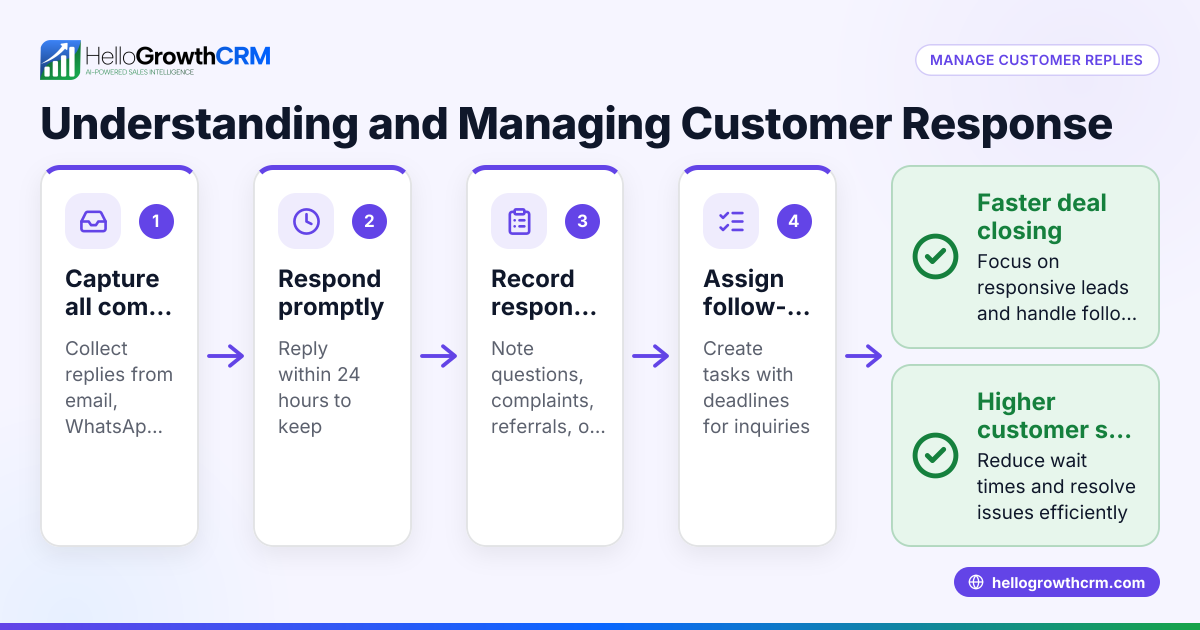
HelloGrowthCRM supports customer service teams with a branded customer portal, tickets, and a knowledge base that keep service requests linked to the same customer record as the deal. This centralizes communication history, making it easier to manage service requests and provide quick, consistent replies. Managed RevOps offers a dedicated revenue specialist who ensures follow-up queues are managed weekly, preventing customer inquiries from being overlooked. Learn more about HelloGrowthCRM for the United States (/usa) and its WhatsApp and SMS CRM features that streamline messaging and follow-up across channels (/product/whatsapp-sms-crm).
Frequently asked questions
What are canned responses for customer service? Canned responses are pre-written messages that answer common customer questions quickly and consistently, saving time for support teams.
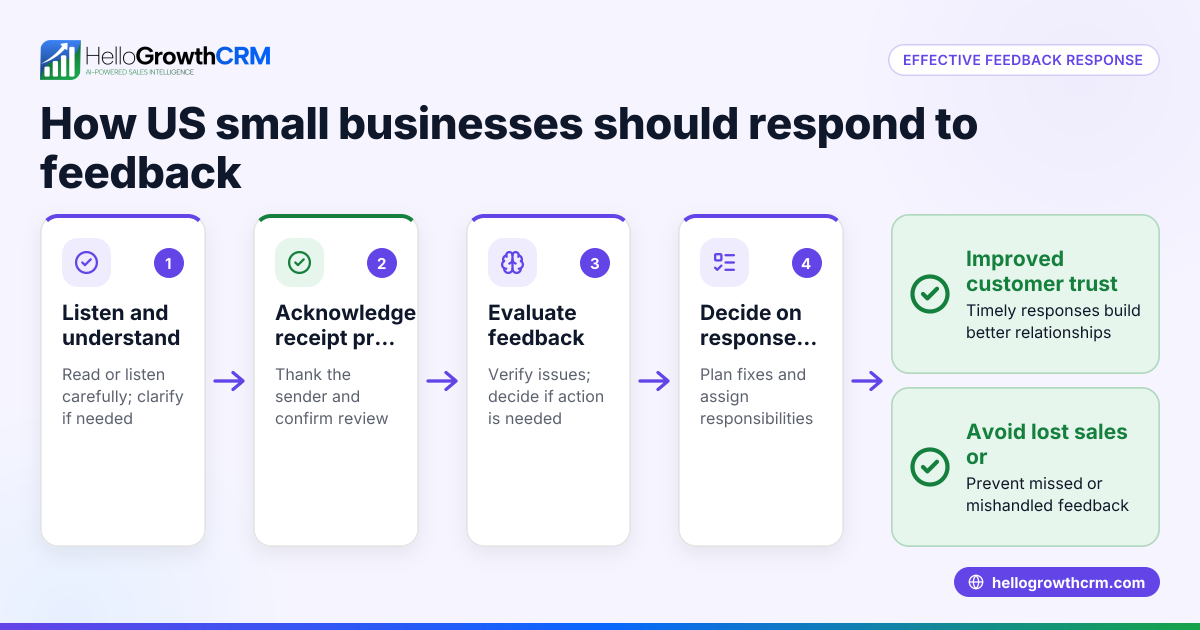
How do I create effective canned responses? Identify frequent questions, write clear and concise answers, organize them by categories, and update them regularly based on customer and team feedback.
Can canned responses harm customer relationships? If used without personalization, canned responses can feel robotic and impersonal. It’s important to customize replies and add a human touch to maintain rapport.
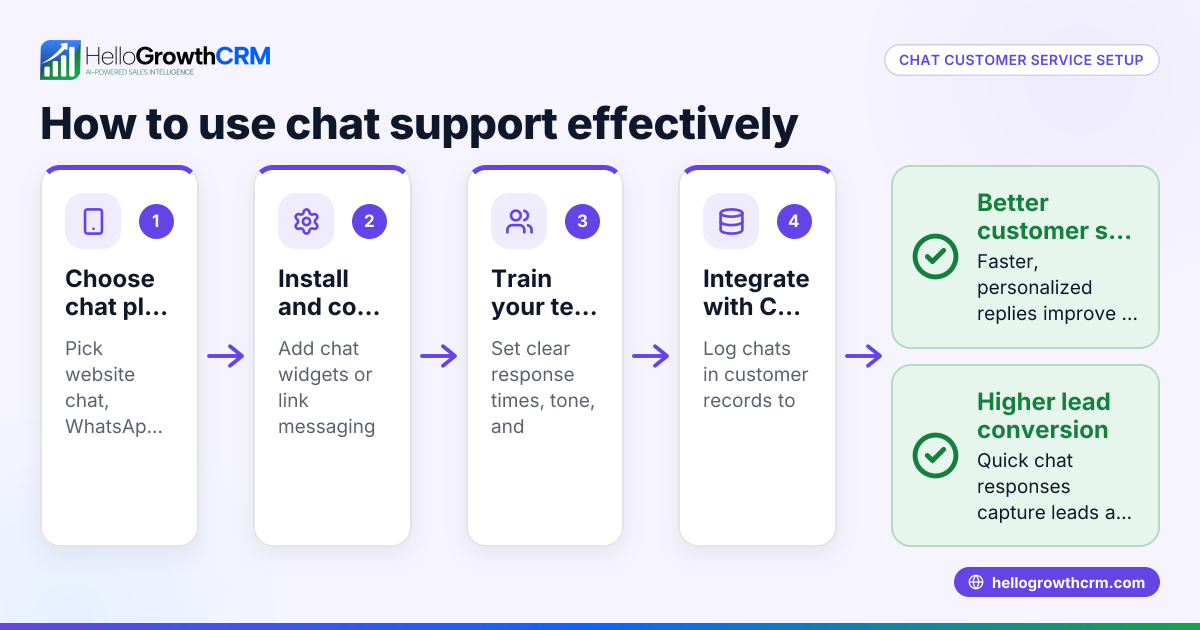
How do I manage canned responses efficiently? Using a CRM or helpdesk system that provides easy access to canned replies during customer conversations helps ensure quick and consistent responses. Features like a customer portal and tickets make this process smoother (/product/customer-health-score).
How often should I update canned responses? Review and update your canned responses at least quarterly or whenever your products, services, or policies change to keep information accurate.
What is Managed RevOps and how does it help with customer service? Managed RevOps provides a dedicated revenue specialist who helps keep follow-up organized and timely, ensuring no customer inquiry is missed. This support is especially helpful for founders without a sales manager (/services/managed-revops).
Key takeaways
- Canned responses save time by quickly addressing common customer questions.
- They improve consistency and reduce errors in communication.
- Organize and regularly update responses for best results.
- Use CRM tools with customer portal and tickets features to manage and access templates easily.
- Personalize canned responses to maintain good customer relationships.
- Avoid mistakes like outdated or overly generic replies.
Start improving your customer service efficiency today. To get started with a CRM that helps manage customer interactions and follow-up, Start on the Free Forever plan (200 leads, no credit card).
Ready to put this into practice?
Set up your pipeline, WhatsApp follow-ups, and AI lead scoring in minutes — free, no credit card.
Try HelloGrowthCRM freeGet CRM tips in your inbox
Join thousands of sales professionals who get weekly insights on CRM strategy, AI automation, and pipeline optimization.

The HelloGrowthCRM team publishes guides on CRM strategy, AI sales tools, and revenue operations for small business sales teams.