HelloGrowthCRM software
Built for real small-business sales teams
HelloGrowthCRM helps reps qualify faster, follow up on time, and close more deals—with practical automation in one place.
- AI lead scoring and pipeline visibility
- Built-in dialer, WhatsApp, and email automation
- Sales forecasting and RevOps-ready reporting
Chatting with customers means engaging them directly through messaging channels such as WhatsApp, SMS, email, or a customer portal. It helps build trust, answer questions quickly, and resolve issues before they escalate. This article covers why small-business owners need to chat with customers, step-by-step instructions to do it well, a practical example, common mistakes to avoid, and how HelloGrowthCRM supports managing customer chats after the sale.
Why this comes up / what goes wrong
Small-business owners often find customers expect quick and clear answers. Many run sales and support through scattered channels like text messages, emails, and spreadsheets, making it difficult to keep track of conversations. Slow replies or lost messages cause leads to go cold and customers to get frustrated. Without a structured way to chat, businesses miss chances to close sales or deliver good service. Owners want a practical way to chat that fits their team’s workflow and keeps all conversations organized.
Step-by-step
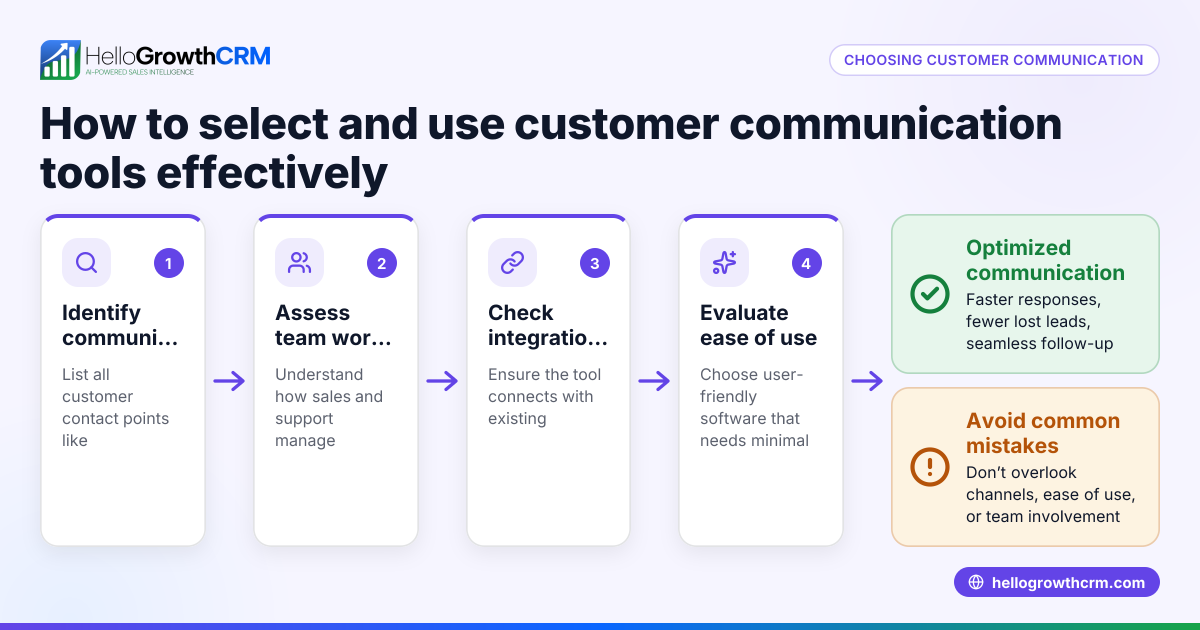
- Choose your chat channels: Identify which platforms your customers use most, such as WhatsApp, SMS, email, or a web chat portal. Check any existing tools you already use.
- Set clear response times: Define how quickly your team should reply to chats. Fast replies keep customers engaged and prevent lost opportunities.
- Organize customer information: Collect and store contact details and chat history in one place. This helps personalize conversations and avoid repeated questions.
- Train your team: Teach your sales and support staff how to use your chosen chat tools and how to handle common questions professionally.
- Use templates and sequences: Prepare message templates for frequent questions and follow-up sequences to keep leads warm without sounding impersonal.
- Track and follow up: Monitor chat conversations to identify leads needing extra attention and schedule timely follow-ups using task boards.
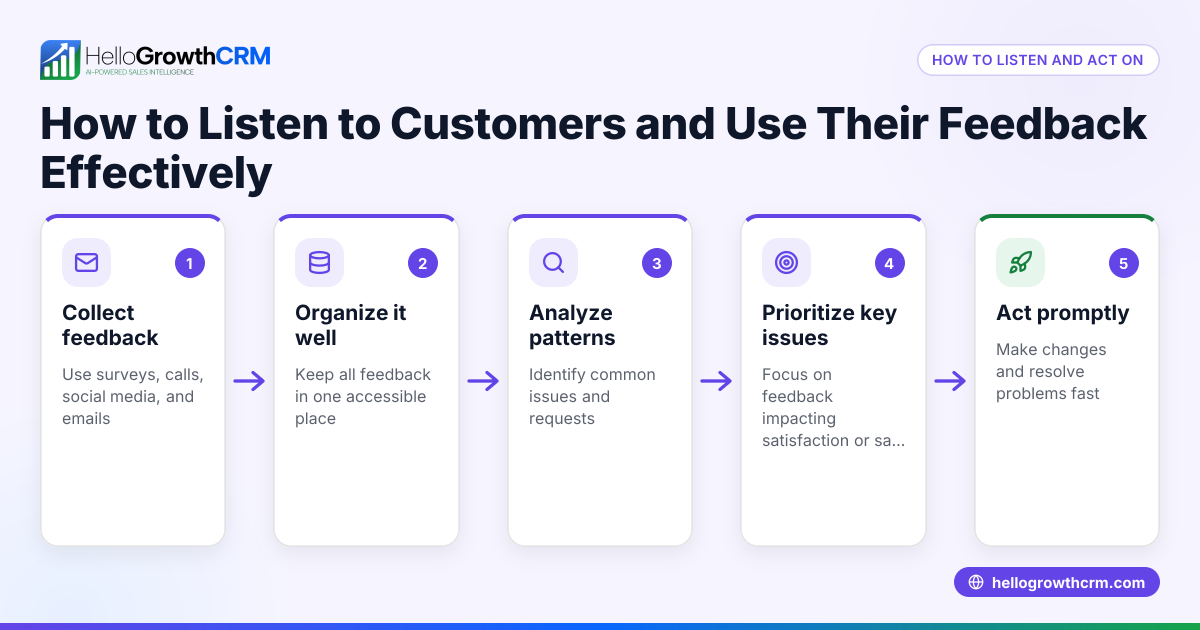
- Collect feedback: Ask customers about their chat experience to improve your process.
Check that your chat system integrates with your sales pipeline and task boards to avoid losing track of leads. Consider how a customer health score can help monitor customer engagement.
Example (fictional figures)
A two-location dental practice in Columbus, Ohio, wants to improve patient engagement through chat. They decide to use WhatsApp and SMS for appointment reminders and follow-ups.
- They set a goal to respond to all chat messages within 1 hour during office hours.
- They track 500 patients in their system.
- On 04/10/2026, they receive 50 appointment requests via chat.
- They respond to 45 within 1 hour and 5 within 3 hours.
Calculations:
Response rate within 1 hour = (45 ÷ 50) × 100 = 90%
By improving chat response times, they increase booked appointments from 20 to 25 per week (assumed).
Extra appointments = 25 - 20 = 5
Revenue from extra appointments at $150 each:
5 × $150 = $750
This example shows how effective chat can boost sales and patient satisfaction by improving response times.
Common mistakes
- Ignoring chat messages or slow replies: Prevent by setting clear response time goals and monitoring adherence.
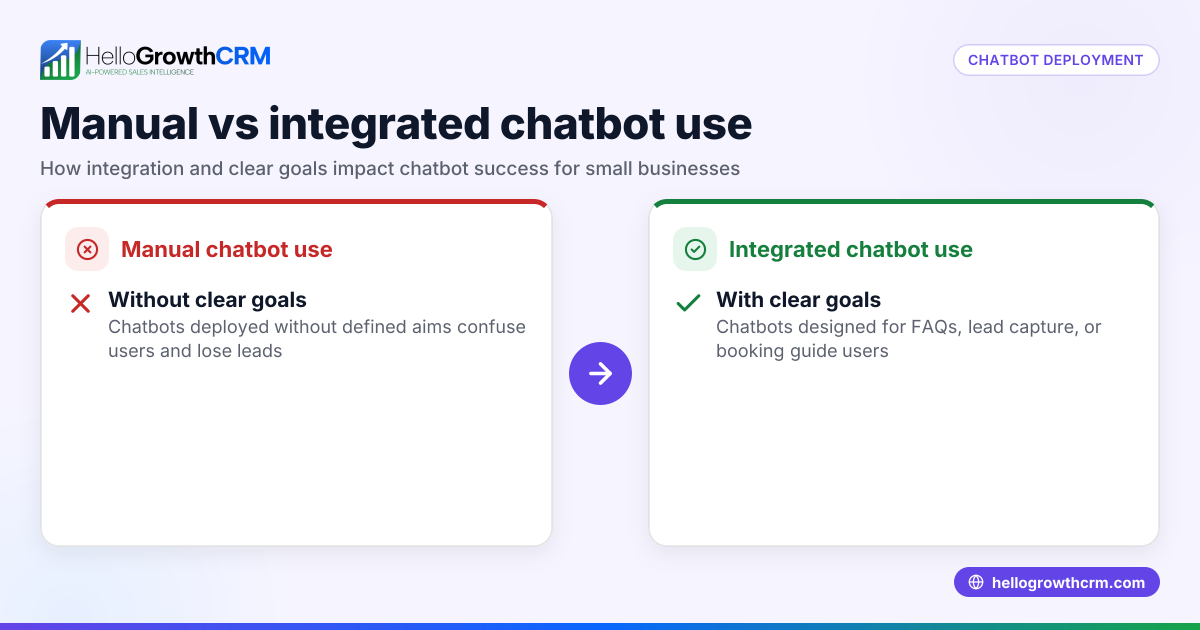
- Using too many unconnected channels: Prevent by consolidating chats into one system to avoid lost messages.
- Not training staff on chat etiquette: Prevent by providing clear guidelines and role-playing common scenarios.
- Failing to track chat history with customers: Prevent by storing all chats on the customer record to personalize future conversations.
- Overusing automated messages that feel impersonal: Prevent by balancing templates with personal responses.
- Not following up on chat leads: Prevent by scheduling follow-ups and using task boards to track progress.
Using tools like WhatsApp and SMS CRM can help unify your chat channels and improve organization.
Doing this in HelloGrowthCRM
HelloGrowthCRM offers a Customer portal where service requests, referrals, tickets, and knowledge base entries stay linked to the same customer record as the deal. This means after the sale, support requests do not get lost and remain attached to the customer’s profile, making follow-up and service easier. Learn more about this in the customer health score and how HelloGrowthCRM fits for the United States.
Frequently asked questions
What is the best way to chat with customers for a small business? The best way depends on where your customers are active. Many small businesses use WhatsApp, SMS, or a branded customer portal. Choose channels your customers prefer and ensure your team can respond quickly and keep chats organized.
How can I keep track of customer chats without losing messages? Use a system that stores all chats linked to the customer’s record. This way, you can see past conversations, follow up properly, and avoid repeating questions. HelloGrowthCRM’s customer portal and ticketing features help with this.
How do I balance automated messages with personal chat? Automated templates save time but can feel impersonal if overused. Use templates for common questions and follow-ups but add personal touches by addressing customer names and specific concerns.
Can chat help with sales as well as support? Yes. Quick, helpful chat responses can turn leads into customers by answering questions and booking appointments faster. Tracking chats alongside your sales pipeline keeps your team focused.
How do I measure if chatting with customers is working? Track response times, customer satisfaction feedback, and conversion rates from chat leads. Use tools like HelloGrowthCRM’s reporting to see how chat impacts your sales and service.
Key takeaways
- Chat with customers using their preferred channels like WhatsApp, SMS, or a customer portal.
- Organize all chats linked to customer records to personalize and track conversations.
- Set clear response time goals and train your team on chat handling.
- Use message templates wisely but keep responses personal.
- Follow up on chat leads and track progress with task boards.
- HelloGrowthCRM helps keep chats, service requests, and referrals in one place after the sale.
Start chatting with your customers today and improve engagement and sales. To get started easily, Start on the Free Forever plan (200 leads, no credit card).
Ready to put this into practice?
Set up your pipeline, WhatsApp follow-ups, and AI lead scoring in minutes — free, no credit card.
Try HelloGrowthCRM freeGet CRM tips in your inbox
Join thousands of sales professionals who get weekly insights on CRM strategy, AI automation, and pipeline optimization.

The HelloGrowthCRM team publishes guides on CRM strategy, AI sales tools, and revenue operations for small business sales teams.