HelloGrowthCRM software
Built for real small-business sales teams
HelloGrowthCRM helps reps qualify faster, follow up on time, and close more deals—with practical automation in one place.
- AI lead scoring and pipeline visibility
- Built-in dialer, WhatsApp, and email automation
- Sales forecasting and RevOps-ready reporting
Client intake and CRM software for legal firms is designed to help law offices efficiently capture new client details and manage communications throughout the client lifecycle. Legal professionals require tools that support confidential data handling, track case progress, and automate follow-ups to improve client service and reduce lost opportunities.
Why this comes up / what goes wrong
Legal firms, especially small and mid-sized ones, often face challenges with scattered client information and delayed follow-ups. Intake forms may be paper-based or emailed, causing delays and errors. Without a central system, client details and case status can get lost in email threads or spreadsheets. This leads to missed deadlines, lost clients, and inefficient use of staff time. Legal firms need software that integrates client intake with ongoing relationship management to ensure timely communication and case tracking.
Step-by-step
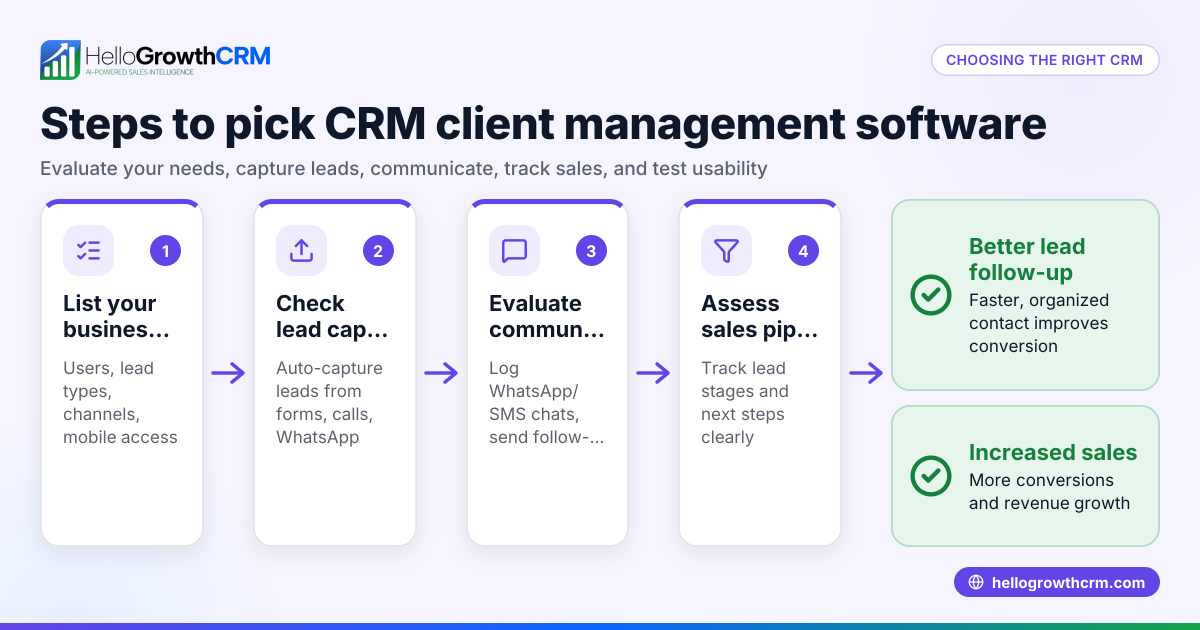
- Identify your firm’s needs: Determine the number of new clients you handle monthly, the types of cases you manage, and the communication channels your clients prefer (e.g., email, phone, WhatsApp).
- Check for secure client intake forms: Choose software that offers customizable, secure online forms to capture client data directly into the system, protecting sensitive information.
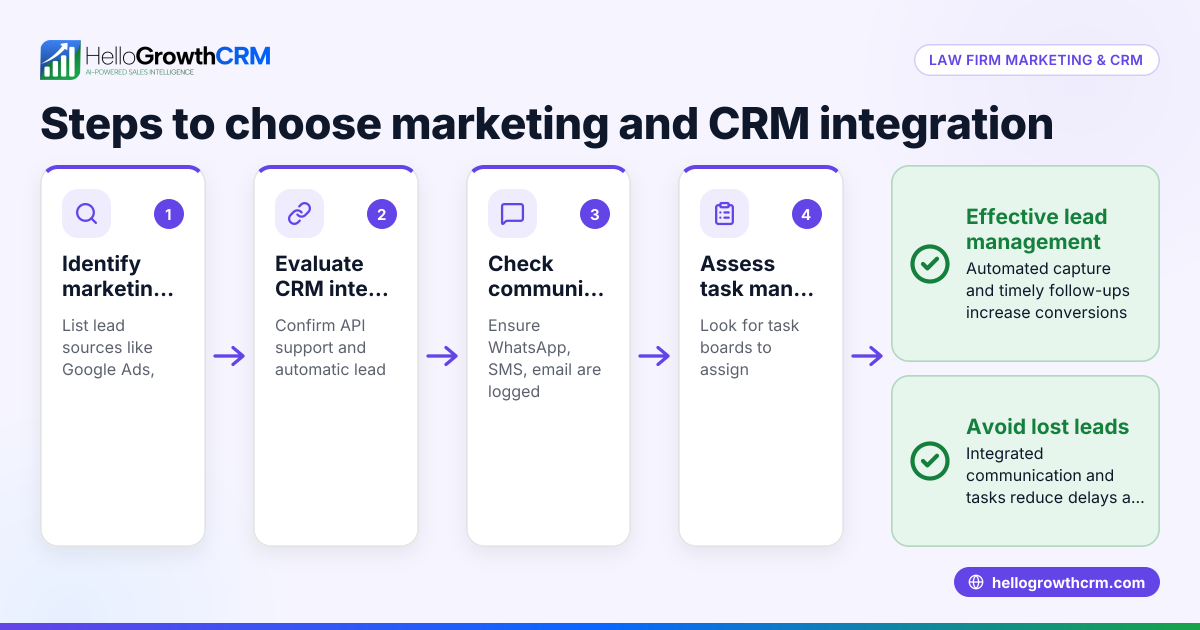
- Evaluate CRM features: Ensure the CRM can track client communications, schedule follow-ups, and store case notes all in one place.
- Consider communication channels: Confirm the software supports channels your clients use frequently, such as email, SMS, or WhatsApp, to improve engagement and responsiveness.
- Look for task and activity management: The system should create follow-up tasks with due dates to keep your team on track and avoid missed communications.
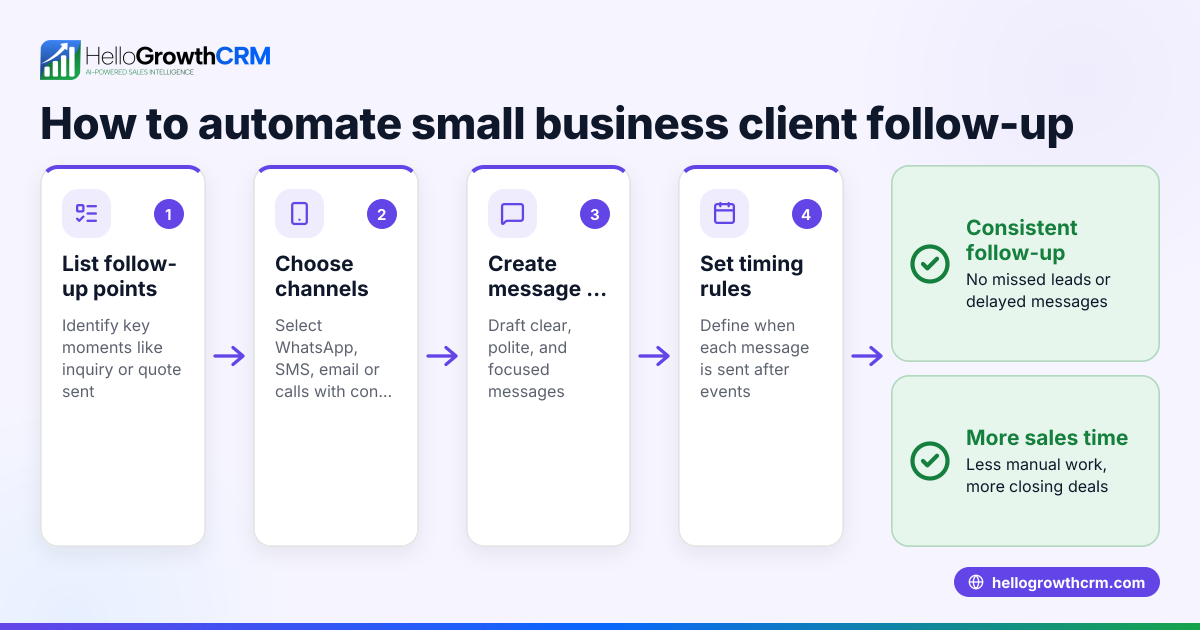
- Assess automation capabilities: Automated sequences for follow-up messages save time and reduce missed leads by sending timely reminders without manual effort.
- Review compliance and security: Verify the software complies with Canadian privacy laws and secures sensitive client data to maintain confidentiality.
- Test integration options: Check if the software integrates with your existing tools, such as calendars or document management systems, to streamline workflows.
- Request demos and trials: Use free trials to evaluate how intuitive the software is for your team and whether it fits your firm’s processes.
- Compare pricing and scalability: Choose software that fits your budget and can grow with your firm as client volume increases.
For more on managing tasks and communications efficiently, see CRM features.
Example (fictional figures)
A small legal firm in Halifax, Nova Scotia, receives about 40 new client inquiries monthly. They estimate that some inquiries are lost due to slow follow-up, affecting revenue.
- Average revenue per client: C$5,000
- If 4 inquiries are lost monthly, potential revenue lost is 4 × C$5,000 = C$20,000
By adopting client intake and CRM software with automated follow-ups and task management, they aim to reduce lost inquiries by half.
- New lost inquiries: 4 × 50% = 2
- Revenue recovered: 2 × C$5,000 = C$10,000
This software investment improves client capture and follow-up efficiency, increasing monthly revenue by C$10,000.
Common mistakes
- Choosing software without secure intake forms: Prevent this by verifying form security features and data encryption.
- Ignoring client communication preferences: Avoid this by supporting channels like WhatsApp or SMS to meet client habits.
- Relying on manual follow-ups: Prevent missed leads by using automated sequences and task boards that remind your team of next steps.
- Overlooking scalability: Select software that can grow with your firm’s client base and adapt to changing needs.
- Skipping demos and trials: Always test software usability with your team before making a purchase.
- Neglecting data privacy compliance: Confirm the software complies with Canadian privacy laws to protect client confidentiality.
See how WhatsApp and SMS integration can enhance client communication in WhatsApp and SMS CRM.
Doing this in HelloGrowthCRM
HelloGrowthCRM supports legal firms with WhatsApp-native CRM features that log conversations on each lead record, ensuring all client messages are tracked. Follow-ups become tasks with due dates on activity boards, so your team never misses a call or message. Automated sequences run multi-step follow-ups over two weeks and stop immediately when a client replies, saving time and improving response rates. Learn more about HelloGrowthCRM for Canadian businesses at HelloGrowthCRM for Canada.
Frequently asked questions
What features should legal firms look for in client intake and CRM software? Look for secure online intake forms, communication tracking, task management, and automation for follow-ups. Support for channels like WhatsApp and SMS helps meet client preferences.
Is client intake software different from CRM software for law firms? Client intake software focuses on capturing new client information securely, while CRM software manages ongoing client relationships and communications. Many solutions combine both functions.
Can small law firms benefit from CRM software? Yes, even small firms benefit by reducing lost leads, improving follow-up speed, and centralizing client data to enhance service and compliance.
How does automation help legal client intake? Automation sends timely follow-up messages and creates tasks automatically, reducing manual work and ensuring no client inquiry is overlooked.
Are there Canadian-specific considerations for legal CRM software? Yes, software should comply with Canadian privacy laws and support local communication preferences. Data security and confidentiality are critical.
Key takeaways
- Legal firms need integrated client intake and CRM software to manage leads and case communications efficiently.
- Secure, customizable intake forms and support for preferred channels like WhatsApp improve client capture.
- Task boards and automated sequences prevent missed follow-ups and lost leads.
- Testing software usability and compliance with privacy laws is essential before purchase.
- HelloGrowthCRM offers WhatsApp-native messaging, task management, and automated follow-ups suitable for Canadian firms.
Start improving your client intake and follow-ups today. Start on the Free Forever plan (200 leads, no credit card).
Ready to put this into practice?
Set up your pipeline, WhatsApp follow-ups, and AI lead scoring in minutes — free, no credit card.
Try HelloGrowthCRM freeGet CRM tips in your inbox
Join thousands of sales professionals who get weekly insights on CRM strategy, AI automation, and pipeline optimization.

The HelloGrowthCRM team publishes guides on CRM strategy, AI sales tools, and revenue operations for small business sales teams.