HelloGrowthCRM software
Built for real small-business sales teams
HelloGrowthCRM helps reps qualify faster, follow up on time, and close more deals—with practical automation in one place.
- AI lead scoring and pipeline visibility
- Built-in dialer, WhatsApp, and email automation
- Sales forecasting and RevOps-ready reporting
A contact data base is a digital repository where you organize and store all your business contacts in one place. It includes details such as names, phone numbers, email addresses, company names, and notes about interactions. Having a well-maintained contact data base helps small businesses follow up quickly, personalize communication, and track sales opportunities effectively.
Why this comes up / what goes wrong
Small business owners often face the challenge of scattered contact information—some contacts are stored in spreadsheets, others in phone contacts, and many in email inboxes. This fragmentation causes delays in follow-up, lost leads, and missed sales opportunities. Without a centralized contact data base, teams spend extra time searching for contact details or end up duplicating efforts. As the business grows, managing contacts manually becomes inefficient and prone to errors, which can hurt customer relationships and revenue.
Step-by-step
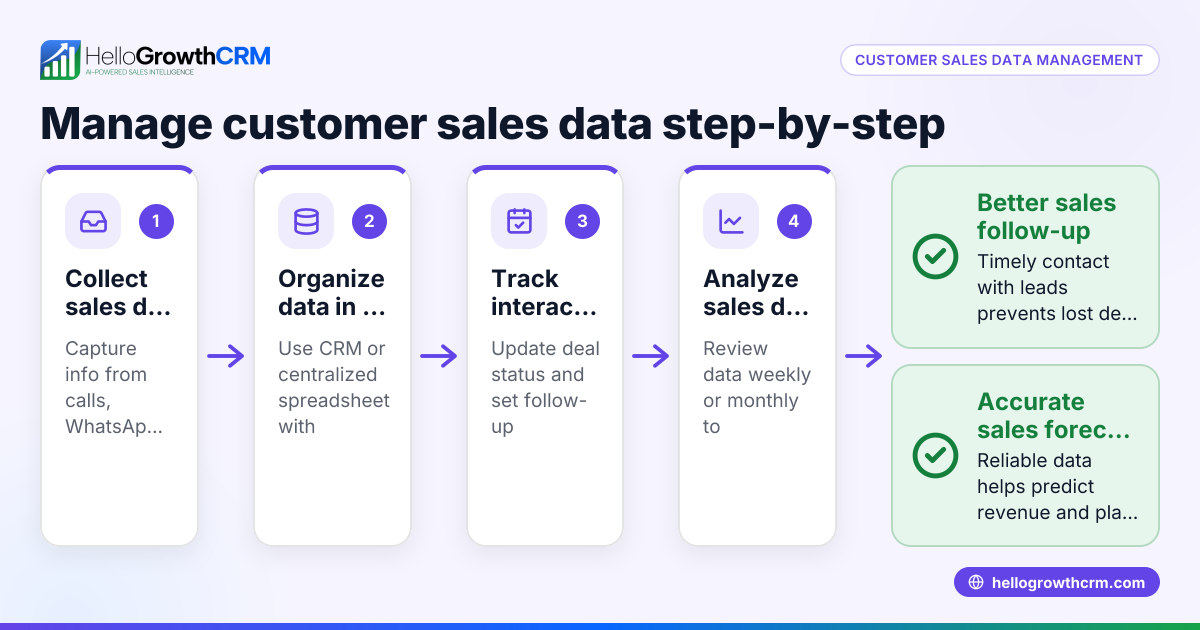
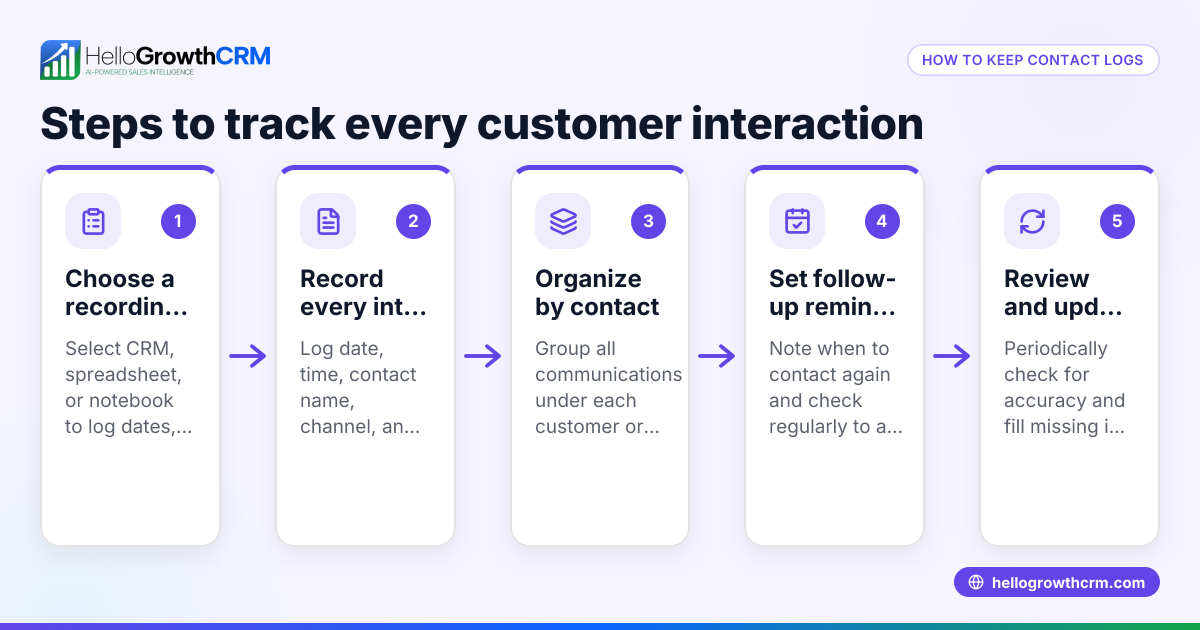
- Collect all existing contacts: Gather contacts from emails, phone lists, spreadsheets, and any other sources your business uses. Check carefully for duplicates and incomplete entries.
- Choose a format or tool: Decide whether to use a spreadsheet, a dedicated CRM, or contact management software. Pick a solution that allows easy updating and team access.
- Create standardized fields: Define essential data fields such as Full Name, Phone Number, Email, Company, Position, Last Contact Date, and Notes. Standardization ensures uniform data entry and easier searching.
- Enter or import contacts: Input your contacts into the chosen system, cleaning up errors and filling missing information where possible.
- Set rules for updating: Establish who is responsible for updating the data base and how often. Regular reviews help maintain accuracy.
- Train your team: Ensure everyone understands how to use the contact data base and why it matters for sales and customer service.
- Secure your data: Protect contact information with appropriate security measures, especially if it includes sensitive customer data. Consider tools that comply with data protection standards.
Example (fictional figures)
Consider a plumbing company in Austin, Texas, named "Austin Pipes LLC" starting with 500 contacts scattered across spreadsheets and emails on 06/01/2026.
Step 1: Collect contacts - 500 entries gathered. Step 2: Choose a CRM tool for better management. Step 3: Define fields: Name, Phone, Email, Service History, Last Contact Date. Step 4: Import contacts into the CRM. Step 5: Clean duplicates - found 50 duplicates. 500 - 50 = 450 unique contacts remain. Step 6: Train 5 sales reps on updating contacts. Step 7: Set monthly review to update and validate contacts.
With this organized contact data base, Austin Pipes LLC can follow up faster, track service requests, and improve customer satisfaction, potentially increasing sales by ensuring no lead is lost due to slow response.
Common mistakes
- Scattered data sources: Prevent this by consolidating all contacts into one system to avoid lost or duplicated information.
- Inconsistent data entry: Prevent by standardizing fields and training your team on proper data input.
- Ignoring data updates: Prevent by scheduling regular reviews and assigning responsibility for maintaining the data base.
- Lack of security: Prevent by using tools with proper data protection and access controls to safeguard customer information.
- Not integrating with sales processes: Prevent by choosing a CRM that supports communication channels like WhatsApp and SMS, improving follow-up efficiency (see WhatsApp and SMS CRM).
- Failing to link customer service data: Prevent by using a system that keeps service requests on the same customer record as the deal (see Customer portal, referrals, tickets and knowledge base).
Doing this in HelloGrowthCRM
HelloGrowthCRM has completed a SOC 2 Type II examination and supports CCPA data-subject rights. After sales, service requests, referrals, and support tickets stay linked on the same customer record as the deal, helping your team maintain a complete view of customer interactions. Learn more about these features at HelloGrowthCRM for the United States.
Frequently asked questions
What is the difference between a contact data base and a CRM? A contact data base is a list of contacts with basic details. A CRM (Customer Relationship Management) system includes a contact data base plus tools to manage interactions, track sales pipelines, automate communication, and report performance.
How often should I update my contact data base? Regular updates are essential. Ideally, review and clean your data base monthly or quarterly to remove duplicates, update contact details, and add new information.
Can I use spreadsheets instead of a CRM? Spreadsheets can work for very small lists but become inefficient as your business grows. CRMs offer automation, integration with messaging channels like WhatsApp and SMS, and better team collaboration (see built-in CRM dialer).
Is my contact data safe in HelloGrowthCRM? Yes. HelloGrowthCRM complies with major data protection standards and offers data residency options. This helps keep your customer information secure and compliant.
How does a contact data base improve sales follow-up? By centralizing contact information and interaction history, your team can respond faster, personalize messages, and avoid losing leads due to slow or missed communication.
Key takeaways
- A contact data base centralizes all business contacts for easier management.
- Standardizing and regularly updating contact data prevents errors and duplication.
- Using a CRM improves efficiency by integrating communication channels and sales processes.
- Security and compliance protect customer data and build trust.
- HelloGrowthCRM supports contact management with customer portals and linked service requests.
Start building your contact data base today to improve follow-up and grow your sales. You can start on the Free Forever plan (200 leads, no credit card) at HelloGrowthCRM.
Ready to put this into practice?
Set up your pipeline, WhatsApp follow-ups, and AI lead scoring in minutes — free, no credit card.
Try HelloGrowthCRM freeGet CRM tips in your inbox
Join thousands of sales professionals who get weekly insights on CRM strategy, AI automation, and pipeline optimization.

The HelloGrowthCRM team publishes guides on CRM strategy, AI sales tools, and revenue operations for small business sales teams.