HelloGrowthCRM software
Built for real small-business sales teams
HelloGrowthCRM helps reps qualify faster, follow up on time, and close more deals—with practical automation in one place.
- AI lead scoring and pipeline visibility
- Built-in dialer, WhatsApp, and email automation
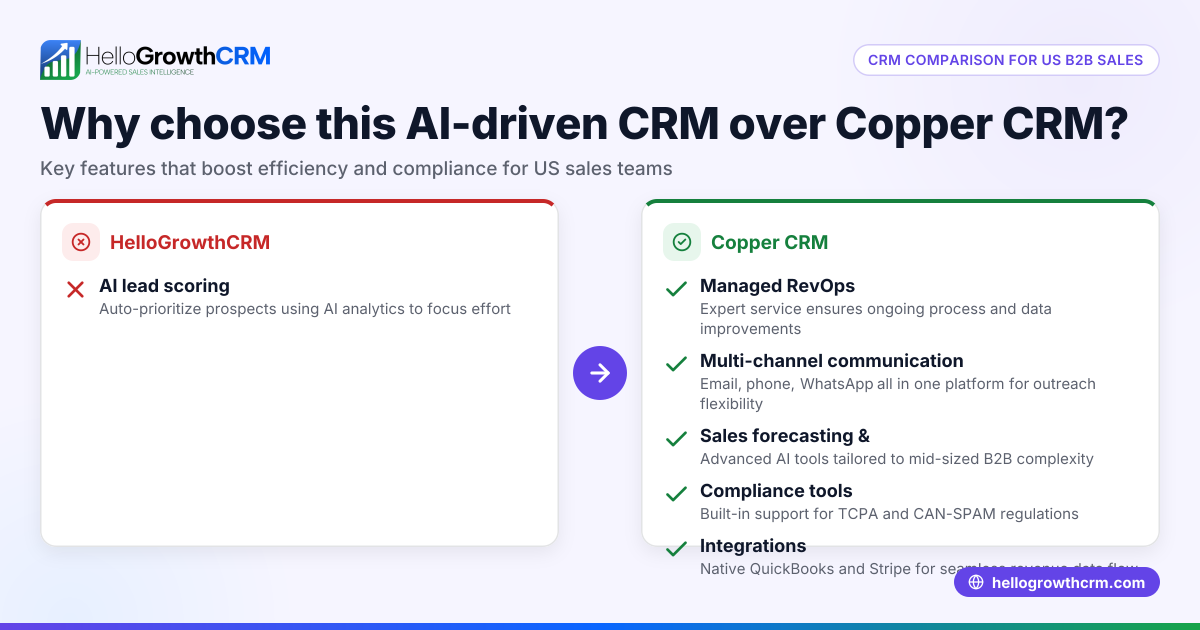
- Sales forecasting and RevOps-ready reporting
Copper CRM and HubSpot are two well-known CRM platforms that small businesses consider when organizing sales and customer management. Choosing between them often depends on how much you value ease of use, integration options, pricing, and features tailored to your sales process. This article compares Copper CRM and HubSpot on essential criteria to help you pick the best CRM for your small US business.
Why this comes up / what goes wrong
Small business owners often search "Copper CRM vs HubSpot" when they want a CRM that improves sales follow-up, centralizes customer data, and scales with their team. Many start with spreadsheets, email, or text messaging but lose leads due to slow follow-up or disorganized data. They seek a CRM that is easy to adopt without requiring heavy technical skills or costly setup. The choice is between Copper CRM’s Google Workspace-centric design and HubSpot’s all-in-one marketing and sales platform.
Step-by-step
Here is a comparison of Copper CRM and HubSpot on key criteria important for small and mid-sized businesses:
| Criteria | Copper CRM | HubSpot CRM |
|---|---|---|
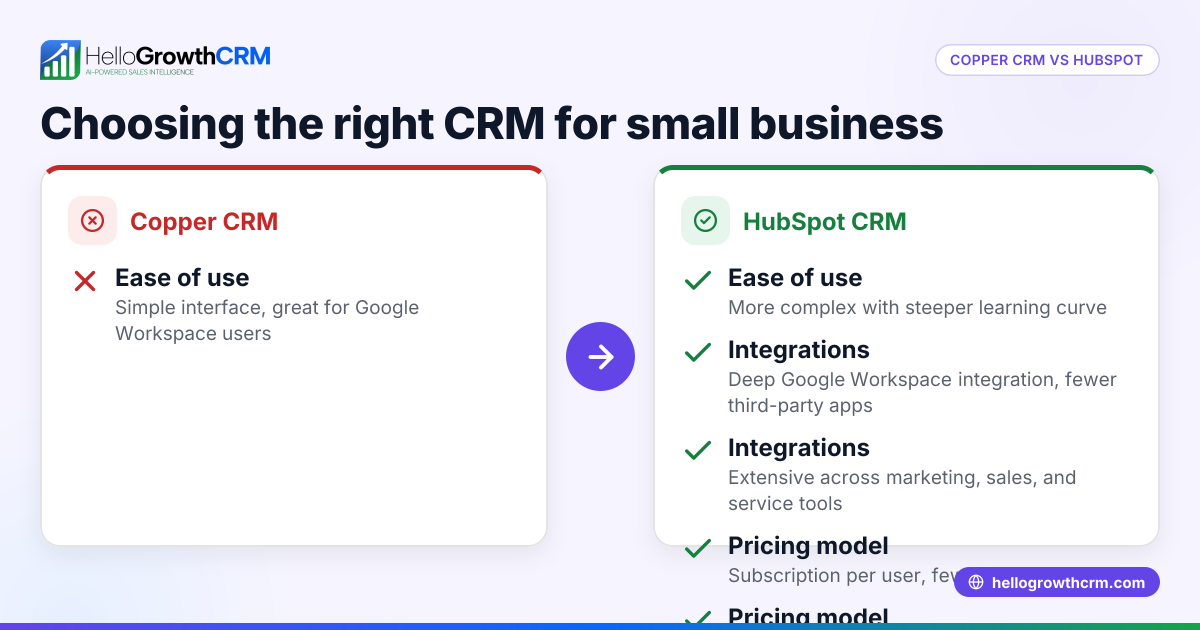
| Ease of Use | Simple, minimal setup, especially if you use Google Workspace | User-friendly but with more features to learn; steeper learning curve |
| Integration | Deep integration with Google Workspace apps (Gmail, Calendar, Drive) | Wide range of integrations including Google Workspace, Microsoft, and many marketing tools |
| Pricing | Paid plans starting with core CRM features; no free tier for full features | Free tier with basic CRM features; paid plans add marketing, sales, and service tools |
| Features | Focused on contact and pipeline management with automation | Includes marketing automation, sales sequences, reporting, and customer service tools |
| Customization | Limited customization; designed for quick setup | High customization with workflows, custom properties, and reports |
| Scalability | Best for small teams already using Google Workspace | Suitable for small to large teams; scales with business growth |
| Support & Resources | Email and chat support; less extensive resources | Extensive knowledge base, community, and support options |
Who should pick which?
- Choose Copper CRM if your business relies heavily on Google Workspace and you want a straightforward CRM that your team can adopt quickly.
- Choose HubSpot CRM if you want a free starting point with room to grow into marketing automation and advanced sales tools as your business expands.
For more CRM options to consider, see our compare CRMs page.
Example (fictional figures)
A two-location dental practice in Columbus, Ohio, with 10 employees wants a CRM to track patient leads and appointment follow-ups.
- They expect about 500 new leads per year.
- Copper CRM charges $25/user/month for the Basic plan.
- HubSpot offers a free CRM plan with paid add-ons.
Copper CRM cost calculation: 10 users × $25/month = $250/month $250/month × 12 months = $3,000/year
HubSpot cost calculation: Free CRM plan = $0/year for basic use Paid marketing add-ons start at $50/month if needed later
The dental practice chooses Copper CRM because their team already uses Google Workspace extensively and prefers a simple CRM with predictable costs.
Common mistakes
- Choosing a CRM without considering existing tools: If your team uses Google Workspace, Copper CRM’s integration can save time. Prevent this by listing your current tools before deciding.
- Overestimating needed features: HubSpot offers many advanced tools that small teams might not use initially. Avoid paying for unused features by starting with a free plan or a simple CRM.
- Ignoring user adoption: A complex CRM can slow down your team. Prevent this by choosing a CRM with an interface your team finds intuitive.
- Not planning for growth: Pick a CRM that can scale with your business. HubSpot scales well, while Copper CRM suits smaller teams focused on Google apps.
- Skipping integration checks: Confirm the CRM integrates with your email, calendar, and other tools. This prevents data silos and manual work.
Learn more about avoiding CRM pitfalls on our HelloGrowthCRM for the United States page.
Doing this in HelloGrowthCRM
HelloGrowthCRM offers a WhatsApp-native CRM that helps small teams capture and follow up leads efficiently. Its features include WhatsApp and SMS messaging where conversations with leads are logged on their records, and follow-ups can be sent as messages. AI agents draft follow-up messages after calls for reps to review and send, reducing manual effort. The Free Forever plan supports a two-person team running a pipeline at no cost until calling or WhatsApp automation is needed. Explore these features at WhatsApp and SMS CRM.
Frequently asked questions
What are the main differences between Copper CRM and HubSpot? Copper CRM is optimized for Google Workspace users with a focus on simplicity, while HubSpot offers a broader set of marketing, sales, and service tools with a free tier. HubSpot scales better for growing teams needing more features.
Is HubSpot CRM really free? Yes, HubSpot offers a free CRM plan with basic contact and pipeline management. Paid plans add marketing automation, sales sequences, and reporting. This makes it suitable for businesses wanting to start without upfront costs.
Can small businesses switch from Copper CRM to HubSpot later? Yes, both platforms support data export and import. However, switching CRMs can require time for setup and training, so consider your long-term needs before committing.
How important is integration with Google Workspace? If your team uses Gmail, Calendar, and Drive heavily, Copper CRM’s deep integration can improve efficiency by syncing emails and events automatically. HubSpot also integrates but with broader tools.
Are there alternatives to Copper CRM and HubSpot? Yes, many CRMs serve small businesses with different focuses. For a broader view, visit our compare CRMs page.
Key takeaways
- Copper CRM suits small teams using Google Workspace needing a simple, integrated CRM.
- HubSpot CRM offers a free plan with scalable marketing and sales features.
- Consider your current tools, budget, and growth plans when choosing a CRM.
- Avoid overpaying for features you won’t use initially.
- Test user adoption and integration capabilities before deciding.
Start organizing your sales pipeline effectively with HelloGrowthCRM. Start on the Free Forever plan (200 leads, no credit card).
Ready to put this into practice?
Set up your pipeline, WhatsApp follow-ups, and AI lead scoring in minutes — free, no credit card.
Try HelloGrowthCRM freeGet CRM tips in your inbox
Join thousands of sales professionals who get weekly insights on CRM strategy, AI automation, and pipeline optimization.

The HelloGrowthCRM team publishes guides on CRM strategy, AI sales tools, and revenue operations for small business sales teams.