HelloGrowthCRM software
Built for real small-business sales teams
HelloGrowthCRM helps reps qualify faster, follow up on time, and close more deals—with practical automation in one place.
- AI lead scoring and pipeline visibility
- Built-in dialer, WhatsApp, and email automation
- Sales forecasting and RevOps-ready reporting
Corporate email templates are pre-designed email formats used by businesses to communicate with clients, prospects, and colleagues in a consistent and professional manner. They help save time by avoiding writing repetitive emails from scratch and ensure that messaging aligns with company standards. This article covers why small businesses need corporate email templates, how to create and implement them effectively, common pitfalls to avoid, and how HelloGrowthCRM can assist in managing email communication.
Why this comes up / what goes wrong
Small business owners often find themselves sending similar emails repeatedly—whether following up on quotes, confirming appointments, or responding to inquiries. Without templates, emails can vary in tone, miss key information, or take too long to write. This inconsistency can confuse recipients and slow down sales or customer service processes. Furthermore, managing email communication across a small team without a shared system can lead to missed replies or duplicated efforts. Many small businesses rely on email, text messages, and spreadsheets, which complicates tracking conversations and follow-ups.
Step-by-step
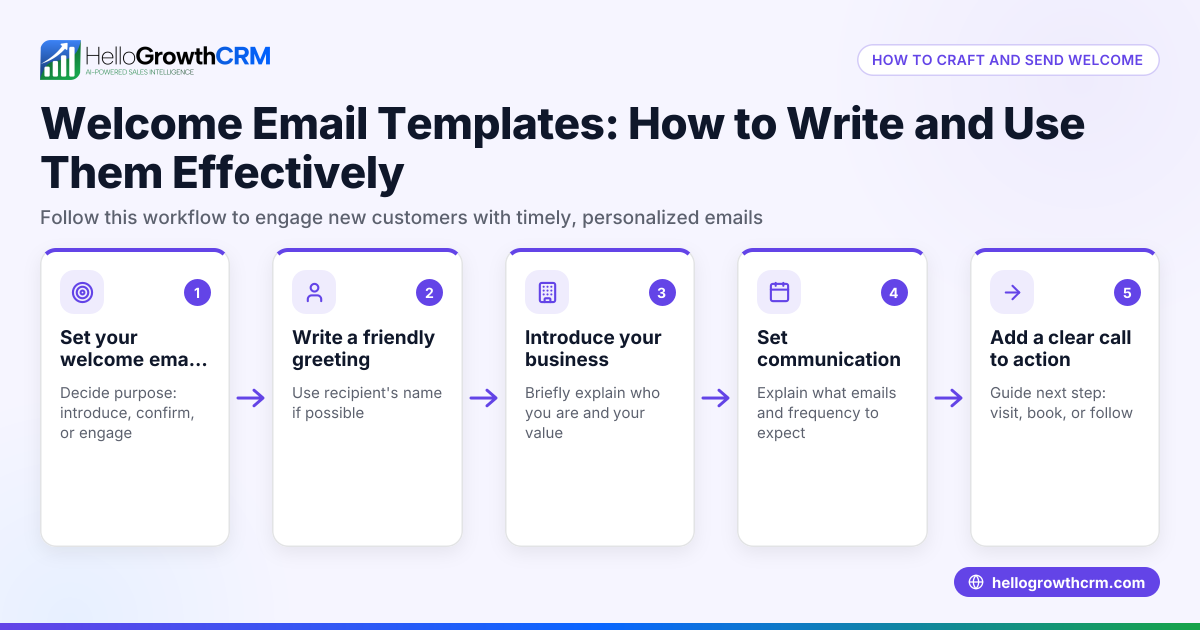
- Identify common email scenarios: List the frequent types of emails your business sends, such as quotations, follow-ups, appointment confirmations, or customer support replies.
- Draft clear, concise templates: Write emails that are polite, professional, and to the point. Include placeholders for personalized details like names, dates, or amounts.
- Review and standardize language: Ensure the tone matches your brand—formal or friendly—and that spelling and grammar are correct.
- Test templates with your team: Share drafts with colleagues to get feedback and make sure all necessary information is included.
- Implement templates in your workflow: Use your email client or CRM to store and access templates easily. Train your team to use them consistently.
- Set up automated follow-ups: For sales or customer service, create sequences that send follow-up emails automatically if there is no response, saving time and increasing engagement.
- Monitor and update regularly: Periodically review templates to keep information current and improve based on feedback or results.
For more detailed templates and tools, explore our sales templates and learn about email automation and sequences.
Example (fictional figures)
A landscaping contractor in Charlotte, North Carolina, named GreenScape LLC, often sends quote follow-up emails. They want to create a template and automate follow-ups to improve lead conversion.
- Quote amount: $3,500
- Initial email sent on: 04/01/2026
- Follow-up sequence: 3 emails over 10 days
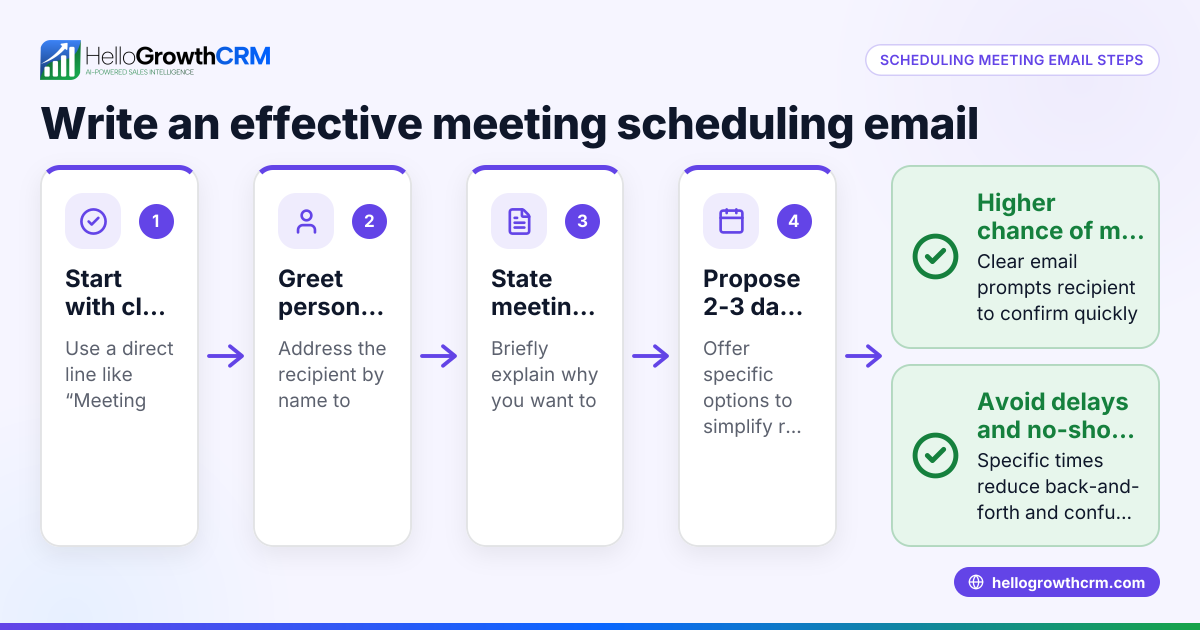
Step 1: Draft the initial quotation email template.
"Dear [Client Name],
Thank you for considering GreenScape LLC. Attached is your quote for landscaping services totaling $3,500.
Please let us know if you have any questions.
Best regards, GreenScape Team"
Step 2: Set up follow-up emails if no reply.
Follow-up 1 (after 3 days): "Just checking in to see if you had a chance to review our quote. We're happy to discuss any questions."
Follow-up 2 (after 7 days): "We wanted to ensure you have all the information needed to make your decision. Please reach out anytime."
Follow-up 3 (after 10 days): "This is our final follow-up regarding your landscaping quote. We hope to work with you soon."
Step 3: Automate the sequence.
Step 4: Track replies and stop follow-ups immediately when the client responds.
This approach saves time and keeps communication professional and consistent.
Common mistakes
- Using overly generic templates: Avoid templates that sound robotic or impersonal. Prevent this by including placeholders for personalization.
- Neglecting follow-up: Many leads go cold without timely follow-up. Use automated sequences to maintain contact without manual effort.
- Inconsistent use across team members: Different email styles confuse clients. Train your team and use shared templates to keep messaging uniform.
- Ignoring updates: Templates can become outdated with changing offers or policies. Schedule regular reviews and revisions.
- Not tracking email responses: Without tracking, you may send unnecessary follow-ups. Use tools that stop sequences when a reply is received.
For guidance on follow-up cadence and pipeline management, check out our free sales tools and calculators.
Doing this in HelloGrowthCRM
HelloGrowthCRM offers a HelloMail shared inbox so your team can manage inbound emails from leads and customers together, ensuring replies to quotation emails are visible to all involved in a deal. You can set up sequences and campaigns that automate a five-step follow-up over two weeks, stopping automatically when a prospect replies. Additionally, you can download free sales tools, templates, and calculators without an account from our free sales tools and calculators page to help structure your email outreach and pipeline.
Frequently asked questions
What are corporate email templates used for? Corporate email templates are used to standardize communication with clients, prospects, or within teams. They save time, maintain professionalism, and ensure consistent messaging across your business.
How do I personalize corporate email templates? Use placeholders for names, dates, and specific details. Before sending, replace placeholders with the correct information to keep emails relevant and personal.
Can I automate follow-ups using email templates? Yes, many CRMs and email tools allow you to set up sequences that send follow-up emails automatically until the recipient responds, increasing efficiency and lead engagement.
How often should I update my email templates? Review templates at least quarterly or whenever your products, services, or policies change to keep information accurate and relevant.
Is it better to use a CRM for managing email templates? Using a CRM centralizes email communication, allows shared access for teams, automates follow-ups, and tracks responses, making management easier and more effective.
Key takeaways
- Corporate email templates save time and ensure consistent, professional communication.
- Identify common email types and create clear, personalized templates.
- Automate follow-ups to maintain engagement without manual effort.
- Train your team to use templates consistently and review them regularly.
- Use tools like HelloGrowthCRM’s shared inbox and sequences to streamline email management.
Start managing your emails more efficiently today. Start on the Free Forever plan (200 leads, no credit card).
Ready to put this into practice?
Set up your pipeline, WhatsApp follow-ups, and AI lead scoring in minutes — free, no credit card.
Try HelloGrowthCRM freeGet CRM tips in your inbox
Join thousands of sales professionals who get weekly insights on CRM strategy, AI automation, and pipeline optimization.

The HelloGrowthCRM team publishes guides on CRM strategy, AI sales tools, and revenue operations for small business sales teams.