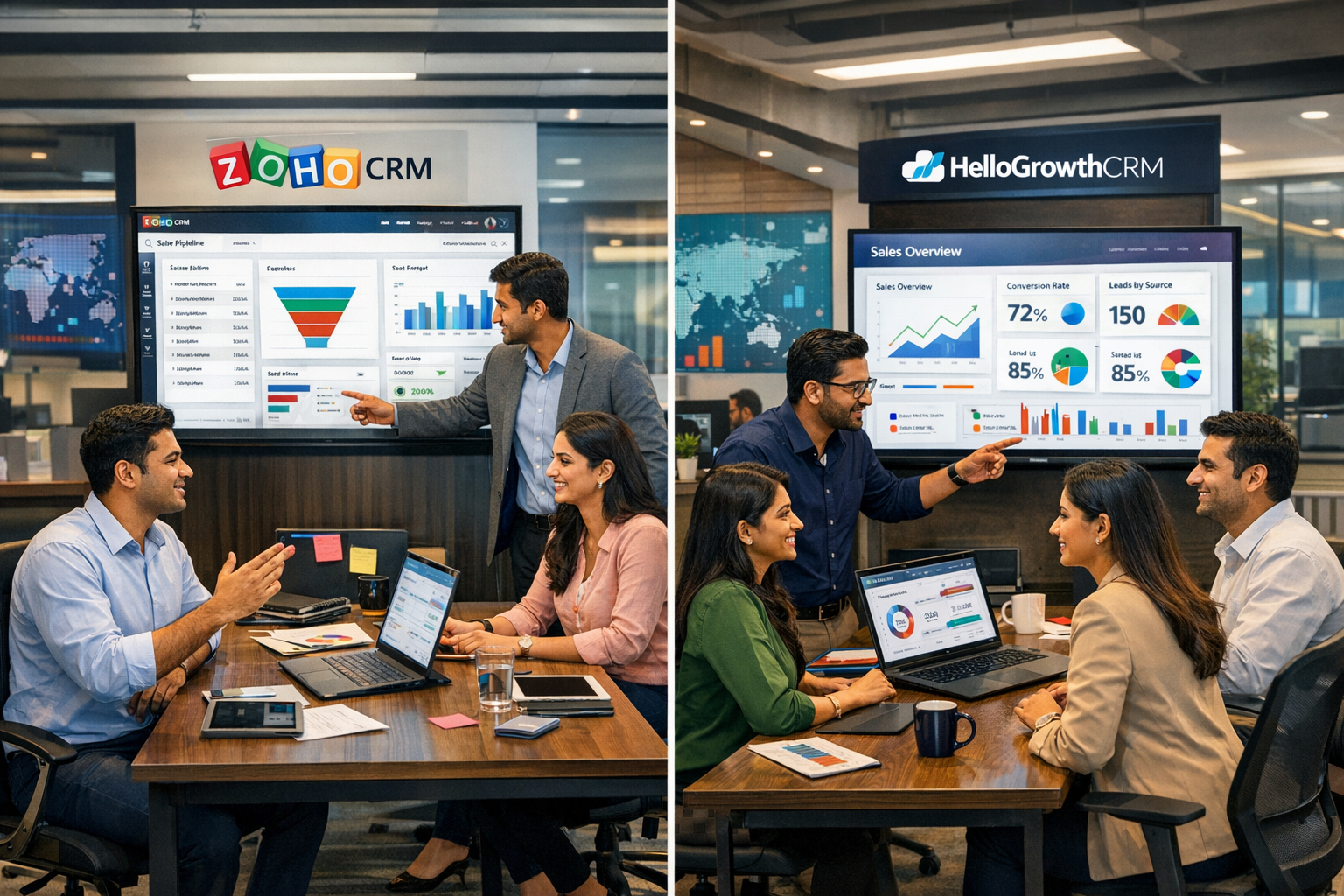
HelloGrowthCRM software
Built for real small-business sales teams
HelloGrowthCRM helps reps qualify faster, follow up on time, and close more deals—with practical automation in one place.
- AI lead scoring and pipeline visibility
- Built-in dialer, WhatsApp, and email automation
- Sales forecasting and RevOps-ready reporting
CRM conversion tracking means measuring the journey of a lead inside your CRM system from initial contact to final sale. It answers questions like: Which lead sources bring the best customers? Which sales follow-ups close deals? Without tracking conversions, you risk wasting time on leads that never buy and missing opportunities to improve sales.
Why this comes up / what goes wrong
Many Indian small-business owners rely on WhatsApp, Excel sheets, or notebooks to manage leads. This causes slow follow-up, lost leads, and unclear sales results. When leads are scattered, it’s impossible to track which marketing or sales efforts actually convert. Business owners then search for "crm conversion tracking" to find software that captures leads automatically, assigns them to sales reps, and tracks progress to conversion.
Often, sales teams lose leads because they forget to follow up, or they don’t know which leads came from which source. Without clear conversion data, business owners cannot decide where to invest marketing money or how to improve sales processes. This leads to wasted effort and revenue loss.
Step-by-step
- Capture leads in the CRM: Make sure every enquiry from your website, IndiaMART, JustDial, calls, or WhatsApp lands automatically in the CRM as a lead with an owner and a next step assigned. This avoids lost leads in notebooks.
- Define conversion events: Decide what counts as a conversion for your business, e.g., a sale, a paid invoice, or a signed contract. Clear definitions help track progress accurately.
- Track lead status changes: Update lead records as they move through stages like contacted, interested, quote sent, and won. This shows conversion progress.
- Set up conversion tracking reports: Use CRM reports to see how many leads convert, from which sources, and which sales reps perform best. This data guides decisions.
- Analyze and act: Review reports regularly to identify bottlenecks and focus on high-converting lead sources or sales activities.
- Automate follow-ups: Use WhatsApp and SMS sequences to remind sales reps and nurture leads, increasing the chances of conversion. This reduces manual workload and missed follow-ups.
Example (fictional figures)
A Delhi-based furniture seller receives 100 leads in April 2024 from IndiaMART and WhatsApp.
Leads received = 100 Leads converted to sales = 20 Average sale value = ₹15,000
Total sales = 20 × ₹15,000 = ₹3,00,000
Conversion rate = (20 ÷ 100) × 100 = 20%
If the business spends ₹50,000 on marketing that month, the cost per conversion is:
Cost per conversion = ₹50,000 ÷ 20 = ₹2,500
Tracking this in CRM helps the seller know which lead sources and follow-ups bring the best ROI.
Common mistakes
- Not capturing all leads centrally: Leads scattered across WhatsApp chats or notebooks lead to lost opportunities. Prevent by using a CRM with lead capture from forms, calls, and WhatsApp.
- Ignoring lead status updates: Without updating lead stages, conversion tracking is inaccurate. Train your team to update statuses promptly.
- Relying on manual follow-ups only: Manual reminders often fail. Use WhatsApp and SMS sequences for automated, timely follow-ups.
- Not assigning lead ownership: Without a clear owner, leads fall through cracks. Always assign leads to specific sales reps.
- Overlooking conversion reports: Skipping regular review of conversion data means missed chances to improve sales. Schedule weekly or monthly report reviews.
- Using multiple disconnected tools: Managing leads in Excel and WhatsApp separately causes data loss. Use a unified CRM to keep everything in one place.
Doing this in HelloGrowthCRM
HelloGrowthCRM helps Indian SMBs track CRM conversions by capturing every enquiry from forms, calls, or WhatsApp as a lead with an owner and next step. WhatsApp conversations with leads are logged on their records, and follow-ups can be sent via WhatsApp or SMS sequences, keeping communication timely and organised. Growth-tier users can also use AI agents (Beta) that draft follow-up messages after calls for quick review and send, reducing rep workload. Learn more about HelloGrowthCRM for India, the WhatsApp and SMS CRM, and the built-in CRM dialer.
Frequently asked questions
What is CRM conversion tracking? CRM conversion tracking measures how leads captured in your CRM move through the sales pipeline and convert into paying customers. It helps you understand which leads and sales activities generate revenue.
How do I track conversions from WhatsApp leads? Use a CRM that logs WhatsApp conversations on lead records and supports follow-ups via WhatsApp messages. This keeps all communication linked to the lead and helps track progress to conversion.
Can I automate follow-ups to improve conversions? Yes, many CRMs including HelloGrowthCRM allow automation of WhatsApp and SMS follow-up sequences to remind leads and sales reps, increasing conversion chances.
Why assign lead ownership in CRM? Assigning a lead owner ensures accountability and timely follow-up. Without clear ownership, leads can be ignored or lost.
How often should I review conversion reports? Regular reviews, weekly or monthly, help identify bottlenecks and improve sales strategies based on data.
Key takeaways
- CRM conversion tracking shows which leads turn into sales and why.
- Capture every lead centrally from all sources including WhatsApp.
- Assign clear ownership and update lead statuses promptly.
- Use automated WhatsApp and SMS follow-ups to nurture leads.
- Regularly review CRM reports to focus on high-converting leads.
- Avoid scattered lead management tools; unify with a CRM.
Start tracking your CRM conversions effectively with HelloGrowthCRM. Start on the Free Forever plan (200 leads, no credit card) and organise your leads for better sales results today.
Ready to put this into practice?
Set up your pipeline, WhatsApp follow-ups, and AI lead scoring in minutes — free, no credit card.
Try HelloGrowthCRM freeGet CRM tips in your inbox
Join thousands of sales professionals who get weekly insights on CRM strategy, AI automation, and pipeline optimization.

The HelloGrowthCRM team publishes guides on CRM strategy, AI sales tools, and revenue operations for small business sales teams.