HelloGrowthCRM software
Built for real small-business sales teams
HelloGrowthCRM helps reps qualify faster, follow up on time, and close more deals—with practical automation in one place.
- AI lead scoring and pipeline visibility
- Built-in dialer, WhatsApp, and email automation
- Sales forecasting and RevOps-ready reporting
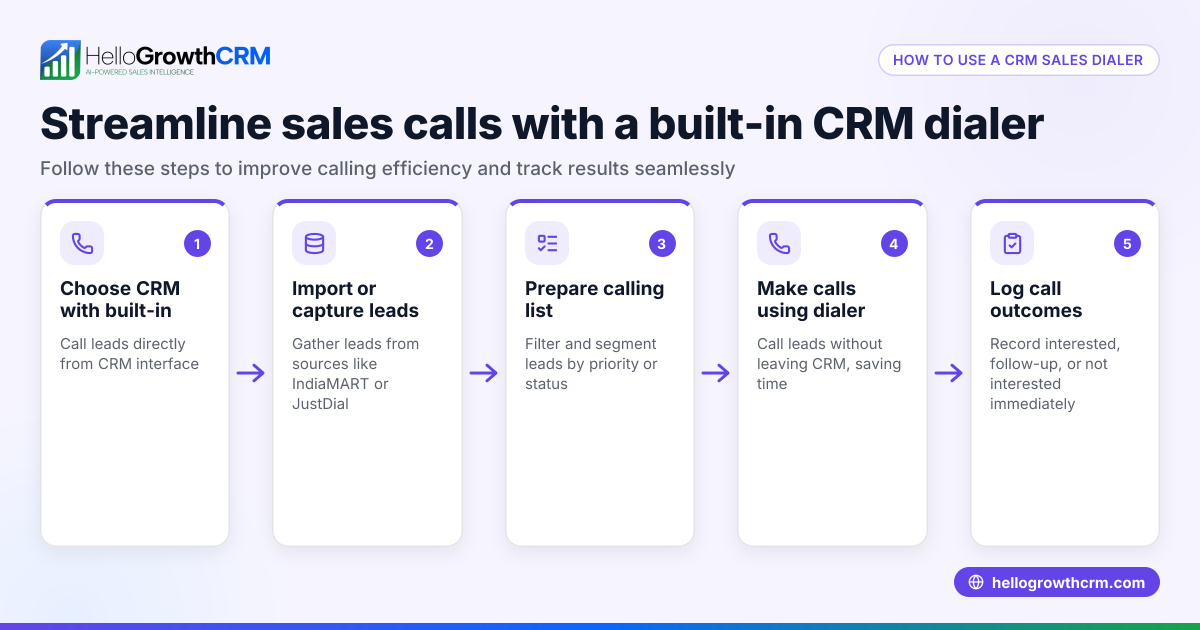
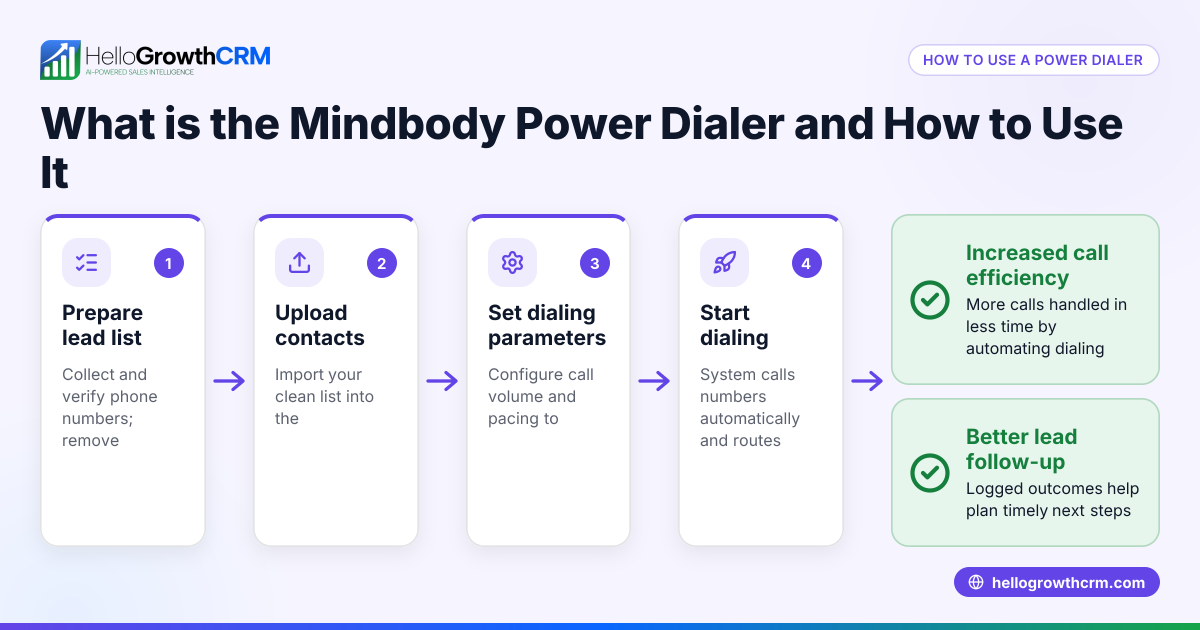
A CRM dialer is a tool built into CRM software that enables sales and support teams to place calls directly from the CRM interface. It automatically records the results of each call on the lead’s record, eliminating manual logging and helping teams track conversations and next steps efficiently.
Why this comes up / what goes wrong
Small and mid-sized Canadian businesses often lose leads or delay follow-up because their sales teams rely on separate tools—like phones, spreadsheets, text messages, or email—to manage calls. This disjointed approach causes missed connections and slow responses. Business owners searching for a "crm dialer" want a solution that unifies calling with lead management to improve productivity and conversion rates.
Step-by-step
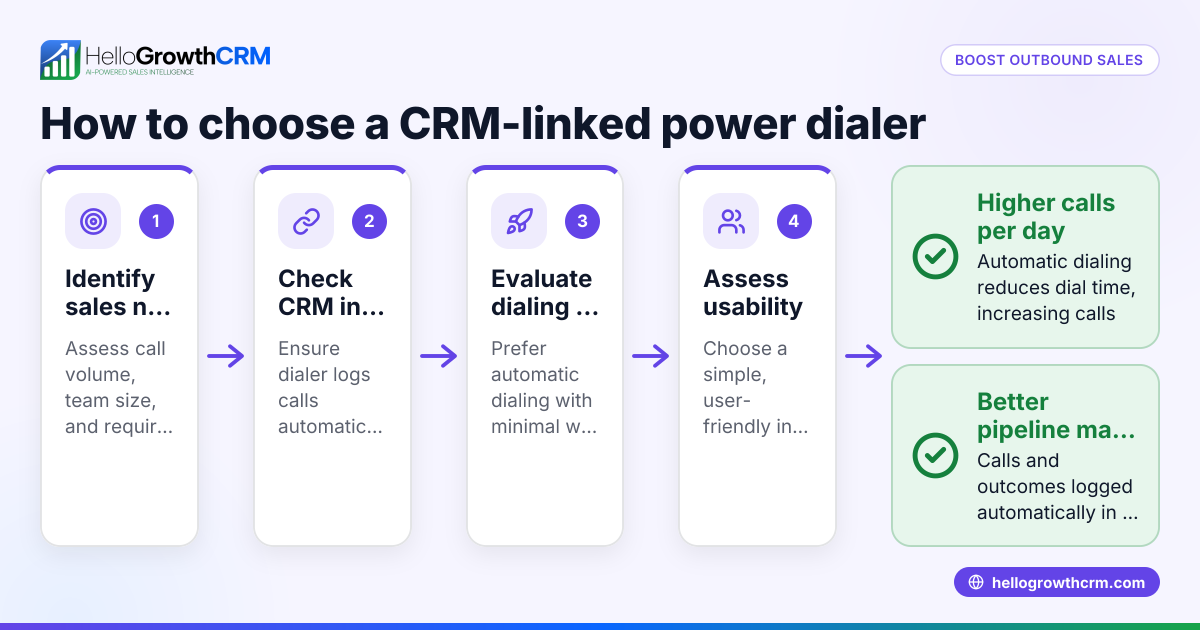
- Identify your calling needs: Determine how many calls your team makes daily and if they need power dialing (automatic sequential calls) or local dialing (manual calls).
- Check CRM integration: Ensure the dialer is built into your CRM to avoid toggling between apps and to automatically log call outcomes.
- Review call logging features: Confirm that call results, notes, and call history are saved on each lead or contact record for easy tracking.
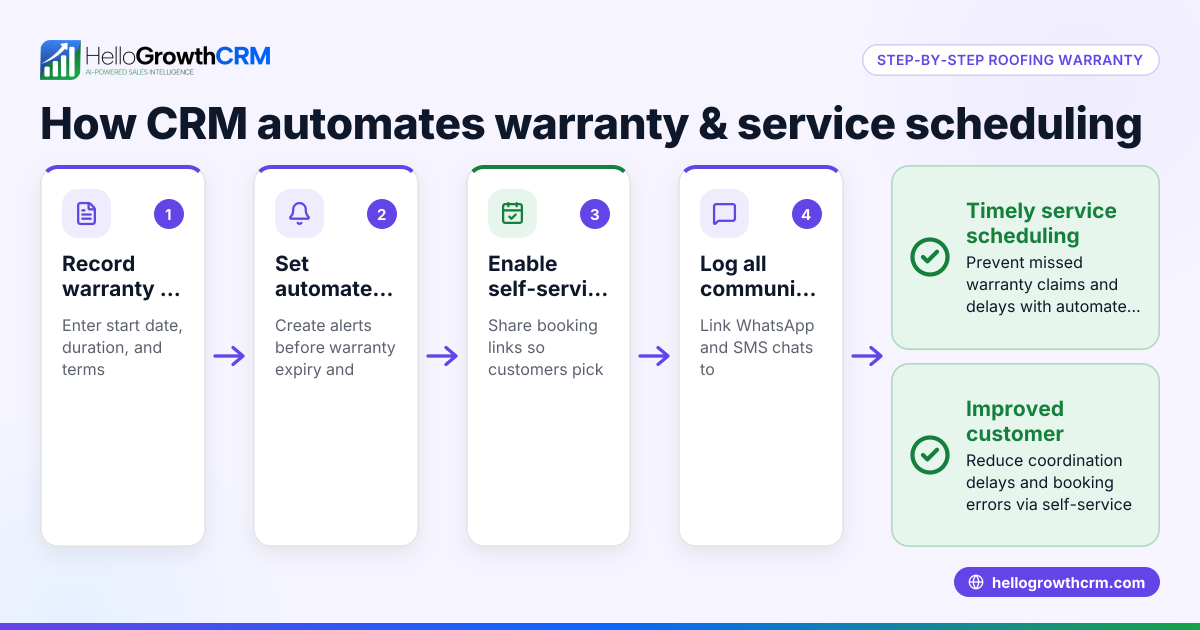
- Consider messaging follow-up: Look for CRM dialers that also support WhatsApp and SMS follow-ups within the CRM to maintain conversations on channels customers prefer.
- Evaluate AI assistance: Some CRM dialers offer AI agents that draft follow-up messages after calls, saving time on manual writing.
- Test user experience: Have your telecallers try the dialer interface to check ease of use and workflow fit.
- Assess pricing and plan features: Confirm which dialer features come with which CRM plans and ensure they fit your budget.
- Check compliance and data security: Verify the CRM dialer meets your industry’s privacy and security requirements.
- Confirm support and training: Ensure vendor provides adequate onboarding and ongoing support.
Example (fictional figures)
A mortgage brokerage in Mississauga, Ontario, has a sales team making 50 calls daily. They want to improve lead follow-up and reduce manual logging.
- Daily calls: 50
- Working days per month: 22
- Current time per call including logging: 6 minutes
- Desired time per call with CRM dialer: 4 minutes
Current monthly call time: 50 calls × 6 minutes = 300 minutes/day 300 minutes × 22 days = 6,600 minutes/month = 110 hours/month
With CRM dialer: 50 calls × 4 minutes = 200 minutes/day 200 minutes × 22 days = 4,400 minutes/month = 73.3 hours/month
Time saved per month: 110 hours - 73.3 hours = 36.7 hours
If average hourly wage is C$25: 36.7 hours × C$25 = C$917.50 saved monthly in labour time
This time saving allows the team to follow up faster and handle more leads, increasing potential sales.
Common mistakes
- Choosing a dialer not integrated with CRM: Leads to manual data entry and lost call history. Prevent by verifying built-in dialer features.
- Ignoring messaging channels: Missing out on WhatsApp or SMS follow-ups can reduce engagement. Choose dialers supporting these channels like WhatsApp and SMS CRM.
- Overlooking AI features: Not using AI agents to draft follow-ups wastes time. Check if your dialer offers AI assistance.
- Not testing with actual users: Buying without trial leads to poor adoption. Have your team test the dialer interface.
- Underestimating training needs: Lack of training causes slow adoption. Confirm vendor support.
- Ignoring plan limitations: Some dialer features may be missing on free plans. Review plan details carefully.
Doing this in HelloGrowthCRM
HelloGrowthCRM offers a built-in dialer where telecallers work a calling list inside the CRM and call outcomes are logged automatically on each lead. It supports WhatsApp and SMS conversations logged on lead records, enabling follow-ups via messages. AI agents (in Beta on Growth plans) draft follow-up messages after calls for reps to review and send. Learn more about the built-in CRM dialer and WhatsApp and SMS CRM features.
Frequently asked questions
What is a CRM dialer? A CRM dialer is a phone dialer integrated into CRM software that lets sales reps call leads directly from the CRM and automatically logs call outcomes and notes.
How does a CRM dialer improve sales productivity? By eliminating manual call logging and providing easy access to call history and follow-up tasks, CRM dialers speed up outreach and reduce errors, helping reps focus on selling.
Can I use messaging like WhatsApp with a CRM dialer? Yes, some CRM dialers, including HelloGrowthCRM, integrate WhatsApp and SMS messaging to continue conversations on channels where customers respond best.
Do CRM dialers include AI features? Some CRM dialers offer AI agents that draft follow-up messages after calls, reducing the time reps spend writing manual notes and messages.
Are CRM dialers suitable for small businesses? Yes, especially for small and mid-sized businesses that want to streamline calling and lead management without juggling multiple tools.
Is training needed to use a CRM dialer? Basic training helps teams adopt the dialer efficiently and use all features like call logging and messaging, ensuring better results.
Key takeaways
- A CRM dialer integrates calling directly into your CRM, logging all call outcomes automatically.
- It reduces manual data entry and speeds up follow-up, improving lead conversion.
- Look for dialers that support WhatsApp and SMS messaging for better customer engagement.
- AI agents can draft follow-up messages, saving sales reps time.
- Test dialer usability with your team and review plan features before purchasing.
- HelloGrowthCRM offers built-in dialer, messaging, and AI features to help Canadian businesses manage calls and follow-ups efficiently.
Start improving your lead follow-up and sales calls today. Start on the Free Forever plan (200 leads, no credit card).
Ready to put this into practice?
Set up your pipeline, WhatsApp follow-ups, and AI lead scoring in minutes — free, no credit card.
Try HelloGrowthCRM freeGet CRM tips in your inbox
Join thousands of sales professionals who get weekly insights on CRM strategy, AI automation, and pipeline optimization.

The HelloGrowthCRM team publishes guides on CRM strategy, AI sales tools, and revenue operations for small business sales teams.