HelloGrowthCRM software
Built for real small-business sales teams
HelloGrowthCRM helps reps qualify faster, follow up on time, and close more deals—with practical automation in one place.
- AI lead scoring and pipeline visibility
- Built-in dialer, WhatsApp, and email automation
- Sales forecasting and RevOps-ready reporting
CRM email automation uses software to send timely, personalized emails to your leads and customers automatically. It helps small businesses follow up faster and more consistently without manual effort. This article explains why small businesses look for CRM email automation, how to choose and set it up step-by-step, common pitfalls to avoid, and how HelloGrowthCRM supports email automation with sequences, AI agents, and shared inboxes.
Why this comes up / what goes wrong
Small-business owners and sales leaders often struggle to follow up on leads quickly and consistently. They might be using email, text messages, and spreadsheets to track prospects, which can cause leads to slip through the cracks. Manual follow-up is time-consuming and prone to errors like sending duplicate emails or missing a critical message. Without automation, sales reps may forget to send follow-ups or not know the best time to reach out. This leads to lost sales opportunities and inefficient use of team time.
Step-by-step
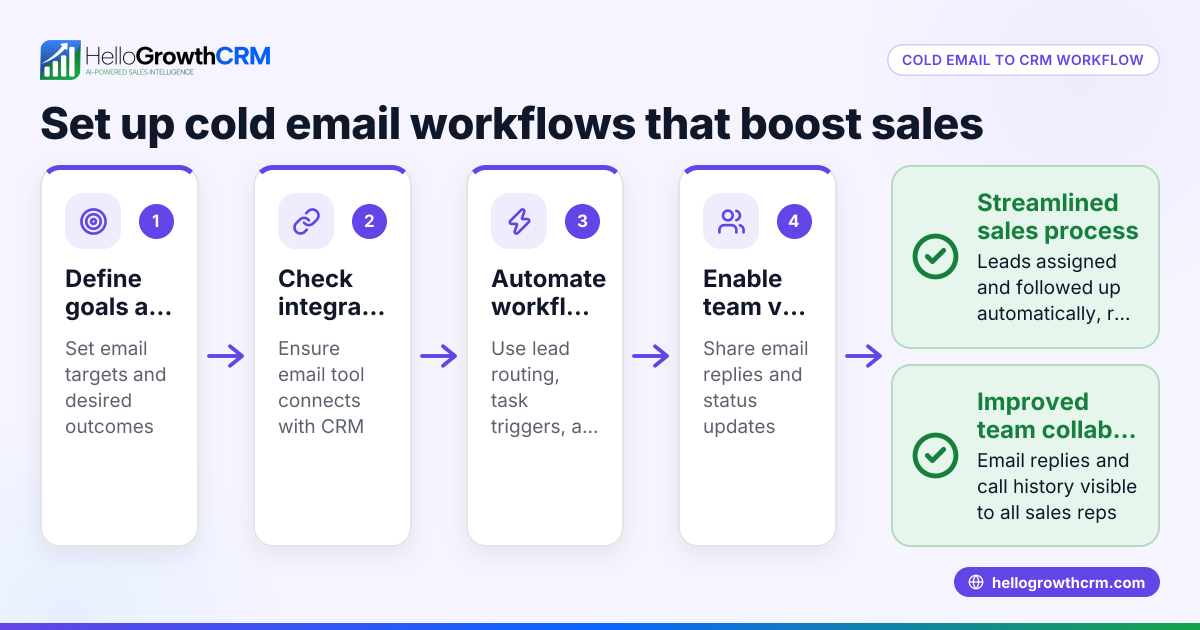
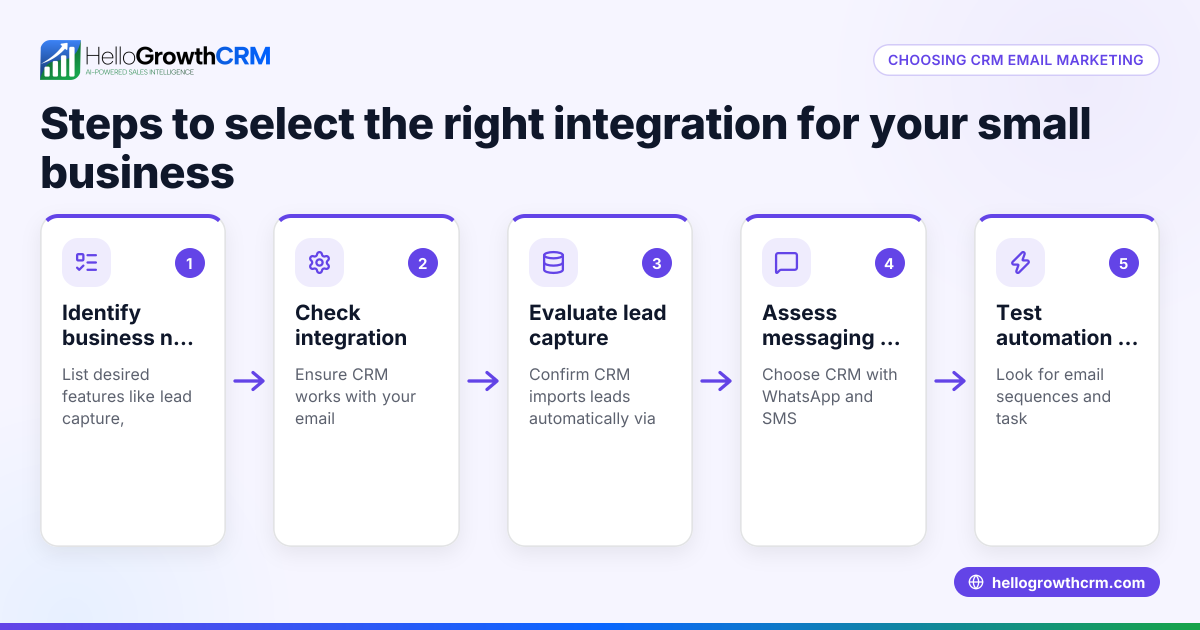
- Identify your goals for email automation. Decide if you want to nurture cold leads, follow up after calls, or send promotional campaigns. Clear goals help you pick the right features.
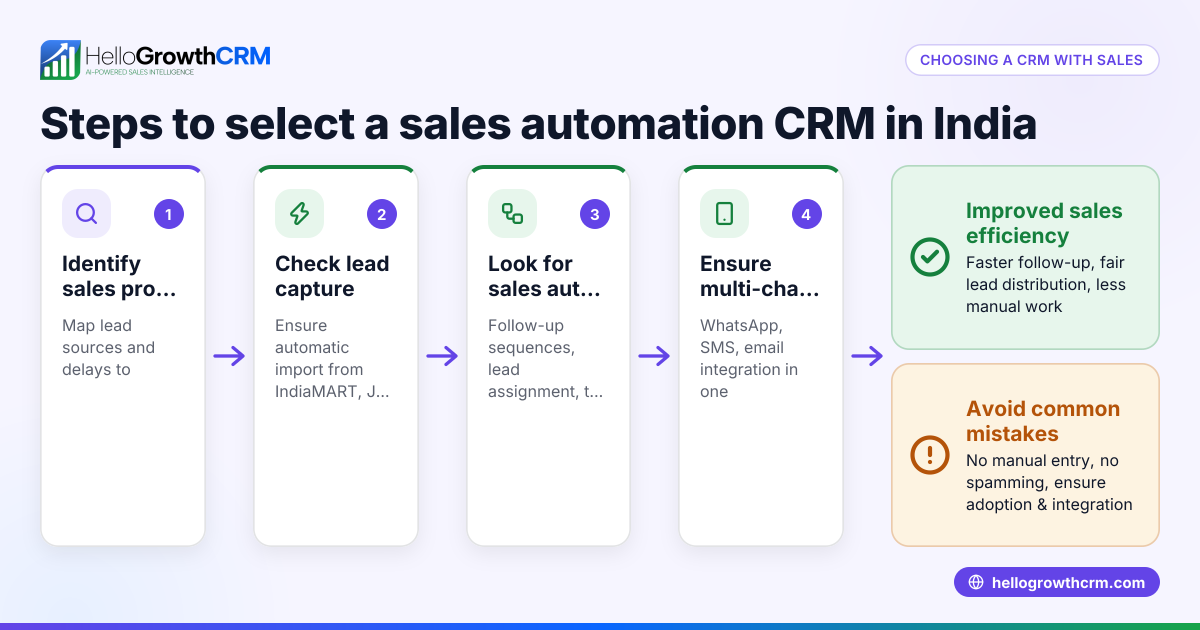
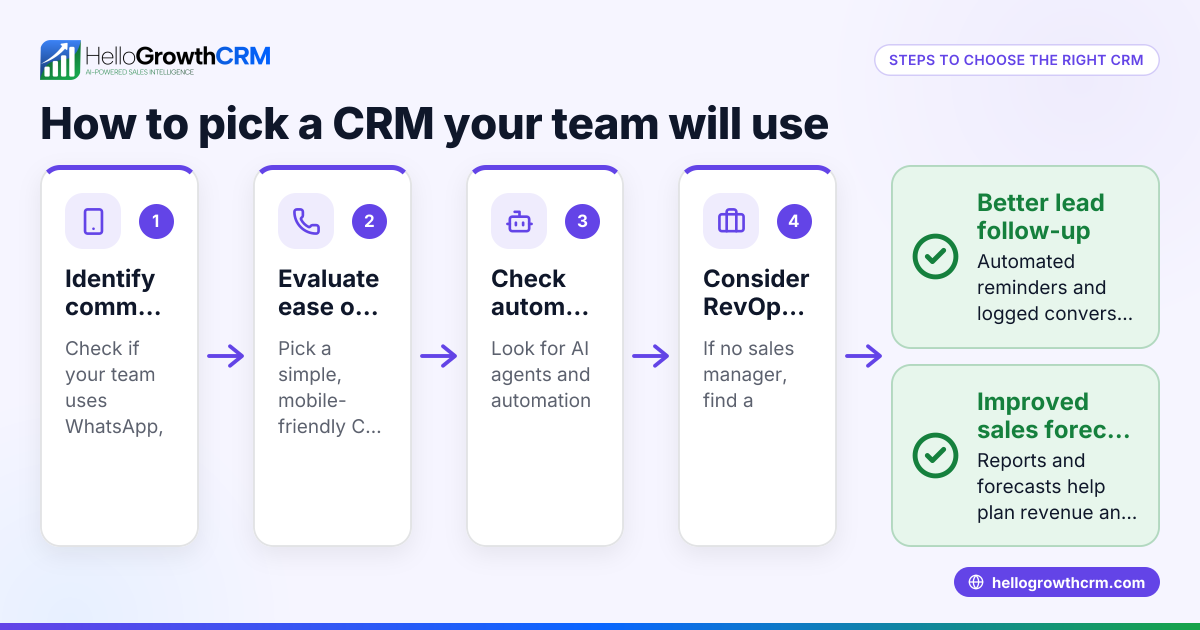
- Choose a CRM with built-in email automation. Look for multi-step sequences that send emails on a schedule, pause when leads reply, and allow personalization. Check if it supports email, SMS, and WhatsApp channels for broader reach.
- Prepare your email content and sequences. Write concise, clear messages for each step. Plan the timing between emails (e.g., every 2-3 days) and include calls to action.
- Set up lead capture and integration. Ensure your CRM can capture leads from your website and other sources automatically so emails start without delay.
- Test your sequences before launch. Send test emails to your team to check formatting, links, and timing.
- Train your sales team on using the CRM and monitoring replies. Make sure reps know how to pause or adjust sequences if needed.
- Monitor results and adjust. Use reporting to see open rates, replies, and conversions. Refine email content and timing based on data.
For more on integrations that help automate lead capture and workflows, see integrations.
Example (fictional figures)
A residential real-estate team in Phoenix, Arizona, wants to automate follow-up with new leads from their website. They plan a five-step email sequence over two weeks to nurture leads and prompt calls.
- Lead capture: 50 new leads per month
- Conversion rate before automation: 4% (2 sales)
- Average sale value: $350,000
They implement an email automation sequence that increases follow-up consistency and boosts conversion to 6%.
Calculations:
Before automation: 50 leads × 4% = 2 sales 2 sales × $350,000 = $700,000 revenue
After automation: 50 leads × 6% = 3 sales 3 sales × $350,000 = $1,050,000 revenue
Revenue increase: $1,050,000 - $700,000 = $350,000 additional revenue
This shows how consistent email follow-up can significantly impact sales.
Common mistakes
- Sending generic emails without personalization. Prevent by customizing emails with lead names and relevant details.
- Overloading leads with too many emails too quickly. Prevent by spacing emails appropriately and monitoring unsubscribe rates.
- Ignoring replies and continuing sequences. Prevent by using automation that stops when a prospect replies.
- Not integrating lead capture with the CRM. Prevent by setting up automatic lead imports from web forms or other tools, avoiding manual entry errors.
- Failing to train the sales team on the automation tool. Prevent by scheduling training sessions and providing clear usage guidelines.
Learn how to avoid these with detailed email automation and sequences features at email automation and sequences.
Doing this in HelloGrowthCRM
HelloGrowthCRM offers Sequences and campaigns that run a five-step follow-up over two weeks automatically and stop the moment the prospect replies. Its AI agents (in Beta) draft follow-up messages after calls, letting reps review and send quickly. The HelloMail shared inbox keeps replies to quotation emails visible to the whole team on the deal, so no message is missed. These tools help small and mid-sized businesses automate email outreach efficiently. Visit AI CRM and email automation and sequences for details.
Frequently asked questions
What is the difference between CRM and email automation? CRM is a system to manage your contacts, sales pipeline, and customer interactions. Email automation is a feature within some CRMs that automatically sends emails to leads and customers based on triggers or schedules. Together, they streamline sales follow-up.
Can I use email sequencing automation with other channels like SMS or WhatsApp? Yes, many CRMs, including HelloGrowthCRM, offer multi-channel sequences that combine email, SMS, and WhatsApp messages to improve reach and engagement.
How does email automation improve sales follow-up? It ensures timely, consistent, and personalized communication without manual effort. Automated sequences follow up with leads at optimal intervals and pause when prospects reply, increasing conversion chances.
What integrations should I look for when choosing a CRM with email automation? Look for automatic lead capture from web forms, marketing tools, and other apps to avoid manual data entry. See integrations for common options.
Is AI involved in CRM email automation? Some CRMs offer AI agents that draft follow-up emails or update records automatically, saving reps time and improving message quality. HelloGrowthCRM provides AI agents in Beta for this purpose.
Key takeaways
- CRM email automation sends timely, personalized emails automatically to improve follow-up.
- Choose a CRM with multi-step sequences that pause on replies and support multiple channels.
- Prepare clear email content and integrate lead capture for best results.
- Avoid common mistakes like ignoring replies and over-emailing.
- HelloGrowthCRM supports email sequences, AI-drafted follow-ups, and shared inboxes for team visibility.
Start improving your sales follow-up today with HelloGrowthCRM. Start on the Free Forever plan (200 leads, no credit card).
Ready to put this into practice?
Set up your pipeline, WhatsApp follow-ups, and AI lead scoring in minutes — free, no credit card.
Try HelloGrowthCRM freeGet CRM tips in your inbox
Join thousands of sales professionals who get weekly insights on CRM strategy, AI automation, and pipeline optimization.

The HelloGrowthCRM team publishes guides on CRM strategy, AI sales tools, and revenue operations for small business sales teams.