HelloGrowthCRM software
Built for real small-business sales teams
HelloGrowthCRM helps reps qualify faster, follow up on time, and close more deals—with practical automation in one place.
- AI lead scoring and pipeline visibility
- Built-in dialer, WhatsApp, and email automation
- Sales forecasting and RevOps-ready reporting
A CRM migration checklist helps UK small-business owners move their customer data and sales processes smoothly to a new CRM system. It ensures you prepare, check data quality, plan integrations, and train your team to avoid lost leads or downtime. This article covers why CRM migration matters, step-by-step actions, a worked example, common pitfalls, and how specific CRM features can support your transition.
Why this comes up / what goes wrong
Small businesses in the UK often switch CRM systems when their current setup becomes too slow, disorganised, or incompatible with their sales channels. Many run sales on WhatsApp, email, and spreadsheets but lose leads due to slow follow-up or data silos. Migrating to a new CRM promises better lead management and automation but comes with risks. Without a clear checklist, businesses face data loss, duplicate records, disruption to sales workflows, and user resistance. Founders and sales leaders want a smooth transition that keeps their pipeline live and their team productive.
Step-by-step
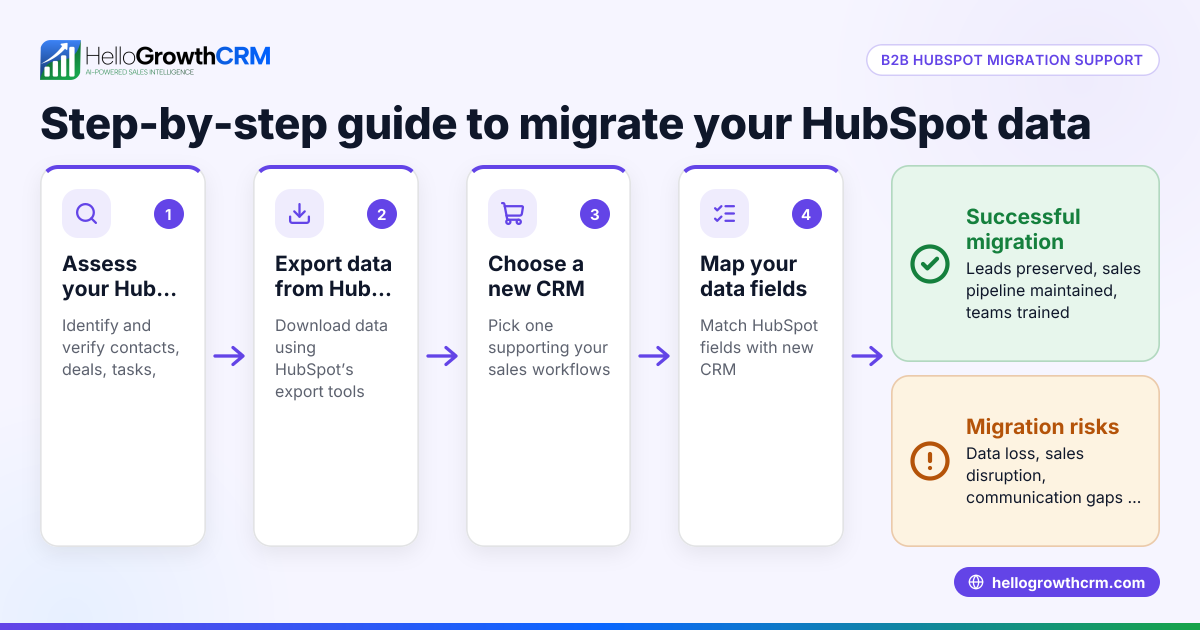
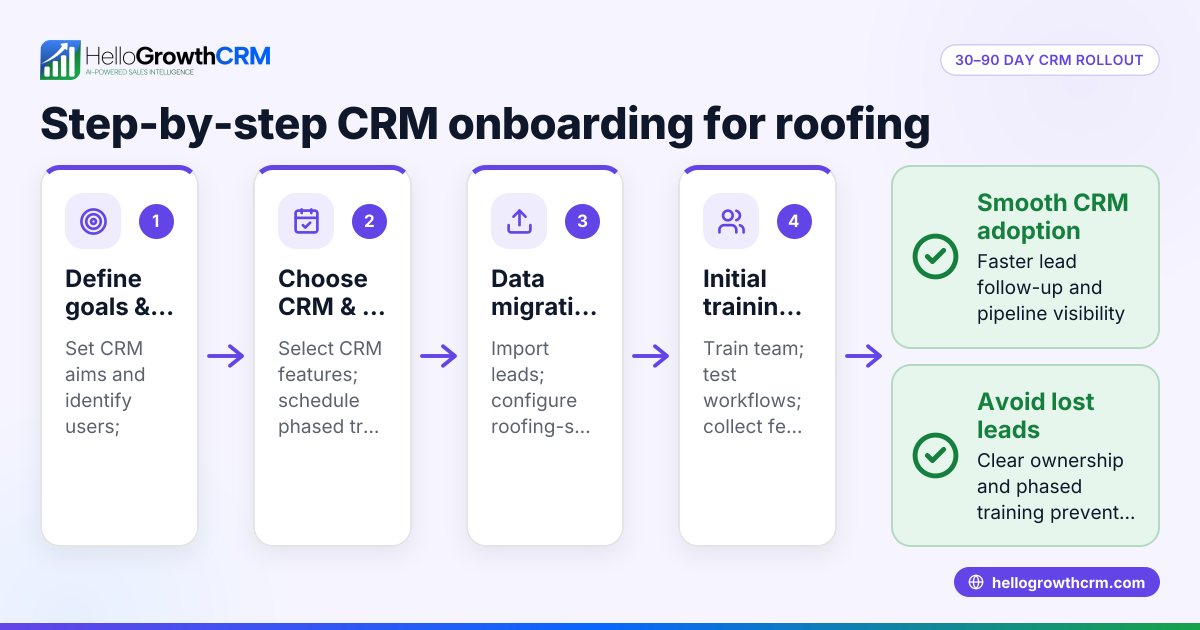
- Define your migration goals and scope
- Decide what data to move: leads, contacts, deals, notes.
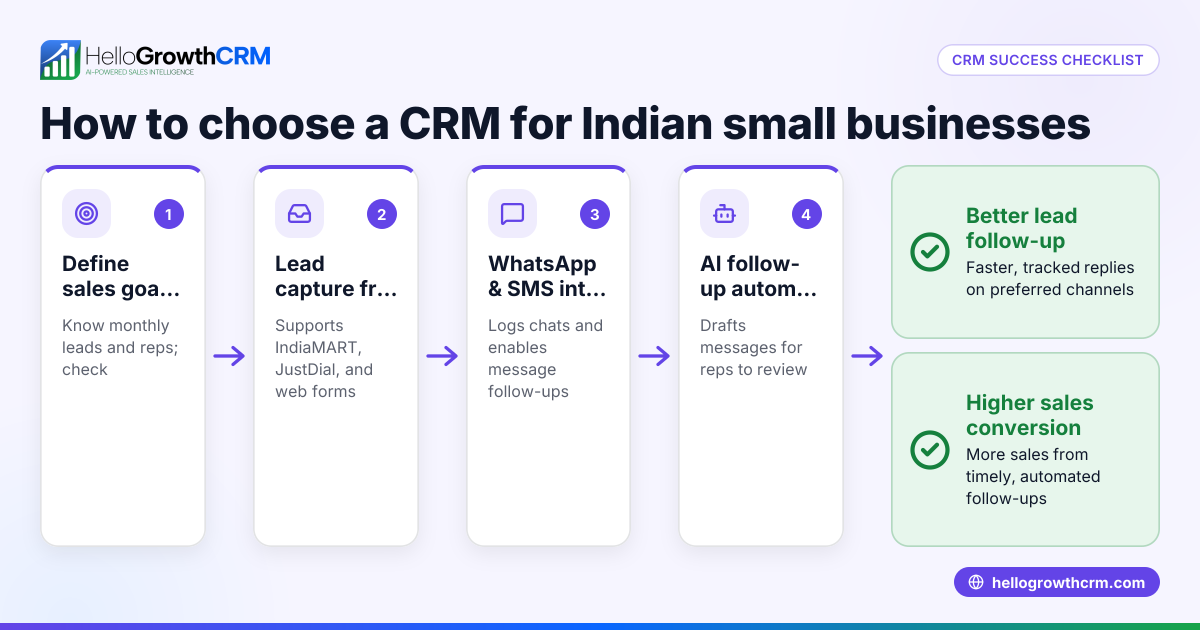
- Identify features you need in the new CRM (e.g. WhatsApp integration, AI follow-ups).
- Audit your existing data
- Check for duplicates, incomplete records, outdated contacts.
- Clean and standardise data formats (phone numbers, emails).
- Map data fields between old and new CRM
- Match existing fields to new CRM fields to avoid data loss.
- Plan for any custom fields needed.
- Plan integrations and workflows
- List all tools connected to your current CRM (web forms, email, WhatsApp).
- Check if the new CRM supports these integrations or has alternatives.
- Backup your data
- Export a full backup of your current CRM data in CSV or Excel format.
- Store backups securely before migration.
- Test migration with a small data set
- Import a sample of records to the new CRM.
- Verify data accuracy and completeness.
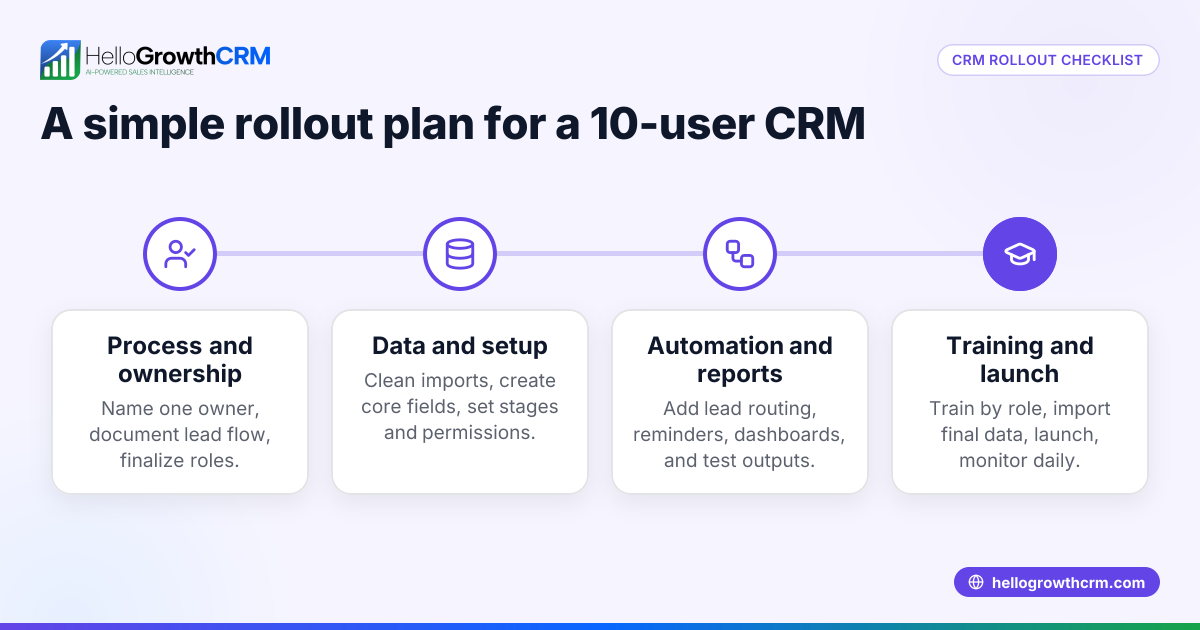
- Train your team
- Prepare training materials and sessions on the new CRM features.
- Explain how workflows will change.
- Schedule the full migration
- Choose a low-activity period to minimise impact.
- Communicate timing clearly to all users.
- Perform full data migration
- Import all cleaned data.
- Verify all records and attachments.
- Validate and monitor post-migration
- Check for missing or duplicate data.
- Monitor sales activity and fix any issues promptly.
- Phase out old CRM
- Keep it accessible for reference for a short period.
- Cancel subscriptions once confident in the new system.
Example (fictional figures)
A kitchen-fitting company in Leeds plans to migrate from spreadsheets and WhatsApp-managed leads to a new CRM on 15/09/2024.
- Current leads: 1,200
- Duplicate rate found: 10% (120 duplicates)
- Records with missing phone numbers: 5% (60 records)
- Data cleaning time estimated: 20 hours at £15/hour = £300
- Training time for 3 sales reps: 6 hours each at £20/hour = £360
Calculations:
- Duplicate records to remove = 1,200 × 10% = 120
- Complete records to migrate = 1,200 − 120 = 1,080
- Data cleaning cost = 20 × £15 = £300
- Training cost = 3 × 6 × £20 = £360
- Total estimated migration cost = £300 + £360 = £660
The company schedules migration over a weekend to avoid disrupting sales. They test-import 50 leads first, confirm data accuracy, then proceed with full migration. Post-migration, they monitor WhatsApp follow-ups and pipeline activity closely.
Common mistakes
- Skipping data cleaning
- Leads to duplicates, errors, and confusion.
- Prevent by thoroughly auditing and cleaning data before migration.
- Failing to map data fields correctly
- Causes data loss or misplaced information.
- Prevent by carefully matching and testing field mappings.
- Not backing up data
- Risk of permanent data loss if migration fails.
- Always export and securely save data before starting.
- Ignoring user training
- Leads to poor adoption and mistakes.
- Schedule training sessions and provide clear guides.
- Migrating during peak business hours
- Disrupts sales and customer follow-ups.
- Choose low-activity times like weekends.
- Not testing with a small data set
- Surprises with errors in full migration.
- Always do a test import and fix issues first.
See also how WhatsApp and SMS CRM features can help your team follow up leads effectively after migration WhatsApp and SMS CRM and how a built-in CRM dialer supports calling workflows built-in CRM dialer.
Doing this in HelloGrowthCRM
HelloGrowthCRM helps teams engage leads on familiar channels by logging WhatsApp conversations on lead records, with follow-ups sent as messages. Its AI agents (currently in Beta) draft follow-up messages after calls, so reps only review and send. Small teams can start on the Free Forever plan, managing up to 200 leads with a full Kanban pipeline and task boards at no cost until calling or WhatsApp automation is needed. Learn more about HelloGrowthCRM for the United Kingdom here.
Frequently asked questions
What is the best way to migrate data to a new CRM? The best approach is to clean your data first, map fields carefully, test with a small batch, and back up everything before full migration. This minimises errors and ensures a smooth transition.
How long does a CRM migration usually take? Migration duration depends on data size, complexity, and team readiness. For small businesses, it can take from a few days to a couple of weeks including cleaning, testing, and training.
Can I keep using WhatsApp during CRM migration? Yes, but coordinate timing to avoid missing messages. Using a CRM that logs WhatsApp conversations automatically helps maintain continuity.
What are common pitfalls to avoid in CRM migration? Avoid skipping data cleaning, neglecting backups, poor field mapping, lack of training, and migrating during busy periods. Planning and testing help prevent these.
How can CRM features support sales follow-ups after migration? Features like WhatsApp and SMS messaging logged on lead records and AI-assisted follow-up drafting can save time and keep leads engaged on familiar channels.
Key takeaways
- Clean and audit your data before migrating to avoid duplicates and errors.
- Map data fields carefully and test with a small data set first.
- Backup all existing CRM data securely before starting migration.
- Train your sales team on the new system to ensure adoption.
- Schedule migration during low-activity times to minimise disruption.
- Use CRM features like WhatsApp integration and AI agents to streamline follow-ups post-migration.
Start your CRM migration confidently by trying the Free Forever plan with 200 leads and no credit card required at Start on the Free Forever plan (200 leads, no credit card).
Ready to put this into practice?
Set up your pipeline, WhatsApp follow-ups, and AI lead scoring in minutes — free, no credit card.
Try HelloGrowthCRM freeGet CRM tips in your inbox
Join thousands of sales professionals who get weekly insights on CRM strategy, AI automation, and pipeline optimization.

The HelloGrowthCRM team publishes guides on CRM strategy, AI sales tools, and revenue operations for small business sales teams.