HelloGrowthCRM software
Built for real small-business sales teams
HelloGrowthCRM helps reps qualify faster, follow up on time, and close more deals—with practical automation in one place.
- AI lead scoring and pipeline visibility
- Built-in dialer, WhatsApp, and email automation
- Sales forecasting and RevOps-ready reporting
A CRM sales pipeline visual is a graphical tool that shows your sales opportunities moving through stages from lead to close. It helps you track deal progress, prioritize follow-ups, and forecast revenue. This article covers why small businesses look for pipeline visuals, how to evaluate CRM options step-by-step, a worked example, common mistakes to avoid, and how HelloGrowthCRM supports pipeline visualization.
Why this comes up / what goes wrong
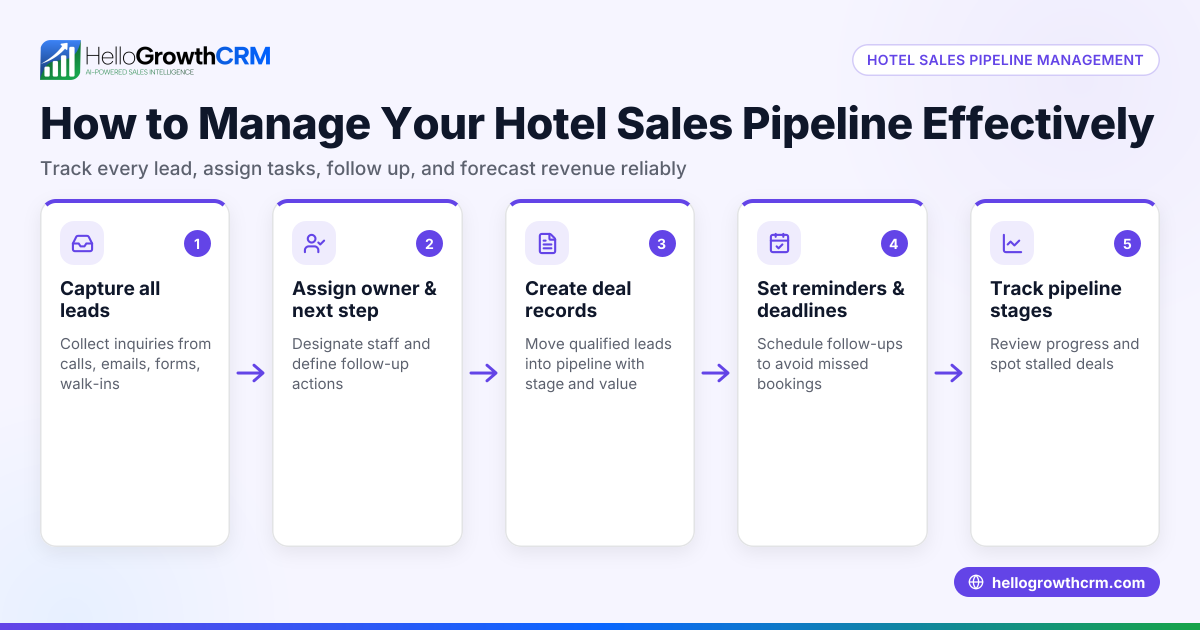
Small business owners and sales leaders often struggle to keep track of multiple leads and deals using scattered tools like spreadsheets, email, and text messages. Without a clear visual pipeline, deals can stall unnoticed, follow-ups are missed, and revenue projections become guesswork. When sales happen over WhatsApp, SMS, and email, it’s easy to lose track of conversations and next steps. A CRM with a sales pipeline visual helps organize all deals in one place, showing which stage each opportunity is in and what actions are due. This clarity is essential to prevent lost leads and improve sales efficiency.
Step-by-step
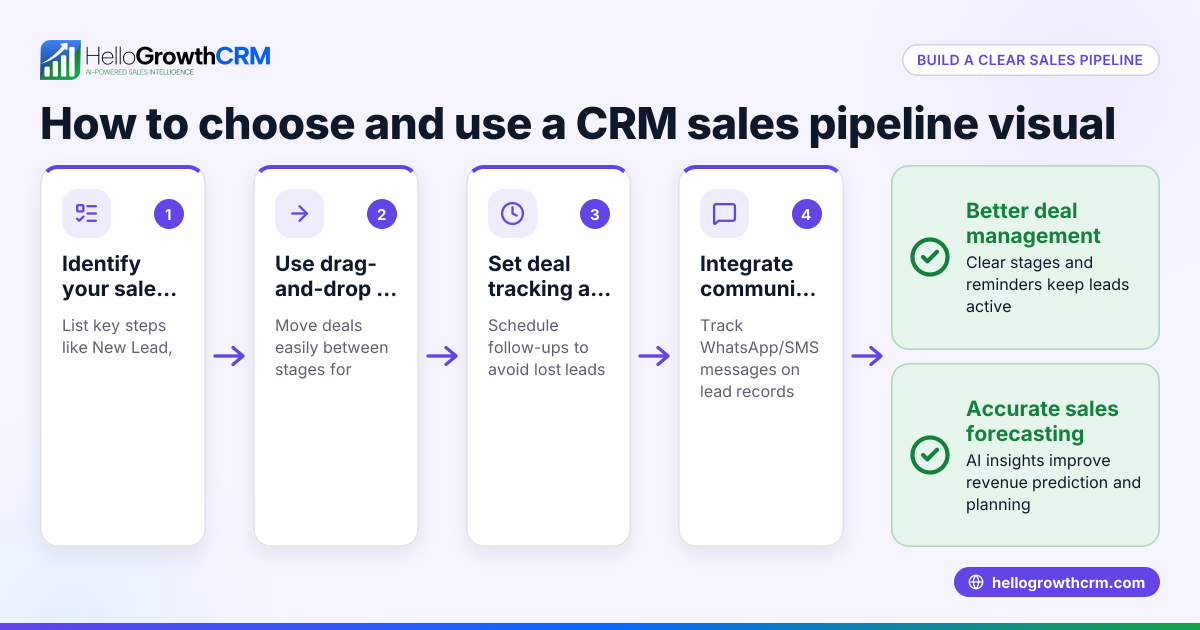
- Identify your sales stages clearly: Define the key steps your deals go through (e.g., Lead, Contacted, Quote Sent, Negotiation, Closed Won/Lost). Check that the CRM lets you customize these stages to match your process.
- Look for a visual pipeline board: Choose a CRM that shows deals as cards or bars moving horizontally or vertically through stages. This visual layout makes it easy to see deal status at a glance.
- Check deal tracking details: Confirm the CRM tracks deal value, expected close date, and probability. This data helps in forecasting revenue and prioritizing follow-ups.
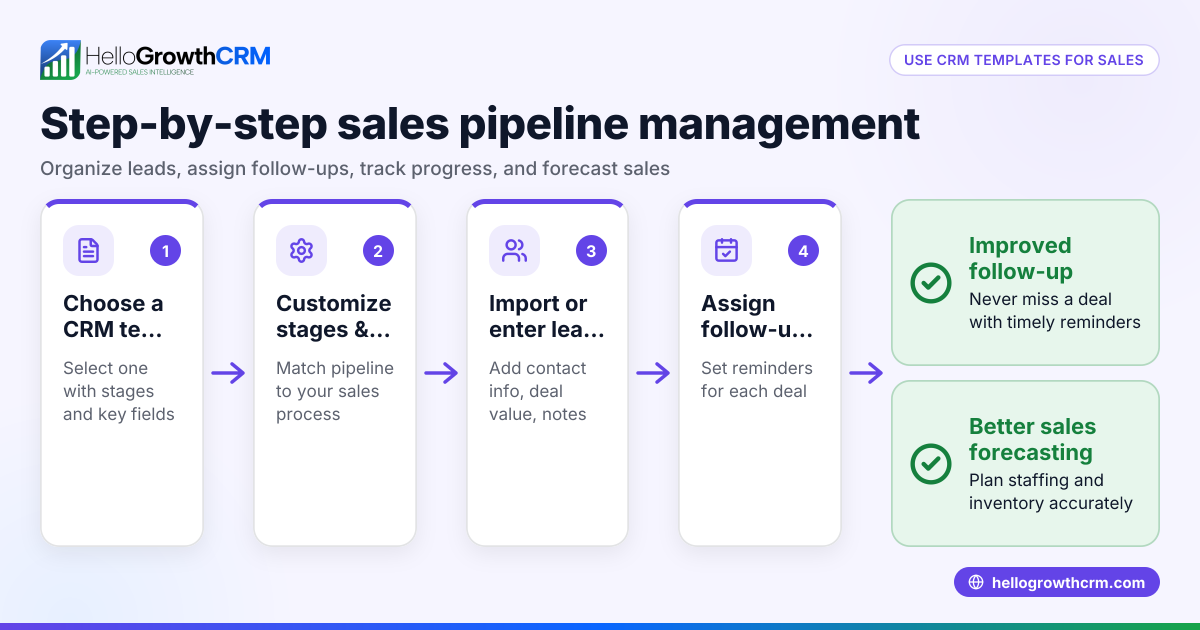
- Ensure follow-up reminders and task management: The CRM should let you set follow-up dates and notify you when actions are due so no deal is forgotten.
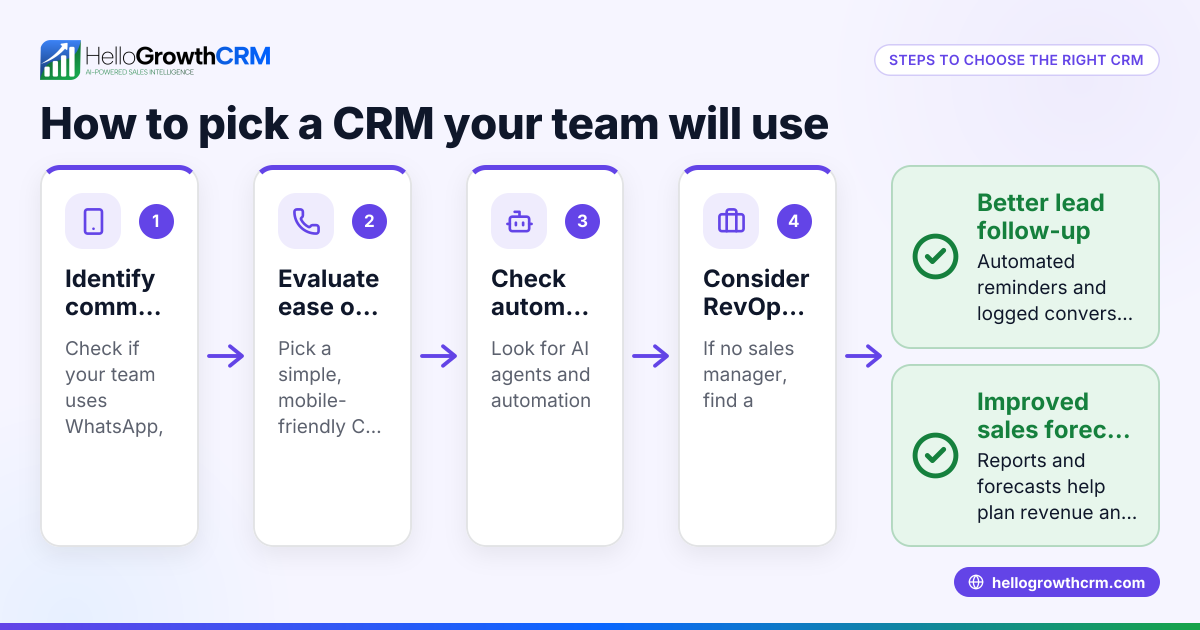
- Evaluate communication logging: If your sales conversations happen on WhatsApp or SMS, check if the CRM logs these messages on the lead record for easy reference.
- Review forecasting and analytics features: Some CRMs offer AI-assisted sales forecasting and pipeline health insights. These help identify stalled deals and improve sales planning.
- Test user experience and adoption: The CRM must be easy for your team to use daily. A complicated interface or missing mobile access can reduce usage and data accuracy.
- Consider integrations and data import: Check if the CRM integrates with your web forms, email, or other tools to capture leads automatically.
- Compare pricing and plans: Understand which features are included in each tier and whether the CRM fits your budget.
- Try a free trial or demo: Hands-on experience helps verify if the pipeline visual and overall CRM meet your needs.
Example (fictional figures)
Imagine a B2B software reseller in Denver, Colorado, tracking deals in their CRM sales pipeline visual on 06/15/2024.
- They have a deal with a prospect called Tech Solutions in the 'Quote Sent' stage valued at $48,000.
- The follow-up date is set for 06/20/2024.
- The probability of closing is 40% based on historical data.
Calculate the expected value:
$48,000 × 40% = $19,200
This expected value helps the reseller forecast revenue and prioritize follow-ups. If the deal isn’t updated or followed up by 06/20/2024, the sales rep receives a reminder to engage Tech Solutions.
Common mistakes
- Not customizing sales stages: Using generic stages that don’t match your sales process can confuse the team. Prevent this by defining and customizing stages clearly.
- Ignoring follow-up reminders: Without task alerts, deals stall. Use a CRM with built-in follow-up notifications to keep deals moving.
- Scattered communication channels: Losing track of WhatsApp or SMS conversations causes missed context. Choose a CRM that logs these messages on the lead record.
- Overcomplicating the pipeline: Too many stages or complex workflows can overwhelm users. Keep the pipeline simple and intuitive.
- Not using forecasting tools: Guessing revenue without data leads to poor planning. Use AI insights and forecasting features to see which deals are stalling and expected revenue.
- Failing to train the team: Poor adoption reduces CRM effectiveness. Provide training and choose user-friendly software.
Doing this in HelloGrowthCRM
HelloGrowthCRM offers a Deals (pipeline) feature that tracks open opportunities from first contact through close, showing deals as cards in stages with follow-up dates so no deal is forgotten. WhatsApp and SMS conversations with leads are logged automatically on the lead record, enabling seamless follow-ups via messages. The pipeline forecast and AI insights highlight which deal stages are stalling without needing spreadsheets, helping you prioritize efforts and improve sales planning. Learn more about HelloGrowthCRM’s AI CRM and sales forecasting features. For US businesses, see HelloGrowthCRM for the United States.
Frequently asked questions
What is a CRM sales pipeline visual? A CRM sales pipeline visual is a graphical representation of your sales process showing deals moving through defined stages. It helps sales teams track progress, identify bottlenecks, and forecast revenue.
Why is a visual sales pipeline important for small businesses? Small businesses often lose deals due to missed follow-ups or unclear deal status. A visual pipeline centralizes deal information, making it easier to manage leads and improve closing rates.
Can a CRM track WhatsApp and SMS conversations? Yes, some CRMs like HelloGrowthCRM log WhatsApp and SMS messages on the lead record, keeping all communication in one place for better follow-up.
How does AI forecasting help with sales pipelines? AI forecasting analyzes your pipeline stages, deal velocity, and historical data to predict expected revenue and highlight stalled deals, helping you focus your sales efforts effectively.
What should I look for in a CRM sales pipeline visual? Look for customizable stages, deal tracking with value and probability, follow-up reminders, communication logging, and forecasting features. Ensure the interface is user-friendly for your team.
Key takeaways
- A CRM sales pipeline visual shows deals moving through your sales stages to improve tracking and follow-up.
- Define and customize sales stages to match your process for clarity.
- Use follow-up reminders and communication logging to avoid losing deals.
- AI forecasting helps identify stalled deals and predict revenue without spreadsheets.
- Choose a CRM that integrates WhatsApp and SMS conversations for seamless sales communication.
- Test CRM usability to ensure your team adopts it daily.
Start organizing your sales pipeline visually and never miss a lead or follow-up again. Start on the Free Forever plan (200 leads, no credit card).
Ready to put this into practice?
Set up your pipeline, WhatsApp follow-ups, and AI lead scoring in minutes — free, no credit card.
Try HelloGrowthCRM freeGet CRM tips in your inbox
Join thousands of sales professionals who get weekly insights on CRM strategy, AI automation, and pipeline optimization.

The HelloGrowthCRM team publishes guides on CRM strategy, AI sales tools, and revenue operations for small business sales teams.