HelloGrowthCRM software
Built for real small-business sales teams
HelloGrowthCRM helps reps qualify faster, follow up on time, and close more deals—with practical automation in one place.
- AI lead scoring and pipeline visibility
- Built-in dialer, WhatsApp, and email automation
- Sales forecasting and RevOps-ready reporting
Choosing a CRM system is about matching software capabilities to your business’s specific sales process and team needs. Key criteria include how well the CRM supports your communication channels, ease of use for your sales reps, integration with your existing tools, automation features, and pricing structure. This article explains why these criteria matter, provides a step-by-step evaluation process, highlights common mistakes, and illustrates with a realistic example. It also shows how HelloGrowthCRM’s WhatsApp and SMS capabilities, AI agents, and Free Forever plan can help small teams get started.
Why this comes up / what goes wrong
Small and mid-sized business owners often start with manual sales tracking using spreadsheets, text messages, or email. This leads to lost leads, slow follow-up, and poor visibility on pipeline health. When searching for a CRM, they face many options with varying features, pricing, and complexity. Choosing a CRM without clear criteria can result in buying software that is too complicated, lacks key communication channels (like WhatsApp), or is underused by the team. This wastes money and slows growth.
Step-by-step
- Identify your sales process and communication channels: List how your team interacts with leads—phone calls, email, WhatsApp, SMS, or web forms. Check that the CRM supports these channels natively or via integrations.
- Assess ease of use and adoption: Test the CRM’s interface with your team. Choose software that is intuitive and requires minimal training to ensure consistent use.
- Check integration options: Confirm the CRM connects with your existing tools like email, calendar, web forms, or marketing software to automate lead capture and follow-ups.
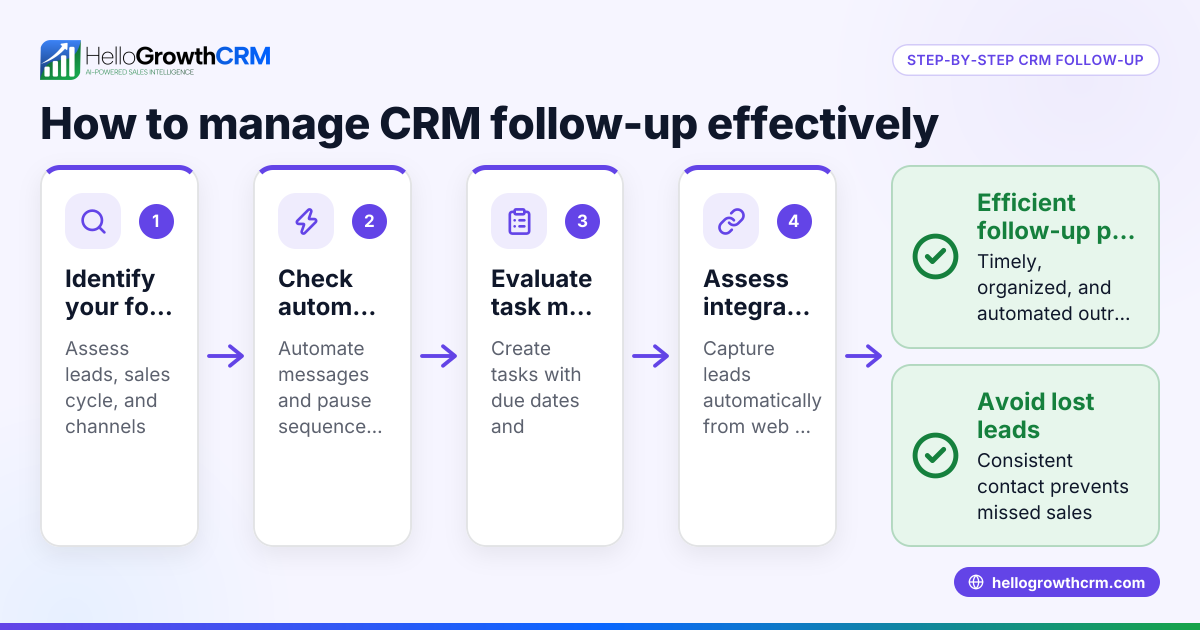
- Evaluate automation and AI features: Look for capabilities such as AI drafting follow-ups or automated messaging sequences to save time and improve response rates.
- Review pricing and scalability: Compare plans to see if there’s a free or low-cost entry option and how pricing grows as you add users or need advanced features.
- Consider reporting and forecasting: Ensure the CRM provides clear pipeline views, task boards, and sales forecasting to track progress and make informed decisions.
- Test customer support and documentation: Reliable support helps when onboarding and troubleshooting issues.
Example (fictional figures)
A landscaping contractor in Charlotte, North Carolina, called GreenScape, is evaluating CRM options on 06/15/2026. They have 5 sales reps, mostly using WhatsApp and phone calls to follow up leads.
- GreenScape estimates 1,000 new leads per year.
- They want a CRM that logs WhatsApp conversations and helps reps follow up quickly.
- They test a CRM with a Free Forever plan for two users, then plan to upgrade.
Cost comparison:
- Free plan: $0 for two users, limited to 200 leads.
- Paid plan: $50 per user per month.
Annual cost for 5 users on paid plan: $50 × 5 users × 12 months = $3,000
By choosing a CRM with WhatsApp integration and AI follow-up drafting, GreenScape saves time and improves lead conversion.
Common mistakes
- Ignoring team input: Not involving sales reps in testing leads to low adoption. Prevent by including reps in demos.
- Choosing CRM without needed channels: Picking software that lacks WhatsApp or SMS support causes missed leads. Check communication features carefully, such as those detailed in WhatsApp and SMS CRM.
- Overpaying for unused features: Buying expensive plans with features your team won’t use wastes money. Start with free or basic plans like HelloGrowthCRM’s Free Forever plan to test fit.
- Neglecting automation: Manual follow-ups slow response times. Use AI agents or automation to draft messages and schedule tasks, as in HelloGrowthCRM’s AI agents.
- Skipping integration checks: Without proper integrations, data entry doubles and errors rise. Verify CRM connects with your email, calendar, or web forms.
Doing this in HelloGrowthCRM
HelloGrowthCRM supports WhatsApp and SMS natively, logging conversations on lead records and enabling follow-ups via messages. Its AI agents can draft follow-up messages after calls, so reps only review and send them, saving time. Small teams can start using the Free Forever plan, managing up to 200 leads with a full Kanban pipeline and task management at no cost until they need calling or WhatsApp automation. Learn more about these features on HelloGrowthCRM for the United States.
Frequently asked questions
What are the most important features to look for in a CRM? Focus on communication channels your team uses, ease of use, automation capabilities, integrations with existing tools, and reporting features. These ensure the CRM fits your sales process and helps your team stay productive.
How can I test if a CRM will work for my team? Use free trials or free plans to run a pilot with real leads and sales reps. Observe if the software is intuitive, supports your channels like WhatsApp, and if automation helps save time.
Is WhatsApp integration important for small businesses? Yes, many customers prefer WhatsApp for quick communication. A CRM that logs WhatsApp messages and allows follow-ups directly from the system improves lead engagement and tracking.
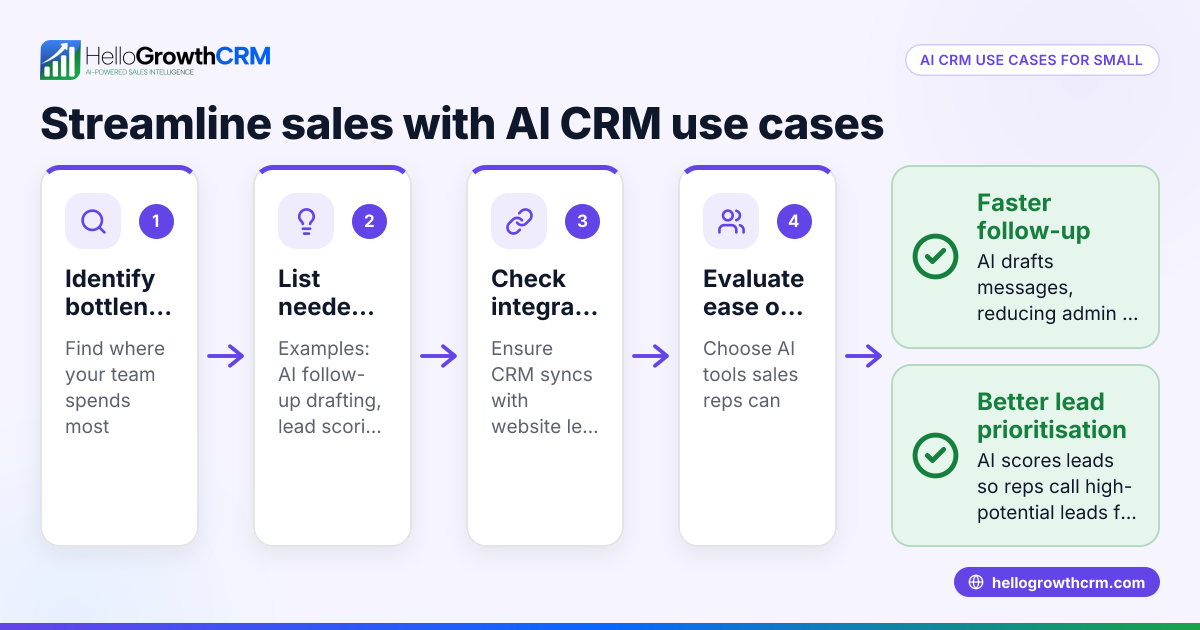
Can AI features help my sales process? AI can draft follow-up messages and automate routine tasks, reducing manual work and speeding up responses. This helps reps focus on selling rather than admin.
What are common pitfalls when selecting a CRM? Ignoring team feedback, overlooking communication channels, overpaying for unused features, and neglecting integrations are common mistakes. Avoid these by following a clear evaluation process.
Key takeaways
- Match CRM features to your sales process and communication channels.
- Prioritize ease of use to ensure team adoption.
- Test free or low-cost plans before committing.
- Use automation and AI to improve follow-up speed and accuracy.
- Verify integrations with your existing tools.
- Involve your sales team in the selection process.
Start your CRM journey with HelloGrowthCRM’s Free Forever plan, supporting up to 200 leads and a full Kanban pipeline at no cost. Explore it at Start on the Free Forever plan (200 leads, no credit card).
Ready to put this into practice?
Set up your pipeline, WhatsApp follow-ups, and AI lead scoring in minutes — free, no credit card.
Try HelloGrowthCRM freeGet CRM tips in your inbox
Join thousands of sales professionals who get weekly insights on CRM strategy, AI automation, and pipeline optimization.

The HelloGrowthCRM team publishes guides on CRM strategy, AI sales tools, and revenue operations for small business sales teams.