HelloGrowthCRM software
Built for real small-business sales teams
HelloGrowthCRM helps reps qualify faster, follow up on time, and close more deals—with practical automation in one place.
- AI lead scoring and pipeline visibility
- Built-in dialer, WhatsApp, and email automation
- Sales forecasting and RevOps-ready reporting
A CRM that integrates with HelpScout enables your business to sync customer support conversations with your sales and lead management processes. This integration helps your team avoid losing leads and improves follow-up efficiency. This article covers why Indian small and mid-sized businesses seek such integrations, step-by-step guidance to evaluate options, common mistakes to avoid, and how HelloGrowthCRM supports lead management with WhatsApp and AI features.
Why this comes up / what goes wrong
Indian small and mid-sized businesses (SMBs) often use HelpScout for customer support emails and tickets. However, managing sales leads separately in spreadsheets, WhatsApp, or isolated CRMs can cause delays and missed opportunities. When support conversations in HelpScout are not linked to your CRM, your sales team may lack context or duplicate efforts. This is especially true for businesses with 5-200 employees where sales and support teams overlap or hand off leads frequently. Owners and sales leaders search for a CRM that integrates with HelpScout to unify communication, automate follow-ups, and improve pipeline visibility.
Step-by-step
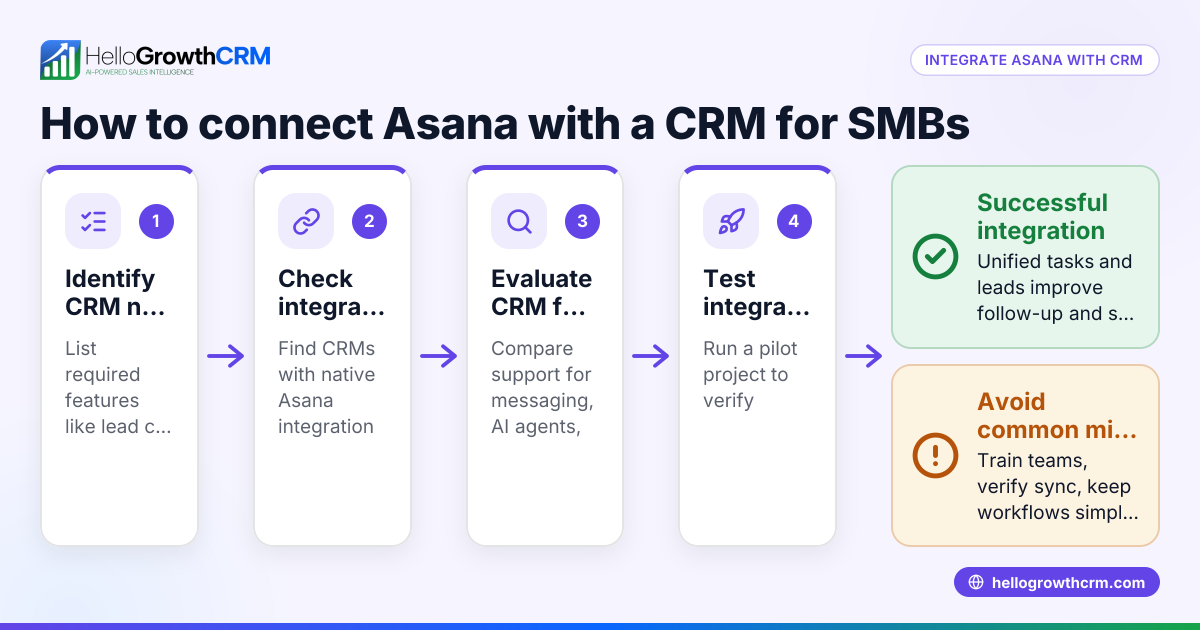
- Identify your business needs: Determine if you want two-way sync between HelpScout and your CRM or just one-way lead capture. Check if you need WhatsApp or SMS communication integrated as well.
- Check integration availability: Review CRMs that offer native HelpScout integration or support it via middleware like Zapier. Confirm if the integration covers syncing conversations, contacts, and ticket statuses.
- Evaluate ease of use: Ensure your sales and telecalling teams can easily access HelpScout conversations from the CRM interface without toggling apps. This reduces friction and speeds up follow-up.
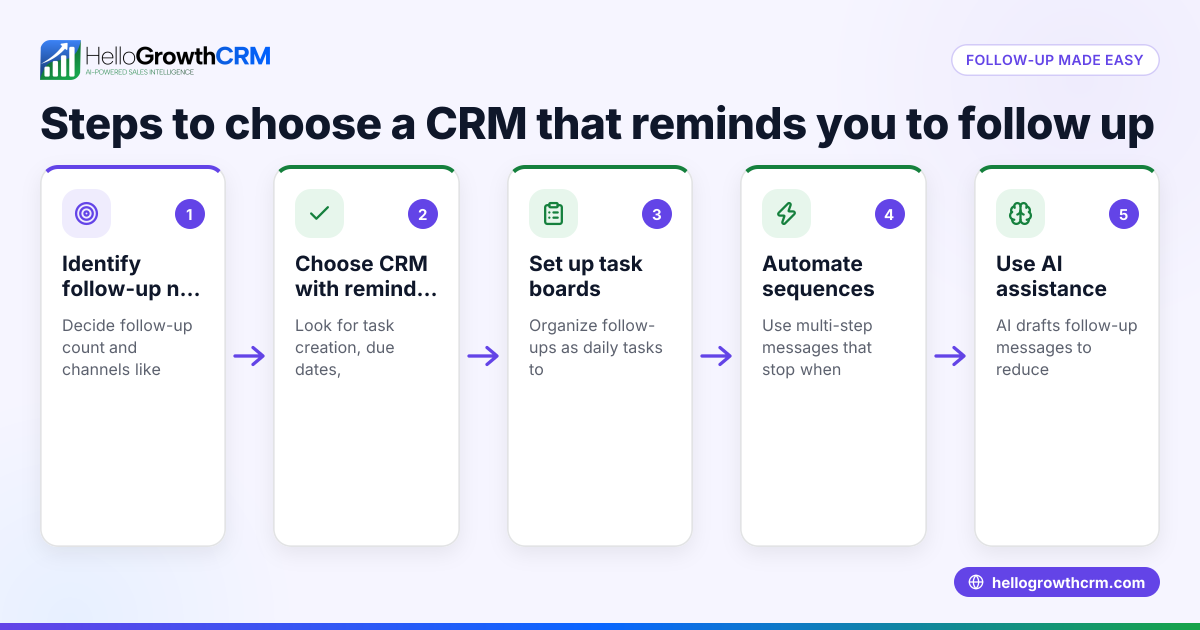
- Assess automation capabilities: Look for features like AI agents that draft follow-up messages or trigger reminders based on HelpScout activity. This helps your team respond faster.
- Review pricing and plans: Consider whether the CRM offers a free or trial plan suitable for your team size and lead volume. Note that some advanced integrations may require paid tiers.
- Test integration with your workflows: Use a pilot project to verify that HelpScout data flows correctly into the CRM and that your team can act on it seamlessly.
- Check for additional integrations: If you use other tools like Xero, Gmail, or JustCall, check if the CRM supports those too for a unified system. See integrations (WhatsApp, Tally, IndiaMART) for examples.
Example (fictional figures)
An Indian SMB selling industrial equipment wants to integrate HelpScout with their CRM to improve lead follow-up. They receive 150 leads per month via HelpScout tickets and want to automate follow-up reminders.
- Monthly leads via HelpScout = 150
- Average conversion rate without integration = 10%
- Average deal size = ₹1,00,000
- Expected improvement in conversion after integration = 15% (assumed illustrative)
Current monthly revenue = 150 × 10% × ₹1,00,000 = 15 × ₹1,00,000 = ₹15,00,000
Expected monthly revenue after integration = 150 × 15% × ₹1,00,000 = 22.5 × ₹1,00,000 = ₹22,50,000
Additional monthly revenue = ₹22,50,000 - ₹15,00,000 = ₹7,50,000
This shows how integrating HelpScout with a CRM and automating follow-ups can potentially increase revenue by ₹7,50,000 monthly.
Common mistakes
- Choosing a CRM without native HelpScout integration: This leads to unreliable data sync and extra manual work. Prevent by verifying native or well-supported middleware integration.
- Ignoring team training: Even the best integration fails if your team doesn’t use it well. Prevent by conducting training sessions and documenting workflows.
- Overlooking mobile messaging channels: Many Indian SMBs rely on WhatsApp and SMS. Prevent missed leads by selecting a CRM that integrates WhatsApp conversations with lead records.
- Not testing workflows before full rollout: Skipping pilot testing can cause disruptions. Prevent by running a small test with key users first.
- Neglecting other tool integrations: If you use Xero, Gmail, or JustCall, ignoring these can fragment your workflow. Prevent by reviewing all essential integrations upfront. See built-in CRM dialer for calling needs.
Doing this in HelloGrowthCRM
HelloGrowthCRM supports WhatsApp and SMS workflows where WhatsApp conversations with a lead are logged on the lead record, enabling smooth follow-ups. Its AI agents can draft follow-up messages after calls, so your sales reps only review and send, saving time. For small teams, the Free Forever plan lets two-person teams run their pipeline at no cost until they require calling or WhatsApp automation. Learn more about HelloGrowthCRM’s WhatsApp and SMS integration and AI features here.
Frequently asked questions
Can I integrate HelpScout with a CRM that also connects to Xero? Yes, many CRMs offer multiple integrations including HelpScout and Xero. This helps sync customer support with accounting data for better invoicing and payment tracking. Check CRM integration lists carefully to confirm.
Does HelloGrowthCRM integrate with HelpScout? HelloGrowthCRM does not currently list HelpScout integration among its native features. However, it excels in WhatsApp, SMS, and AI-driven sales workflows, which can complement your customer communication. For HelpScout integration, consider middleware solutions or check the CRM’s integration page.
Can I automate follow-ups from HelpScout tickets in a CRM? Yes, with the right integration, you can automate follow-ups triggered by HelpScout ticket updates. AI agents in CRMs like HelloGrowthCRM can draft messages for review after calls, helping speed up responses.
What other integrations should I consider alongside HelpScout? Besides HelpScout, consider integrations with Gmail for email syncing, JustCall or built-in dialers for calls, and accounting software like Xero. This ensures your sales and support workflows are unified. See integrations (WhatsApp, Tally, IndiaMART) for examples.
Is there a free CRM plan suitable for small teams integrating HelpScout? Some CRMs offer free plans for small teams with basic lead management. HelloGrowthCRM’s Free Forever plan supports two-person teams with 200 leads and a full Kanban pipeline at no cost until calling or WhatsApp automation is needed.
Key takeaways
- Integrating your CRM with HelpScout improves lead follow-up by syncing support conversations with sales.
- Verify native or middleware HelpScout integration before choosing a CRM.
- Include mobile messaging channels like WhatsApp and SMS for Indian SMB sales workflows.
- Use AI agents to automate follow-ups and reduce manual work.
- Test integrations with your team and workflows before full adoption.
- Consider additional integrations like Xero, Gmail, and dialers for a unified system.
To start managing your leads more effectively, try HelloGrowthCRM’s Free Forever plan for small teams with up to 200 leads and no credit card required at Start on the Free Forever plan (200 leads, no credit card).
Ready to put this into practice?
Set up your pipeline, WhatsApp follow-ups, and AI lead scoring in minutes — free, no credit card.
Try HelloGrowthCRM freeGet CRM tips in your inbox
Join thousands of sales professionals who get weekly insights on CRM strategy, AI automation, and pipeline optimization.

The HelloGrowthCRM team publishes guides on CRM strategy, AI sales tools, and revenue operations for small business sales teams.