HelloGrowthCRM software
Built for real small-business sales teams
HelloGrowthCRM helps reps qualify faster, follow up on time, and close more deals—with practical automation in one place.
- AI lead scoring and pipeline visibility
- Built-in dialer, WhatsApp, and email automation
- Sales forecasting and RevOps-ready reporting
For US small businesses managing leads, a CRM offers organized lead capture, follow-up automation, and real-time tracking, while Excel is a simple, low-cost spreadsheet tool best for very small or early-stage operations. This article compares CRM and Excel on key criteria to help you decide which fits your business needs.
Why this comes up / what goes wrong
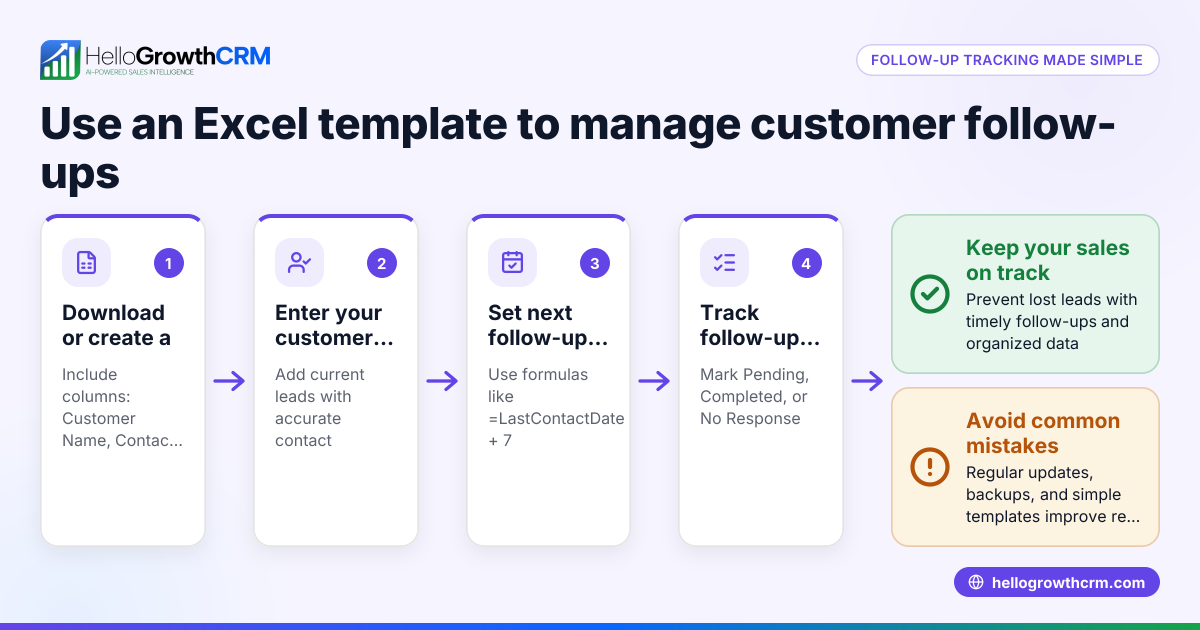
Many small business owners start tracking leads in Excel because it’s familiar and free with Microsoft Office. They list contacts, notes, and follow-up dates in rows and columns. But as leads grow or sales teams expand, Excel becomes hard to keep updated and easy to lose data in. Leads can be missed or contacted too late because there’s no automatic reminders or task ownership. Sales conversations spread across emails, texts, and notebooks make it harder to track progress and close deals.
Owners then consider a CRM to organize leads, assign owners, and automate follow-ups. However, some hesitate because CRMs can seem complex or costly compared to Excel. The question is: which tool matches your current business size, sales process, and growth plans?
Step-by-step
Here’s a comparison of CRM vs Excel for lead management in US small businesses:
| Criteria | Excel | CRM |
|---|---|---|
| Cost | Low or no extra cost if Office is owned | Subscription fees (varies by product) |
| Ease of setup | Simple to start with templates | Requires initial setup and training |
| Lead capture | Manual entry or import | Automatic from web forms, calls, WhatsApp |
| Lead assignment | Manual, often unclear | Leads assigned to owners with next steps |
| Follow-up reminders | Manual calendar or none | Automated reminders and task boards |
| Communication logging | Separate tools (email, text) | Integrated WhatsApp, SMS, email logs |
| Reporting & forecasting | Manual with formulas | Built-in sales forecasting and reports |
Who should pick Excel?
- Very small businesses or sole proprietors with few leads
- Those comfortable with spreadsheets and manual tracking
- Businesses with simple sales cycles and low lead volume
Who should pick a CRM?
- Growing teams needing lead assignment and accountability
- Businesses wanting automated reminders and follow-ups
- Companies using WhatsApp or SMS for sales communication
- Those needing sales forecasting and reporting
For a detailed CRM comparison, see compare CRMs.
Example (fictional figures)
A landscaping contractor in Charlotte, North Carolina, receives 100 new leads monthly.
Using Excel:
- Time to enter each lead: 5 minutes
- Total data entry time: 100 × 5 = 500 minutes = 8.3 hours/month
- Missed follow-ups due to no reminders: 20 leads
- Lost revenue from missed leads: 20 × $1,200 average sale = $24,000/month
Using a CRM:
- Automatic lead capture saves data entry time
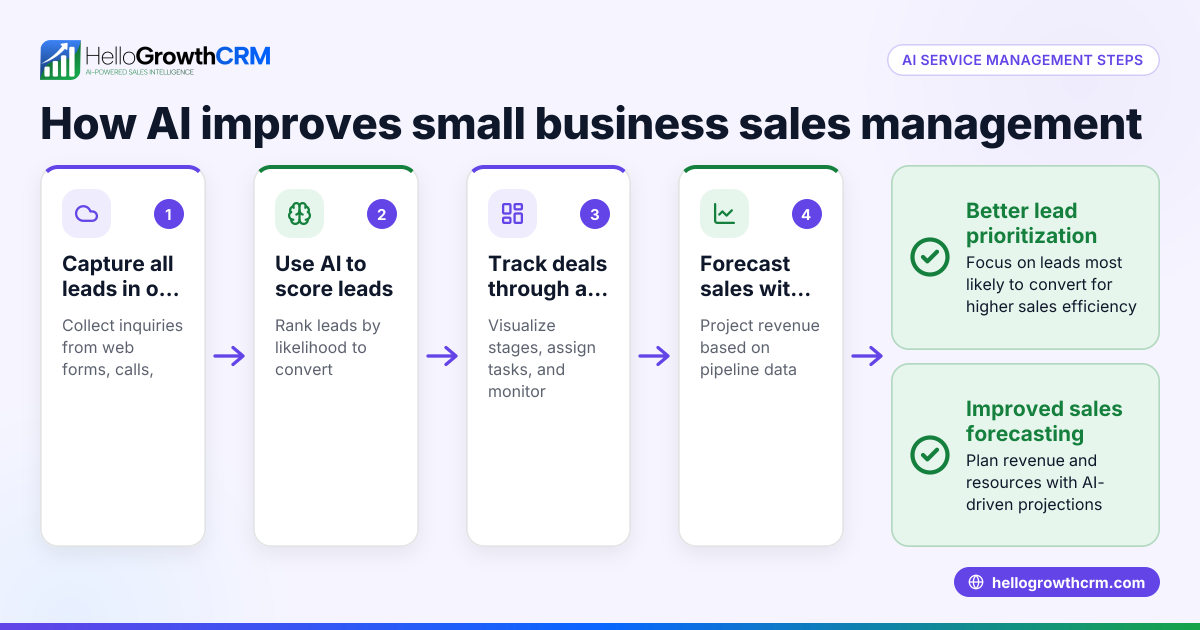
- AI lead scoring prioritizes calls to leads likely to convert
- Follow-up reminders prevent missed leads
- Assume 90% follow-up success = 90 leads converted
- Revenue: 90 × $1,200 = $108,000/month
Time saved on data entry = 8.3 hours/month Additional revenue from better follow-up = $108,000 - ($80,000 estimated from 67 leads converted without CRM) = $28,000/month
This example shows how a CRM can save time and increase revenue by improving lead management efficiency.
Common mistakes
- Using Excel beyond its limits: Trying to manage growing leads and multiple salespeople in Excel leads to errors and lost data. Prevent by switching to a CRM when leads exceed your capacity.
- Not assigning lead ownership: Leads in Excel often have no clear owner, causing confusion. Prevent by using a CRM that assigns owners and next steps.
- Ignoring follow-ups: Without reminders, leads fall through cracks. Prevent by setting calendar alerts or using CRM automated tasks.
- Scattered communication: Tracking calls, emails, and WhatsApp messages outside Excel loses context. Prevent by using CRM with integrated communication logging like WhatsApp and SMS features.
- Delayed lead response: Manual lead capture delays contacting prospects. Prevent by using CRM lead capture from web forms and WhatsApp.
Learn more ways to improve sales follow-up with AI lead scoring.
Doing this in HelloGrowthCRM
HelloGrowthCRM captures every enquiry from forms, calls, or WhatsApp as a lead with an owner and a next step, so nothing is lost in notebooks. Its AI lead scoring helps telecallers prioritize leads most likely to convert first. WhatsApp conversations with leads are logged directly on the lead record, and follow-ups can be sent as WhatsApp or SMS messages. This keeps your team organized and responsive without juggling multiple tools. Learn more about HelloGrowthCRM for the United States here.
Frequently asked questions
Can I manage leads effectively with Excel if I am a sole proprietor? Yes, Excel can work for very small businesses with few leads and simple sales processes. It’s low cost and familiar, but you must be disciplined with manual updates and reminders.
What are the risks of using Excel for lead management? Risks include data loss, missed follow-ups, lack of lead ownership, and difficulty tracking communication. These can reduce sales conversion and waste time.
How does a CRM improve lead follow-up? A CRM automates reminders, assigns leads to owners, logs communications like WhatsApp and SMS, and provides AI lead scoring to focus on the best prospects.
Is switching from Excel to a CRM complicated? It requires initial setup and training, but many CRMs offer easy import from Excel and user-friendly interfaces designed for small businesses.
Can I use WhatsApp within a CRM? Yes, HelloGrowthCRM integrates WhatsApp messaging directly into lead records, logging conversations and enabling follow-ups without switching apps.
Key takeaways
- Excel is simple and low cost but limited for growing lead volumes and teams.
- CRMs automate lead capture, assignment, reminders, and communication logging.
- AI lead scoring helps prioritize leads most likely to convert.
- Using WhatsApp and SMS inside a CRM keeps all sales communication organized.
- Small businesses planning growth benefit from switching to a CRM early.
Start managing your leads smarter with HelloGrowthCRM. Start on the Free Forever plan (200 leads, no credit card).
Ready to put this into practice?
Set up your pipeline, WhatsApp follow-ups, and AI lead scoring in minutes — free, no credit card.
Try HelloGrowthCRM freeGet CRM tips in your inbox
Join thousands of sales professionals who get weekly insights on CRM strategy, AI automation, and pipeline optimization.

The HelloGrowthCRM team publishes guides on CRM strategy, AI sales tools, and revenue operations for small business sales teams.