HelloGrowthCRM software
Built for real small-business sales teams
HelloGrowthCRM helps reps qualify faster, follow up on time, and close more deals—with practical automation in one place.
- AI lead scoring and pipeline visibility
- Built-in dialer, WhatsApp, and email automation
- Sales forecasting and RevOps-ready reporting
A CRM with built-in calling lets inside sales teams in Singapore call leads directly from the CRM, log call outcomes, and keep a full call history linked to contacts and deals. This article explains why small businesses seek this, how to evaluate options step-by-step, common mistakes to avoid, and how HelloGrowthCRM supports inside sales with integrated calling and pipeline management.
Why this comes up / what goes wrong
Small and mid-sized businesses in Singapore often rely on multiple tools such as WhatsApp, email, and spreadsheets to manage sales leads. Inside sales teams struggle to follow up quickly and consistently because calls are made outside the CRM, leading to scattered information and missed opportunities. Without a built-in dialer, call outcomes are logged manually or lost, making it hard to track progress. Founders or sales leaders without dedicated revenue operations support may find pipelines cluttered and follow-ups delayed, causing leads to slip through the cracks.
Step-by-step
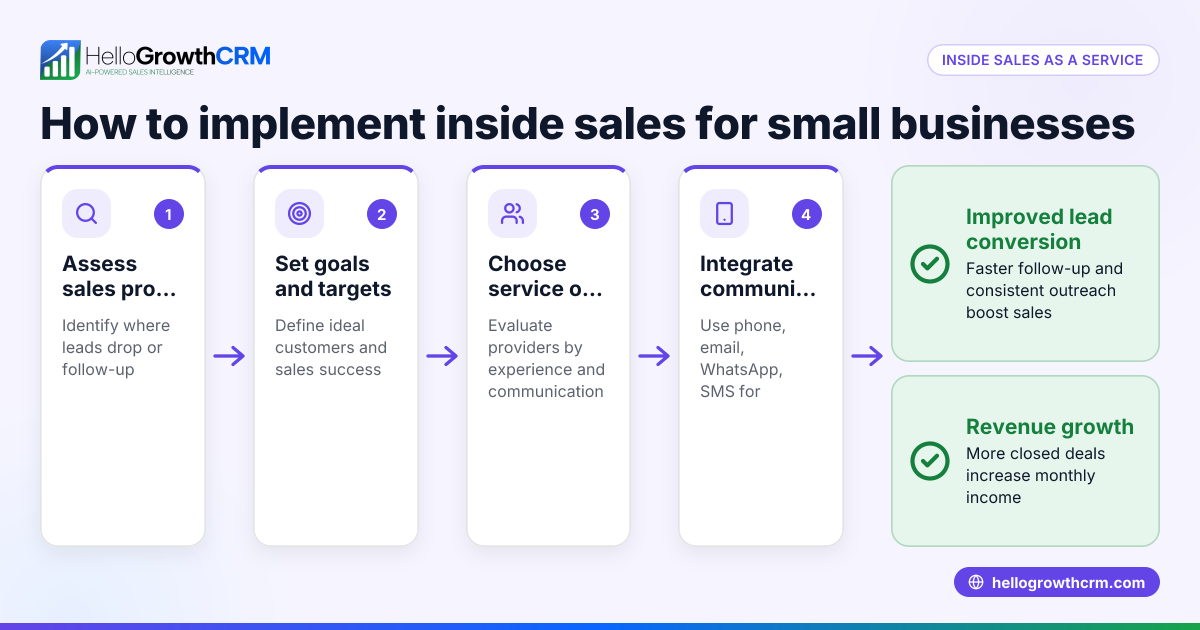
- Identify your sales process needs: Determine if your team primarily makes outbound calls, handles inbound leads, or both. Check if you need call logging tied to deals and contacts.
- Check for built-in dialer features: Confirm the CRM offers a built-in phone dialer that allows calling directly from the CRM interface and automatically logs call outcomes.
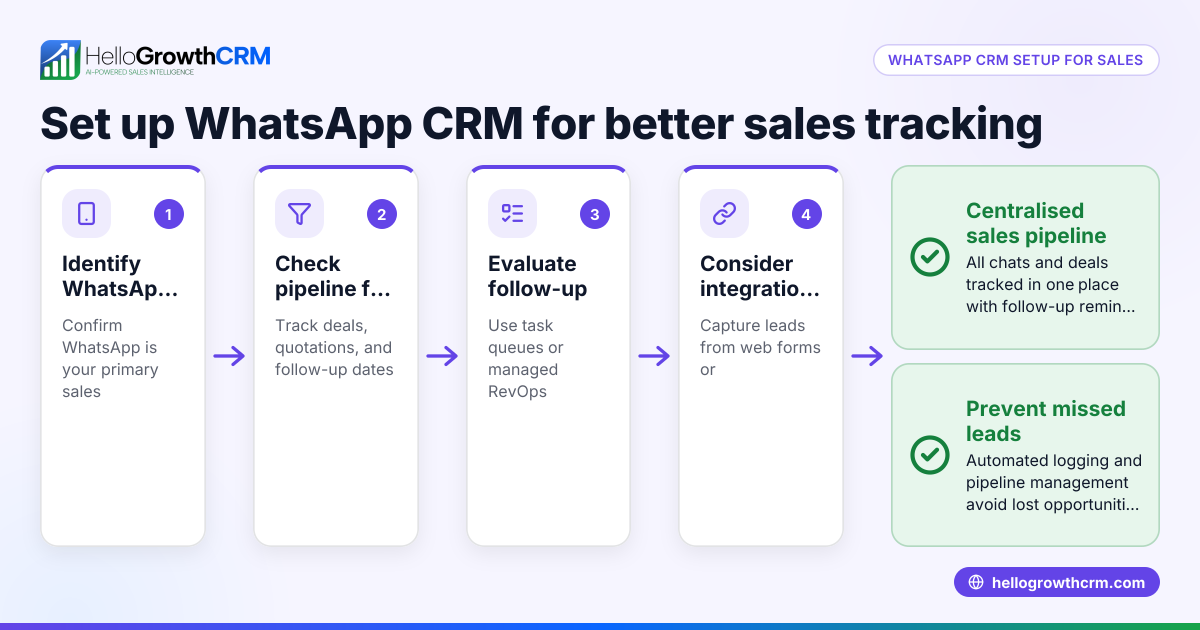
- Assess pipeline and task management: Look for a CRM with deals or pipeline features that track stages, follow-up dates, and task boards to keep sales organised.
- Consider support for follow-up management: If you lack a sales manager, see if the CRM provider offers managed revenue operations (RevOps) support to help maintain follow-up queues and pipeline hygiene.
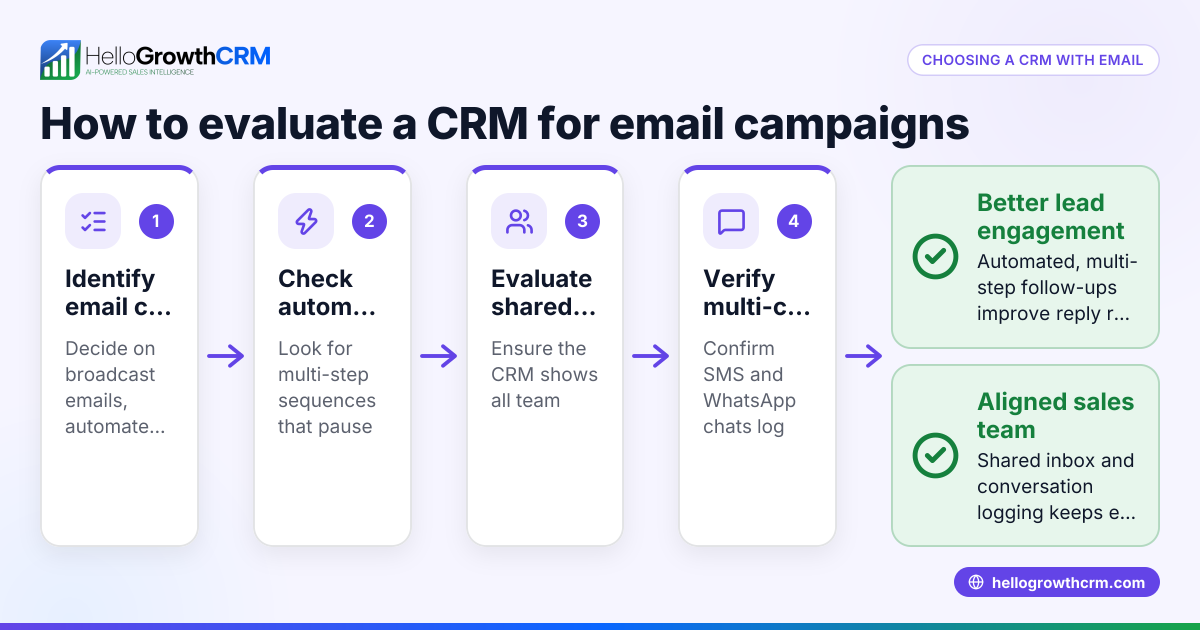
- Evaluate communication channels: Verify if the CRM integrates WhatsApp and SMS sequences alongside calls, for multichannel outreach.
- Test usability for your inside sales team: Ensure the CRM interface is easy to use so your team actually adopts the system and updates call outcomes promptly.
- Review reporting and forecasting capabilities: Check if the CRM provides sales forecasting and reports to track performance and pipeline health.
- Request a trial or demo: Use a free plan or trial to test the built-in dialer and pipeline features in a real sales scenario.
Example (fictional figures)
A property agency in Novena has an inside sales team of 5 making outbound calls to leads captured from web forms. They want to track calls and follow-ups in one place.
- They receive 300 leads monthly.
- Average deal size is S$120,000.
- Conversion rate without CRM: 5%.
- They estimate a 10% increase in conversion with better follow-up.
Calculations:
Leads per month = 300
Deals without CRM = 300 × 5% = 15
Revenue without CRM = 15 × S$120,000 = S$1,800,000
Deals with CRM = 300 × 10% = 30
Revenue with CRM = 30 × S$120,000 = S$3,600,000
Improvement in revenue = S$3,600,000 − S$1,800,000 = S$1,800,000
The agency adopts a CRM with a built-in dialer and pipeline management to achieve this improvement by ensuring no leads are forgotten and call outcomes are logged.
Common mistakes
- Using separate tools for calling and CRM: This causes lost call data and inefficient follow-up. Prevent by choosing a CRM with a built-in dialer.
- Ignoring pipeline management: Without clear deal stages and follow-up dates, leads get lost. Use CRM deals features to track progress.
- Not assigning follow-up responsibility: If no one owns the lead follow-up, tasks fall through. Managed RevOps support can help maintain follow-up queues.
- Overcomplicating CRM setup: Complex systems reduce user adoption. Pick a CRM designed for inside sales teams with an intuitive dialer.
- Neglecting multichannel communication: Relying solely on calls misses opportunities via WhatsApp or SMS. Use CRM that supports these channels.
- Failing to review reporting: Without sales forecasting and reports, it’s hard to measure success. Ensure CRM offers these features.
Doing this in HelloGrowthCRM
HelloGrowthCRM includes a built-in dialer that lets telecallers work leads directly inside the CRM and logs every call outcome on the lead record. Its deals (pipeline) feature tracks open opportunities from first contact through to close, showing quotations sent with follow-up dates so nothing is forgotten. For founders without sales managers, Managed RevOps support ensures weekly follow-up execution and pipeline hygiene, helping maintain consistent sales activity. HelloGrowthCRM also supports WhatsApp and SMS sequences for multichannel outreach. Learn more about the built-in CRM dialer, WhatsApp and SMS CRM, and HelloGrowthCRM for Singapore.
Frequently asked questions
What is a built-in dialer in a CRM? A built-in dialer allows sales reps to make phone calls directly from the CRM interface. It automatically logs call outcomes and keeps the call history linked to contacts and deals, streamlining inside sales workflows.
How does a CRM with calling improve inside sales performance? It reduces manual data entry, ensures calls are tracked properly, and helps sales teams follow up promptly. This leads to better lead management, higher conversion rates, and clearer pipeline visibility.
Can a CRM handle WhatsApp and SMS along with calls? Yes, some CRMs integrate WhatsApp and SMS communication alongside calling. This lets sales teams engage leads through multiple channels from one platform.
What is Managed RevOps and why is it important? Managed RevOps is a service where a specialist helps maintain your sales follow-up queues, cleans up your pipeline, and provides regular reports. This is valuable if you don’t have a dedicated sales manager.
Is it difficult for inside sales teams to adopt a CRM with calling? Adoption depends on ease of use. CRMs designed for inside sales with intuitive dialers and task boards encourage regular use and accurate call logging.
Key takeaways
- A CRM with built-in calling lets inside sales teams call and log outcomes directly inside the system.
- Pipeline management with deal stages and follow-up dates prevents leads from being forgotten.
- Managed RevOps support helps founders without sales managers maintain follow-up discipline.
- Multichannel outreach including WhatsApp and SMS complements calling for better engagement.
- Testing a CRM’s dialer and pipeline features before buying ensures it fits your team’s workflow.
Choosing a CRM with built-in calling can transform your inside sales productivity and lead management. To get started, try HelloGrowthCRM’s Free Forever plan with 200 leads and no credit card required at Start on the Free Forever plan (200 leads, no credit card).
Ready to put this into practice?
Set up your pipeline, WhatsApp follow-ups, and AI lead scoring in minutes — free, no credit card.
Try HelloGrowthCRM freeGet CRM tips in your inbox
Join thousands of sales professionals who get weekly insights on CRM strategy, AI automation, and pipeline optimization.

The HelloGrowthCRM team publishes guides on CRM strategy, AI sales tools, and revenue operations for small business sales teams.