HelloGrowthCRM software
Built for real small-business sales teams
HelloGrowthCRM helps reps qualify faster, follow up on time, and close more deals—with practical automation in one place.
- AI lead scoring and pipeline visibility
- Built-in dialer, WhatsApp, and email automation
- Sales forecasting and RevOps-ready reporting
A CRM with built-in calling for inside sales teams in the UK enables your sales representatives to make phone calls directly from the CRM system, log the outcomes immediately, and keep a full call history linked to each lead or deal. This streamlines inside sales processes, reduces lead follow-up delays, and improves tracking. This article explains why UK small businesses look for such CRMs, the step-by-step evaluation process, a fictional example, common mistakes to avoid, and how HelloGrowthCRM supports these needs.
Why this comes up / what goes wrong
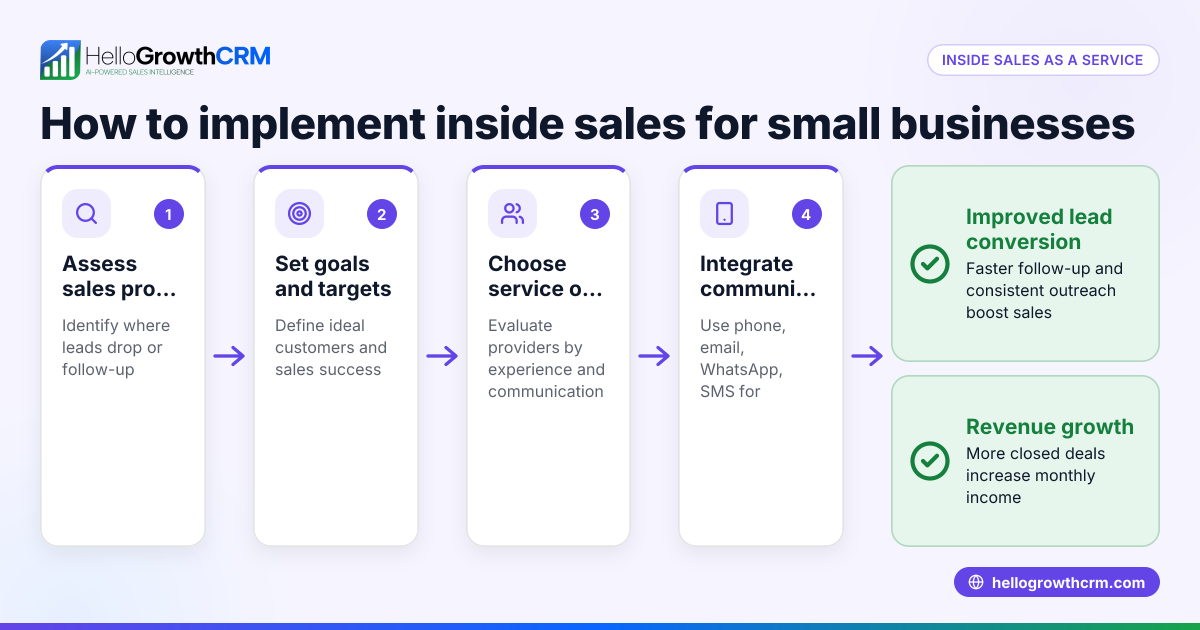
Small and mid-sized UK businesses with inside sales teams often struggle with managing leads and calls effectively. Many sales teams rely on separate tools like WhatsApp, email, and spreadsheets to track leads and calls. This causes delays in follow-up, lost leads, and poor visibility on sales progress. Without a CRM that includes built-in calling, reps must switch between software, leading to errors and inefficiencies. Founders and sales leaders want a CRM that integrates calling and lead management to keep the sales process organised and ensure every lead is followed up on time.
Step-by-step
- Identify your team’s calling needs: Check how many calls your inside sales team makes daily and whether they need features like call logging, call history, or power dialing.
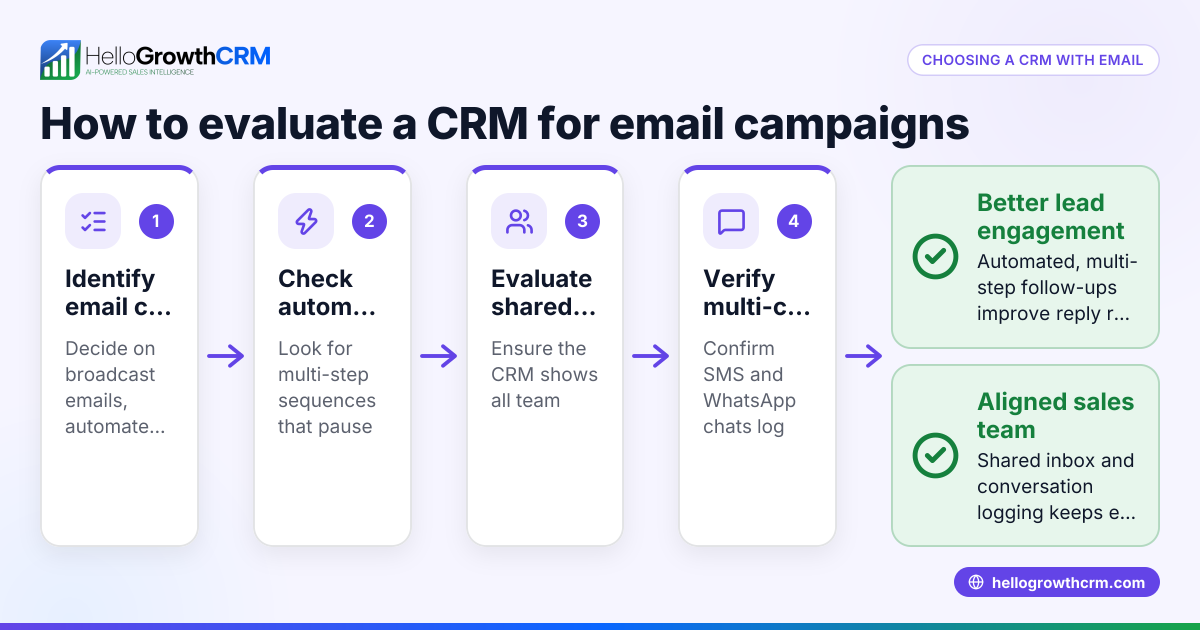
- Check CRM calling features: Confirm the CRM offers a built-in dialer that lets reps call from within the CRM, log call outcomes automatically, and link calls to leads and deals.
- Evaluate pipeline and task management: Ensure the CRM supports deal tracking with stages, follow-up dates, and reminders to avoid forgetting leads after calls.
- Consider sales operations support: If you lack a sales manager, look for services like Managed RevOps that help keep follow-ups on track weekly.
- Test integration with communication channels: Verify the CRM works with WhatsApp and SMS sequences if your team uses these channels alongside calls.
- Assess usability for your team: Choose a CRM that your sales reps find easy to use, so they actually log calls and update deals.
- Review pricing and plans: Check which CRM plans include built-in dialers and whether features like power dialing or AI call summaries are part of higher tiers.
For more on the dialer feature, see built-in CRM dialer. For WhatsApp and SMS integration, see WhatsApp and SMS CRM.
Example (fictional figures)
A kitchen-fitting company in Leeds has a five-person inside sales team. They want a CRM with built-in calling to improve follow-up and reduce lost leads.
- The team makes 40 calls per day.
- Each call takes about 5 minutes.
- Without a CRM, calls require switching between apps, costing extra time.
Using a CRM with a built-in dialer:
- Calls are made directly from the CRM, saving 1 minute per call switching between apps.
- Time saved per day = 40 calls × 1 minute = 40 minutes.
If the company handles 1,000 leads per month with an average deal value of £1,200, saving time on calls allows more follow-ups and better pipeline management, reducing lost leads and increasing revenue. The exact revenue impact depends on improved conversion rates and follow-up efficiency.
Date: 01/05/2024
This example shows how built-in calling and better pipeline management can help inside sales teams save time and improve lead follow-up.
Common mistakes
- Choosing a CRM without a true built-in dialer: Some CRMs require external calling apps, causing extra steps. Prevent this by confirming calls can be made and logged inside the CRM itself.
- Ignoring pipeline and task follow-up features: Without deal stages and follow-up reminders, calls may not convert to sales. Check for pipeline management and task boards.
- Not considering sales operations support: Founders without sales managers can miss follow-ups. Look for Managed RevOps or similar services.
- Overlooking team adoption: A complex CRM that reps avoid using leads to unlogged calls. Choose user-friendly software.
- Assuming all dialers are the same: Features like power dialing or AI summaries may be in higher plans. Match features to your needs.
See built-in CRM dialer for dialer features and HelloGrowthCRM for the United Kingdom for regional fit.
Doing this in HelloGrowthCRM
HelloGrowthCRM offers a built-in dialer that lets telecallers work a list from inside the CRM and log the outcome of each call on the lead. Deals are tracked in a pipeline with stages and follow-up dates to ensure quotations and calls are not forgotten. If you don’t have a sales manager, the Managed RevOps service assigns a revenue specialist to work your follow-up queue weekly. HelloGrowthCRM also supports WhatsApp and SMS sequences alongside calling. Learn more about the built-in CRM dialer and WhatsApp and SMS CRM.
Frequently asked questions
What is a built-in dialer in a CRM? A built-in dialer lets sales reps make phone calls directly from the CRM interface, without switching to separate phone apps. Calls are logged automatically with outcomes linked to leads and deals.
Why do inside sales teams in the UK need CRM calling features? Inside sales teams rely on quick follow-up and tracking multiple leads. Built-in calling reduces delays, prevents lost leads, and improves sales visibility.
Can I use WhatsApp and SMS with a CRM that has built-in calling? Yes, some CRMs like HelloGrowthCRM integrate WhatsApp and SMS sequences alongside calling to cover all communication channels.
What is Managed RevOps and how does it help? Managed RevOps is a service where a specialist helps manage your sales follow-ups and pipeline hygiene, especially useful if you don’t have a dedicated sales manager.
Are there differences in dialer features between CRM plans? Yes, basic plans may offer local dialers, while advanced plans can include power dialers and AI call summaries. Choose based on your team’s call volume and needs.
Key takeaways
- A CRM with built-in calling improves inside sales efficiency by combining calls and lead management.
- Confirm the CRM’s dialer lets reps call and log outcomes inside the system.
- Use pipeline and task boards to track deals and follow-up dates.
- Managed RevOps support can keep follow-ups on track without a sales manager.
- Consider integration with WhatsApp and SMS for multi-channel communication.
- Check CRM plans carefully for dialer features like power dialing and AI summaries.
Start improving your inside sales process today with HelloGrowthCRM. Start on the Free Forever plan (200 leads, no credit card).
Ready to put this into practice?
Set up your pipeline, WhatsApp follow-ups, and AI lead scoring in minutes — free, no credit card.
Try HelloGrowthCRM freeGet CRM tips in your inbox
Join thousands of sales professionals who get weekly insights on CRM strategy, AI automation, and pipeline optimization.

The HelloGrowthCRM team publishes guides on CRM strategy, AI sales tools, and revenue operations for small business sales teams.