HelloGrowthCRM software
Built for real small-business sales teams
HelloGrowthCRM helps reps qualify faster, follow up on time, and close more deals—with practical automation in one place.
- AI lead scoring and pipeline visibility
- Built-in dialer, WhatsApp, and email automation
- Sales forecasting and RevOps-ready reporting
Customer care tools are software or services designed to help small businesses manage customer interactions, support requests, and referrals efficiently. This article explains why small businesses search for these tools, outlines practical steps to evaluate and select them, highlights common mistakes to avoid, and provides a realistic example to guide your decision.
Why this comes up / what goes wrong
Small business owners often struggle to keep track of customer inquiries, service requests, and referrals because they rely on disconnected tools like email, text messages, or spreadsheets. This fragmentation leads to slow responses, lost tickets, and unhappy customers. Without a clear system, teams may duplicate work or miss follow-ups, harming customer satisfaction and retention. Evaluating customer care tools becomes necessary when the current process is inefficient, and the business wants to provide consistent, timely support while tracking customer history in one place.
Step-by-step
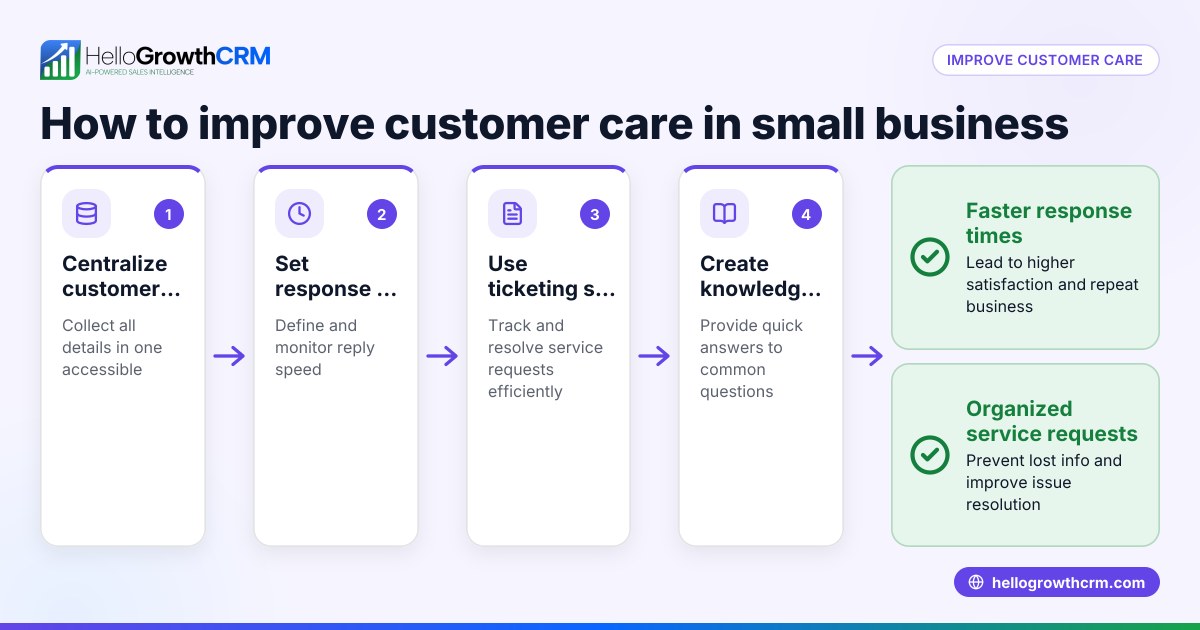
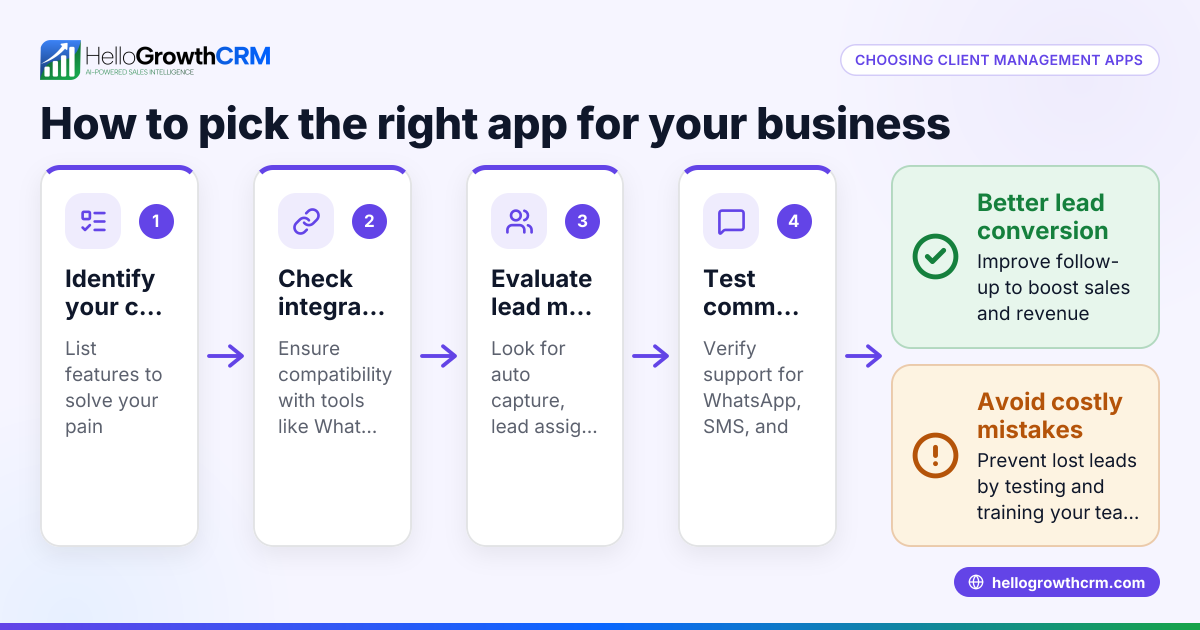
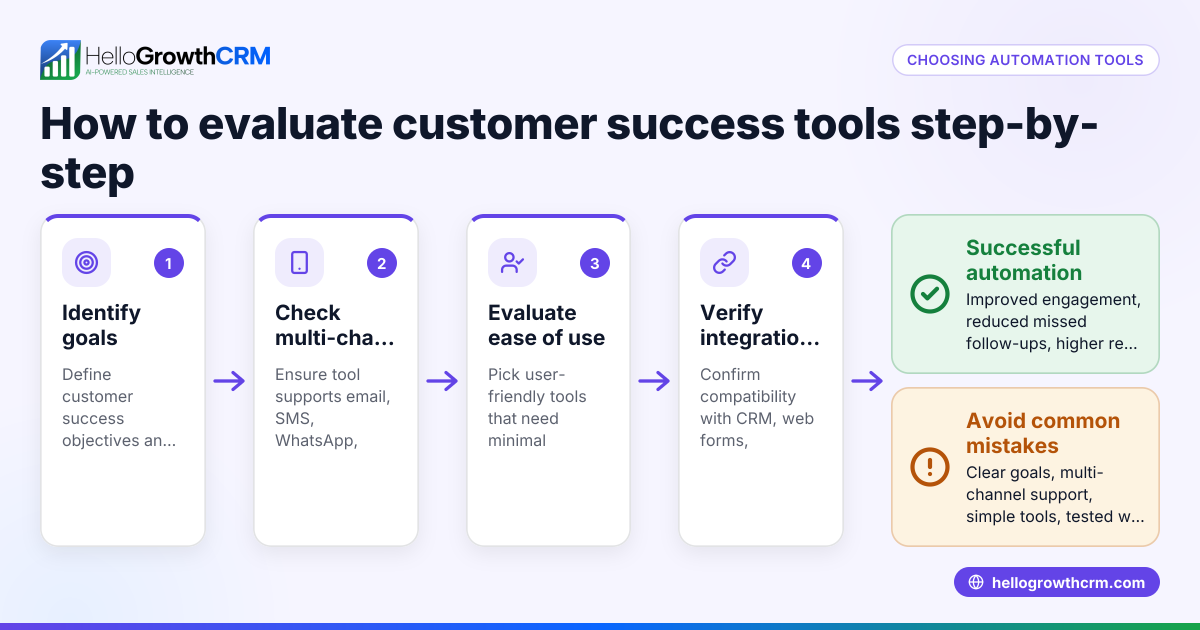
- Identify your key customer care needs: List what you want to manage, such as support tickets, referrals, knowledge base articles, or a customer portal.
- Check integration with your sales and communication channels: Ensure the tool connects with your existing email, messaging apps, or CRM to keep customer data unified.
- Evaluate ease of use for your team: Choose tools with intuitive interfaces that your staff can adopt quickly without extensive training.
- Consider customer self-service options: Look for features like a branded customer portal or knowledge base that let customers find answers independently.
- Assess referral and ticket management capabilities: Make sure the tool tracks referrals and organizes support tickets clearly so nothing falls through the cracks.
- Review reporting and SLA features: Check if the tool can generate reports on customer satisfaction or response times and manage service-level agreements.
- Test free tools and templates: Download free resources like follow-up cadences or pipeline templates to see what fits your workflow; HelloGrowthCRM offers such tools without requiring an account at free sales tools and calculators.
- Compare pricing and scalability: Ensure the tool fits your budget and can grow with your business.
- Request demos or trials: Try the software with your team to confirm it meets your needs.
- Check customer support and training resources: Reliable vendor support can ease onboarding and ongoing use.
Example (fictional figures)
A two-location dental practice in Columbus, Ohio, wants to improve customer care by managing appointment requests, referrals, and patient questions. They currently use email and spreadsheets but lose track of some requests.
- Annual revenue: $1,200,000
- Current lost appointment follow-ups: 5% of requests
By implementing a customer care tool with a support ticket system and referral tracking, they expect to reduce lost follow-ups to 1%.
Calculations:
Lost follow-ups before = $1,200,000 × 5% = $60,000
Lost follow-ups after = $1,200,000 × 1% = $12,000
Estimated savings = $60,000 - $12,000 = $48,000
This $48,000 saving justifies investing in a customer care tool that organizes tickets and referrals efficiently.
Common mistakes
- Choosing tools without team input: Prevent by involving your sales and support staff early to ensure the tool fits their workflows.
- Ignoring integration needs: Prevent by verifying the tool connects with your CRM and communication channels to avoid data silos.
- Overlooking customer self-service features: Prevent by selecting tools with a customer portal or knowledge base to reduce support load.
- Failing to test before buying: Prevent by using free trials or demos to confirm usability and fit.
- Neglecting ongoing support and training: Prevent by choosing vendors who offer good customer service and helpful resources.
- Skipping free resources: Prevent by trying free sales tools and templates available at free sales tools and calculators to understand what works for your team.
Doing this in HelloGrowthCRM
HelloGrowthCRM offers a branded customer portal, referral tracking, support tickets, and a knowledge base that keep service requests linked to the same customer record as the deal. This integration helps small businesses manage post-sale support efficiently. Additionally, HelloGrowthCRM provides 118 free sales tools, templates, and calculators—such as follow-up cadences and pipeline templates—that users can download without creating an account at free sales tools and calculators. To learn more about how HelloGrowthCRM supports customer care in the US, visit HelloGrowthCRM for the United States.
Frequently asked questions
What are the essential features of customer care tools for small businesses? Essential features include support ticket management, referral tracking, a customer portal for self-service, and a knowledge base. Integration with your CRM and communication channels is also important to keep customer data unified.
How do customer care tools improve customer satisfaction? They help by organizing customer requests, ensuring timely responses, and providing self-service options. This reduces wait times and lost tickets, leading to happier customers.
Can I try customer care tools before buying? Yes, many providers offer free trials or demos. Additionally, HelloGrowthCRM offers free sales tools and templates that you can download without signing up to test what fits your needs at free sales tools and calculators.
What mistakes should I avoid when selecting customer care tools? Avoid choosing tools without team input, neglecting integration needs, and skipping testing. Also, don’t overlook customer self-service features or ongoing vendor support.
How does HelloGrowthCRM help with customer care? HelloGrowthCRM combines customer portals, referral tracking, tickets, and a knowledge base on the same customer record. This integration simplifies managing service requests after a sale. Learn more at HelloGrowthCRM for the United States.
Key takeaways
- Customer care tools centralize support tickets, referrals, and customer history.
- Integration with existing sales and communication tools is critical.
- Customer portals and knowledge bases reduce support workload.
- Testing tools with your team before buying prevents costly mistakes.
- Free sales tools and templates help you understand workflows without commitment.
- HelloGrowthCRM offers integrated customer care features and free resources to assist small businesses.
Start improving your customer care today by starting on the Free Forever plan (200 leads, no credit card).
Ready to put this into practice?
Set up your pipeline, WhatsApp follow-ups, and AI lead scoring in minutes — free, no credit card.
Try HelloGrowthCRM freeGet CRM tips in your inbox
Join thousands of sales professionals who get weekly insights on CRM strategy, AI automation, and pipeline optimization.

The HelloGrowthCRM team publishes guides on CRM strategy, AI sales tools, and revenue operations for small business sales teams.