HelloGrowthCRM software
Built for real small-business sales teams
HelloGrowthCRM helps reps qualify faster, follow up on time, and close more deals—with practical automation in one place.
- AI lead scoring and pipeline visibility
- Built-in dialer, WhatsApp, and email automation
- Sales forecasting and RevOps-ready reporting
A client management app helps small businesses organize leads, track interactions, and manage follow-ups efficiently. This article guides you through why you need one, how to evaluate options step-by-step, common pitfalls to avoid, and a practical example to clarify costs and benefits.
Why this comes up / what goes wrong
Many small-business owners juggle client information across text messages, emails, and spreadsheets. This scattered approach leads to lost leads, slow follow-ups, and missed sales opportunities. Without a centralized system, it’s hard to know who to contact next or which leads are hot. As your business grows, these problems multiply, making it harder to keep track of prospects and customers effectively. When client data is scattered, sales teams waste time searching for information instead of closing deals. This inefficiency can stall growth and frustrate both staff and clients.
Step-by-step
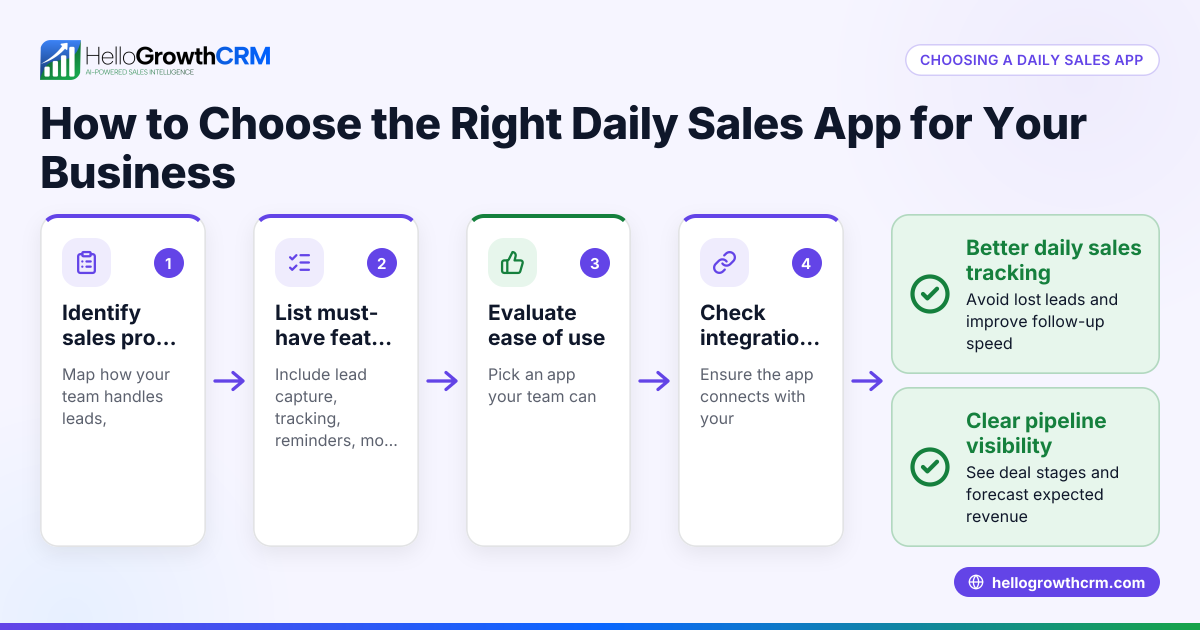
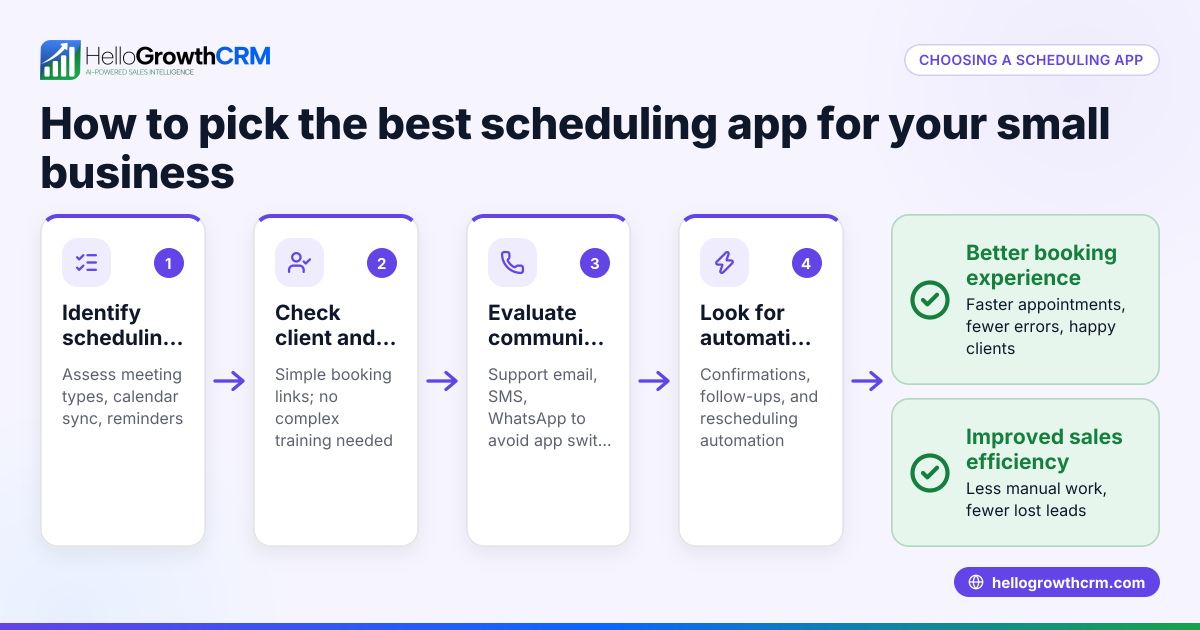
- Identify your core needs. List what you want from a client management app: lead capture, communication channels, task reminders, or sales reporting. Be specific about the features that will solve your biggest pain points.
- Check integration options. Confirm the app connects with your current tools like web forms, email, or messaging platforms such as WhatsApp and SMS. Integration ensures your workflows stay smooth without manual data entry.
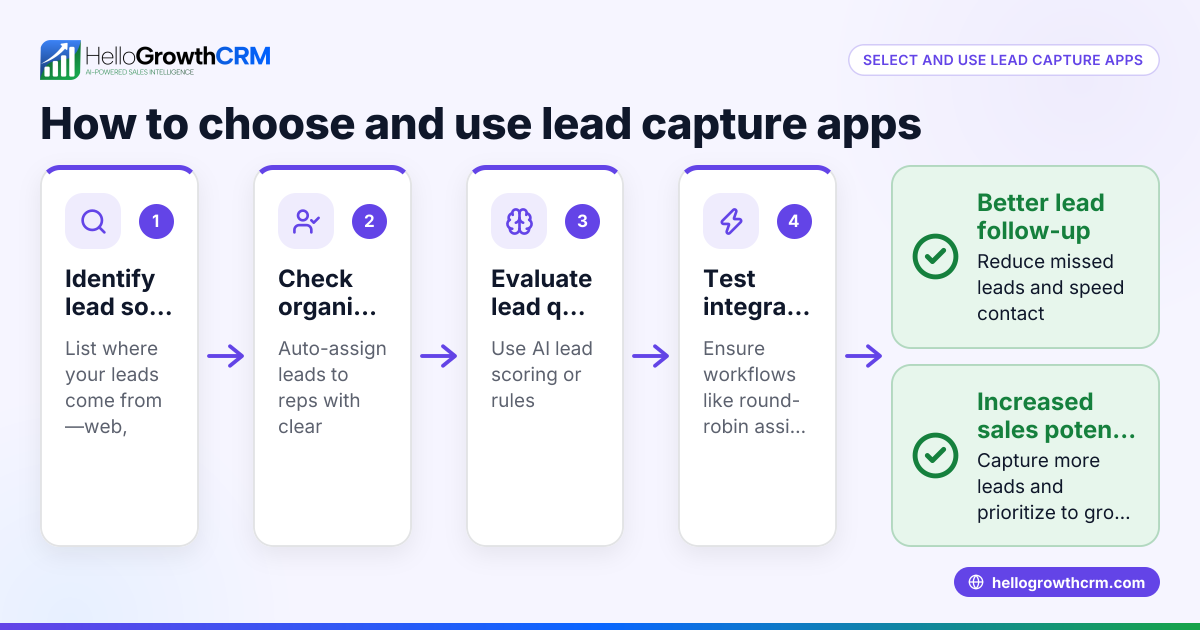
- Evaluate lead management features. Look for automatic lead capture from forms or calls, lead assignment to team members, and clear next-step tracking. This helps prevent leads from falling through the cracks.
- Test communication capabilities. Ensure the app supports your preferred contact methods, such as WhatsApp or SMS sequences, and can handle follow-up reminders. Communication tools built into the app save time and keep everything in one place.
- Review user interface and adoption. The app should be easy for your team to use daily, reducing reliance on notebooks or scattered notes. A simple, intuitive UI encourages consistent use.
- Compare reporting and forecasting. Choose software that offers sales pipeline views and forecasting to plan your growth. These insights help you prioritize leads and allocate resources effectively.
- Consider scalability and support. Pick a solution that grows with your business and provides reliable customer support. This avoids switching systems as your needs evolve.
For apps with integrated calling, check if they include features like a built-in CRM dialer to streamline calls within the system, as explained in built-in CRM dialer. Also, if your team uses WhatsApp or SMS heavily, look for apps supporting those channels to automate follow-ups, as detailed in WhatsApp and SMS CRM.
Example (fictional figures)
A B2B software reseller in Denver, Colorado, is considering a client management app to improve follow-up on leads generated from their website.
- Current leads per month: 100
- Estimated conversion rate without app: 10% (10 sales)
- Average sale value: $5,000
- Estimated conversion rate with app: 15% (15 sales) due to better follow-up
- Monthly cost of app: $300
Calculations:
Current monthly revenue = 10 sales × $5,000 = $50,000 Projected monthly revenue with app = 15 sales × $5,000 = $75,000
Revenue increase = $75,000 - $50,000 = $25,000 Net gain after app cost = $25,000 - $300 = $24,700
This example shows how improved client management can boost sales significantly by increasing lead conversion. The $300 monthly app cost is minimal compared to the additional revenue gained.
Common mistakes
- Choosing overly complex software. Prevent this by focusing on apps that match your current needs and are easy for your team to adopt. Avoid features you won’t use that complicate training.
- Ignoring mobile or messaging integration. Many small businesses rely on WhatsApp or SMS; ensure the app supports these channels, as detailed in WhatsApp and SMS CRM. Without these, your follow-ups may be slower.
- Not assigning leads clearly. Leads should have a designated owner and next step to avoid confusion and delays in follow-up.
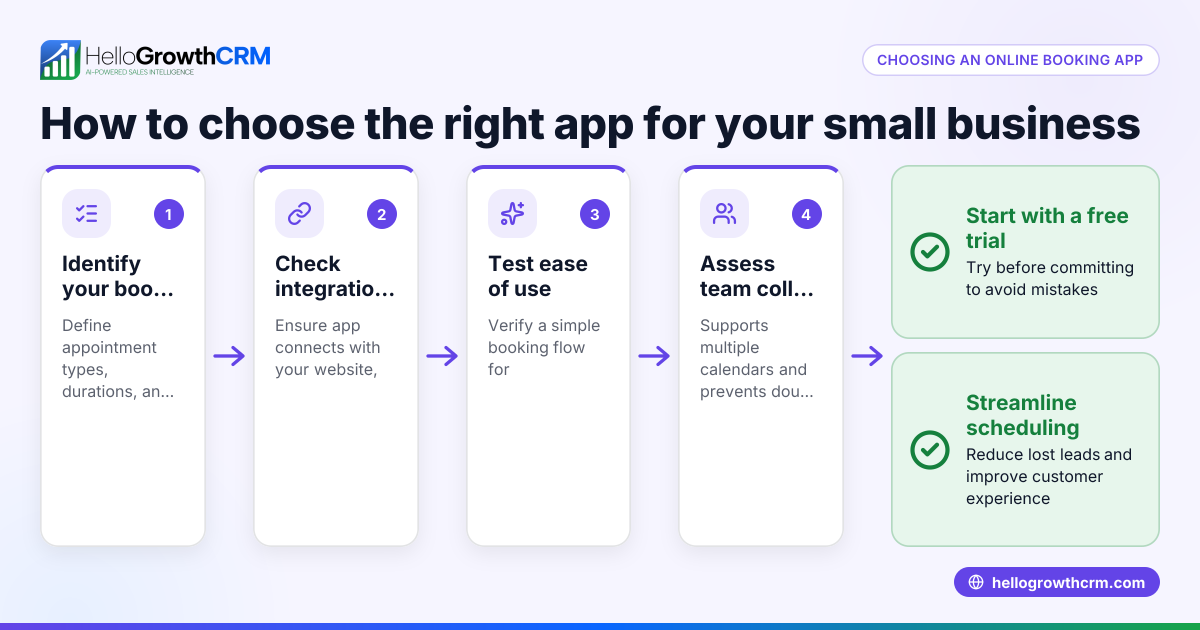
- Failing to test before committing. Use free trials or free tiers to evaluate usability and features. This helps avoid costly mistakes.
- Overlooking follow-up automation. Regular follow-ups increase conversions; check if the app offers sequences or reminders to keep prospects engaged.
- Neglecting team training. Even the best app fails if your team doesn’t know how to use it properly. Plan onboarding and ongoing support.
Doing this in HelloGrowthCRM
HelloGrowthCRM captures every enquiry from forms, calls, or WhatsApp as a lead with a designated owner and a clear next step. This keeps leads organized and moving toward conversion instead of getting lost in notebooks or scattered notes. You can learn more about managing leads effectively with HelloGrowthCRM at HelloGrowthCRM for the United States.
Frequently asked questions
What is the difference between a client management app and a CRM? A client management app is often a simpler tool focused on organizing client contacts and interactions, while a CRM (Customer Relationship Management) system typically includes more advanced features like sales forecasting, reporting, and automation. Many modern client management apps, including HelloGrowthCRM, function as CRMs.
Can I use a client management app without technical skills? Yes. Look for apps designed for small businesses with intuitive interfaces and easy setup. Many offer free plans or trials so you can test usability before purchasing.
How important is integration with WhatsApp and SMS? Very important if your team communicates with clients through these channels. Apps that support WhatsApp and SMS sequences help automate follow-ups and improve response times, as explained in WhatsApp and SMS CRM.
Do client management apps include calling features? Some do. Apps with a built-in CRM dialer let you make calls directly from the software, saving time and keeping communication records centralized. See built-in CRM dialer for details.
How do I ensure my team uses the app consistently? Choose an app that is easy to use and clearly improves daily workflows. Assign leads with owners and next steps to encourage accountability.
Key takeaways
- A client management app centralizes lead info and follow-ups to prevent lost sales.
- Focus on apps that integrate with your communication channels like WhatsApp and SMS.
- Clear lead ownership and next steps improve team accountability and conversion.
- Test apps using free plans or trials to ensure usability.
- Features like built-in dialers and automated sequences boost efficiency.
- Avoid overly complex software and neglecting team training.
Start improving your client management today by trying HelloGrowthCRM’s Free Forever plan with up to 200 leads and no credit card required at Start on the Free Forever plan (200 leads, no credit card).
Ready to put this into practice?
Set up your pipeline, WhatsApp follow-ups, and AI lead scoring in minutes — free, no credit card.
Try HelloGrowthCRM freeGet CRM tips in your inbox
Join thousands of sales professionals who get weekly insights on CRM strategy, AI automation, and pipeline optimization.

The HelloGrowthCRM team publishes guides on CRM strategy, AI sales tools, and revenue operations for small business sales teams.