HelloGrowthCRM software
Built for real small-business sales teams
HelloGrowthCRM helps reps qualify faster, follow up on time, and close more deals—with practical automation in one place.
- AI lead scoring and pipeline visibility
- Built-in dialer, WhatsApp, and email automation
- Sales forecasting and RevOps-ready reporting
A customer facing knowledge base is a centralized, branded online library designed for your customers to access helpful information, FAQs, troubleshooting guides, and more. It reduces support calls, speeds up issue resolution, and improves customer satisfaction by letting users find answers independently.
Why this comes up / what goes wrong
Small business owners often face repeated customer questions via phone, email, or chat that consume time and slow down sales or support. Without a clear, accessible knowledge base, customers get frustrated waiting for answers or may abandon purchases. Managing support requests across email, spreadsheets, or messaging apps leads to lost context and slower response times. This problem is especially acute for businesses selling complex products or services that require ongoing support.
Step-by-step
- Identify common customer questions and issues. Review your support emails, calls, and chats to list frequent topics customers ask about. Check if these questions are clear and can be answered with simple guides.
- Organize content into categories. Group the questions and answers into logical sections like "Getting Started," "Troubleshooting," "Account Management," or "Product Features." This helps customers quickly find relevant information.
- Write clear, concise articles. Use plain language and step-by-step instructions. Include screenshots or videos if possible. Check for spelling and grammar to maintain professionalism.
- Choose a platform for hosting the knowledge base. Options include your website CMS, dedicated knowledge base software, or a CRM with built-in customer portals and knowledge base features such as those described at customer health score.
- Brand and customize the portal. Add your logo, brand colors, and customize the layout to match your business identity. This builds trust and makes the knowledge base feel like part of your service.
- Enable search and navigation. Make sure customers can easily search for keywords and browse categories. This reduces frustration and improves usability.
- Promote the knowledge base. Add links to your website, email signatures, and customer communications. Inform your sales and support teams so they can direct customers to it.
- Monitor usage and update regularly. Track which articles are most viewed or where customers still ask questions. Update content based on feedback and new product features.
- Integrate with support ticketing if possible. A combined system lets customers escalate issues seamlessly if the knowledge base doesn’t solve their problem.
Example (fictional figures)
A B2B software reseller in Denver, Colorado, launched a customer facing knowledge base on 03/01/2024 to reduce support calls. Before launch, they handled 400 support requests monthly at an average cost of $15 per request.
Monthly cost before knowledge base: 400 requests × $15 = $6,000
After launching, support requests dropped to 160 per month as many customers found answers independently.
Monthly cost after knowledge base: 160 requests × $15 = $2,400
Monthly savings: $6,000 - $2,400 = $3,600
Annual savings: $3,600 × 12 = $43,200
This business also saw faster response times and improved customer satisfaction scores, enabling their sales team to focus more on closing deals.
Common mistakes
- Not updating content regularly: Prevent this by scheduling quarterly reviews to keep articles current and accurate.
- Overloading with jargon or complex language: Use plain English and test articles with actual customers or team members.
- Ignoring mobile usability: Ensure the knowledge base is mobile-friendly since many customers use phones or tablets.
- Failing to promote the knowledge base: Train your team to direct customers to it and include links in emails and on your website.
- Separating support tickets from customer records: Use a CRM that links service requests to the same customer record to maintain context and improve follow-up, as described at customer health score.
- Lacking search functionality: Choose a platform with robust search so customers can quickly find answers.
Doing this in HelloGrowthCRM
HelloGrowthCRM offers a branded self-service customer portal that includes a knowledge base to host your reference library and FAQs. After the sale, service requests and support tickets stay linked on the same customer record as the deal, ensuring your team has full context. You can also track referrals and manage business listings to keep your customer data organized. Learn more about these features at customer health score.
Frequently asked questions
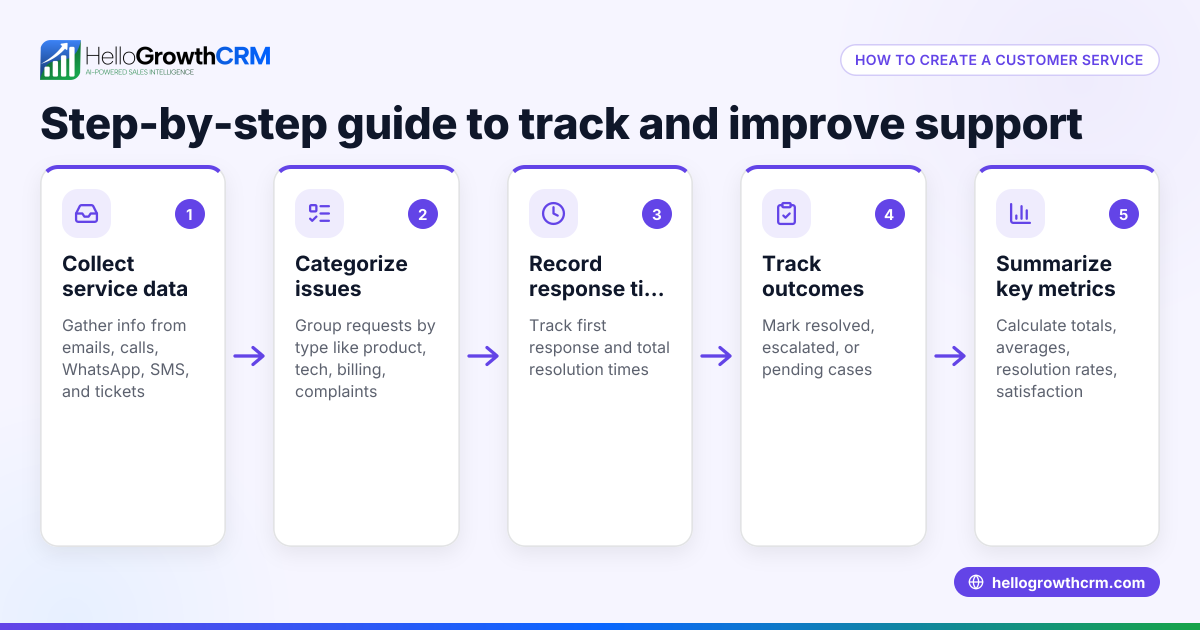
What is the difference between a customer facing knowledge base and a regular FAQ? A knowledge base is more comprehensive and organized than a simple FAQ. It includes detailed articles, guides, and troubleshooting steps, often searchable and categorized, while FAQs are typically short answers to common questions.
How do I measure if my knowledge base is effective? Track metrics like the number of searches, article views, reduction in support tickets, and customer satisfaction scores. Feedback forms and surveys can also help identify gaps.
Can a knowledge base reduce my support costs? Yes, by enabling customers to find answers independently, you reduce the volume of support requests, saving time and money.
Should my knowledge base be public or require login? It depends on your business. Public knowledge bases improve accessibility and reduce barriers, but some companies restrict access to paying customers for sensitive information.
How does the CRM integrate the knowledge base with customer communication? The CRM combines the knowledge base with support tickets and customer portals, keeping all service requests on the same customer record. It also supports WhatsApp and SMS CRM for direct communication. See WhatsApp and SMS CRM for details.
Can I customize the look of the customer portal? Yes, you can brand the customer portal with your logo and colors to maintain a consistent customer experience.
Key takeaways
- A customer facing knowledge base is a self-service online library that helps customers find answers independently.
- Organize content clearly, write in plain language, and keep it updated regularly.
- Promote the knowledge base actively to reduce support requests and improve customer satisfaction.
- Avoid common mistakes like ignoring mobile users or separating support tickets from customer records.
- The CRM offers integrated customer portals, knowledge bases, and ticketing linked to customer records.
Start building your customer facing knowledge base today to save time and improve service. Start on the Free Forever plan (200 leads, no credit card).
Ready to put this into practice?
Set up your pipeline, WhatsApp follow-ups, and AI lead scoring in minutes — free, no credit card.
Try HelloGrowthCRM freeGet CRM tips in your inbox
Join thousands of sales professionals who get weekly insights on CRM strategy, AI automation, and pipeline optimization.

The HelloGrowthCRM team publishes guides on CRM strategy, AI sales tools, and revenue operations for small business sales teams.