HelloGrowthCRM software
Built for real small-business sales teams
HelloGrowthCRM helps reps qualify faster, follow up on time, and close more deals—with practical automation in one place.
- AI lead scoring and pipeline visibility
- Built-in dialer, WhatsApp, and email automation
- Sales forecasting and RevOps-ready reporting
A customer feedback form template for UAE businesses is a structured document designed to capture client opinions on products or services. This article provides a ready-to-use format, step-by-step instructions to create or customise the template, common mistakes to avoid, and an example tailored to a Dubai business. It also explains how HelloGrowthCRM offers free sales tools and templates to support your feedback and sales process.
Why this comes up / what goes wrong
Small business owners in the UAE often want a customer feedback form template because collecting feedback helps improve services, build loyalty and spot issues early. Many run sales and customer relations informally on WhatsApp, calls, or spreadsheets, which can lead to inconsistent feedback collection or lost insights. Without a clear template, feedback forms might be too long, unclear, or miss key questions relevant to local business contexts. Owners may struggle to balance detailed feedback with simplicity for customers, or forget to include fields that track customer identity or purchase details.
Step-by-step
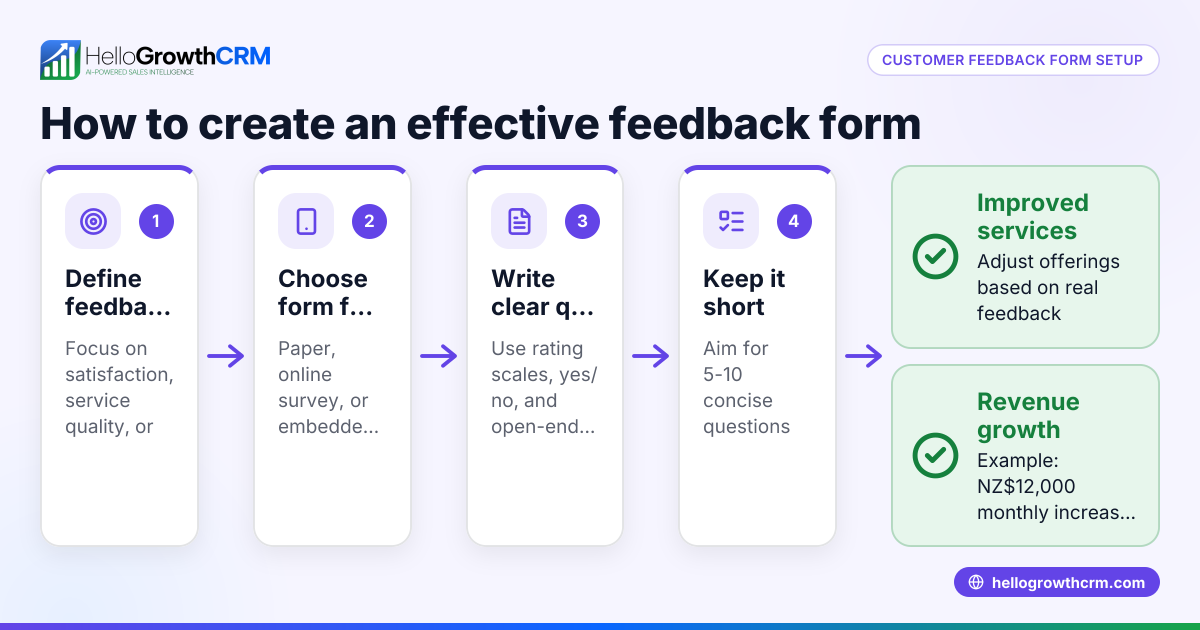
- Define your feedback goals: Decide what you want to learn—product satisfaction, service quality, or delivery experience. Check that your questions align clearly with these goals.
- Choose a simple format: Use a mix of multiple-choice questions for quick answers and open-ended questions for detailed feedback. Ensure the form is easy to read and complete on mobile devices.
- Include essential fields: Add customer name, contact information, purchase date, and product or service details. This helps link feedback to specific transactions or customer profiles.
- Draft clear questions: Use straightforward language. Avoid jargon or overly technical terms. Check that questions are neutral and do not lead the respondent.
- Add a rating scale: Use a consistent scale (e.g., 1 to 5) for satisfaction or likelihood to recommend. This makes it easier to quantify feedback.
- Test the form internally: Share with your team or a small group of customers. Check for clarity, length, and technical issues.
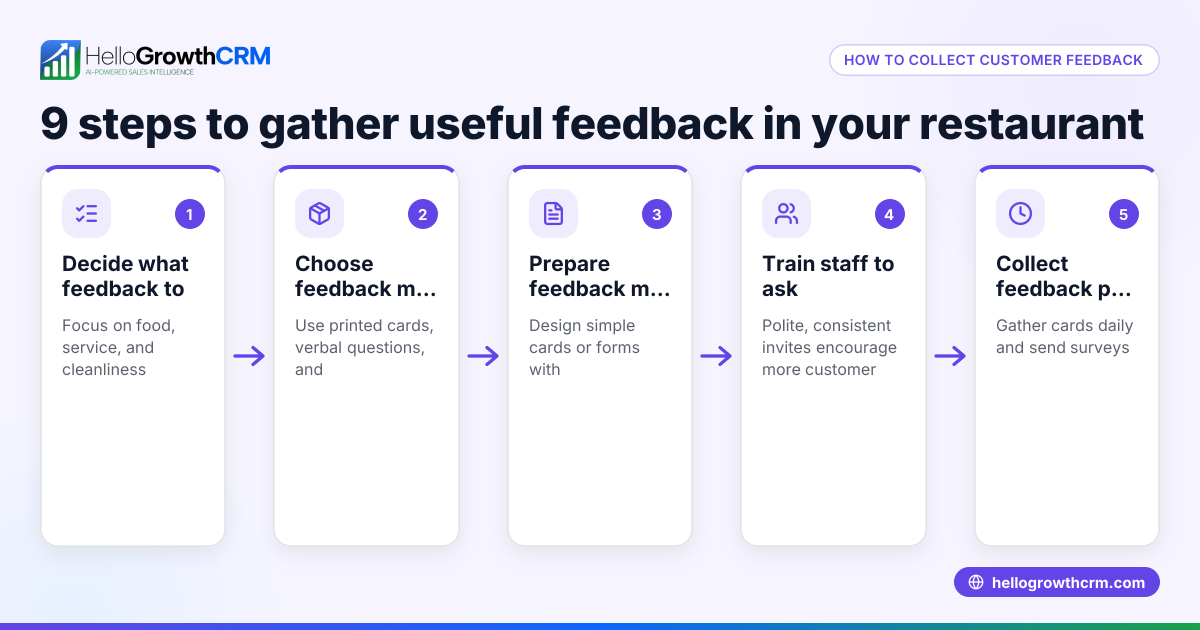
- Set up a feedback collection method: Decide if you will use printed forms, online tools, or WhatsApp messages. Check that the method suits your customers’ preferences.
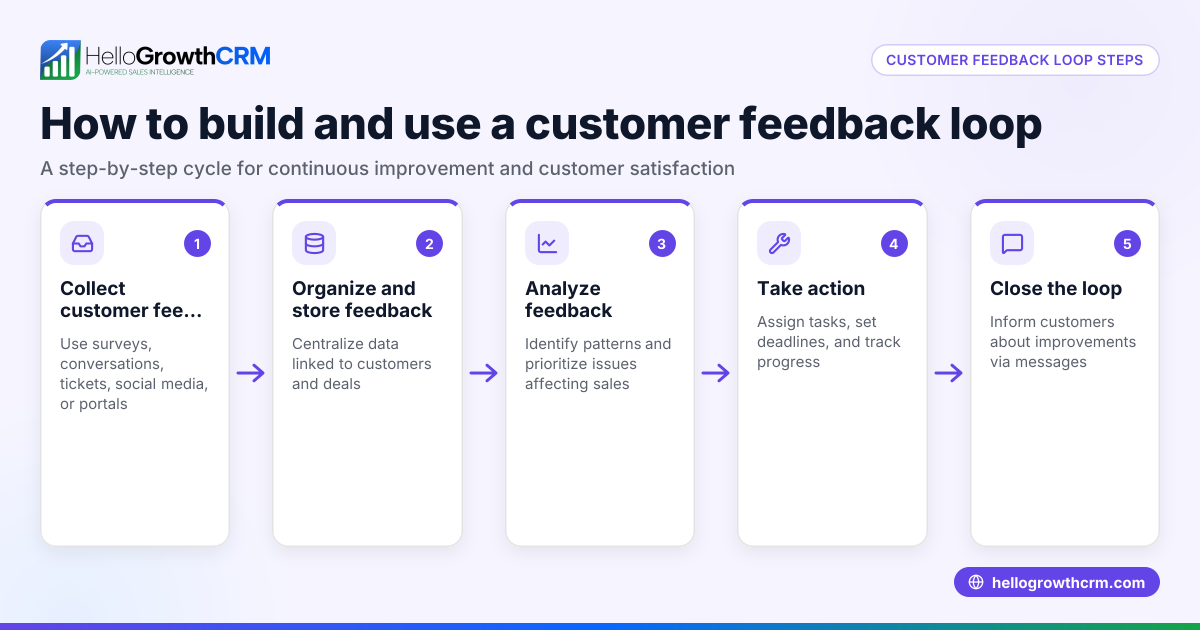
- Plan follow-up actions: Include a final question asking if the customer wants to be contacted. Check your process for reviewing feedback and responding promptly.
- Ensure data privacy compliance: Inform customers how their data will be used and stored. Check local regulations on data protection.
- Review and update regularly: Schedule periodic reviews of your feedback form to keep it relevant and effective.
For ready templates and related sales documents, explore free sales tools and calculators and sales templates from HelloGrowthCRM.
Example (fictional figures)
A real-estate brokerage in Dubai Marina wants to collect feedback after property viewings.
- Customer name: Sarah Al Mansoori
- Contact: sarah@example.ae
- Viewing date: 15/05/2024
- Property type: 2-bedroom apartment
- Questions include:
- Rate your satisfaction with the viewing experience (1-5)
- Was the agent knowledgeable? (Yes/No)
- What did you like most?
- What could be improved?
Sarah rates satisfaction 4 out of 5.
Calculating average satisfaction from 10 feedback forms:
Sum of ratings = 42
Number of forms = 10
Average satisfaction = 42 ÷ 10 = 4.2
This average score helps the brokerage identify overall customer happiness and areas needing improvement.
Common mistakes
- Too many questions: Overloading the form discourages completion. Prevent by limiting to 10 questions max.
- Vague questions: Ambiguous wording leads to unclear answers. Prevent by testing questions for clarity.
- Ignoring mobile users: Forms not optimised for phones reduce response rates. Prevent by using mobile-friendly formats.
- No follow-up plan: Collecting feedback without acting on it wastes effort. Prevent by assigning responsibilities for reviewing responses.
- Missing essential fields: Without customer or purchase info, feedback is hard to use. Prevent by including key identifiers.
- Lack of data privacy notice: This risks legal issues and customer trust. Prevent by clearly stating data use.
For more on tracking customer satisfaction and health, see customer health score.
Doing this in HelloGrowthCRM
HelloGrowthCRM offers free sales tools, templates and calculators including pipeline templates and follow-up cadences that you can download without creating an account. After the sale, service requests and customer feedback tickets stay linked to the same customer record as the deal, helping you manage all communications in one place. This integration supports seamless feedback collection and follow-up. Learn more about these features on HelloGrowthCRM for the United Arab Emirates.
Frequently asked questions
What questions should I include in a customer feedback form? Include questions on satisfaction, product or service quality, customer experience, and open-ended fields for suggestions. Also add customer and purchase details for context.
How long should a customer feedback form be? Keep it short enough to complete in 5 minutes or less, usually 5 to 10 questions. This improves response rates and quality.
Can I use WhatsApp to collect customer feedback? Yes, many UAE businesses use WhatsApp for customer communication. Ensure your form or survey is easy to access and complete on mobile devices.
How do I encourage customers to complete feedback forms? Make the form simple and mobile-friendly, explain how feedback helps improve service, and consider incentives or follow-ups.
Is it necessary to have a data privacy statement on the form? Yes, informing customers how their data will be used and stored is important for trust and compliance with UAE data protection norms. NEEDS EXPERT REVIEW
Key takeaways
- Use a clear, concise template with essential customer and purchase details.
- Combine rating scales with open-ended questions for useful feedback.
- Test your form on mobile devices and with real users before launch.
- Avoid common mistakes like too many questions or no follow-up plan.
- Use HelloGrowthCRM’s free sales tools and customer modules to streamline feedback and service.
Start collecting better customer feedback today. Start on the Free Forever plan (200 leads, no credit card) with HelloGrowthCRM.
Ready to put this into practice?
Set up your pipeline, WhatsApp follow-ups, and AI lead scoring in minutes — free, no credit card.
Try HelloGrowthCRM freeGet CRM tips in your inbox
Join thousands of sales professionals who get weekly insights on CRM strategy, AI automation, and pipeline optimization.

The HelloGrowthCRM team publishes guides on CRM strategy, AI sales tools, and revenue operations for small business sales teams.