HelloGrowthCRM software
Built for real small-business sales teams
HelloGrowthCRM helps reps qualify faster, follow up on time, and close more deals—with practical automation in one place.
- AI lead scoring and pipeline visibility
- Built-in dialer, WhatsApp, and email automation
- Sales forecasting and RevOps-ready reporting
Collecting customer feedback is essential for improving your business and customer satisfaction. Many New Zealand small-business owners search for a customer feedback form template to quickly gather useful insights without starting from scratch. This article covers why you need a clear template, how to set one up step-by-step, a realistic example from a Queenstown tourism operator with NZD figures and calculations, common mistakes to avoid, and how HelloGrowthCRM can help manage feedback alongside sales.
Why this comes up / what goes wrong
Small-business owners in New Zealand often want a ready-to-use customer feedback form template because creating one from scratch can be time-consuming and confusing. They may struggle to decide which questions to ask, how to keep it simple yet effective, or how to ensure customers actually complete the form. Without a clear format, feedback can be incomplete, irrelevant, or hard to analyse. This leads to lost opportunities to improve service and retain customers.
Step-by-step
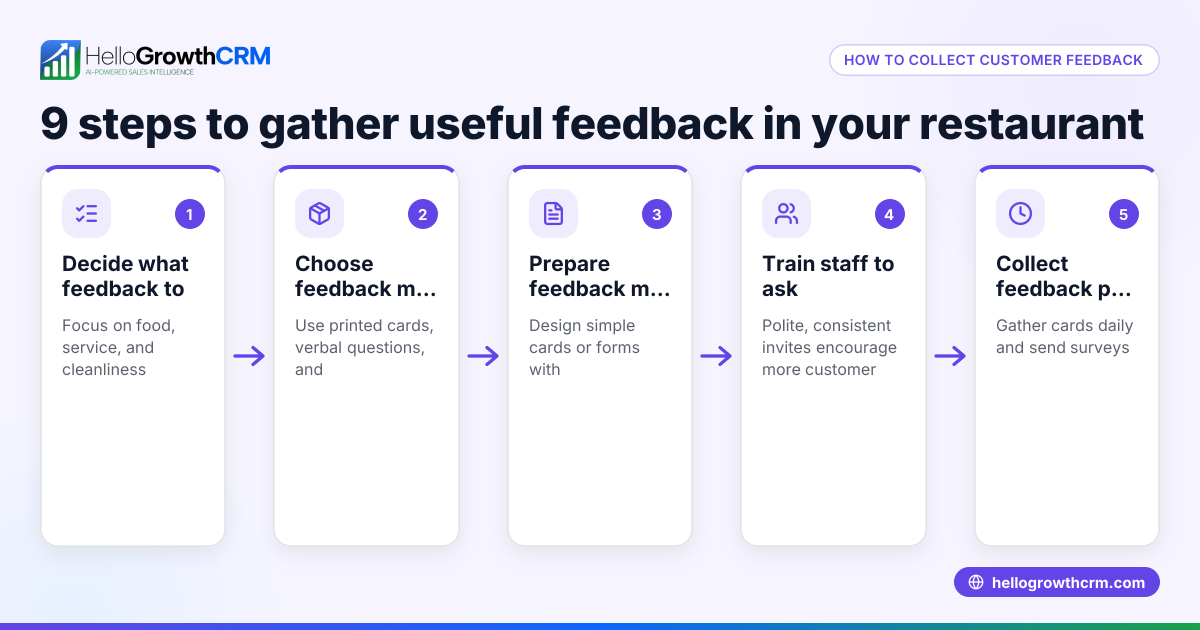
- Define your feedback goals: Decide what you want to learn — product satisfaction, service quality, or overall experience. Clear goals help focus your questions.
- Choose the form format: Paper, online survey, or embedded web form. Online forms are easier to manage and analyse.
- Write clear, concise questions: Use simple language. Include a mix of question types: rating scales (e.g., 1-5), yes/no, and open-ended for comments.
- Keep it short: Aim for 5-10 questions to respect customers’ time and increase completion rates.
- Include contact details optionally: If you want to follow up, but make it optional to avoid discouraging responses.
- Test your form: Check it on different devices, and ask a few people to complete it to ensure clarity.
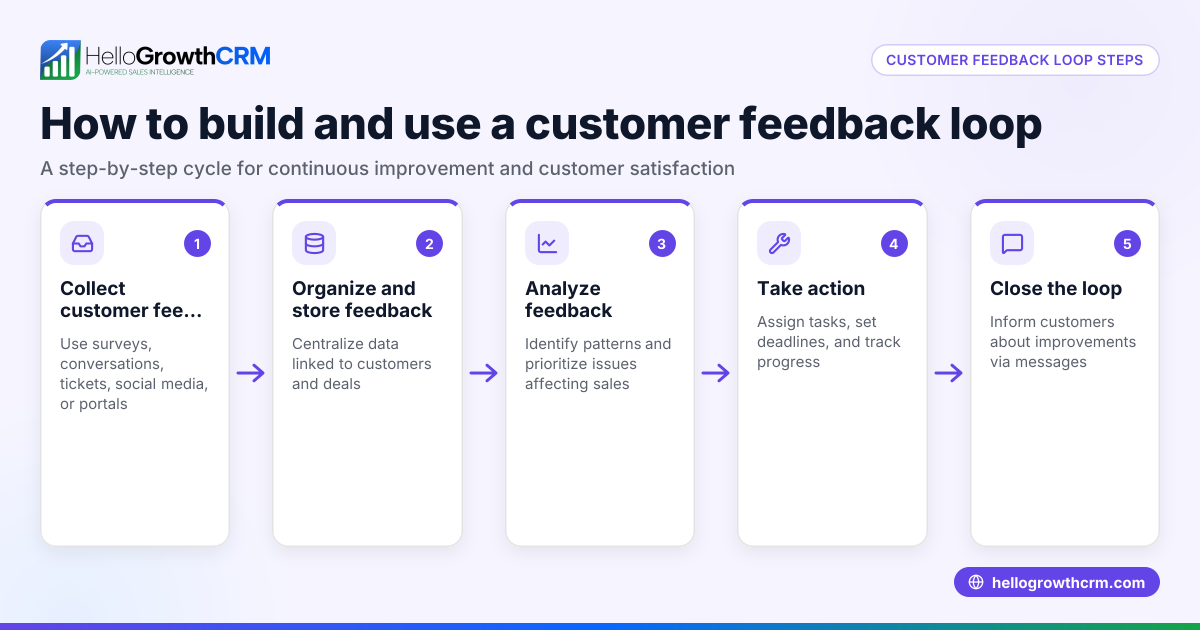
- Set up data collection and storage: Use spreadsheets, CRM, or survey tools. Make sure data is secure and easy to access.
- Plan how to use feedback: Assign responsibility for reviewing responses and acting on them.
Check out free sales tools and calculators for templates that can help with feedback tracking and follow-up sequences.
Example (fictional figures)
A Queenstown-based tourism operator wants to gather feedback after each guided tour.
- They create an online form with 6 questions: overall satisfaction (1-5), guide friendliness (1-5), tour value for money (1-5), would you recommend us? (yes/no), what did you like most? (open), suggestions for improvement (open).
- They send the form via email within 24 hours of the tour date.
- After one month, they collect 100 responses.
- Average overall satisfaction score: 4.5
- 90 out of 100 would recommend.
- Common suggestion: add more photo stops.
- The tourism operator estimates the value of improved tours will increase repeat bookings by 10%.
- Monthly revenue before feedback: NZ$120,000
- Expected revenue increase: NZ$120,000 × 10% = NZ$12,000
- New monthly revenue: NZ$120,000 + NZ$12,000 = NZ$132,000
This feedback allows them to adjust tours and improve marketing, resulting in NZ$12,000 more revenue per month.
Common mistakes
- Too many questions: overwhelms customers. Keep it short to increase completion.
- Vague questions: unclear questions lead to unusable answers. Be specific.
- No clear purpose: feedback without goals wastes time. Define what you want to learn.
- Ignoring feedback: collecting but not acting frustrates customers. Assign someone to review and respond.
- Complicated forms: hard to access or fill out. Test usability on multiple devices.
- Not following up: missing chance to build relationships. Use responses to improve and thank customers.
Learn more about managing customer relationships and feedback with HelloGrowthCRM for New Zealand.
Doing this in HelloGrowthCRM
HelloGrowthCRM offers free sales tools, templates and calculators, including follow-up cadence and pipeline templates, available without an account at free sales tools and calculators. After the sale, service requests and feedback tickets stay on the same customer record as the deal, making it easier to track and respond through the customer portal and ticket system. This keeps your feedback and sales data connected and accessible.
Frequently asked questions
What questions should I include in a customer feedback form? Include a mix of rating scale questions (e.g., 1-5), yes/no questions, and open-ended questions for comments. Focus on your key goals like satisfaction, product quality, and likelihood to recommend.
How many questions are ideal in a feedback form? Keep it between 5 to 10 questions to respect customers’ time and improve completion rates.
Should I ask for customer contact details? Only if you plan to follow up. Make it optional to avoid deterring responses.
How do I encourage customers to complete the feedback form? Keep the form short and simple, send it soon after the purchase or service, and communicate that their feedback is valued and used.
Can I integrate feedback forms with my CRM? Yes, integrating feedback with your CRM helps track responses alongside customer records, making follow-up and analysis easier. HelloGrowthCRM supports managing feedback tickets on customer records.
Are there ready-made templates for NZ businesses? Yes, you can find free templates and tools specifically useful for NZ small businesses at free sales tools and calculators.
Key takeaways
- Use a short, clear feedback form focused on your business goals.
- Mix rating, yes/no, and open-ended questions.
- Test your form for clarity and ease of use.
- Assign responsibility to review and act on feedback.
- Avoid common mistakes like too many questions or ignoring feedback.
- Use tools like HelloGrowthCRM to manage feedback alongside sales.
Start collecting useful customer insights today with a practical template and clear process. To simplify managing customer feedback and sales pipelines, start on the Free Forever plan (200 leads, no credit card).
Ready to put this into practice?
Set up your pipeline, WhatsApp follow-ups, and AI lead scoring in minutes — free, no credit card.
Try HelloGrowthCRM freeGet CRM tips in your inbox
Join thousands of sales professionals who get weekly insights on CRM strategy, AI automation, and pipeline optimization.

The HelloGrowthCRM team publishes guides on CRM strategy, AI sales tools, and revenue operations for small business sales teams.