HelloGrowthCRM software
Built for real small-business sales teams
HelloGrowthCRM helps reps qualify faster, follow up on time, and close more deals—with practical automation in one place.
- AI lead scoring and pipeline visibility
- Built-in dialer, WhatsApp, and email automation
- Sales forecasting and RevOps-ready reporting
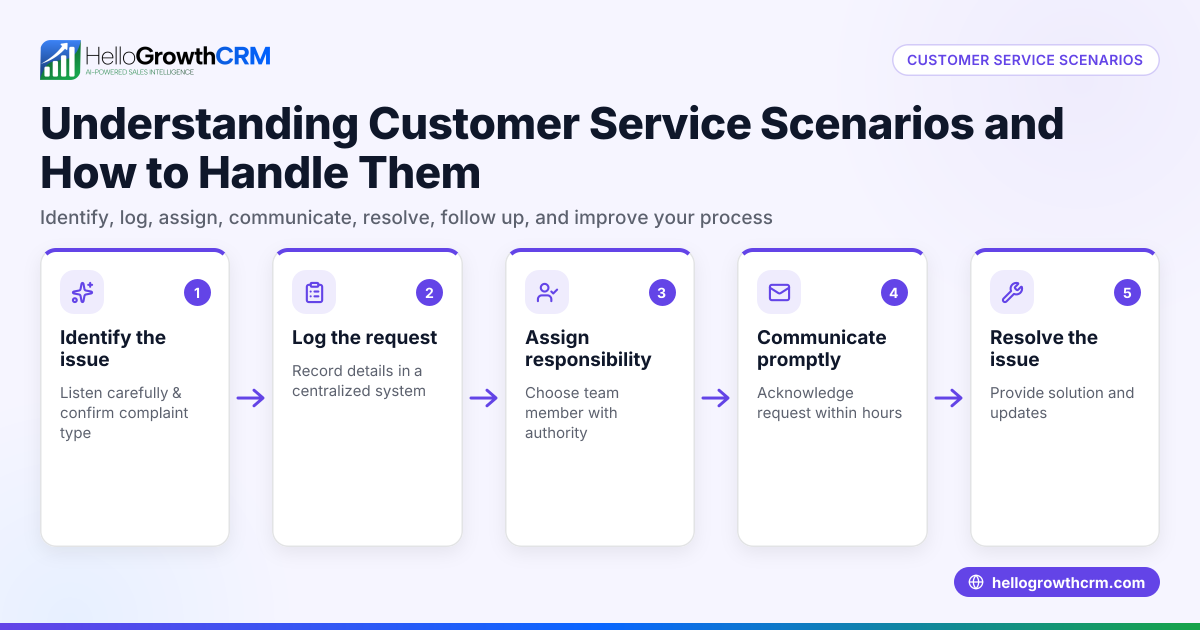
Customer service replies are the messages your business sends to customers after receiving questions, complaints, or service requests. They are essential for solving problems, providing clear information, and maintaining customer satisfaction and loyalty. This article explains why managing customer service replies effectively is critical for small businesses, provides practical steps to handle replies, shares a detailed example with calculations, highlights common mistakes, and describes how a CRM with customer portal and ticket features can help.
Why this comes up / what goes wrong
Small business owners often handle customer service replies themselves or with small teams, using multiple communication channels like email, WhatsApp, SMS, and spreadsheets. Without a unified system, replies can be slow, inconsistent, or incomplete. Customers may get frustrated by delays or unclear answers, causing lost sales and damaged reputation. Tracking follow-ups and maintaining records is also challenging without a central place, leading to repeated contacts or missed issues. As the business grows, these problems get worse.
Step-by-step
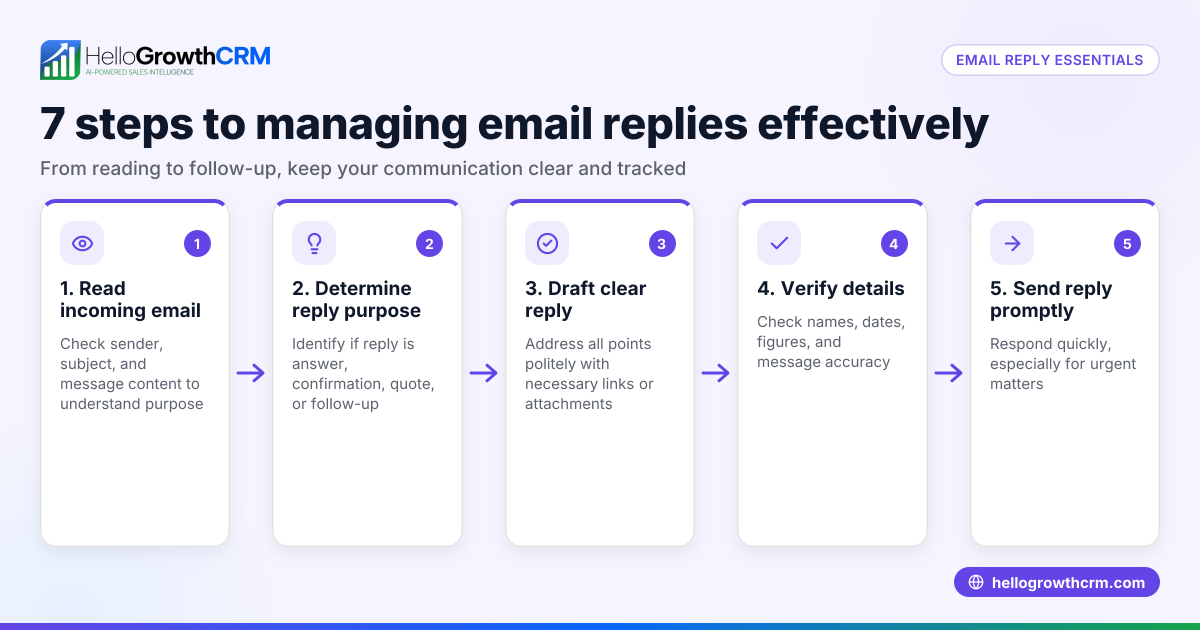
- Collect all customer inquiries in one place daily. Check your email inbox, WhatsApp chats, SMS, and web form submissions to gather all messages.
- Sort messages by urgency and type. Prioritize urgent problems or complaints, then group informational questions.
- Write clear, concise replies. Answer the customer’s question directly, provide next steps, and avoid jargon or vague language.
- Create and use templates for common questions. This saves time and ensures consistent information.
- Log each reply and any follow-up tasks. Keep notes on what was communicated and set reminders for follow-ups.
- Review replies for tone and professionalism before sending. Ensure messages are polite, empathetic, and match your brand voice.
- Follow up promptly if the issue isn’t resolved. Confirm the customer’s satisfaction or offer additional assistance.
- Analyze reply patterns regularly. Identify frequent issues or bottlenecks and improve your processes.
Using a CRM that supports WhatsApp and SMS CRM can help centralize messages and automate parts of this workflow. A customer health score can also help prioritize customers needing immediate attention. For US businesses, see how HelloGrowthCRM for the United States supports these features.
Example (fictional figures)
A landscaping contractor in Charlotte, North Carolina, receives 50 customer inquiries each month. Their goal is to reply within 24 hours to keep customers engaged and satisfied.
- Total inquiries per month = 50
- Average reply time before improvement = 48 hours
- Target reply time = 24 hours
By organizing replies and using templates, they reduce reply time by half:
48 hours ÷ 2 = 24 hours
Faster replies lead to more customer retention and referrals. For example, if the contractor earns an additional $5,000 monthly from referrals due to faster replies and better service, the calculation is:
Additional monthly revenue = $5,000
This shows how improving reply times can contribute directly to business growth.
Common mistakes
- Ignoring or delaying replies. Prevent by scheduling daily review times and setting reminders.
- Using unclear or technical language. Prevent by writing simple, direct answers.
- Not tracking replies and follow-ups. Prevent by logging communications and scheduling next steps.
- Failing to personalize replies. Prevent by acknowledging customer details and concerns.
- Managing multiple communication channels without integration. Prevent by centralizing messages in one system like a CRM.
- Neglecting to analyze reply data. Prevent by regularly reviewing response times and common issues.
Doing this in HelloGrowthCRM
HelloGrowthCRM offers a customer portal, referrals, tickets, and a knowledge base to streamline customer service replies. After the sale, service requests stay on the same customer record as the deal, making it easier to track all communications and follow-ups in one place. This reduces missed replies and improves response consistency. Learn more about HelloGrowthCRM for the United States and how it supports WhatsApp and SMS CRM to manage conversations efficiently.
Frequently asked questions
What makes a good customer service reply? A good reply is timely, clear, polite, and directly addresses the customer’s issue. It includes next steps and contact information for further help.
How fast should I respond to customer inquiries? Aim to reply within 24 hours or sooner for urgent issues. Faster responses improve customer satisfaction and reduce repeated contacts.
Can I automate customer service replies? Yes, templates and automated sequences on WhatsApp and SMS channels can speed replies while keeping them personalized. (business.whatsapp.com)
How do I keep track of customer replies? Use a CRM that consolidates all customer communications and logs replies and service tickets on the customer record, like HelloGrowthCRM.
Why is personalization important in replies? Personalization shows customers you value them and understand their needs, building trust and loyalty.
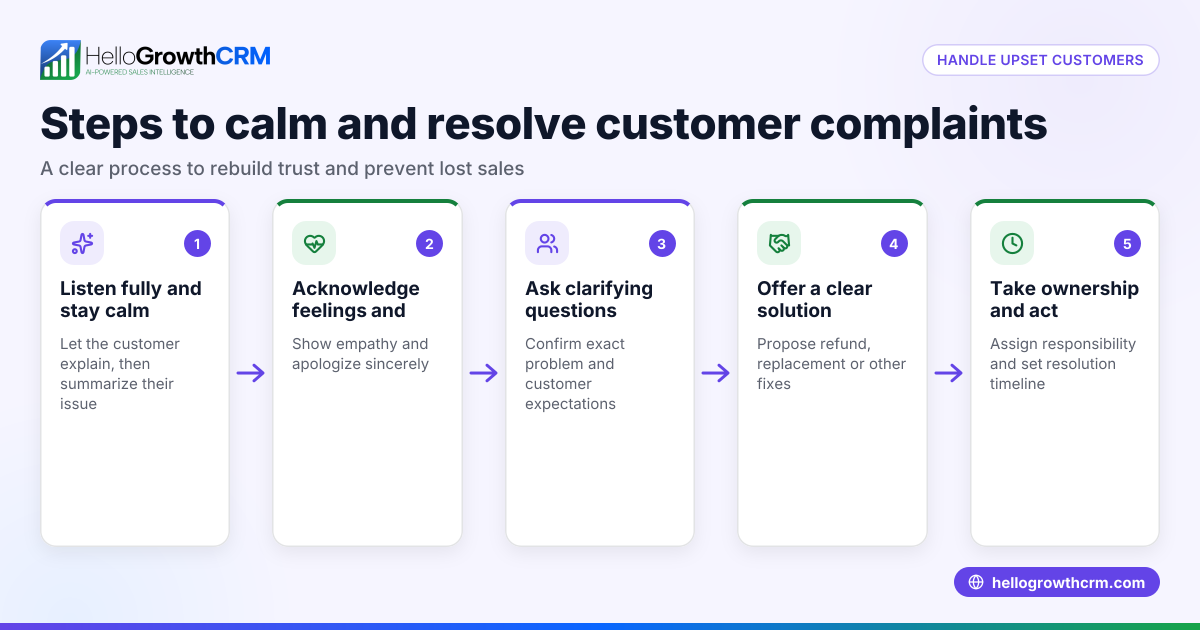
What should I do if I can’t solve a customer’s problem immediately? Acknowledge the issue, explain the steps you’re taking, and provide a timeline for resolution to keep the customer informed.
Key takeaways
- Customer service replies solve issues and maintain customer satisfaction.
- Organize and prioritize replies to ensure timely, clear communication.
- Use templates and track all replies and follow-ups to avoid mistakes.
- Personalize replies to build trust and improve customer experience.
- Centralize customer communications using a CRM with customer portal, tickets, and referrals.
- Analyze reply data regularly to improve response processes.
Start managing your customer service replies more effectively today. Start on the Free Forever plan (200 leads, no credit card) to organize your customer communications in one place.
Ready to put this into practice?
Set up your pipeline, WhatsApp follow-ups, and AI lead scoring in minutes — free, no credit card.
Try HelloGrowthCRM freeGet CRM tips in your inbox
Join thousands of sales professionals who get weekly insights on CRM strategy, AI automation, and pipeline optimization.

The HelloGrowthCRM team publishes guides on CRM strategy, AI sales tools, and revenue operations for small business sales teams.