HelloGrowthCRM software
Built for real small-business sales teams
HelloGrowthCRM helps reps qualify faster, follow up on time, and close more deals—with practical automation in one place.
- AI lead scoring and pipeline visibility
- Built-in dialer, WhatsApp, and email automation
- Sales forecasting and RevOps-ready reporting
Customer service scenarios refer to typical situations where customers contact a business for help, information, or to solve a problem. These can include complaints, refund requests, technical support, or billing questions. Handling these scenarios well is critical to maintaining customer satisfaction and loyalty. This article covers why customer service scenarios arise, step-by-step instructions to manage them, a realistic example with calculations, common mistakes to avoid, and how HelloGrowthCRM can help streamline your service process.
Why this comes up / what goes wrong
Small-business owners face customer service scenarios because customers expect quick, clear, and effective responses. Problems occur when requests are scattered across texts, emails, and spreadsheets, causing delays or lost information. For example, a customer might report a defective product, ask about an order status, or request a refund. Without a structured system, these requests can be forgotten or mishandled, leading to unhappy customers and lost revenue. Many small businesses run sales and service communication on different platforms, which complicates tracking and timely follow-up.
Step-by-step
- Identify the Customer Service Scenario
- Listen carefully to what the customer is asking or reporting.
- Confirm the nature of the issue (e.g., product defect, billing question, technical support).
- Log the Request Clearly
- Enter the customer’s details and issue into a centralized system.
- Include key information like dates, order numbers, and previous communications.
- Assign Responsibility
- Decide which team member will handle the request.
- Make sure they have the tools and authority needed to resolve it.
- Communicate Promptly
- Acknowledge the request quickly, ideally within a few hours.
- Provide a clear timeline or next steps.
- Resolve the Issue
- Deliver the solution, whether it’s a refund, replacement, or advice.
- Keep the customer informed if there are any delays.
- Follow Up
- Check back with the customer after resolution to confirm satisfaction.
- Record any feedback or lessons learned.
- Review and Improve
- Analyze frequent scenarios to identify patterns.
- Update your processes or knowledge base to improve future handling.
Centralizing all communication and requests in one place helps avoid lost or delayed responses. For managing conversations, consider a CRM that supports WhatsApp and SMS communication, such as HelloGrowthCRM, which keeps messages organized and accessible. See more about WhatsApp and SMS CRM.
Example (fictional figures)
A residential real-estate team in Phoenix, Arizona receives a service request on 04/10/2026 from a client reporting incorrect property listing details on their website.
- Customer calls to report the issue.
- The team logs the request in their CRM with customer name, property ID, and issue description.
- The team assigns the request to the marketing coordinator.
- The coordinator sends an acknowledgment email on 04/10/2026: "We received your request and will update the listing by 04/12/2026."
- On 04/12/2026, the listing is corrected.
- The coordinator follows up with the customer: "The listing has been updated. Please confirm if everything looks correct."
- Customer replies positively on 04/13/2026.
- The team records the resolution and notes to monitor listing accuracy for similar issues.
Costs involved:
- Marketing coordinator’s hourly rate: $40
- Time spent on correction: 3 hours
Calculation: $40 × 3 hours = $120 total cost for correction
This process ensures the issue is handled quickly and the customer stays informed.
Common mistakes
- Ignoring or delaying acknowledgment: Prevent by setting a policy to respond within hours.
- Using scattered communication channels: Prevent by centralizing requests in one system to avoid lost information.
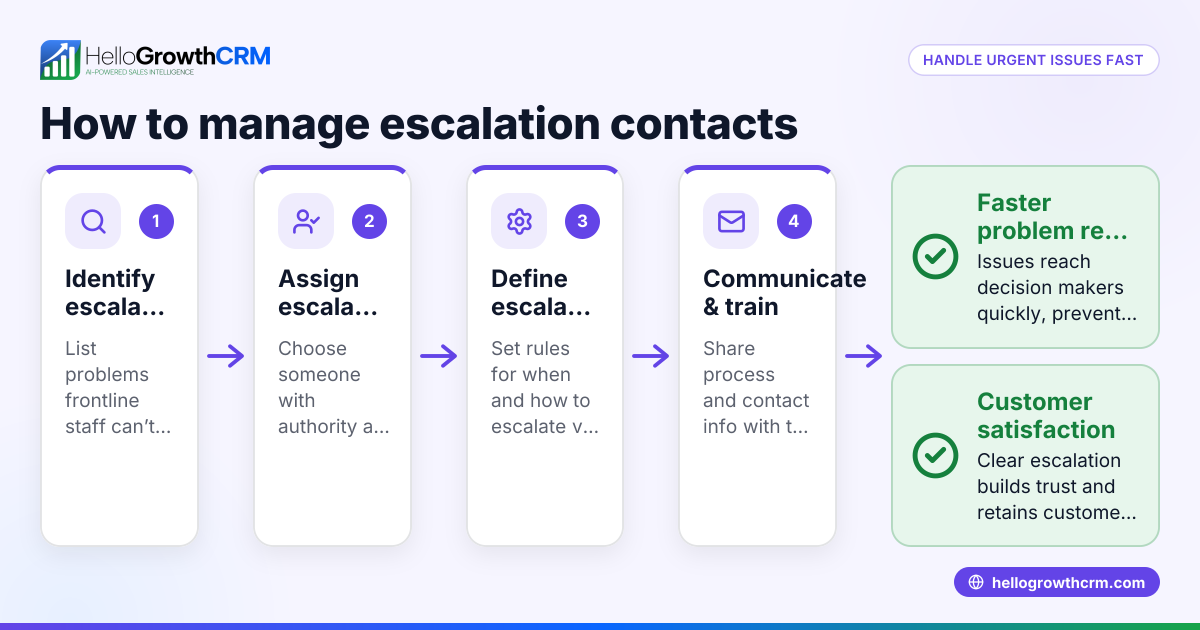
- Assigning responsibility without authority: Prevent by clearly defining roles and ensuring team members can resolve issues.
- Failing to follow up after resolution: Prevent by scheduling follow-ups as part of the process.
- Not learning from repeated issues: Prevent by regularly reviewing cases and updating your knowledge base.
- Overloading one team member with too many requests: Prevent by balancing workload and tracking tickets.
Using a CRM that integrates customer requests, communication, and a knowledge base helps avoid these mistakes. Learn more about customer tracking at customer health score.
Doing this in HelloGrowthCRM
HelloGrowthCRM provides a branded customer portal where customers can submit service requests directly. These support tickets stay linked to the same customer record as the original deal, keeping all information in one place. The platform also includes referral tracking and a knowledge base to help your team provide consistent answers. Managing tickets and service requests through HelloGrowthCRM helps small businesses avoid scattered communication and improve response times. See HelloGrowthCRM for the United States at hellogrowthcrm.com/usa.
Frequently asked questions
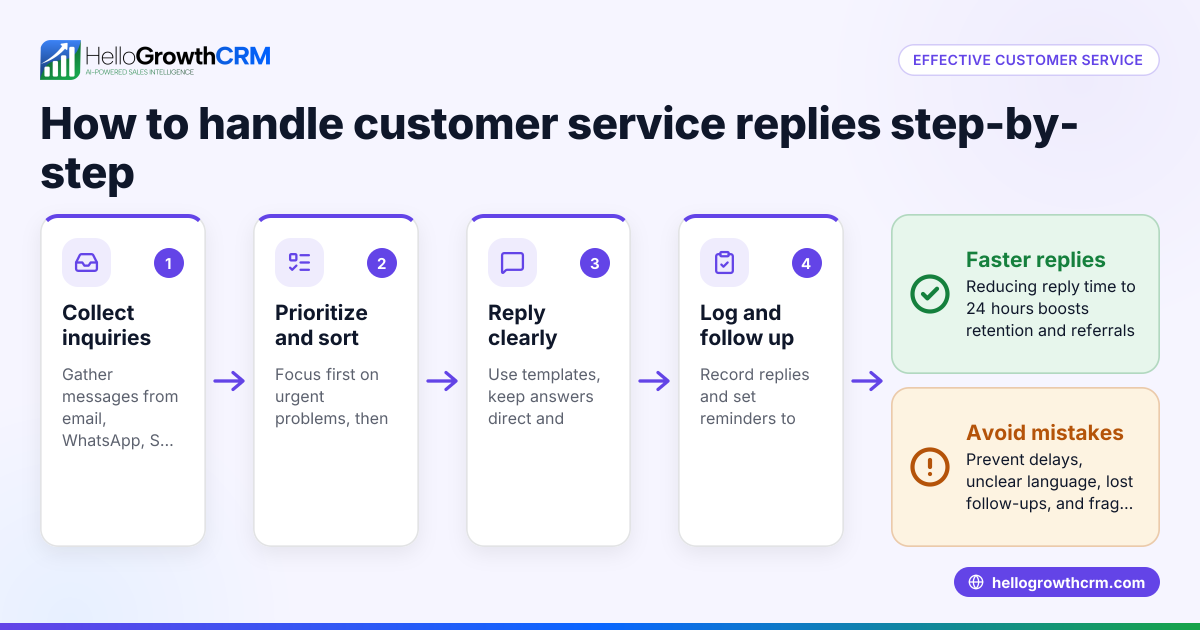
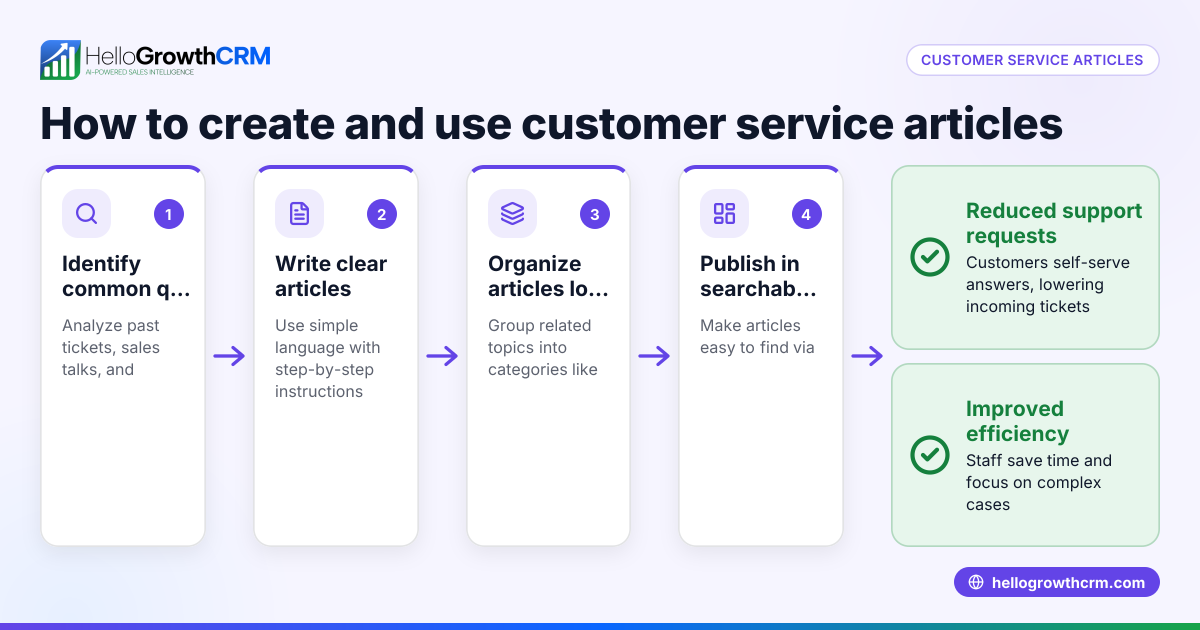
What are common customer service scenarios for small businesses? Common scenarios include product or service complaints, refund requests, technical support, order status inquiries, and billing questions. Each requires clear communication and timely resolution.
How can I keep track of multiple customer service scenarios? Using a centralized system like a CRM helps log and track all service requests. This prevents losing requests in emails or spreadsheets and ensures timely follow-up.
Why is quick acknowledgment important in customer service? Acknowledging a customer’s request promptly reassures them that their issue is being handled. It builds trust and reduces frustration, even if the full resolution takes time.
Can I manage customer service scenarios through WhatsApp or SMS? Yes, managing customer service communication through WhatsApp and SMS can be effective, especially when integrated with a CRM like HelloGrowthCRM that supports these channels. This keeps conversations organized and accessible.
How does a knowledge base help with customer service? A knowledge base provides your team and customers with quick access to answers for common questions. It reduces repetitive inquiries and speeds up issue resolution.
Key takeaways
- Customer service scenarios are typical situations where customers need help or have questions.
- Manage these scenarios by identifying, logging, assigning, communicating, resolving, and following up.
- Avoid mistakes like delayed acknowledgment, scattered communication, and lack of follow-up.
- Use a CRM with a customer portal, tickets, and knowledge base to keep service organized and efficient.
- HelloGrowthCRM keeps service requests on the same customer record for better tracking and faster resolution.
Start managing your customer service scenarios more effectively today. Start on the Free Forever plan (200 leads, no credit card).
Ready to put this into practice?
Set up your pipeline, WhatsApp follow-ups, and AI lead scoring in minutes — free, no credit card.
Try HelloGrowthCRM freeGet CRM tips in your inbox
Join thousands of sales professionals who get weekly insights on CRM strategy, AI automation, and pipeline optimization.

The HelloGrowthCRM team publishes guides on CRM strategy, AI sales tools, and revenue operations for small business sales teams.