HelloGrowthCRM software
Built for real small-business sales teams
HelloGrowthCRM helps reps qualify faster, follow up on time, and close more deals—with practical automation in one place.
- AI lead scoring and pipeline visibility
- Built-in dialer, WhatsApp, and email automation
- Sales forecasting and RevOps-ready reporting
A quote is a firm price commitment from a seller to a buyer. Once accepted, the buyer can expect to pay that exact amount unless otherwise agreed. An estimate, on the other hand, is a rough calculation that gives the buyer an idea of potential costs but is not binding and may change as the work progresses or more details emerge.
Why this comes up / what goes wrong
Small business owners often face the challenge of deciding whether to provide a quote or an estimate to their customers. This decision is critical because it affects customer expectations, the sales process, and risk management. For example, a small contractor might give an estimate for a home repair project when the exact scope is not fully clear, but the customer might expect a fixed quote and be surprised by final costs. Alternatively, a software reseller might provide a quote to lock in pricing for a client, but if the client requests a rough idea first, an estimate might be more appropriate. Confusing the two can lead to lost sales, disputes, or damage to customer trust.
Step-by-step
| Criteria | Quote | Estimate |
|---|---|---|
| Price Binding | Fixed price; legally binding when accepted | Approximate price; not legally binding |
| Price Changes | Not expected to change after acceptance | Can increase or decrease based on actual costs |
| Detail Level | Detailed breakdown of costs and scope | General overview; less detailed |
| Use Case | When scope and costs are well-defined | When scope or costs are uncertain or variable |
| Customer Expectation | Customer expects no surprises | Customer expects possible changes |
| Risk for Business | Higher risk if costs rise unexpectedly | Lower risk; can adjust price as work progresses |
| Sales Process Speed | Slower; requires precise calculation | Faster; useful for initial discussions |
Who should pick which?
- Use a quote if your business can clearly define scope and costs upfront and wants to provide customers with a firm price commitment.
- Use an estimate if your service or product involves variables or unknowns, and you want to give customers a general idea without locking in the price.
Example (fictional figures)
A B2B software reseller in Denver, Colorado, is preparing a price offer for a client on 07/15/2026.
- They estimate the software license cost at $50,000.
- Implementation services are roughly $20,000 but could vary.
- Support and training estimated at $10,000.
Estimate calculation: $50,000 + $20,000 + $10,000 = $80,000 (approximate)
They tell the client: "The total cost will be around $80,000 but could change based on your specific needs during implementation."
Quote calculation: $50,000 + $20,000 + $10,000 = $80,000 (fixed)
They provide a detailed quote with these fixed amounts. Once the client accepts, the price is set unless both parties agree to changes.
Common mistakes
- Confusing quotes with estimates: Prevent this by clearly labeling your documents and explaining to customers whether the price is fixed or approximate.
- Giving a quote without full scope: Avoid by gathering detailed requirements before issuing a quote to prevent unexpected losses.
- Using estimates as firm prices: Make sure to communicate that estimates can change and follow up with a formal quote when details are confirmed.
- Delaying follow-up after sending a quote or estimate: Use task boards to schedule and track follow-ups; see activities and task boards.
- Losing track of communications: Log all conversations on the lead record, including WhatsApp and SMS messages; see WhatsApp and SMS CRM.
Doing this in HelloGrowthCRM
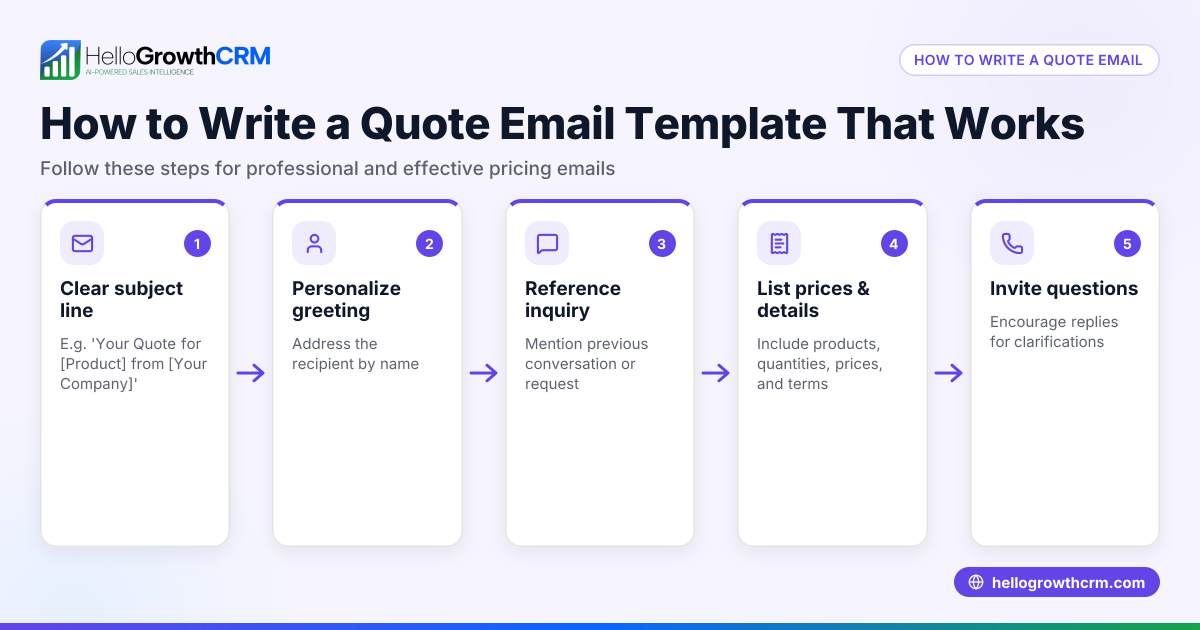
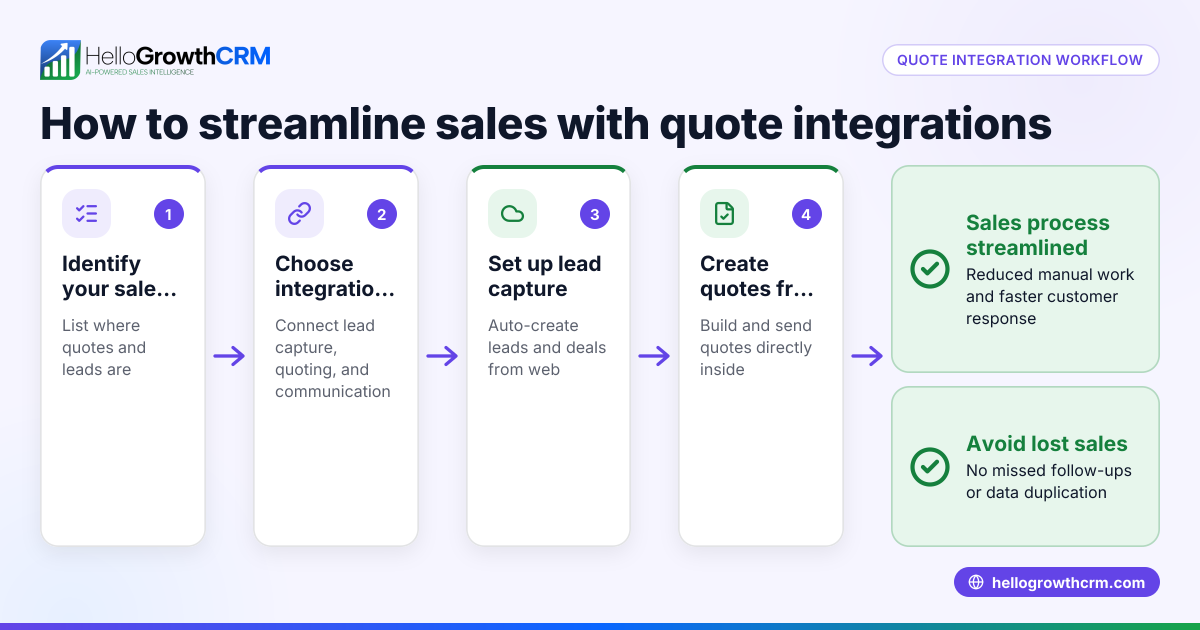
HelloGrowthCRM helps small businesses manage quotes and estimates efficiently. You can build, send, and track quotes and proposals directly from a deal record, with status updates like sent, viewed, and accepted visible alongside your follow-up tasks. Each follow-up becomes a task with a due date, so you never miss a call or message. WhatsApp conversations with leads are logged on their records, and follow-ups can be sent as WhatsApp or SMS messages. This keeps your sales process organized and responsive. Learn more about the built-in CRM dialer.
Frequently asked questions
What happens if a customer rejects a quote? You can revise and resend a new quote or provide an estimate if the customer needs more flexibility. HelloGrowthCRM lets you track quote statuses to manage follow-ups easily.
Can an estimate turn into a quote later? Yes, often an estimate is the first step. Once details are confirmed, you can issue a formal quote. This helps manage customer expectations.
Is a quote legally binding? A quote becomes binding once the customer accepts it, meaning the price should not change unless otherwise agreed.
Should I always use quotes for my business? Not necessarily. If your costs or scope vary, estimates help you avoid losses and set realistic expectations.
How can I keep track of quotes and estimates? Using a CRM like HelloGrowthCRM, you can manage all documents linked to deals, track their status, and schedule follow-ups to keep your sales process on track. See also HelloGrowthCRM for the United States.
Key takeaways
- A quote is a fixed, binding price; an estimate is a non-binding approximation.
- Choose quotes when scope and costs are clear; use estimates for uncertain projects.
- Clearly communicate the difference to customers to avoid confusion.
- Use task boards and messaging tools to follow up on quotes and estimates.
- HelloGrowthCRM integrates quoting, task tracking, and WhatsApp/SMS messaging for smooth sales management.
Start managing your quotes and estimates with HelloGrowthCRM. Start on the Free Forever plan (200 leads, no credit card).
Ready to put this into practice?
Set up your pipeline, WhatsApp follow-ups, and AI lead scoring in minutes — free, no credit card.
Try HelloGrowthCRM freeGet CRM tips in your inbox
Join thousands of sales professionals who get weekly insights on CRM strategy, AI automation, and pipeline optimization.

The HelloGrowthCRM team publishes guides on CRM strategy, AI sales tools, and revenue operations for small business sales teams.