HelloGrowthCRM software
Built for real small-business sales teams
HelloGrowthCRM helps reps qualify faster, follow up on time, and close more deals—with practical automation in one place.
- AI lead scoring and pipeline visibility
- Built-in dialer, WhatsApp, and email automation
- Sales forecasting and RevOps-ready reporting
SMS and RCS are two messaging technologies businesses use to communicate with customers. SMS is the traditional text messaging system that works on all phones, while RCS offers richer features similar to modern chat apps. Understanding their differences helps small US businesses choose the best option for customer engagement and follow-up.
Why this comes up / what goes wrong
Small-business owners often struggle to pick the right messaging type to reach customers effectively. Many rely on SMS because it works everywhere and is simple, but SMS messages are limited to text and basic links. As customer expectations grow, some businesses consider RCS for richer interactions such as sending images, videos, interactive buttons, and read receipts. However, RCS requires that both sender and recipient have compatible devices and carriers, which is not always the case. This can lead to inconsistent message delivery or fallback to SMS. Choosing between SMS and RCS affects how well you can engage leads, manage follow-ups, and convert prospects.
Step-by-step
Here is a comparison table of SMS and RCS on key criteria important for small US businesses:
| Criterion | SMS | RCS |
|---|---|---|
| Device Compatibility | Works on all mobile phones | Requires RCS-supported devices and carriers |
| Message Type | Text only, links, emojis | Text, images, videos, read receipts, typing indicators, group chats |
| Cost | Low cost per message, typically cheaper | Higher cost per message; carrier and volume dependent |
| Delivery Reliability | Very reliable and universal | May fail if recipient’s device or carrier lacks support; falls back to SMS |
| Interactivity | Limited to text replies | Supports buttons, carousels, rich media, and interactive elements |
| Business Use Cases | Appointment reminders, alerts, promos | Enhanced customer service, product demos, surveys, interactive offers |
| Setup Complexity | Simple; no special setup needed | Requires RCS platform and carrier integration |
Who should pick which?
- Choose SMS if you want broad compatibility, low cost, and simple text alerts or reminders that reach all customers.
- Choose RCS if your customers mostly use compatible smartphones and you want to send interactive, rich media messages that increase engagement.
Example (fictional figures)
A two-location dental practice in Columbus, Ohio, sends appointment reminders and promotional offers to patients.
- Messages sent per month: 1,000
- SMS cost per message: $0.03
- RCS cost per message: $0.10 (assumed illustrative rate)
SMS monthly cost calculation: 1,000 × $0.03 = $30
RCS monthly cost calculation: 1,000 × $0.10 = $100
The dental practice opts for SMS to keep costs low and ensure all patients receive reminders. They plan to explore RCS later for richer promotional content as more patients upgrade to compatible devices.
Common mistakes
- Assuming RCS works for all customers – Always verify device and carrier support to avoid failed or fallback messages.
- Ignoring SMS reliability – SMS delivers universally and should be the fallback option if RCS is unsupported.
- Overusing rich media in RCS – Excessive use of images or videos can increase costs and slow message loading.
- Not tracking message responses – Use a CRM with task boards and sequences to automate follow-ups and log every interaction.
- Neglecting customer consent and compliance – Always get explicit permission before sending marketing messages.
- Failing to organize messaging workflows – Without proper task management, follow-ups can be missed or delayed.
Prevent these mistakes by checking your customer base’s device compatibility, using SMS as backup, and organizing your messaging with CRM tools like activities and task boards.
Doing this in HelloGrowthCRM
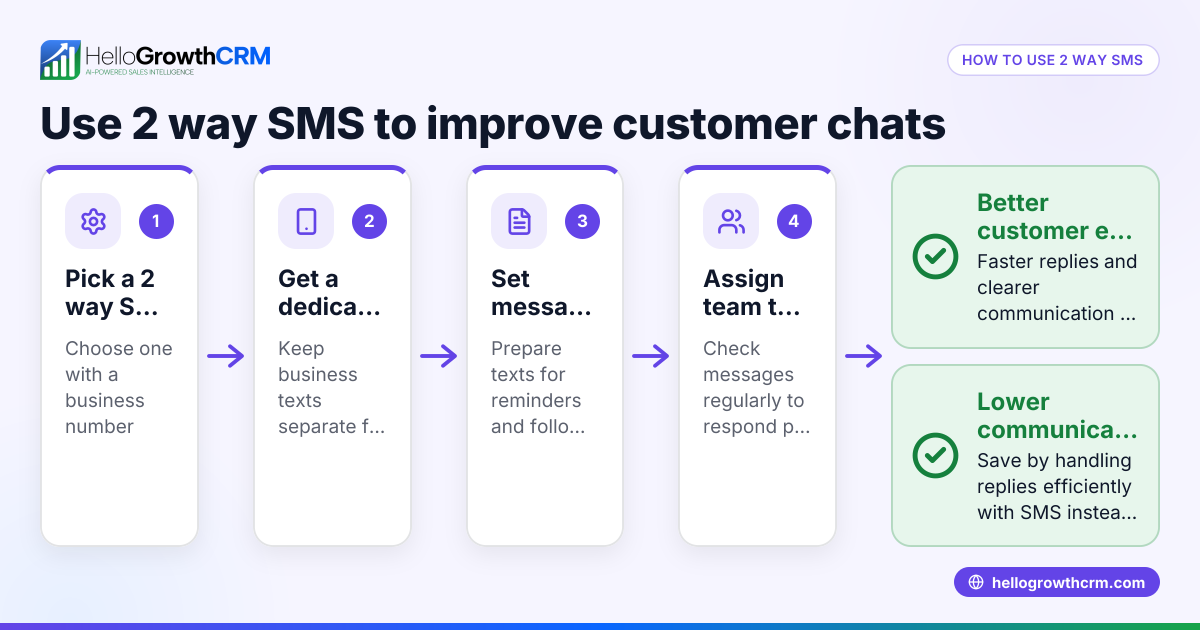
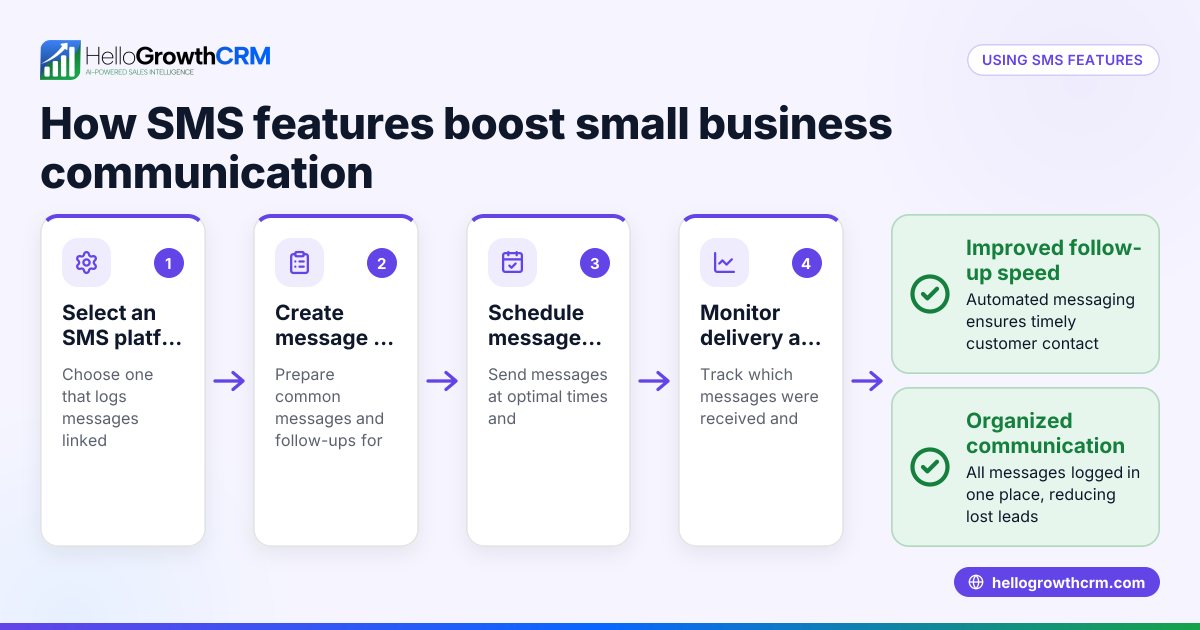
HelloGrowthCRM supports WhatsApp and SMS messaging workflows that help your team engage leads and customers on channels they already use. WhatsApp conversations with a lead are logged on the lead record, and follow-ups can be sent as messages. Each follow-up becomes a task with a due date on activities and task boards, so your team’s calls and messages are organized and never missed. You can set up sequences and campaigns to automate multi-step follow-ups over two weeks, which stop automatically when a prospect replies. Learn more about WhatsApp and SMS CRM and how HelloGrowthCRM helps US businesses manage messaging efficiently.
Frequently asked questions
What devices support RCS? RCS is supported on many newer Android smartphones and some US carriers. Apple devices do not currently support RCS, so messages to iPhones fall back to SMS.
Is RCS more expensive than SMS? Yes, RCS messages usually cost more because they support richer content and require carrier integration. Costs vary by provider and message volume.
Can I send RCS messages to all customers? No, RCS requires both the sender and recipient to have compatible devices and carriers. If the recipient doesn’t support RCS, messages automatically revert to SMS.
How do I track message responses? Using a CRM like HelloGrowthCRM, you can log all conversations and automate follow-ups with task boards and sequences, ensuring no lead is lost. See activities and task boards and sequences and campaigns.
Do I need special software to send RCS? Yes, sending RCS messages requires an RCS platform or carrier integration, unlike SMS which can be sent via simple gateways.
Can RCS improve customer engagement? RCS offers richer messaging features like images, videos, and interactive buttons, which can increase customer engagement if your audience uses compatible devices.
Key takeaways
- SMS is universally supported, reliable, and low cost for basic text messaging.
- RCS offers richer features like multimedia, read receipts, and interactivity but requires compatible devices and carriers.
- Small businesses should use SMS for broad reach and consider RCS for enhanced engagement with compatible customers.
- Avoid common mistakes by verifying device compatibility, using SMS as a fallback, and organizing messaging workflows with a CRM.
- HelloGrowthCRM helps manage SMS and WhatsApp messaging with task boards and automated sequences to keep your team organized.
Start managing your leads and messages effectively with HelloGrowthCRM. Start on the Free Forever plan (200 leads, no credit card).
Ready to put this into practice?
Set up your pipeline, WhatsApp follow-ups, and AI lead scoring in minutes — free, no credit card.
Try HelloGrowthCRM freeGet CRM tips in your inbox
Join thousands of sales professionals who get weekly insights on CRM strategy, AI automation, and pipeline optimization.

The HelloGrowthCRM team publishes guides on CRM strategy, AI sales tools, and revenue operations for small business sales teams.