HelloGrowthCRM software
Built for real small-business sales teams
HelloGrowthCRM helps reps qualify faster, follow up on time, and close more deals—with practical automation in one place.
- AI lead scoring and pipeline visibility
- Built-in dialer, WhatsApp, and email automation
- Sales forecasting and RevOps-ready reporting
A dynamic dialer is a phone system that automatically dials leads for sales reps based on rules that adjust in real time. It speeds up lead contact by reducing manual dialing and waiting time, ensuring reps spend more time talking and less time managing calls. This article covers why small businesses look for dynamic dialers, how to implement one step-by-step, a practical example, common pitfalls, and how HelloGrowthCRM’s built-in dialer can help.
Why this comes up / what goes wrong
Small-business owners often struggle with slow lead follow-up and inefficient calling processes. When sales reps manually dial numbers from spreadsheets or scattered lists, they waste time on wrong numbers, busy signals, or unanswered calls. Without automation, reps can get overwhelmed, miss hot leads, or lose track of call outcomes. A dynamic dialer addresses these problems by automatically managing call queues and adapting dialing speed based on agent availability and call results.
This need arises especially when businesses grow beyond a few leads per day and want to avoid losing potential customers due to slow or inconsistent follow-up. Dynamic dialers also help teams that use multiple communication channels by integrating calling into a single system.
Step-by-step
- Assess Your Calling Needs
- Determine how many leads your team needs to call daily.
- Check your current call handling capacity and average call duration.
- Choose a Dialer System That Supports Dynamic Dialing
- Look for dialers that automatically adjust dialing based on agent availability and call outcomes.
- Verify integration with your CRM or lead management tools.
- Import Your Lead List
- Prepare a clean list of leads with phone numbers.
- Upload the list into the dialer or CRM system.
- Set Dialing Rules
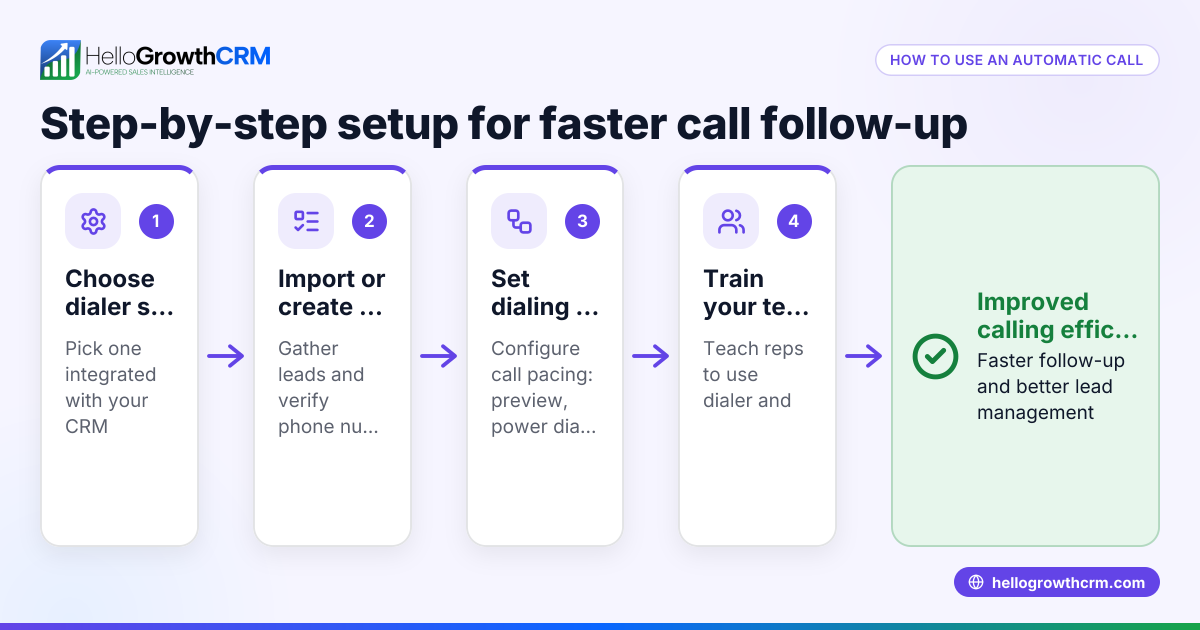
- Define rules for call retries, maximum simultaneous calls, and pacing.
- Configure how the dialer handles busy signals, no answers, and voicemail.
- Train Your Sales Team
- Show reps how to use the dialer interface.
- Explain how calls are logged and how to update lead statuses.
- Monitor and Adjust
- Track call outcomes and dialing efficiency.
- Adjust rules for pacing and retries based on results.
- Integrate with Other Communication Channels
- Use systems that combine calls with SMS and WhatsApp sequences for multi-channel outreach.
- Review Compliance
- Ensure your dialing practices comply with telemarketing laws, including consent and calling time rules.
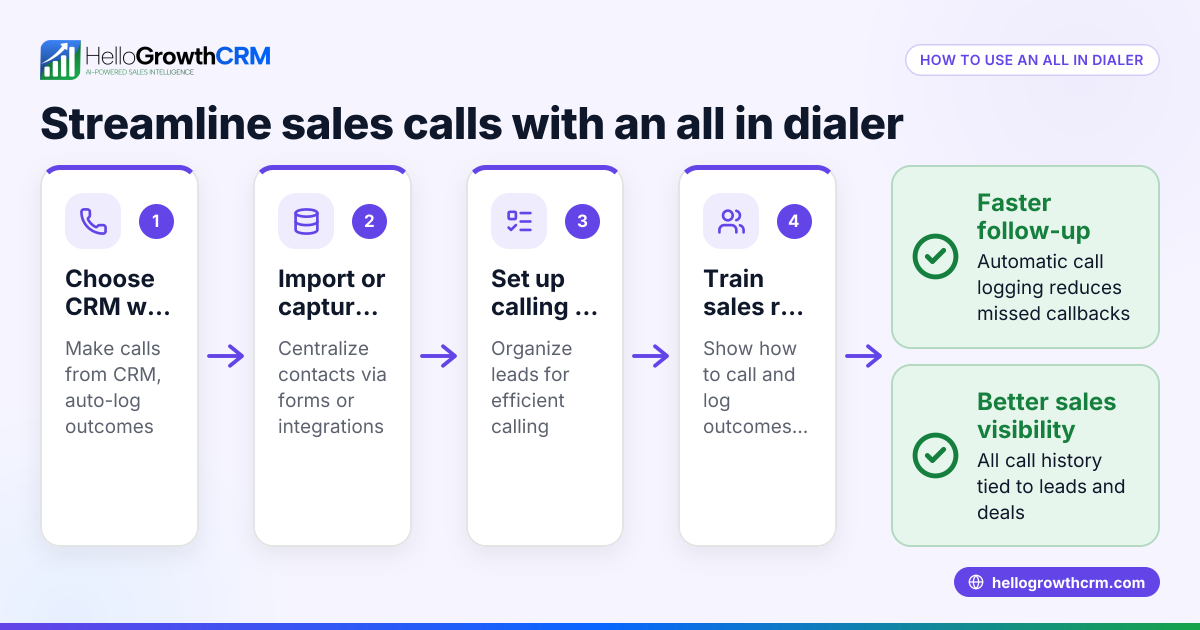
Using a dialer integrated into your CRM ensures call outcomes are logged automatically, saving time and improving data accuracy.
Example (fictional figures)
GreenScape, a landscaping contractor in Charlotte, North Carolina, wants to call 500 leads monthly to book consultations. They estimate each call lasts 5 minutes on average, and their sales team has 3 reps working 6 hours daily.
- Total daily calling time per rep = 6 hours × 60 minutes = 360 minutes
- Total daily calling time for 3 reps = 360 minutes × 3 = 1,080 minutes
- Number of calls possible daily = 1,080 minutes ÷ 5 minutes per call = 216 calls
- Monthly calls possible (22 working days) = 216 calls × 22 days = 4,752 calls
Manual dialing requires about 1 minute per call for dialing and waiting, which reduces effective calling time:
- Total dialing/wait time daily = 216 calls × 1 minute = 216 minutes
- Effective calling time daily = 1,080 minutes - 216 minutes = 864 minutes
- Effective calls daily = 864 minutes ÷ 5 minutes per call = 172 calls
- Effective calls monthly = 172 calls × 22 days = 3,784 calls
Using a dynamic dialer cuts dialing and waiting time by half (0.5 minutes saved per call):
- Dialing/wait time daily with dynamic dialer = 216 calls × 0.5 minutes = 108 minutes
- Effective calling time daily = 1,080 minutes - 108 minutes = 972 minutes
- Effective calls daily = 972 minutes ÷ 5 minutes per call = 194 calls
- Effective calls monthly = 194 calls × 22 days = 4,268 calls
This means GreenScape can contact 484 more leads monthly with the dynamic dialer, improving their booking potential.
Common mistakes
- Not cleaning lead lists before dialing: Leads with wrong or outdated numbers waste call attempts. Prevent by regularly verifying and updating contact info.
- Ignoring call pacing settings: Dialing too fast can overwhelm reps or trigger call blocking. Prevent by adjusting dialing speed based on agent availability.
- Failing to log call outcomes properly: Without accurate logs, follow-ups get missed. Prevent by using dialers integrated with CRM to auto-log calls.
- Not training sales reps on the dialer system: Confusion reduces efficiency. Prevent by providing clear training and documentation.
- Overlooking legal compliance: Violating telemarketing rules can lead to penalties. Prevent by reviewing applicable US laws.
Using a built-in CRM dialer helps avoid many of these mistakes by centralizing calling and logging.
Doing this in HelloGrowthCRM
HelloGrowthCRM includes a built-in dialer that lets reps work a list directly inside the CRM. Each call outcome is logged on the lead record, keeping full call history tied to contact and deal details. This integration reduces manual work and ensures your team follows up efficiently. Learn more about the built-in CRM dialer and how it fits with WhatsApp and SMS CRM features for multi-channel outreach.
Frequently asked questions
What is the difference between a dynamic dialer and a predictive dialer? A dynamic dialer adjusts dialing based on agent availability and call outcomes in real time, dialing numbers as reps become free. A predictive dialer uses algorithms to predict when agents will be free and dials ahead to maximize talk time. Both aim to improve efficiency, but predictive dialers are more complex and often used by larger call centers.
Can a dynamic dialer integrate with my existing CRM? Yes, many dynamic dialers integrate with CRM systems to sync lead data and log call outcomes automatically. This integration helps maintain accurate records and streamlines sales workflows.
Is a dynamic dialer suitable for small businesses? Absolutely. Small businesses with growing sales teams benefit from dynamic dialers by reducing manual dialing, improving lead follow-up speed, and increasing call efficiency without needing large call center infrastructure.
How do I ensure compliance when using a dynamic dialer? Compliance depends on following telemarketing laws about calling times, consent, and do-not-call lists. Always review applicable US regulations and configure your dialer accordingly.
Can I combine calling with WhatsApp and SMS outreach? Yes, platforms like HelloGrowthCRM offer combined calling with WhatsApp and SMS sequences to reach leads via multiple channels from one system, improving engagement.
Key takeaways
- A dynamic dialer automatically dials leads based on real-time availability and call results.
- It reduces manual dialing time and increases the number of calls reps can handle.
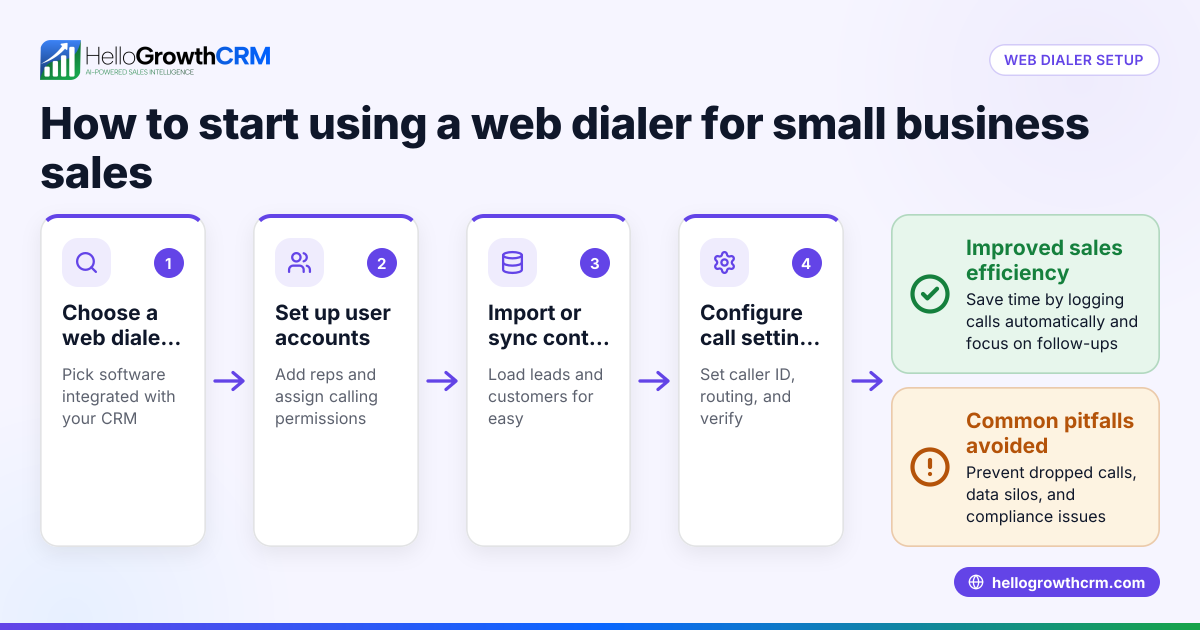
- Setting up involves choosing a dialer, importing leads, configuring rules, and training reps.
- Common mistakes include poor data quality, ignoring pacing, and lack of call logging.
- HelloGrowthCRM’s built-in dialer lets reps call inside the CRM and logs outcomes automatically.
- Compliance with telemarketing laws is essential when using automated dialers.
To try a system that includes a built-in dialer and multi-channel CRM features, start on the Free Forever plan (200 leads, no credit card).
Ready to put this into practice?
Set up your pipeline, WhatsApp follow-ups, and AI lead scoring in minutes — free, no credit card.
Try HelloGrowthCRM freeGet CRM tips in your inbox
Join thousands of sales professionals who get weekly insights on CRM strategy, AI automation, and pipeline optimization.

The HelloGrowthCRM team publishes guides on CRM strategy, AI sales tools, and revenue operations for small business sales teams.