HelloGrowthCRM software
Built for real small-business sales teams
HelloGrowthCRM helps reps qualify faster, follow up on time, and close more deals—with practical automation in one place.
- AI lead scoring and pipeline visibility
- Built-in dialer, WhatsApp, and email automation
- Sales forecasting and RevOps-ready reporting
An "all in dialer" combines telephony and CRM functions into a single tool that streamlines outbound calling for sales teams. Instead of juggling separate phone apps and spreadsheets, reps call leads directly from the CRM, and every call outcome is recorded automatically. This keeps all communication history organized and accessible.
Why this comes up / what goes wrong
Small business owners often struggle with managing their sales calls effectively. They may use separate phone systems, text messages, or spreadsheets to track leads and follow-up calls. This leads to lost leads, slow follow-up, and poor visibility on sales activities. Without an integrated dialer, reps waste time switching between tools and manually logging call results, increasing the chance of errors or missed opportunities.
An all in dialer solves these problems by centralizing calling and lead management. It helps small and mid-sized businesses keep their sales process organized, improve follow-up speed, and increase conversion rates.
Step-by-step
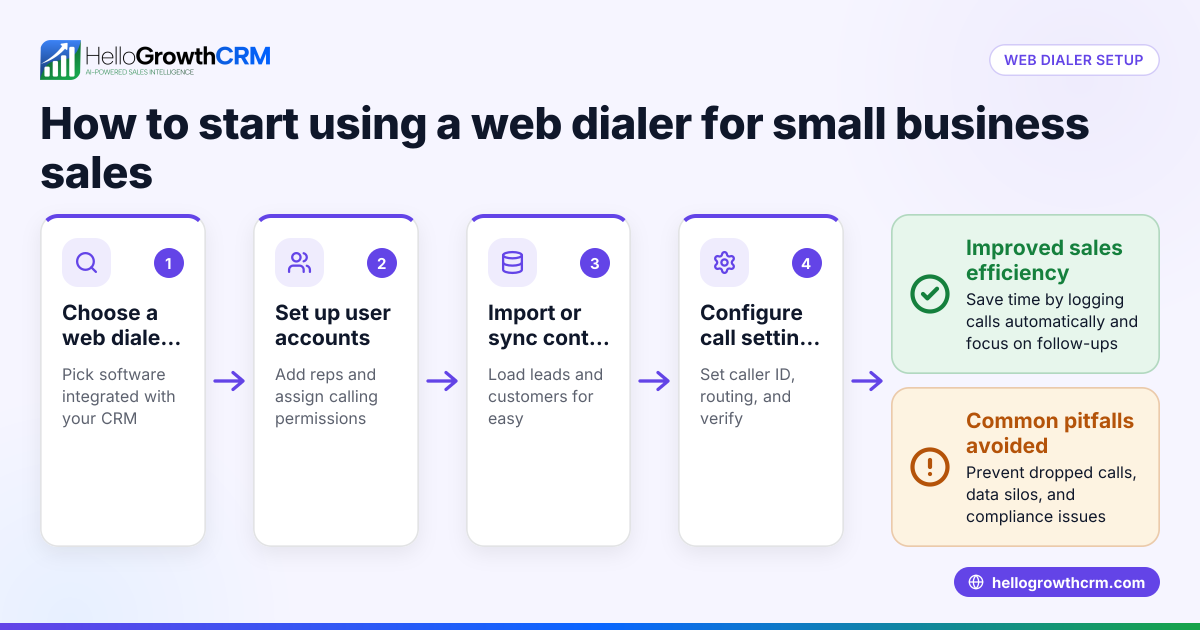
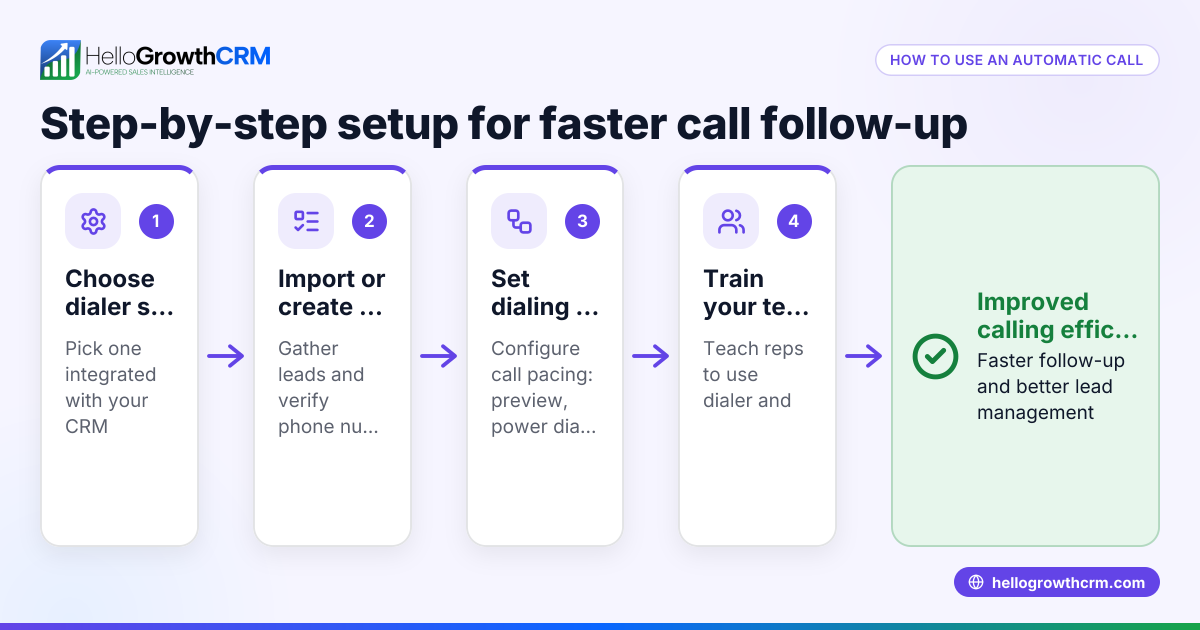
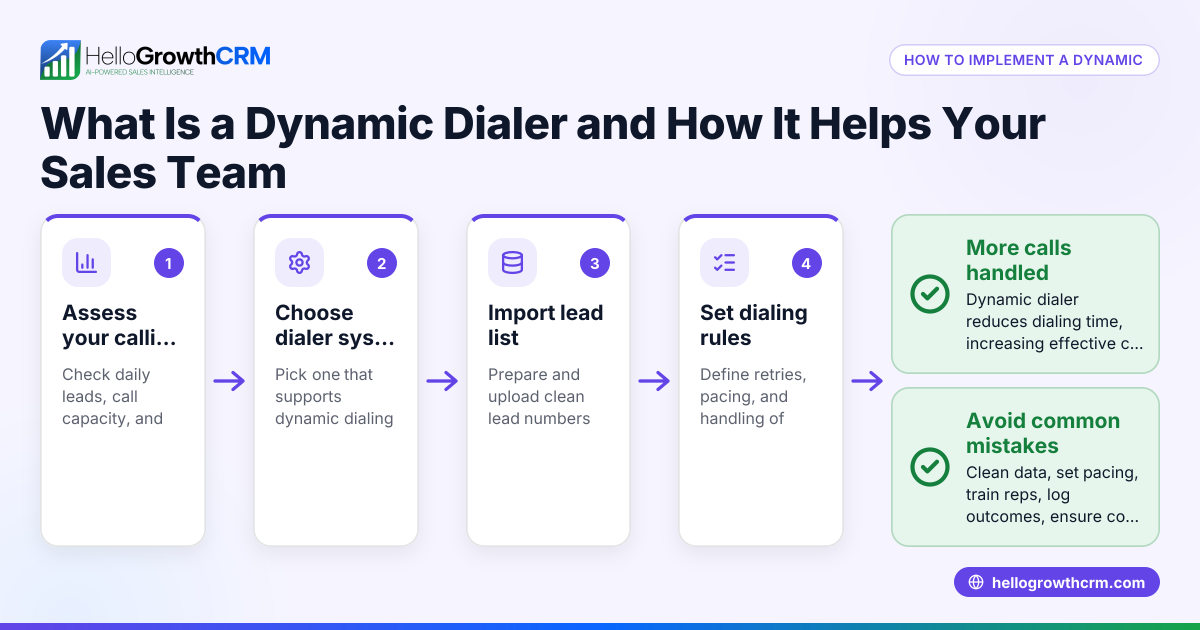
- Choose a CRM with an integrated dialer: Select a CRM that offers a built-in dialer so reps can make calls directly from the CRM without switching apps. Check that it logs call outcomes automatically.
- Import or capture your leads into the CRM: Bring your existing leads into the CRM through web form capture or integrations to have a centralized contact list.
- Set up calling lists or task boards: Organize leads into calling lists or pipeline stages within the CRM for reps to work through efficiently.
- Train your sales team to use the dialer: Show reps how to place calls from the CRM and update call outcomes after each call.
- Monitor call activity and outcomes: Use CRM reports and dashboards to track call volumes, outcomes, and follow-up tasks.
- Adjust calling sequences and scripts based on data: Refine your approach using insights from call logs and lead responses.
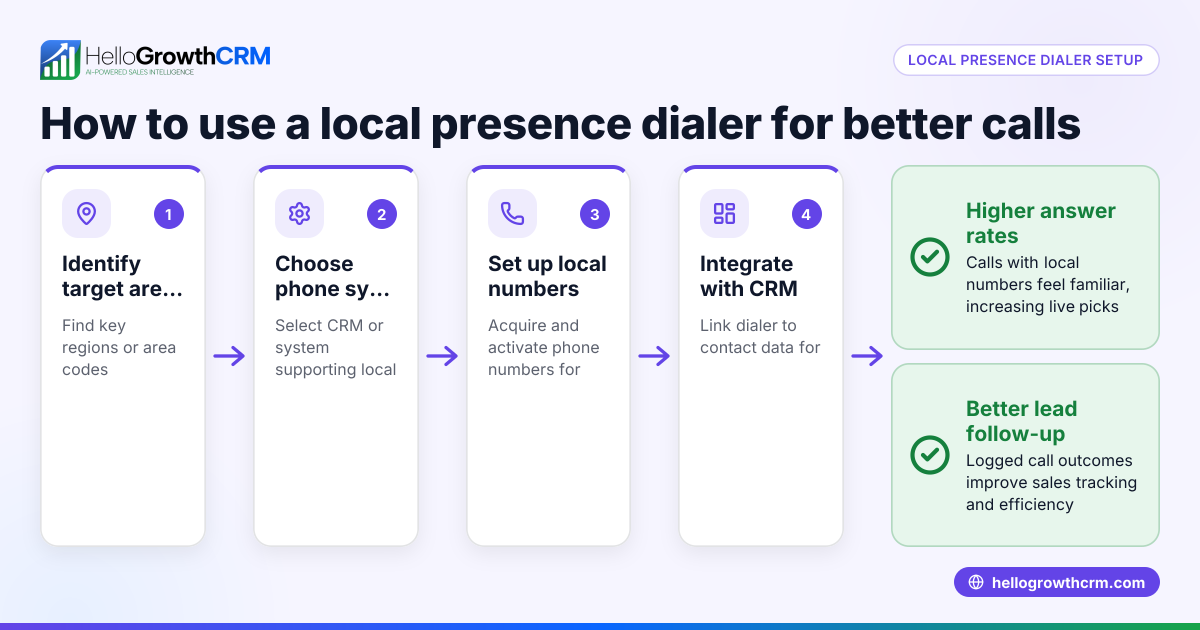
Check that your dialer supports local calling and can handle your team size. Also, ensure call outcomes are logged clearly for easy follow-up.
Example (fictional figures)
A residential real-estate team in Phoenix, Arizona, uses an all in dialer to manage calls to 500 leads each month. They want to improve follow-up speed and track call outcomes efficiently.
- Leads to call: 500
- Average call duration: 5 minutes
- Working hours: 8 hours per day
- Calls per day per rep: (8 hours × 60 minutes) ÷ 5 minutes = 96 calls
If the team has 3 reps:
- Total calls per day: 96 × 3 = 288 calls
- Days to call all leads: 500 ÷ 288 ≈ 1.74 days
By using the dialer, each call outcome is logged automatically, so the team knows which leads need follow-up or are not interested. This reduces missed callbacks and speeds up closing deals.
Common mistakes
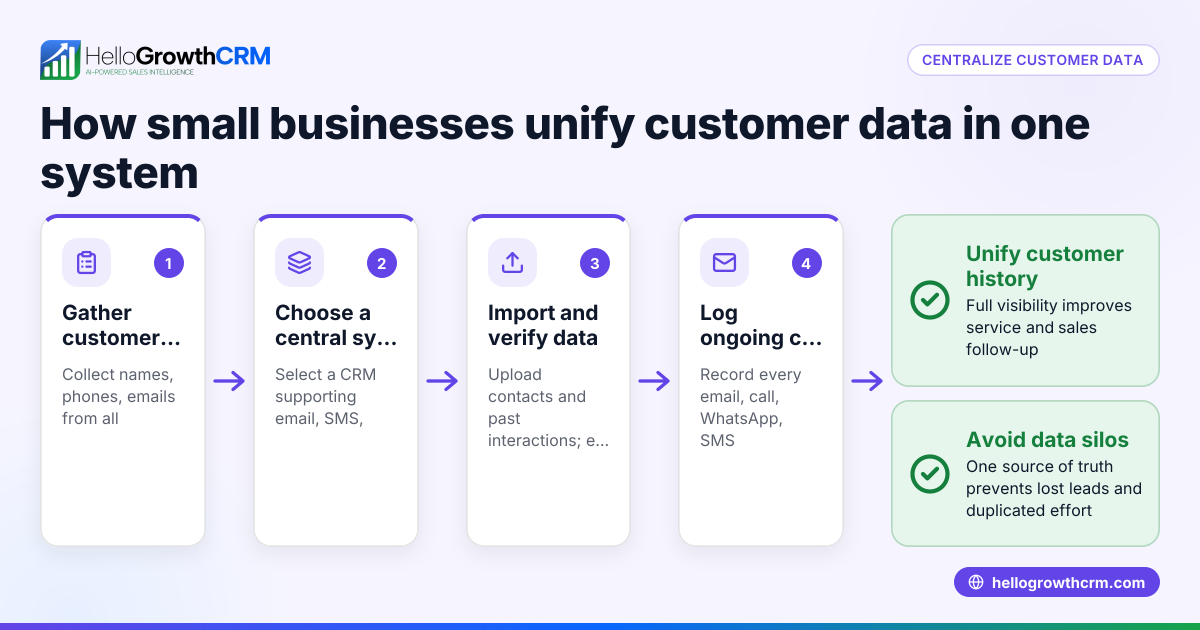
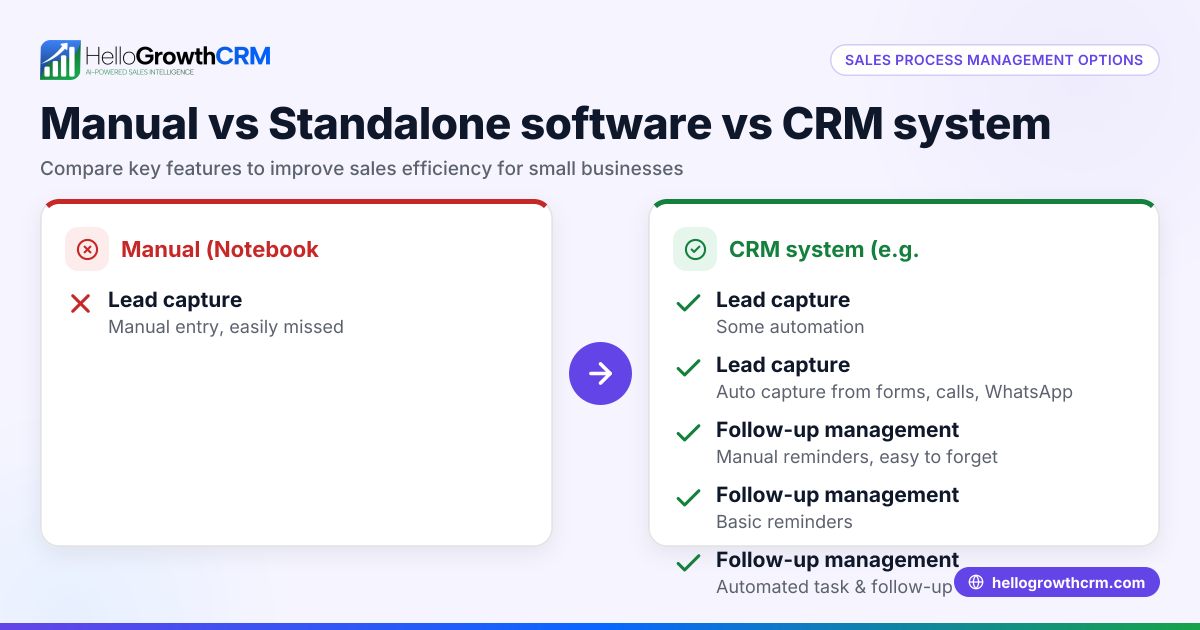
- Using separate phone and CRM tools: This causes data silos and wastes time. Use a CRM with a built-in dialer to integrate calling and lead management.
- Not logging call outcomes consistently: Without logging, follow-ups are missed. Train reps to update call results immediately.
- Failing to organize leads into calling lists or pipelines: This leads to random calling and missed priorities. Use CRM task boards or pipelines to structure calls.
- Ignoring call data and feedback: Not reviewing call reports misses chances to improve. Regularly analyze call logs to refine scripts and sequences.
- Overloading reps with too many calls per day: This reduces call quality. Balance call volume with quality conversations.
Avoid these mistakes to get the most from your all in dialer.
Doing this in HelloGrowthCRM
HelloGrowthCRM offers a built-in dialer that lets reps work a list from inside the CRM. Each call can be made directly from the lead or deal record, and the outcome of every call is logged automatically. This keeps the full call history tied to contacts and deals, improving visibility and follow-up efficiency. Learn more about the built-in CRM dialer and how HelloGrowthCRM supports WhatsApp and SMS CRM for integrated communications. For US businesses, see how HelloGrowthCRM fits your needs at HelloGrowthCRM for the United States.
Frequently asked questions
What is an all in dialer? An all in dialer is a phone dialer integrated into a CRM platform that allows sales reps to call leads directly from the CRM and automatically log call outcomes and history.
How does an all in dialer improve sales follow-up? It centralizes calling and lead management, eliminating manual logging and reducing missed callbacks, which leads to faster and more consistent follow-up.
Can small businesses afford an all in dialer? Many CRM platforms offer built-in dialers as part of affordable plans. Choosing the right CRM with an integrated dialer can fit small business budgets and improve sales efficiency.
Is training needed to use an all in dialer? Yes, sales reps should be trained to place calls from the CRM and log outcomes correctly to maximize benefits.
Does HelloGrowthCRM include an all in dialer? Yes, HelloGrowthCRM includes a built-in dialer that lets reps call leads from inside the CRM and logs call outcomes automatically.
Key takeaways
- An all in dialer integrates calling and CRM to streamline sales calls.
- It helps small businesses avoid lost leads and slow follow-up.
- Set up involves choosing the right CRM, importing leads, organizing calling lists, and training reps.
- Common mistakes include using separate tools and not logging calls properly.
- HelloGrowthCRM’s built-in dialer supports efficient calling and call outcome tracking.
Start improving your sales calls today with an all in dialer. You can Start on the Free Forever plan (200 leads, no credit card) to try HelloGrowthCRM’s built-in dialer and see how it fits your business.
Ready to put this into practice?
Set up your pipeline, WhatsApp follow-ups, and AI lead scoring in minutes — free, no credit card.
Try HelloGrowthCRM freeGet CRM tips in your inbox
Join thousands of sales professionals who get weekly insights on CRM strategy, AI automation, and pipeline optimization.

The HelloGrowthCRM team publishes guides on CRM strategy, AI sales tools, and revenue operations for small business sales teams.