HelloGrowthCRM software
Built for real small-business sales teams
HelloGrowthCRM helps reps qualify faster, follow up on time, and close more deals—with practical automation in one place.
- AI lead scoring and pipeline visibility
- Built-in dialer, WhatsApp, and email automation
- Sales forecasting and RevOps-ready reporting
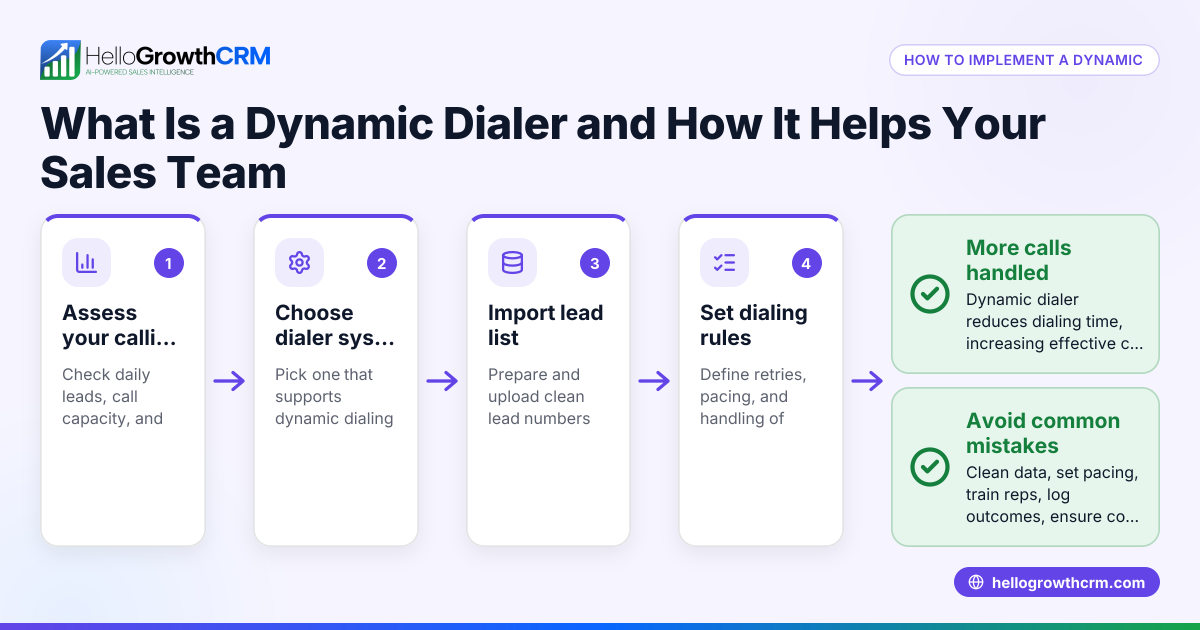
An automatic call dialer is a tool that automatically dials phone numbers from a list so your sales or customer service representatives don’t waste time manually dialing each number. When a call is answered, the dialer connects the rep to the customer, improving call efficiency and speeding up lead follow-up.
Why this comes up / what goes wrong
Small-business owners often find their sales teams losing leads because calls are made slowly or inconsistently. Manual dialing wastes time, especially when reps dial wrong numbers or wait too long between calls. This slows down lead follow-up, causing potential customers to lose interest or choose competitors. Businesses that run sales on spreadsheets, text messages, and email without a centralized calling system frequently struggle with tracking call outcomes and managing call lists effectively.
Step-by-step
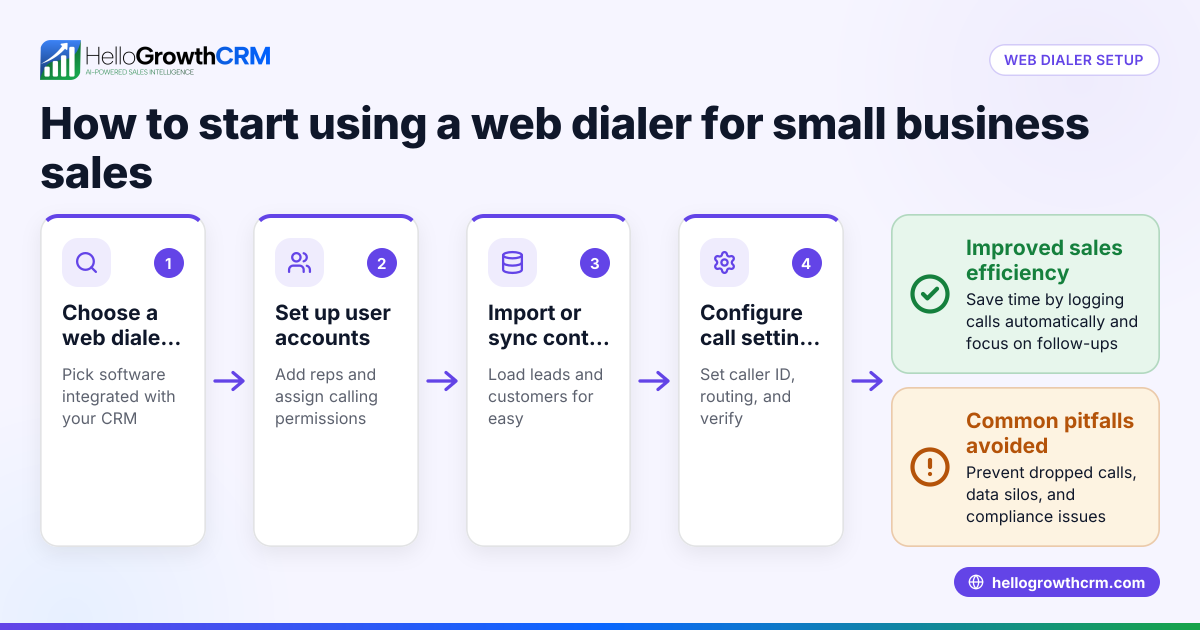
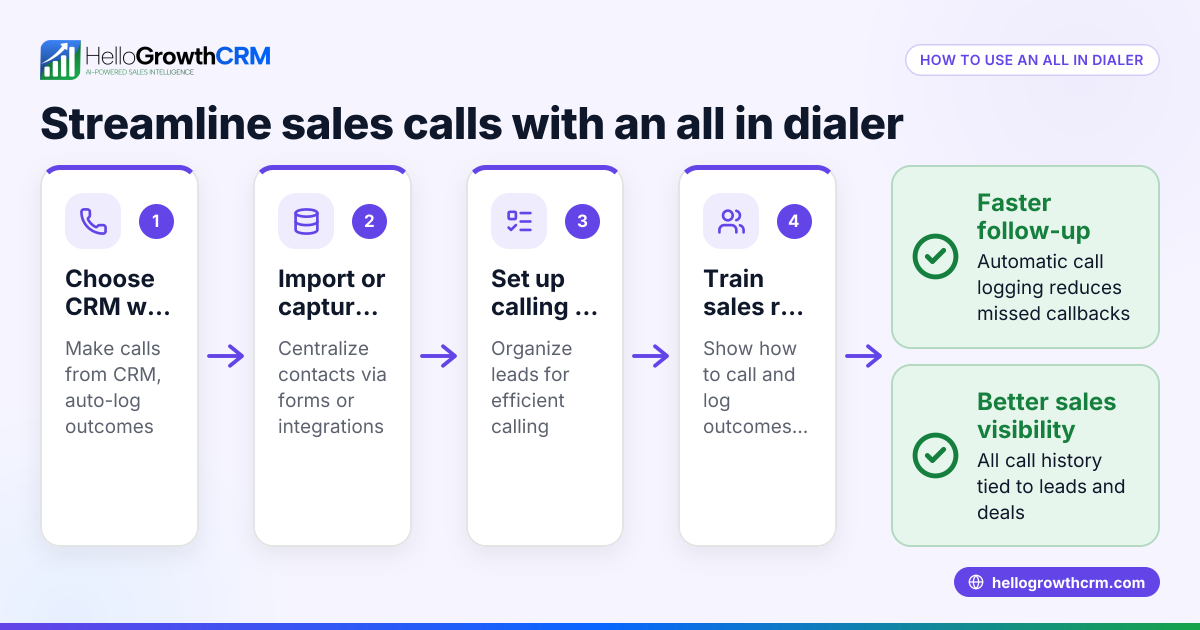
- Choose an automatic call dialer software: Select a dialer integrated with your CRM or sales tools to keep contacts and call outcomes organized. Check if it supports your preferred communication channels, such as phone calls, SMS, or WhatsApp.
- Import or create your call list: Gather your leads or customer contacts into the dialer’s database. Verify phone numbers to reduce failed calls.
- Set dialing rules: Configure how the dialer calls numbers—whether one at a time (preview dialer), multiple calls in parallel (power dialer), or with specific retry rules.
- Train your team: Ensure reps understand how to use the dialer interface, update call outcomes, and follow compliance rules for outbound calls.
- Start calling and logging outcomes: Begin the automatic dialing process. After each call, log the result (interested, no answer, voicemail, etc.) to update lead status.
- Monitor and optimize: Review call reports and adjust call lists, scripts, or dialer settings to improve connection rates and sales conversions.
Example (fictional figures)
Consider a plumbing company in Austin, Texas, that wants to speed up its lead follow-up. They have 500 leads to call and estimate each manual call takes 3 minutes, including dialing and logging.
Manual calling time calculation: 500 leads × 3 minutes = 1,500 minutes 1,500 minutes ÷ 60 = 25 hours
Using an automatic call dialer that reduces dialing and wait time by 40%, each call now takes 1.8 minutes.
Dialer calling time calculation: 500 leads × 1.8 minutes = 900 minutes 900 minutes ÷ 60 = 15 hours
Time saved calculation: 25 hours - 15 hours = 10 hours
This company can now make calls faster, follow up with more leads daily, and increase chances of closing sales.
Common mistakes
- Not verifying phone numbers before dialing: Leads to wasted calls and frustrated reps. Prevent this by regularly cleaning phone lists.
- Ignoring call outcome logging: Without logging, you lose track of lead status. Prevent this by training reps to update call results immediately after each call.
- Using a dialer without CRM integration: Causes data silos and manual follow-up. Prevent this by choosing dialers integrated with your CRM.
- Overloading reps with calls: Too many calls can reduce call quality and increase burnout. Prevent this by pacing call lists and using power dialers thoughtfully.
- Not complying with call regulations: Avoid legal issues by following Do Not Call lists and consent rules.
Doing this in HelloGrowthCRM
HelloGrowthCRM offers a built-in dialer that lets reps work a list directly inside the CRM. Each call’s outcome is logged on the lead, keeping a full call history tied to contact and deal records. This streamlines calling and lead management in one place. Learn more about the built-in CRM dialer.
Frequently asked questions
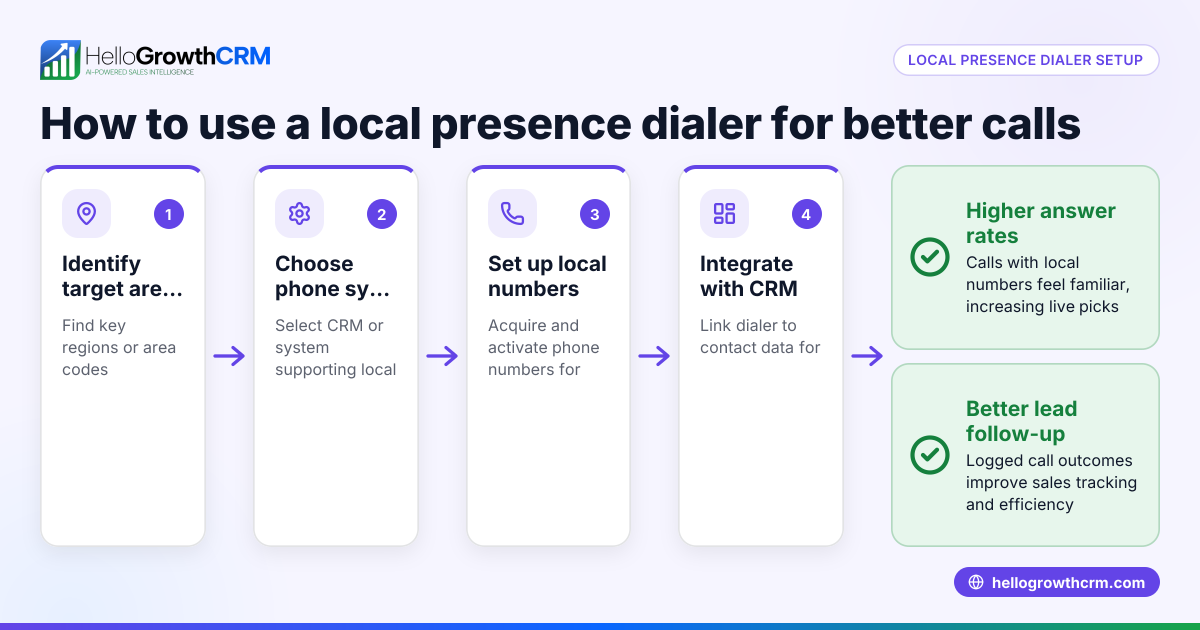
What is the difference between an automatic call dialer and a power dialer? An automatic call dialer dials numbers automatically and connects reps when answered. A power dialer is a type of automatic dialer that dials multiple numbers simultaneously to maximize talk time. Some CRM dialers offer both local dialer and power dialer options depending on your plan.
Can I use an automatic call dialer with WhatsApp or SMS? Yes, combining calls with WhatsApp and SMS sequences can improve outreach. Some CRMs support WhatsApp and SMS CRM alongside calling for a multi-channel sales approach.
How do I track call outcomes with an automatic dialer? Most dialers allow you to log call results like interested, no answer, or follow-up needed. This keeps your pipeline updated and helps prioritize leads.
Is an automatic call dialer suitable for small businesses? Yes, especially for small to mid-sized teams that want to reduce manual dialing time and improve lead follow-up. Dialers designed for small and mid-sized businesses help streamline calling.
Do I need special hardware for an automatic call dialer? No special hardware is usually required. Dialers often work through your computer or mobile device with internet connectivity.
Key takeaways
- An automatic call dialer saves time by dialing numbers automatically and connecting reps only when calls are answered.
- It helps small businesses follow up on leads faster and track call outcomes efficiently.
- Proper setup includes importing clean call lists, setting dialing rules, and training reps.
- Avoid common mistakes like ignoring call logging and not verifying numbers.
- Using a dialer integrated with your CRM streamlines calling and lead management.
Start improving your calling efficiency today. Start on the Free Forever plan (200 leads, no credit card) and see how a built-in dialer can help your sales team work smarter.
Ready to put this into practice?
Set up your pipeline, WhatsApp follow-ups, and AI lead scoring in minutes — free, no credit card.
Try HelloGrowthCRM freeGet CRM tips in your inbox
Join thousands of sales professionals who get weekly insights on CRM strategy, AI automation, and pipeline optimization.

The HelloGrowthCRM team publishes guides on CRM strategy, AI sales tools, and revenue operations for small business sales teams.