HelloGrowthCRM software
Built for real small-business sales teams
HelloGrowthCRM helps reps qualify faster, follow up on time, and close more deals—with practical automation in one place.
- AI lead scoring and pipeline visibility
- Built-in dialer, WhatsApp, and email automation
- Sales forecasting and RevOps-ready reporting
A web dialer is a software tool that lets you make phone calls directly from your web browser or CRM without needing a separate phone device. It simplifies calling prospects or customers by integrating calling with your contact and sales data. This article explains why small businesses use web dialers, how to start using one step-by-step, common mistakes to avoid, and how HelloGrowthCRM’s built-in dialer can support your sales team.
Why this comes up / what goes wrong
Small business owners often face the challenge of managing sales calls efficiently. Many rely on separate phones, manual dialing, or tracking calls using spreadsheets and notes. This slows down follow-up and leads to lost opportunities. A web dialer addresses this by enabling calls directly through software, linking calls to customer records, and logging outcomes automatically. Without it, sales teams may waste time switching between devices, forget to log call results, or miss timely follow-ups.
Step-by-step
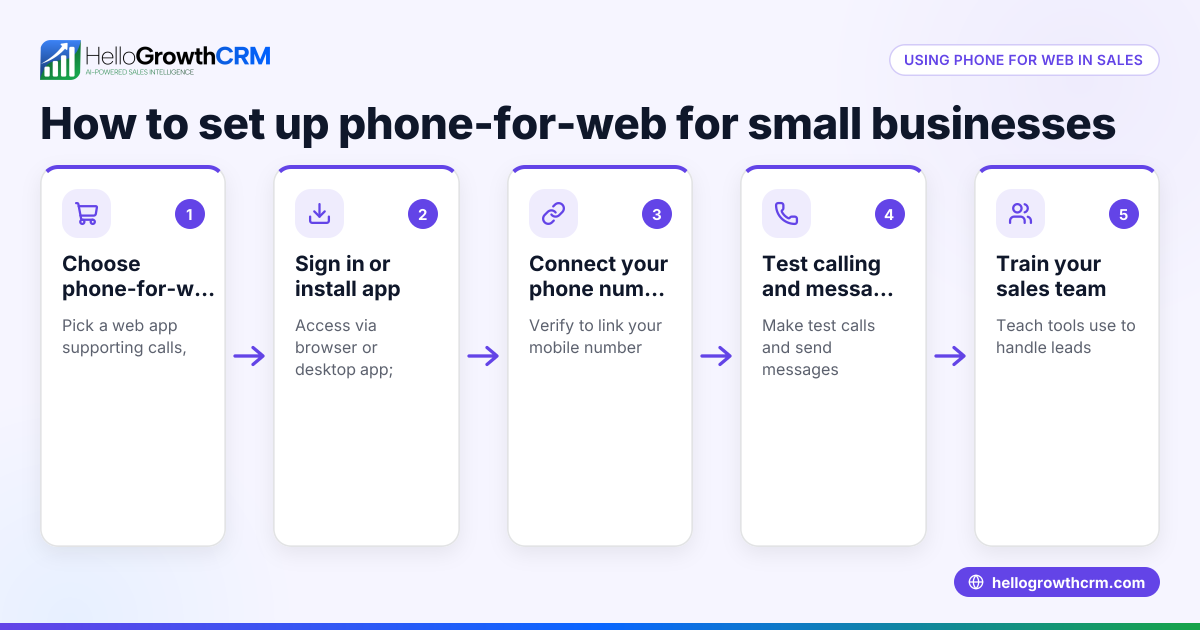
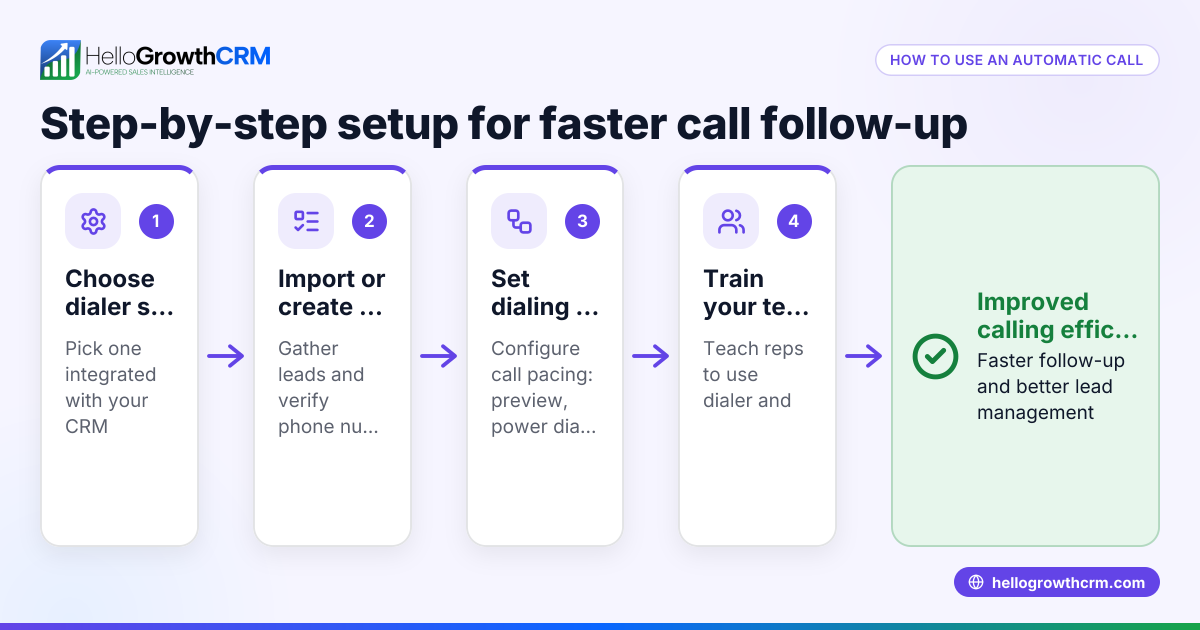
- Choose a web dialer platform: Research software that offers web dialer capabilities suitable for your business size and sales process. Check if it integrates with your CRM or contact lists.
- Set up user accounts and permissions: Add your sales reps or reps to the system and assign appropriate calling privileges.
- Import or sync contacts: Load your leads and customers into the system so reps can access them for calling.
- Configure call settings: Set up caller ID, call routing, and dialing rules. Verify your internet connection supports VoIP calls.
- Train your team: Teach reps how to initiate calls from the web dialer, log call outcomes, and follow up on tasks.
- Monitor and analyze calls: Use call logs and reports to track performance and identify areas for improvement.
For a smooth experience, consider a CRM with a built-in dialer to keep everything in one place. See how HelloGrowthCRM’s built-in CRM dialer works.
Example (fictional figures)
GreenLeaf Landscaping in Charlotte, North Carolina, wants to improve sales calls for their growing team. They decide to use a web dialer integrated with their CRM.
- They import 1,000 leads into the system on 06/01/2026.
- Each rep makes 50 calls per day.
- The average call duration is 5 minutes.
- They have 3 reps working 20 days in the month.
Calculations:
Calls per month = 3 reps × 50 calls/day × 20 days = 3,000 calls
Total call time = 3,000 calls × 5 minutes = 15,000 minutes = 250 hours
By using a web dialer, GreenLeaf logs each call outcome directly in the CRM, saving about 10 minutes per call previously spent on manual logging.
Time saved per month = 3,000 calls × 10 minutes = 30,000 minutes = 500 hours
This frees their team to focus on follow-ups and closing deals, improving sales efficiency.
Common mistakes
- Not verifying internet quality: Poor internet causes dropped calls or bad audio. Test your connection and upgrade if needed.
- Ignoring integration needs: Using a web dialer separate from your CRM can cause data silos. Choose a dialer integrated with your CRM for seamless workflows.
- Failing to train users: Without proper training, reps may misuse the dialer or forget to log call outcomes. Provide clear instructions and support.
- Overlooking compliance: Ensure your dialer setup complies with telemarketing laws and privacy regulations to avoid penalties.
- Neglecting call outcome tracking: Not logging call results wastes valuable data. Use a system that automatically records outcomes tied to leads.
Using a solution like HelloGrowthCRM’s built-in CRM dialer helps avoid many of these issues by integrating calls and logging automatically.
Doing this in HelloGrowthCRM
HelloGrowthCRM includes a built-in dialer that lets reps work a list of leads directly inside the CRM. Each call’s outcome is logged automatically on the lead record, keeping full call history tied to contacts and deals. This eliminates manual entry and keeps your sales data organized. The dialer supports local calling and, on higher plans, power dialing and AI call summaries. Learn more about HelloGrowthCRM’s WhatsApp and SMS CRM and how it fits small and mid-sized businesses in the US on HelloGrowthCRM for the United States.
Frequently asked questions
What is the difference between a web dialer and a traditional phone? A web dialer uses internet-based software to make calls directly from your computer or CRM, while traditional phones use separate hardware. Web dialers streamline calling by integrating with sales data and automating call logging.
Can I use a web dialer without a CRM? Yes, some web dialers function standalone, but combining them with a CRM improves efficiency by linking calls to customer records and managing follow-ups in one place.
Is a web dialer suitable for small businesses? Yes, especially for small and mid-sized businesses with inside sales teams. It reduces manual work and speeds up lead follow-up.
Do web dialers work with mobile phones? Many web dialers are designed for desktop browsers, but some offer mobile apps or can connect calls to mobile devices. Check your provider’s features.
How do I ensure call quality with a web dialer? Use a reliable internet connection, preferably wired, and check your provider’s recommendations for bandwidth and equipment.
Key takeaways
- A web dialer lets you make calls directly from your browser or CRM, saving time and improving data accuracy.
- It helps small businesses avoid manual dialing and logging, reducing lost leads.
- Proper setup includes choosing integrated software, training users, and ensuring good internet quality.
- Common mistakes include poor integration, lack of training, and ignoring compliance.
- HelloGrowthCRM’s built-in dialer supports calling and automatic call outcome logging inside the CRM.
Start improving your sales calls today. Start on the Free Forever plan (200 leads, no credit card) with HelloGrowthCRM and try the built-in dialer yourself.
Ready to put this into practice?
Set up your pipeline, WhatsApp follow-ups, and AI lead scoring in minutes — free, no credit card.
Try HelloGrowthCRM freeGet CRM tips in your inbox
Join thousands of sales professionals who get weekly insights on CRM strategy, AI automation, and pipeline optimization.

The HelloGrowthCRM team publishes guides on CRM strategy, AI sales tools, and revenue operations for small business sales teams.