HelloGrowthCRM software
Built for real small-business sales teams
HelloGrowthCRM helps reps qualify faster, follow up on time, and close more deals—with practical automation in one place.
- AI lead scoring and pipeline visibility
- Built-in dialer, WhatsApp, and email automation
- Sales forecasting and RevOps-ready reporting
An email audience is the group of people who receive your marketing or sales emails. It includes your current customers, prospects, or any contacts you have permission to email. This article explains why defining your email audience matters, how to build one step-by-step, common mistakes to avoid, and how HelloGrowthCRM can help manage your email outreach efficiently.
Why this comes up / what goes wrong
Small business owners often hear the term "email audience" but struggle to understand what it means for their marketing or sales efforts. They might have a list of contacts spread across spreadsheets, email apps, and messaging platforms like WhatsApp or SMS. Without a clear email audience, their messages can be unfocused, sent to the wrong people, or fail to engage effectively. This leads to slow follow-up, lost leads, and missed sales opportunities. Organizing and targeting the right email audience is crucial to improving communication and closing deals.
Step-by-step
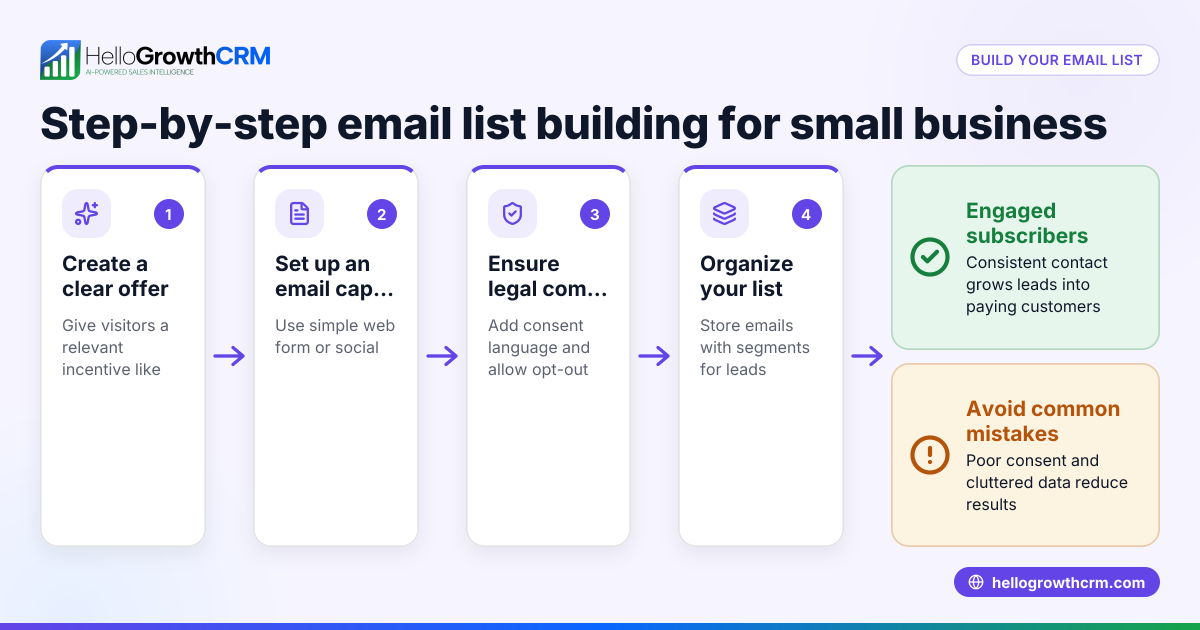
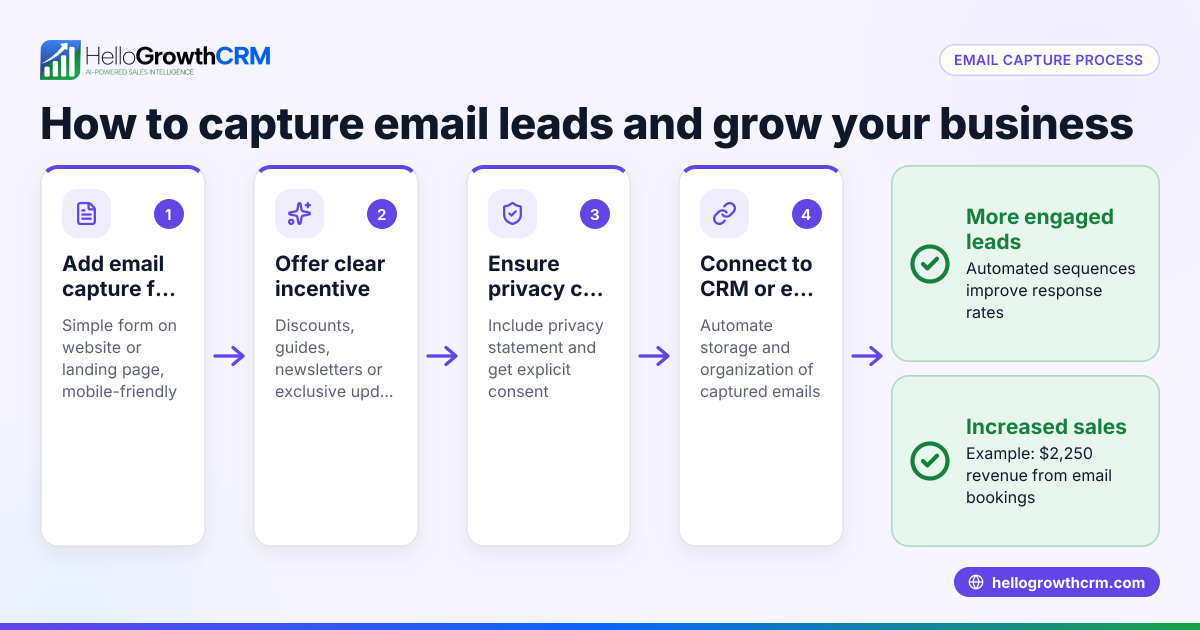
- Collect contacts with permission
- Gather emails from web forms, event sign-ups, or past customers.
- Check you have explicit consent to email these contacts to comply with laws and maintain trust.
- Segment your audience
- Group your contacts by relevant criteria such as lead status, location, or purchase history.
- This helps tailor messages to each segment for better engagement.
- Clean your list regularly
- Remove invalid or unresponsive emails to keep your audience healthy.
- Check for duplicates and outdated information.
- Use an email tool to manage your audience
- Import your segmented lists into a CRM or email marketing platform.
- Set up tags or labels to track different audience groups.
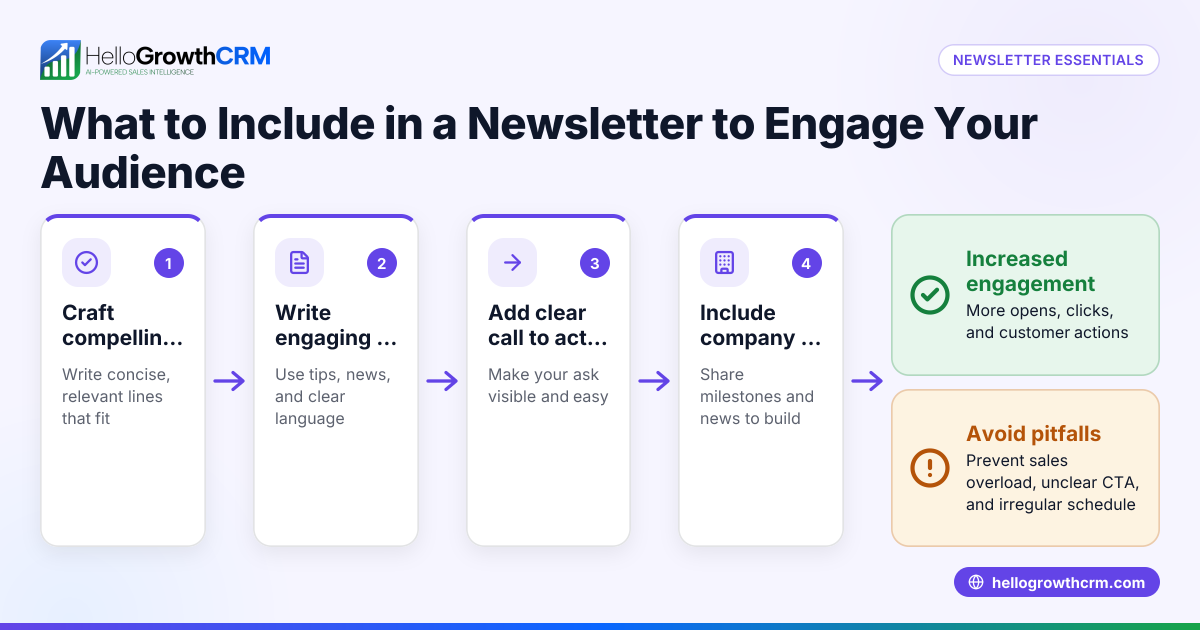
- Plan your email content and frequency
- Decide what messages each segment should receive and how often.
- Avoid overwhelming your audience with too many emails.
- Automate follow-up sequences
- Use automated workflows to send timely follow-ups until the prospect responds.
- Monitor responses and adjust your audience segments accordingly.
- Monitor engagement and adjust
- Track open rates, clicks, and replies to understand what works.
- Refine your audience and messaging based on these insights.
Check out how to automate your outreach with email automation and sequences.
Example (fictional figures)
A two-location dental practice in Columbus, Ohio, wants to build an email audience to promote new patient offers and follow up on inquiries.
- They collected 3,000 email addresses from website forms and in-office sign-ups by 04/01/2026.
- After cleaning the list, they removed 500 invalid or duplicate emails.
- They segmented the audience into 2,000 existing patients and 500 new prospects.
- The practice plans to send monthly newsletters to patients and a five-step follow-up sequence over two weeks to new prospects.
Calculations:
3,000 - 500 = 2,500 valid contacts
Segments:
Existing patients = 2,000 New prospects = 500
This clear segmentation allows targeted messaging that improves engagement and appointment bookings.
Common mistakes
- Sending emails without permission: This can lead to spam complaints. Always get explicit consent.
- Not segmenting the audience: One-size-fits-all emails perform poorly. Group contacts by relevant traits.
- Ignoring list hygiene: Failing to remove invalid or inactive contacts reduces deliverability.
- Over-emailing: Bombarding your audience causes unsubscribes. Set a reasonable frequency.
- Using multiple unconnected tools: Managing contacts across email, text, and spreadsheets wastes time and causes errors. Use integrated tools like HelloGrowthCRM.
- Not tracking engagement: Without monitoring responses, you can’t improve your email strategy.
Check out how to automate your outreach with email automation and sequences.
Doing this in HelloGrowthCRM
HelloGrowthCRM helps you manage your email audience efficiently with features like the HelloMail shared inbox, where replies to quotation emails are visible to your whole team on the deal. This prevents missed follow-ups and keeps everyone aligned. You can also set up sequences and campaigns: a five-step follow-up over two weeks runs automatically and stops the moment the prospect replies, saving time and improving responsiveness. Learn more about WhatsApp and SMS CRM and HelloGrowthCRM for the United States.
Frequently asked questions
What is an email audience in marketing? An email audience is the group of contacts you send marketing or sales emails to. It includes people who have agreed to receive your messages and are segmented based on characteristics like interest or purchase history.
How do I build an email audience for my small business? Start by collecting emails with permission from your website, events, or customers. Then segment your list by relevant criteria, clean it regularly, and use email tools to manage and automate communication.
Why is segmenting my email audience important? Segmenting allows you to send relevant messages to different groups, increasing engagement and conversion rates. Sending the same message to everyone usually results in lower response.
How often should I email my audience? There’s no one-size-fits-all answer, but avoid over-emailing. For most small businesses, monthly newsletters and timely follow-ups work well. Monitor engagement to adjust frequency.
Can I manage email, SMS, and WhatsApp audiences together? Managing contacts and outreach across email, SMS, and WhatsApp in one place requires a CRM with those features. (business.whatsapp.com) HelloGrowthCRM supports WhatsApp and SMS CRM, and email automation with shared inbox and sequences to improve team collaboration and follow-ups.
Key takeaways
- An email audience is the group of contacts you send emails to with their permission.
- Building your audience involves collecting, segmenting, cleaning, and managing contacts.
- Avoid common mistakes like emailing without consent or ignoring list hygiene.
- Automate follow-ups with sequences to improve response rates.
- Use tools like HelloGrowthCRM to unify email, SMS, and WhatsApp outreach.
Start building and managing your email audience today. Start on the Free Forever plan (200 leads, no credit card).
Ready to put this into practice?
Set up your pipeline, WhatsApp follow-ups, and AI lead scoring in minutes — free, no credit card.
Try HelloGrowthCRM freeGet CRM tips in your inbox
Join thousands of sales professionals who get weekly insights on CRM strategy, AI automation, and pipeline optimization.

The HelloGrowthCRM team publishes guides on CRM strategy, AI sales tools, and revenue operations for small business sales teams.