HelloGrowthCRM software
Built for real small-business sales teams
HelloGrowthCRM helps reps qualify faster, follow up on time, and close more deals—with practical automation in one place.
- AI lead scoring and pipeline visibility
- Built-in dialer, WhatsApp, and email automation
- Sales forecasting and RevOps-ready reporting
An email hero image is the prominent, visually striking image placed near the top of an email. It serves as the first visual element recipients see and helps capture their interest immediately. This image often conveys the core message or theme of your email, such as showcasing a product, announcing a sale, or reinforcing your brand identity.
Why this comes up / what goes wrong
Small business owners often want to improve their email marketing results but struggle to make their emails stand out in crowded inboxes. Without a clear visual focus, emails can look bland or confusing, leading to lower engagement and fewer clicks. Many try to add images but don’t know what qualifies as a good hero image or how to optimize it for email. This can cause slow load times, broken layouts, or images that don’t support the email’s goal.
Step-by-step
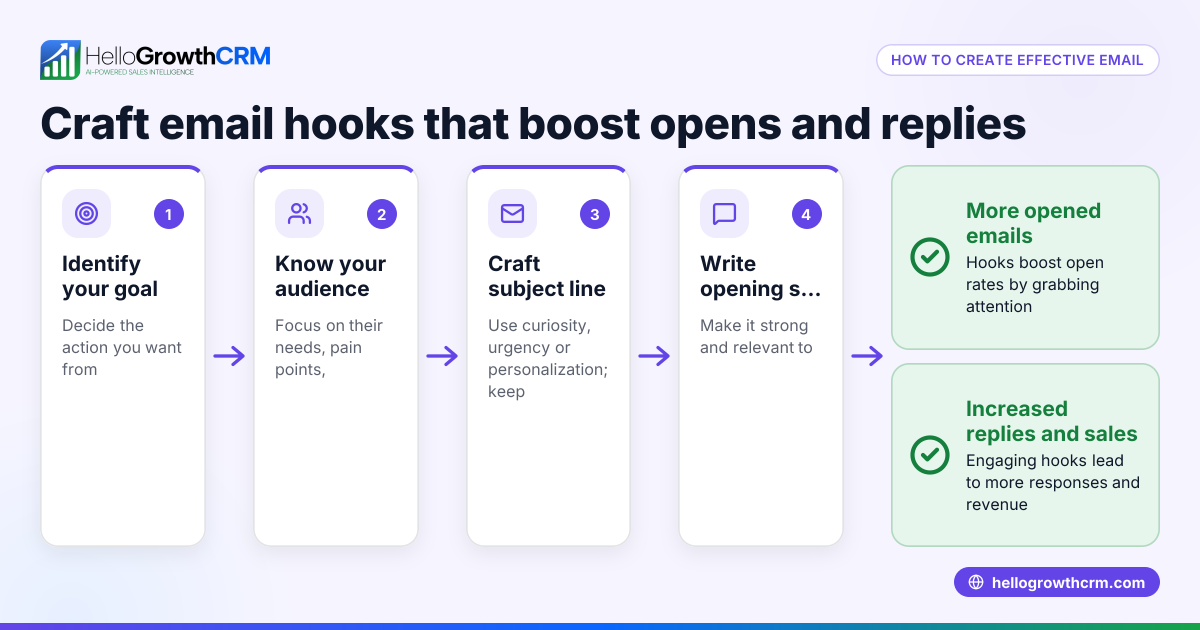
- Define your email’s main goal: Decide what action you want recipients to take (e.g., visit your website, buy a product, register for an event).
- Choose a relevant image: Pick a high-quality image that clearly supports your goal. It could be a product photo, a happy customer, or an event banner.
- Optimize image size: Resize the image to load quickly in emails, typically between 600 and 800 pixels wide. Compress the file to reduce kilobytes without losing noticeable quality.
- Add alt text: Write a short description for the image that displays if the image doesn’t load, helping accessibility and email clients.
- Place the image near the top: Position the hero image above the main text or call to action so it’s seen immediately.
- Test on multiple devices: Preview the email on desktop and mobile to ensure the image scales correctly and doesn’t break the layout.
- Use a clear call to action nearby: Place a button or link close to the hero image that tells recipients what to do next.
Example (fictional figures)
A residential real-estate team in Phoenix, Arizona, sends a monthly newsletter to potential home buyers. They want to promote a new listing with a hero image of the house.
- Image width chosen: 700 pixels
- Original file size: 1,200 KB
- Compressed image size: 300 KB
- Email open rate before hero image: 18%
- Email open rate after adding hero image: 23%
Steps:
- Select a bright, attractive photo of the house.
- Resize to 700 pixels wide.
- Compress from 1,200 KB to 300 KB.
- Add alt text: "Beautiful 4-bedroom house in Phoenix."
- Place image at the top of the email.
- Add a button below: "Schedule a Tour."
- Test email on phone and computer.
This process helps the team create an engaging email that loads quickly and encourages recipients to act.
Common mistakes
- Using large, uncompressed images: This causes slow loading and may frustrate recipients. Prevent by compressing images.
- Choosing irrelevant or low-quality images: Weak images confuse or bore readers. Prevent by selecting clear, high-resolution photos that match your message.
- Not adding alt text: If images don’t load, recipients see nothing. Prevent by writing descriptive alt text.
- Placing the image too low in the email: The hero image loses impact if buried. Prevent by positioning it near the top.
- Skipping mobile testing: Images may break or look bad on phones. Prevent by previewing on multiple devices.
- No nearby call to action: Without a clear next step, engagement drops. Prevent by placing a button or link close to the image.
Doing this in HelloGrowthCRM
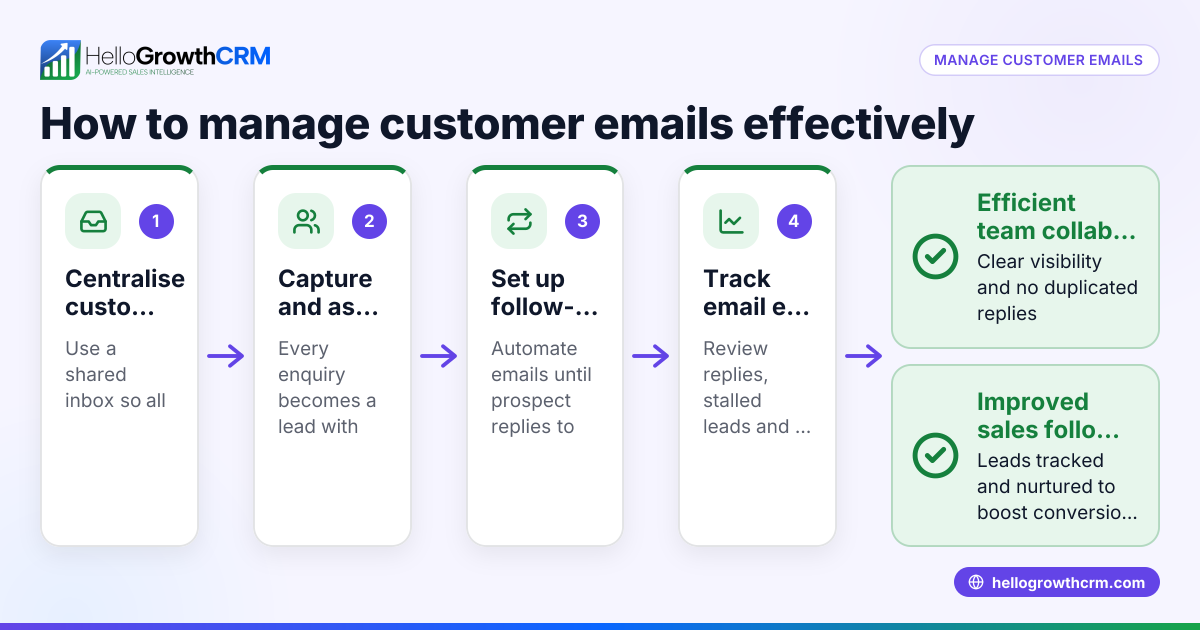
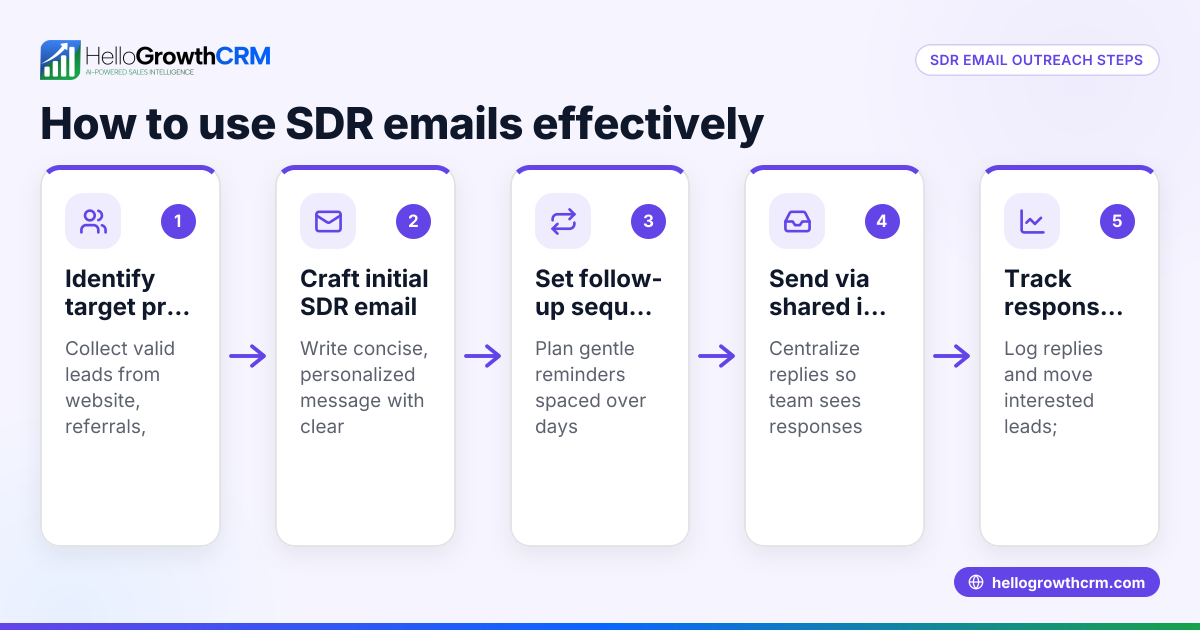
HelloGrowthCRM supports your email outreach with features like the HelloMail shared inbox, where replies to quotation emails are visible to your whole sales team, ensuring smooth follow-up without switching apps. You can also automate follow-ups with sequences and campaigns—set up a five-step email sequence over two weeks that stops automatically when a prospect replies, keeping your outreach timely and efficient. Learn more about email automation and sequences and how HelloGrowthCRM fits for the United States.
Frequently asked questions
What size should an email hero image be? A good width for an email hero image is around 600 pixels, with some variants between about 520 and 600 pixels. (salesforce.ucm.iu.edu) This fits most email clients and devices well. The file size should be compressed to help ensure fast loading.
Can I use multiple hero images in one email? Typically, an email uses one main hero image near the top to focus attention. Multiple large images can slow loading and dilute your message.
How do I add alt text to my hero image? Alt text is added in your email editor’s image settings. It’s a short description of the image that appears if the image doesn’t load.
Will hero images increase email open rates? Hero images don’t directly affect open rates but improve engagement once the email is opened by making your message clear and attractive.
Can I automate emails with hero images using HelloGrowthCRM? Yes, HelloGrowthCRM lets you create automated email sequences that include images and personalized content, helping you follow up effectively. See our WhatsApp and SMS CRM for multi-channel options.
Key takeaways
- An email hero image is a large, prominent image at the top of your email that supports your main message.
- Choose a relevant, high-quality image and optimize its size for fast loading.
- Always add alt text and test your email on multiple devices.
- Position the hero image near the top with a clear call to action nearby.
- Avoid common mistakes like large uncompressed files, poor image choice, and missing alt text.
- Use HelloGrowthCRM’s HelloMail shared inbox and automated sequences to manage and follow up on email outreach efficiently.
Start using hero images in your emails to catch attention and drive action. To manage your outreach with automation and team visibility, start on the Free Forever plan (200 leads, no credit card).
Ready to put this into practice?
Set up your pipeline, WhatsApp follow-ups, and AI lead scoring in minutes — free, no credit card.
Try HelloGrowthCRM freeGet CRM tips in your inbox
Join thousands of sales professionals who get weekly insights on CRM strategy, AI automation, and pipeline optimization.

The HelloGrowthCRM team publishes guides on CRM strategy, AI sales tools, and revenue operations for small business sales teams.