HelloGrowthCRM software
Built for real small-business sales teams
HelloGrowthCRM helps reps qualify faster, follow up on time, and close more deals—with practical automation in one place.
- AI lead scoring and pipeline visibility
- Built-in dialer, WhatsApp, and email automation
- Sales forecasting and RevOps-ready reporting
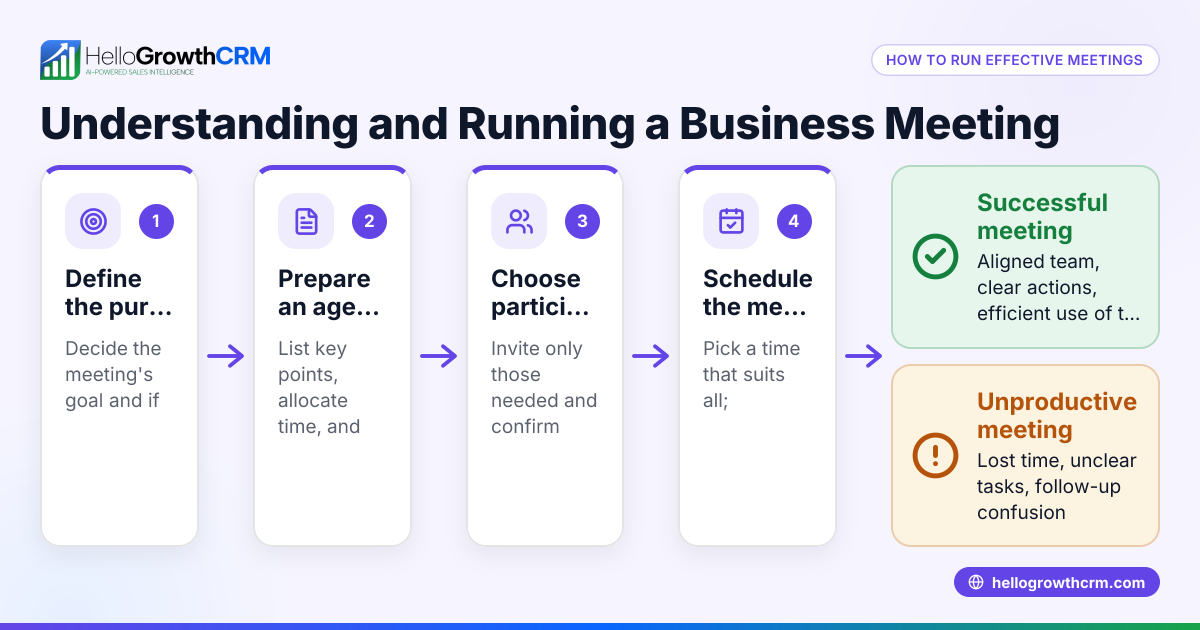
Finding a meeting time that fits everyone’s schedule can be tricky, especially for small business owners juggling multiple responsibilities. You need a clear plan to avoid endless back-and-forth messages or missed opportunities. This article will help you understand why scheduling conflicts happen, provide a step-by-step guide to find a meeting time, share a realistic example, highlight common mistakes, and show how HelloGrowthCRM can simplify the process.
Why this comes up / what goes wrong
Small-business owners often struggle to find meeting times because everyone’s schedule is different. You might be coordinating with team members, clients, or partners who work different hours or have unpredictable availability. Communication often happens over text, email, or WhatsApp, leading to delays and confusion. Without a clear method, meetings get postponed or lost, affecting sales follow-up and team productivity.
Step-by-step
- List all participants: Identify everyone who needs to attend the meeting.
- Request availability: Ask each participant to provide their available dates and times. Use a shared document, email, or messaging app.
- Gather calendars: If possible, access shared calendars to see free and busy slots.
- Look for overlaps: Compare the availability to find time slots when all participants are free.
- Propose options: Select 2-3 possible meeting times and share them with participants.
- Confirm the final time: Once the majority agree on a slot, confirm it with everyone.
- Send calendar invites: Add the meeting to digital calendars with reminders.
- Prepare for changes: Have a backup slot ready in case of last-minute conflicts.
Checking each step carefully helps avoid confusion and speeds up scheduling. For a smoother process, consider using a meeting scheduler that lets prospects pick a slot from a link, cutting down on back-and-forth messages.
Example (fictional figures)
A two-location dental practice in Columbus, Ohio, wants to schedule a team meeting. The office manager needs all dentists and hygienists to attend.
- Dentist A is available 3/15/2026 from 9:00 AM to 11:00 AM.
- Dentist B is available 3/15/2026 from 10:00 AM to 12:00 PM.
- Hygienist is available 3/15/2026 from 9:30 AM to 11:30 AM.
Step 1: List participants: Dentist A, Dentist B, Hygienist.
Step 2: Gather availability:
Dentist A: 9:00 AM–11:00 AM Dentist B: 10:00 AM–12:00 PM Hygienist: 9:30 AM–11:30 AM
Step 3: Find overlap:
- Dentist A and Dentist B overlap from 10:00 AM to 11:00 AM.
- Dentist A and Hygienist overlap from 9:30 AM to 11:00 AM.
- Dentist B and Hygienist overlap from 10:00 AM to 11:30 AM.
Step 4: The common overlap for all three is 10:00 AM to 11:00 AM.
Step 5: Propose 10:00 AM to 11:00 AM on 3/15/2026.
Step 6: Confirm and send calendar invites.
This example shows how gathering availability and comparing times leads to a suitable meeting slot without guesswork.
Common mistakes
- Not collecting all availability upfront: Prevent this by asking everyone for their available times before proposing options.
- Ignoring time zones: If participants are in different zones, always clarify the time zone and convert accordingly.
- Relying on manual back-and-forth: Use scheduling tools or shared calendars to reduce delays.
- Not confirming the final time: Always get explicit confirmation to avoid no-shows.
- Failing to send calendar invites: This leads to forgotten meetings; always send invites with reminders.
- Not having a backup slot: Prepare alternative times in case of last-minute conflicts.
Avoiding these mistakes saves time and frustration.
Doing this in HelloGrowthCRM
HelloGrowthCRM offers a meeting scheduler feature where you can share a link with prospects or team members to pick a meeting slot that suits them. This eliminates the need for back-and-forth messages on WhatsApp or email and speeds up the scheduling process. The scheduler is available on Free and all paid plans, making it easy for small businesses to streamline meetings.
Frequently asked questions
How do I find a meeting time when participants have very different schedules? Start by gathering all availability and look for even short overlaps. If none exist, consider splitting the meeting into smaller groups or using asynchronous communication tools.
What tools help to find a meeting time quickly? Shared calendars like Google Calendar or scheduling tools like the HelloGrowthCRM meeting scheduler can speed up the process by showing availability and letting participants pick slots directly.
Can I schedule meetings over WhatsApp? Yes, many small businesses use WhatsApp for quick communication. HelloGrowthCRM integrates WhatsApp and offers scheduling links to reduce the back-and-forth and confirm meetings faster. Learn more about WhatsApp and SMS CRM.
What if someone doesn’t respond to availability requests? Follow up politely and set a deadline for responses. If they still don’t reply, consider scheduling without them or rescheduling later.
How far in advance should I schedule a meeting? It depends on the participants’ availability and urgency. For regular team meetings, scheduling at least a few days in advance is best. For client calls, offer flexible slots within a week.
Key takeaways
- Collect all participants’ availability before proposing meeting times.
- Use shared calendars or scheduling tools to find overlaps efficiently.
- Confirm the final meeting time explicitly and send calendar invites.
- Avoid back-and-forth by using a meeting scheduler like HelloGrowthCRM’s.
- Prepare backup meeting slots in case of conflicts.
- Follow up promptly with participants who delay responding.
Finding a meeting time doesn’t have to be frustrating. Using clear steps and the right tools like HelloGrowthCRM’s scheduling feature can save time and help your small business stay organized.
Start scheduling smarter today by trying HelloGrowthCRM’s meeting scheduler. To get started, Start on the Free Forever plan (200 leads, no credit card).
Ready to put this into practice?
Set up your pipeline, WhatsApp follow-ups, and AI lead scoring in minutes — free, no credit card.
Try HelloGrowthCRM freeGet CRM tips in your inbox
Join thousands of sales professionals who get weekly insights on CRM strategy, AI automation, and pipeline optimization.

The HelloGrowthCRM team publishes guides on CRM strategy, AI sales tools, and revenue operations for small business sales teams.