HelloGrowthCRM software
Built for real small-business sales teams
HelloGrowthCRM helps reps qualify faster, follow up on time, and close more deals—with practical automation in one place.
- AI lead scoring and pipeline visibility
- Built-in dialer, WhatsApp, and email automation
- Sales forecasting and RevOps-ready reporting
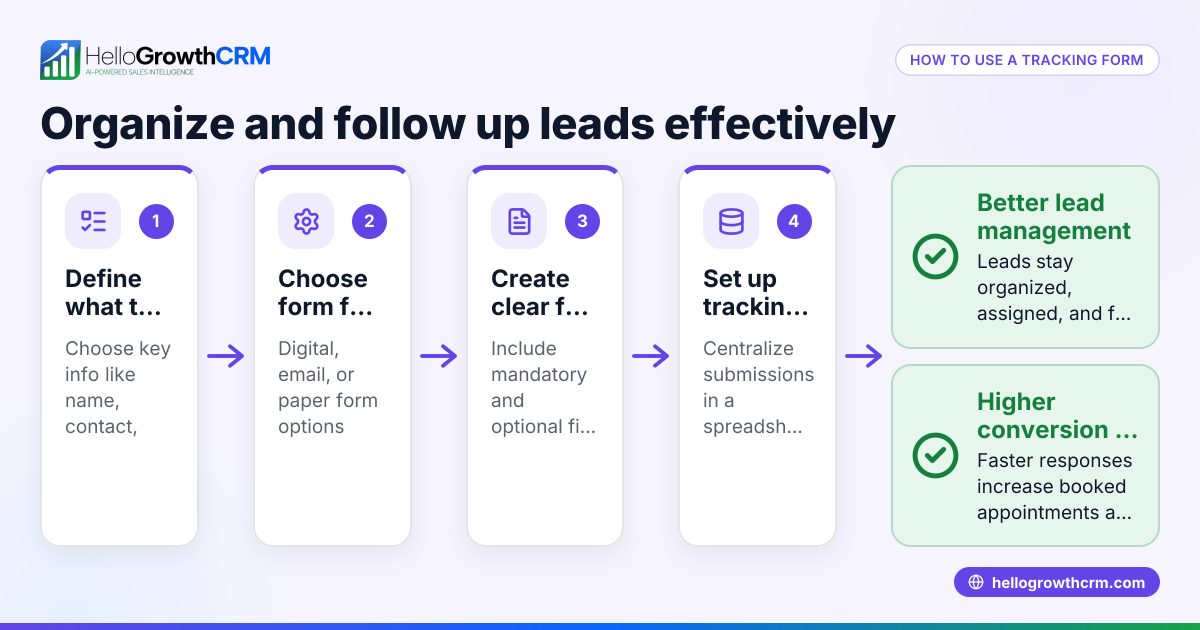
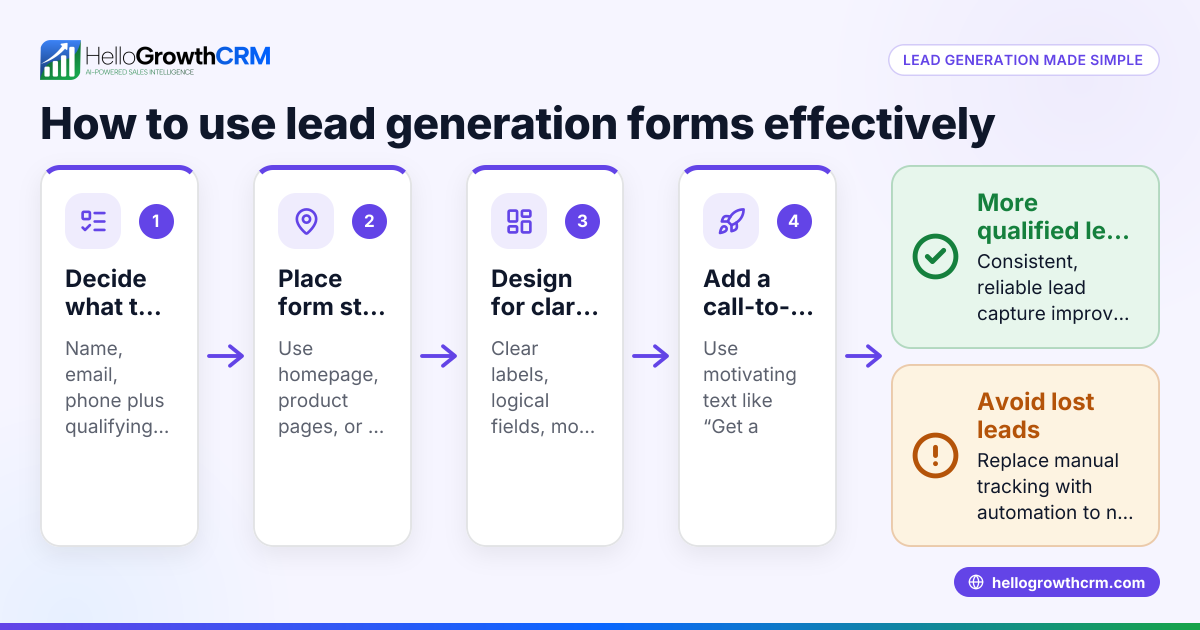
Forms automation means automatically capturing and processing data submitted through online forms—such as contact or lead capture forms—without manual input. This data triggers actions like assigning leads to sales reps, creating follow-up tasks, or sending automated messages, speeding up response times and reducing errors.
Why this comes up / what goes wrong
Many small-business owners handle incoming leads manually by copying form data into spreadsheets or emailing team members. This slows down lead response, risks data entry errors, and can result in lost sales opportunities. Without automation, leads may be assigned unevenly, follow-ups can be forgotten, and the sales process becomes inefficient. As a business grows, manual handling becomes unsustainable and wastes valuable time.
Step-by-step
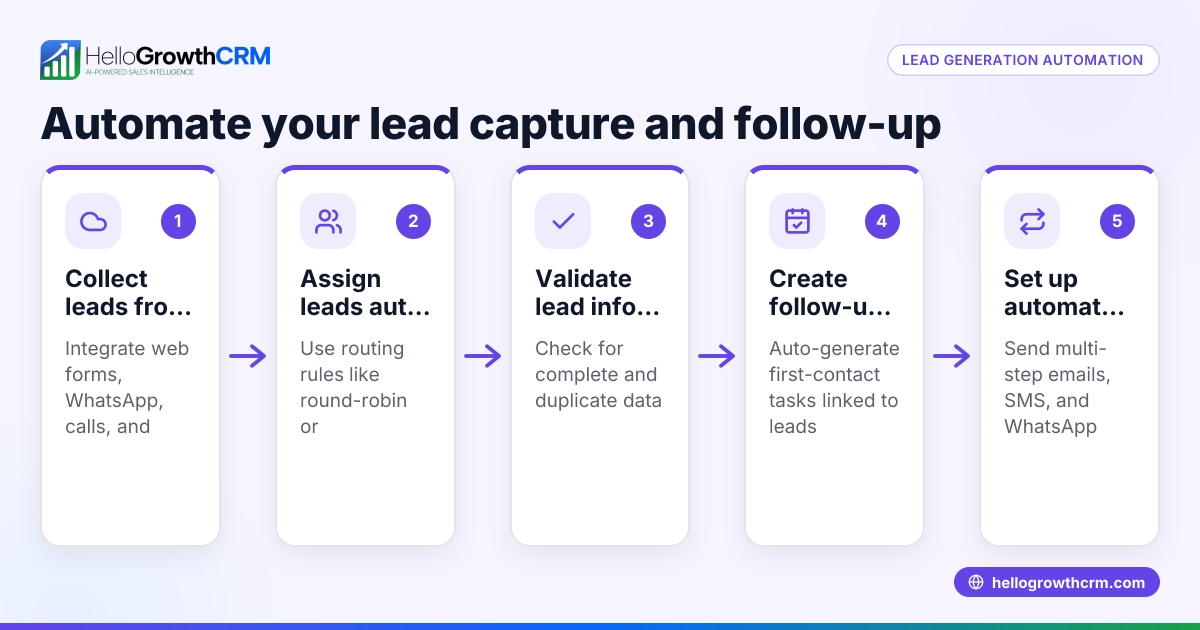
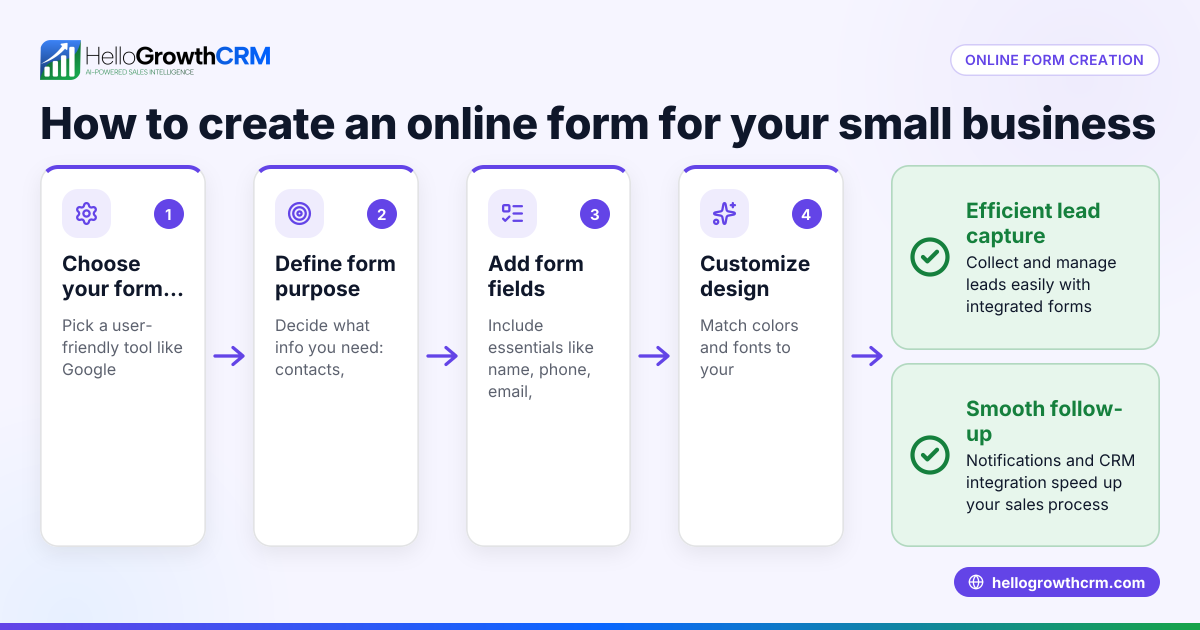
- Choose your web form tool: Select a form platform that supports integration with your CRM or automation system. Confirm it can send data automatically via API or webhook.
- Connect your form to your CRM: Set up the integration so form submissions flow directly into your CRM database without manual entry.
- Define lead assignment rules: Decide how new leads should be assigned—by territory, round-robin, or source—and configure these rules in your CRM’s workflow settings.
- Create follow-up tasks and reminders: Automate task creation for sales reps to contact leads promptly after form submission.
- Set up automated messaging sequences: Use email, SMS, or WhatsApp sequences to follow up with leads over days or weeks until they respond.
- Test the automation: Submit test forms to verify that data flows correctly, leads are assigned properly, and follow-ups trigger as expected.
- Monitor and adjust: Regularly review lead flow, task completion, and response rates to refine assignment rules and messaging.
Example (fictional figures)
A residential real-estate team in Phoenix, Arizona, wants to automate their lead capture from a website form.
- On 05/01/2026, they set up a web form on their site.
- The CRM is configured to assign leads round-robin to 3 agents.
- Each new lead triggers a task for a first call within 24 hours.
- A 5-step WhatsApp and email follow-up sequence runs over 2 weeks.
On 05/02/2026, a lead submits a form with their contact info and property interest.
- Lead assigned to Agent A (first in round-robin).
- Task created: Call lead by 05/03/2026.
- Follow-up sequence starts:
- Day 1: Welcome message sent.
- Day 4: Reminder message sent.
- Day 7: Offer info sent.
- Day 10: Check-in message sent.
- Day 14: Last call to action sent.
Agent A calls the lead on 05/03/2026 and the prospect replies, so the sequence stops automatically.
Financial impact example:
- Assume an average sale value of $350,000.
- Closing rate without automation: 5%.
- Closing rate with automation: 8%.
Calculations:
- Without automation: 100 leads × 5% = 5 sales
- With automation: 100 leads × 8% = 8 sales
- Additional sales due to automation: 8 - 5 = 3 sales
- Additional revenue: 3 sales × $350,000 = $1,050,000
This shows how faster and consistent follow-up through forms automation can increase sales and revenue.
Common mistakes
- Not testing automation before going live: Always submit test forms and verify lead assignment and task creation to avoid errors.
- Overcomplicating workflows: Keep rules simple to prevent confusion and failures.
- Ignoring follow-up timing: Set reasonable intervals between messages to avoid spamming or losing interest.
- Failing to monitor results: Regularly review workflows and messaging effectiveness to optimize performance.
- Not training the team: Ensure sales reps understand how automated tasks and sequences work.
- Using multiple disconnected tools: Choose integrated solutions to reduce manual handoffs and errors.
Doing this in HelloGrowthCRM
HelloGrowthCRM supports forms automation with features like sequences and campaigns that run a five-step follow-up over two weeks and stop immediately when the prospect replies. AI agents draft follow-up messages after calls for rep review and sending, saving time. Workflows, lead routing, and validation rules automate lead assignment and task creation—for example, a new inquiry is assigned round-robin and a first-call task is created automatically. Learn more about these features in the AI CRM and WhatsApp and SMS CRM sections.
Frequently asked questions
What is forms automation used for in small businesses? Forms automation captures lead data instantly and triggers follow-up actions like assigning leads, creating tasks, and sending messages. This speeds up response time and improves sales efficiency.
How do I connect my web forms to a CRM? Most CRMs support integrations via API, webhook, or third-party tools. You configure your form provider to send submissions directly to your CRM, eliminating manual data entry.
Can I automate follow-ups after a form submission? Yes, automated sequences can send timed messages via email, SMS, or WhatsApp until the lead responds, increasing chances of engagement without extra effort.
How do I avoid overwhelming leads with too many messages? Set reasonable intervals between messages and stop sequences immediately when the prospect replies to prevent spamming.
Is forms automation difficult to set up? Basic automation can be set up by following step-by-step guides and testing thoroughly. Using a CRM with built-in workflows and sequences simplifies the process.
How does HelloGrowthCRM help with forms automation? HelloGrowthCRM automates lead routing, task creation, and multi-channel follow-ups with sequences and AI agents, reducing manual work and speeding up sales outreach.
Key takeaways
- Forms automation captures lead data and triggers actions without manual entry.
- Automating lead assignment and follow-ups improves response speed and sales efficiency.
- Test automation thoroughly and keep workflows simple to avoid errors.
- Use sequences with stop-on-reply to manage follow-ups respectfully.
- HelloGrowthCRM offers workflows, lead routing, AI agents, and sequences to automate these processes.
Start automating your lead capture and follow-up today. Try the Free Forever plan (200 leads, no credit card) and see how HelloGrowthCRM keeps new inquiries organized and moving toward conversion.
Ready to put this into practice?
Set up your pipeline, WhatsApp follow-ups, and AI lead scoring in minutes — free, no credit card.
Try HelloGrowthCRM freeGet CRM tips in your inbox
Join thousands of sales professionals who get weekly insights on CRM strategy, AI automation, and pipeline optimization.

The HelloGrowthCRM team publishes guides on CRM strategy, AI sales tools, and revenue operations for small business sales teams.