HelloGrowthCRM software
Built for real small-business sales teams
HelloGrowthCRM helps reps qualify faster, follow up on time, and close more deals—with practical automation in one place.
- AI lead scoring and pipeline visibility
- Built-in dialer, WhatsApp, and email automation
- Sales forecasting and RevOps-ready reporting
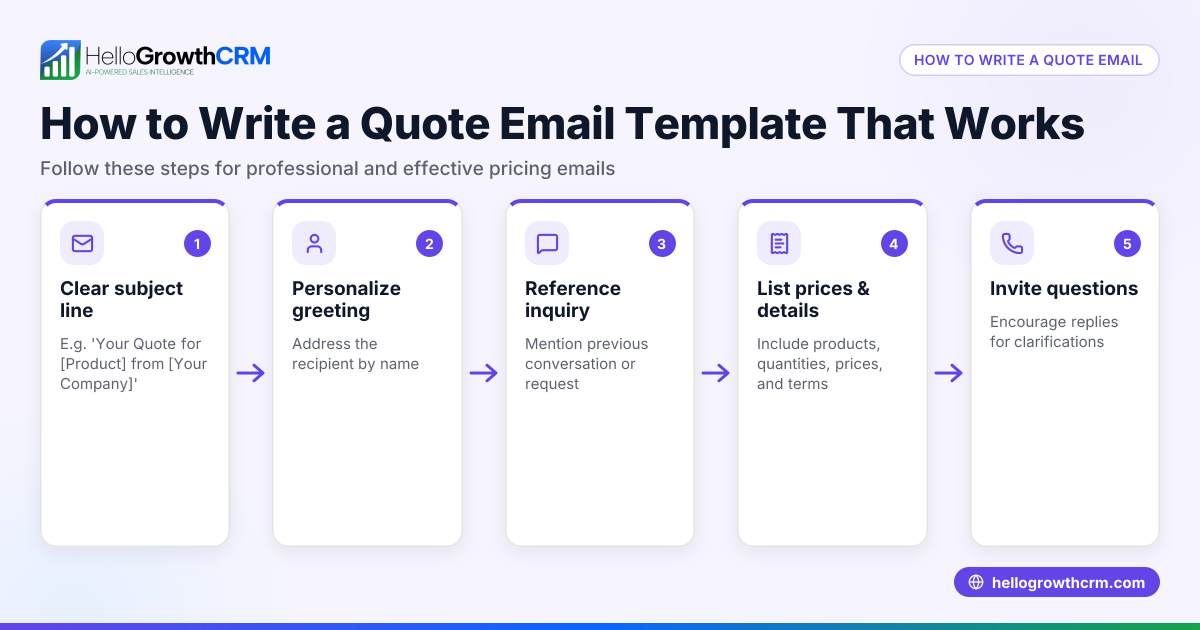
A get a quote website template lets your potential customers quickly send you detailed requests for pricing or project estimates. It typically includes fields for contact info, service description, and any specifications needed to prepare an accurate quote. Having this template ready on your website helps capture leads faster and reduces back-and-forth emails.
Why this comes up / what goes wrong
Small business owners often want a simple, ready-to-use "get a quote" form they can add to their website or share as a link. Without a clear template, visitors may abandon requests due to unclear instructions or missing fields. This leads to lost leads or slow, incomplete quote follow-ups. Many try to build forms from scratch or use generic contact forms that don’t collect enough info for pricing. This wastes time and frustrates buyers.
Step-by-step
- Choose a form builder or template source: Use website builders like WordPress, Wix, or form tools like Google Forms, JotForm, or HelloGrowthCRM’s free sales templates. Check for templates labeled "get a quote" or "request a quote".
- Include essential fields: At minimum, add fields for name, email, phone number, service or product interested in, project details or specifications, and preferred contact time. Make sure required fields are marked.
- Add clear instructions: Briefly tell visitors what info you need and how you’ll follow up. For example, "Please provide details about your project so we can send an accurate quote."
- Set up submission confirmation: After form submission, show a thank-you message or redirect to a confirmation page so users know their request was received.
- Test the form: Submit test requests yourself or with your team to verify all fields work, notifications reach you, and the data is collected correctly.
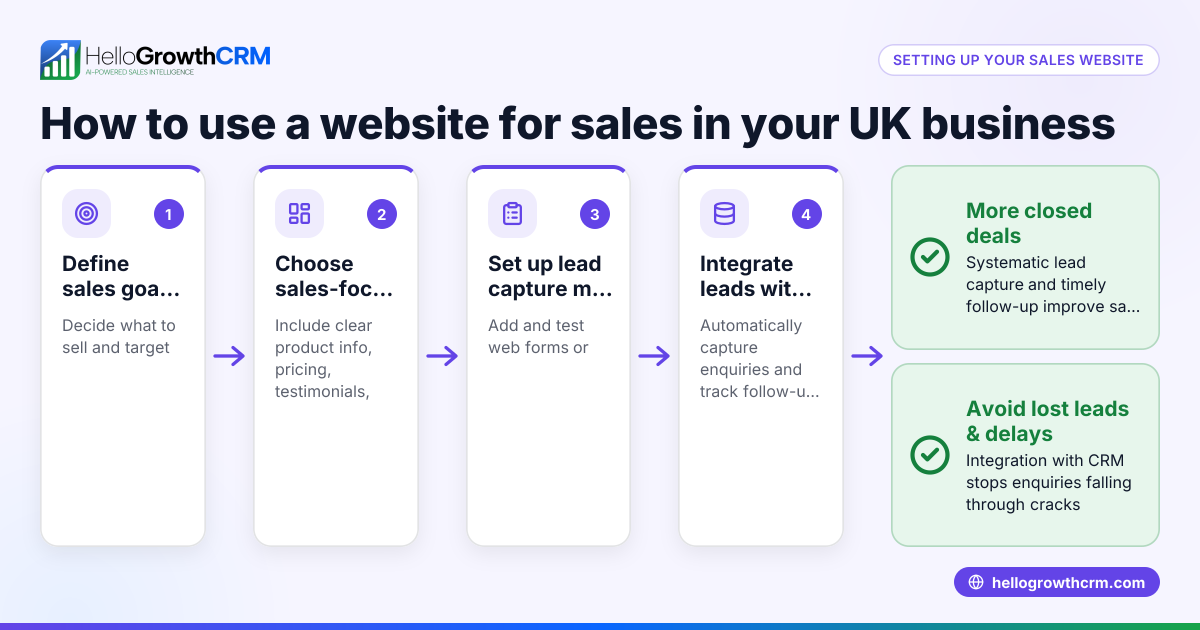
- Integrate with your CRM or email: Connect the form to your sales tools or email system to get instant alerts and track leads efficiently.
- Place the form visibly on your website: Add it to a dedicated "Get a Quote" page, your homepage, or product pages where prospects look for pricing.
- Check mobile responsiveness: Ensure the form works well on phones and tablets since many users browse on mobile devices.
- Update periodically: Review and improve your form fields and instructions based on customer feedback and common questions.
For ready-to-use templates, explore HelloGrowthCRM’s free sales tools and calculators and sales templates without needing an account.
Example (fictional figures)
Imagine a landscaping contractor in Charlotte, North Carolina, named GreenScape LLC, who wants to add a get a quote form to their site.
- They include fields: Name, Email, Phone, Address, Type of Service (lawn care, planting, hardscaping), Project Details, Preferred Contact Time.
- A visitor submits a request on 06/15/2026 for lawn care.
GreenScape receives the request and calculates a quote:
Labor cost: $1,200 Materials: $300 Overhead: $150
Total quote = Labor cost + Materials + Overhead
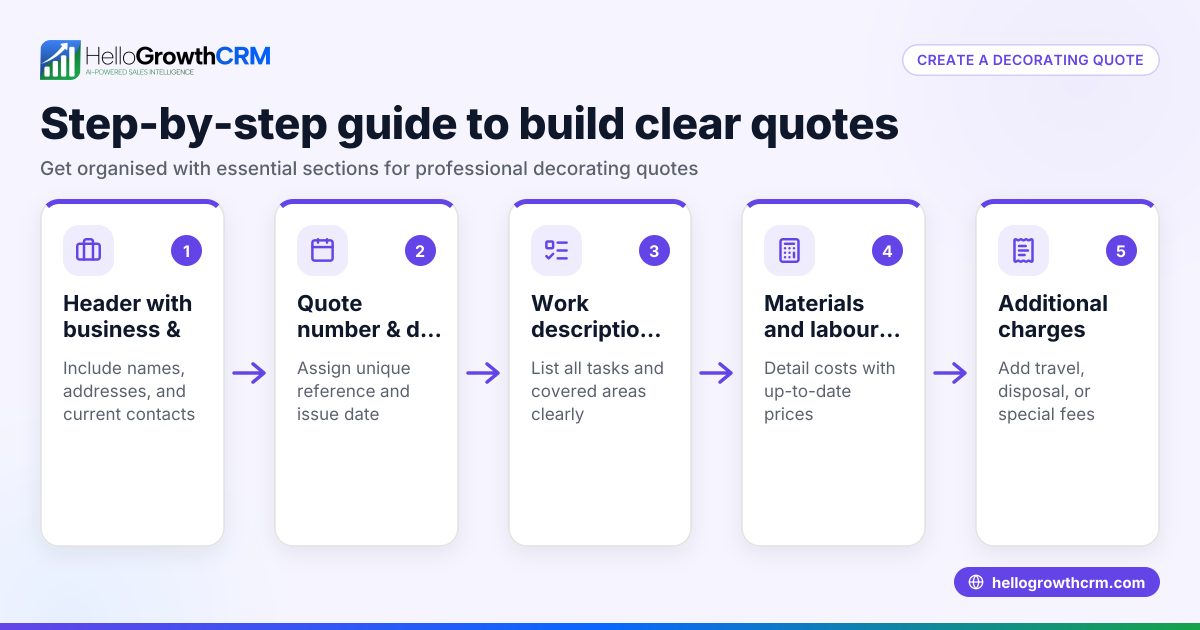
Total quote = $1,200 + $300 + $150 = $1,650
They enter this quote into their CRM and send it to the prospect.
Common mistakes
- Missing key fields: Forgetting to ask for project details or contact info leads to incomplete requests. Prevent by listing all essential fields.
- Unclear instructions: Visitors may not know what info to provide. Add simple guidance near the form.
- No confirmation message: Users unsure if submission worked may resubmit or leave. Always show a thank-you or confirmation page.
- Not testing the form: Broken fields or missing notifications waste leads. Test thoroughly before going live.
- Poor mobile experience: If the form is hard to use on phones, many prospects will abandon it. Use responsive templates.
- No integration with sales tools: Manually checking emails slows follow-up. Connect the form to your CRM or email alerts.
Doing this in HelloGrowthCRM
HelloGrowthCRM offers a built-in quoting and proposal tool that lets you create, send, and track quotes directly from each deal record. The quote’s status—sent, viewed, or accepted—appears on the same screen as your follow-up task, helping your team stay organized. You can also download free sales templates and tools like follow-up cadences or pipeline templates without needing an account. This makes managing quotes and leads easier and faster.
Frequently asked questions
What fields should a get a quote website template include? Include name, email, phone number, detailed description of the requested service or product, any specifications or deadlines, and preferred contact method or time. Required fields help ensure you get enough info to prepare a quote.
Can I use a get a quote template on any website platform? Yes, most website builders and form tools support embedding or linking to quote request forms. Choose a tool compatible with your site, and test it on desktop and mobile.
How do I follow up after receiving a quote request? Respond promptly with a personalized quote. Use CRM tools to track quote status and schedule follow-up tasks to check in if you don’t hear back.
Are there free get a quote templates I can download? Yes, HelloGrowthCRM provides free sales templates and tools you can download without signing up. Visit the free sales tools and calculators page for options.
How do I prevent quote requests from getting lost? Integrate your quote form with your CRM or sales pipeline software to get instant notifications and keep all leads organized in one place.
Key takeaways
- Use a ready-made get a quote website template with essential fields and clear instructions.
- Test your form thoroughly on desktop and mobile before publishing.
- Show a confirmation message after submission to reassure visitors.
- Integrate your form with sales tools or CRM for faster follow-up.
- Avoid common mistakes like missing fields or unclear directions.
- Download free sales templates and tools from HelloGrowthCRM to help manage quotes.
Start capturing more leads and closing deals faster by adding a get a quote website template today. To try managing quotes and follow-up in one place, start on the Free Forever plan (200 leads, no credit card).
Ready to put this into practice?
Set up your pipeline, WhatsApp follow-ups, and AI lead scoring in minutes — free, no credit card.
Try HelloGrowthCRM freeGet CRM tips in your inbox
Join thousands of sales professionals who get weekly insights on CRM strategy, AI automation, and pipeline optimization.

The HelloGrowthCRM team publishes guides on CRM strategy, AI sales tools, and revenue operations for small business sales teams.