HelloGrowthCRM software
Built for real small-business sales teams
HelloGrowthCRM helps reps qualify faster, follow up on time, and close more deals—with practical automation in one place.
- AI lead scoring and pipeline visibility
- Built-in dialer, WhatsApp, and email automation
- Sales forecasting and RevOps-ready reporting
You can use a Gmail-integrated CRM with AI lead scoring and forecasting without complex setup by choosing a CRM that captures leads directly from emails, scores them automatically, and forecasts sales based on your pipeline. This article covers the step-by-step process, a worked example, common mistakes to avoid, and how HelloGrowthCRM simplifies these tasks with AI-powered features.
Why this comes up / what goes wrong
Many small business owners in India use Gmail for sales communication but struggle to manage leads effectively. They often lose leads or delay follow-ups because emails get buried, and manual lead scoring or forecasting requires spreadsheets or complex software setups. Without automation, sales teams waste time prioritizing leads and guessing sales forecasts, which slows growth.
Integrating Gmail with a CRM that has AI lead scoring and forecasting but requires no setup means you avoid manual data entry and complex configurations. This allows telecalling teams and founders to focus on selling instead of managing tools.
Step-by-step
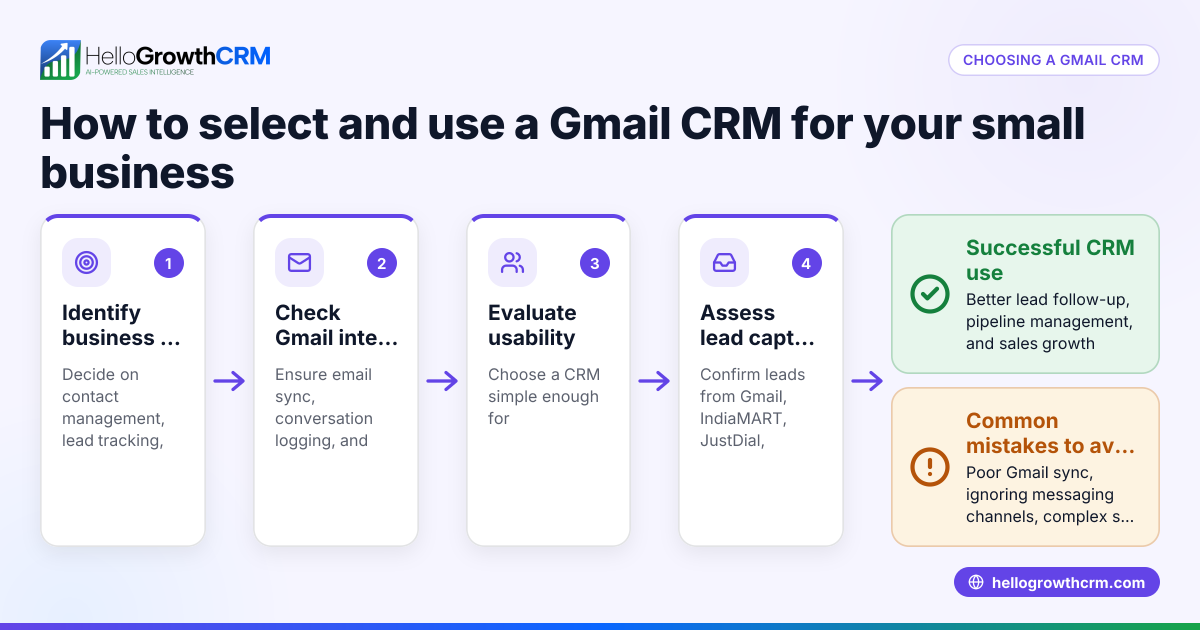
- Choose a CRM that integrates with Gmail with minimal setup: Select a CRM that can capture leads automatically from Gmail emails or web forms without requiring technical API setup.
- Connect your Gmail account to the CRM: Follow the CRM's simple instructions to link your Gmail inbox. Usually, this involves authorizing access via OAuth, which takes a few clicks.
- Enable automatic lead capture: Configure the CRM to scan incoming Gmail messages for enquiries or leads. Check that new leads appear in the CRM with contact details and inquiry notes.
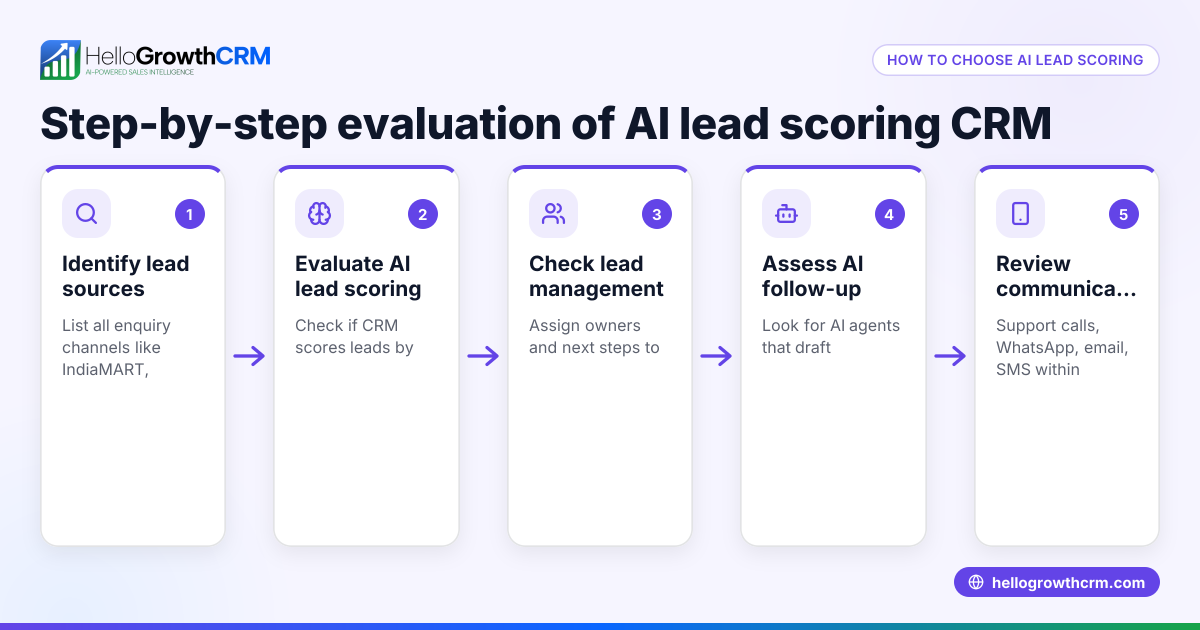
- Use AI lead scoring: The CRM automatically scores leads based on engagement and data patterns. Check the lead scores displayed in the CRM dashboard to prioritize follow-up calls.
- Assign leads to telecallers or sales reps: Set owners and next steps for each lead inside the CRM to avoid losing track.
- Track your sales pipeline: Move leads through pipeline stages in the CRM. Check that the AI forecasting feature projects expected sales revenue based on the current pipeline status.
- Review AI insights regularly: Use the CRM’s AI-generated reports to see which deals are stalling and which reps are performing well.
- Follow up using CRM sequences: Use email, WhatsApp, or SMS sequences from the CRM to automate timely follow-ups.
- Update lead status after calls: After each telecalling session, update lead progress and next steps in the CRM to keep data current.
- Monitor forecasts and adjust plans: Use the AI sales forecasting reports to plan inventory, targets, and resources.
Example (fictional figures)
Rajesh runs a mid-sized electronics wholesale business in Pune. On 01/05/2024, he receives 50 new Gmail enquiries about LED TVs. He connects his Gmail to a CRM with AI lead scoring and forecasting.
- Total leads: 50
- CRM scores 10 leads as high priority (score above 80)
- Rajesh assigns these 10 leads to telecallers first
- Average deal size expected: ₹35,000
- Pipeline stages: 10 leads at negotiation, 20 at demo, 20 at inquiry
Forecast calculation:
Expected revenue = (Number of leads at each stage × Average deal size × Stage conversion rate)
Assuming stage conversion rates (illustrative):
- Negotiation: 70%
- Demo: 40%
- Inquiry: 10%
Calculation:
10 × ₹35,000 × 70% = ₹2,45,000 20 × ₹35,000 × 40% = ₹2,80,000 20 × ₹35,000 × 10% = ₹70,000
Total forecast = ₹2,45,000 + ₹2,80,000 + ₹70,000 = ₹5,95,000
Rajesh uses this forecast to plan stock and telecalling efforts for May.
Common mistakes
- Not linking Gmail properly: Double-check Gmail authorization to ensure the CRM can capture leads automatically.
- Ignoring AI lead scores: Always prioritize high-scoring leads first to improve conversion rates.
- Not updating lead status after calls: Keep the CRM updated to maintain accurate forecasting.
- Relying on manual spreadsheets: Avoid manual data entry and calculations by using CRM AI forecasting features.
- Skipping pipeline reviews: Regularly check the pipeline to spot stalled deals and act promptly.
- Not assigning leads clearly: Assign owners and next steps to avoid leads falling through the cracks.
Doing this in HelloGrowthCRM
HelloGrowthCRM captures every enquiry from Gmail, forms, calls, or WhatsApp as a lead with an owner and a next step, so no lead is lost in notebooks. Its AI lead scoring helps telecallers call the leads most likely to convert first. The pipeline forecast and AI insights show which deals are stalling without needing a spreadsheet, helping owners plan better. Learn more about AI lead scoring, AI CRM, and sales forecasting in HelloGrowthCRM.
Frequently asked questions
Can I use Gmail CRM AI lead scoring without technical setup? Yes, some CRMs like HelloGrowthCRM offer Gmail integration with automatic lead capture and AI scoring that require only simple authorization steps, no coding or API setup.
How does AI lead scoring improve my sales calls? AI lead scoring analyses lead data and engagement to assign scores, helping telecallers prioritize calls to leads most likely to convert, saving time and increasing efficiency.
Is sales forecasting accurate without manual input? AI forecasting uses your pipeline data and historical patterns to project expected revenue automatically. While no forecast is perfect, it reduces errors from manual spreadsheets.
Can I assign leads to my team from Gmail leads? Yes, after leads are captured from Gmail, you can assign them to team members with clear next steps inside the CRM.
Does the CRM support follow-up sequences? Many CRMs, including HelloGrowthCRM, support automated email, WhatsApp, and SMS sequences to ensure timely follow-ups without manual effort.
Key takeaways
- Use a CRM with Gmail integration that captures leads automatically with no complex setup.
- AI lead scoring helps prioritize leads for telecalling teams effectively.
- AI sales forecasting projects revenue based on pipeline stages and historical data.
- Keep lead ownership and next steps updated to maintain forecast accuracy.
- Avoid manual spreadsheets by using CRM AI insights and pipeline tracking.
- Regularly review pipeline health and stalled deals to improve sales outcomes.
Start managing your Gmail leads smarter today with AI-powered tools.
Get started on the Free Forever plan (200 leads, no credit card) at HelloGrowthCRM.
Ready to put this into practice?
Set up your pipeline, WhatsApp follow-ups, and AI lead scoring in minutes — free, no credit card.
Try HelloGrowthCRM freeGet CRM tips in your inbox
Join thousands of sales professionals who get weekly insights on CRM strategy, AI automation, and pipeline optimization.

The HelloGrowthCRM team publishes guides on CRM strategy, AI sales tools, and revenue operations for small business sales teams.