HelloGrowthCRM software
Built for real small-business sales teams
HelloGrowthCRM helps reps qualify faster, follow up on time, and close more deals—with practical automation in one place.
- AI lead scoring and pipeline visibility
- Built-in dialer, WhatsApp, and email automation
- Sales forecasting and RevOps-ready reporting
Gravity Forms CRM integration connects your website's form entries directly to your CRM, so leads and customer data flow automatically without manual entry. This helps small businesses respond faster, track leads better, and avoid losing opportunities. This article covers why you need this integration, how to set it up step-by-step, a detailed example, common mistakes to avoid, and how HelloGrowthCRM handles integrations and messaging.
Why this comes up / what goes wrong
Small business owners using Gravity Forms on their websites often face challenges managing leads because form submissions end up in email inboxes or spreadsheets. This slows follow-up and causes lost sales. They want to connect Gravity Forms directly to a CRM to automate lead capture, assign leads to sales reps, and track communications in one place. Without integration, data duplication and manual errors are common. Businesses selling B2B or services with complex pipelines especially need a reliable connection between Gravity Forms and their CRM to keep sales organized and timely.
Step-by-step
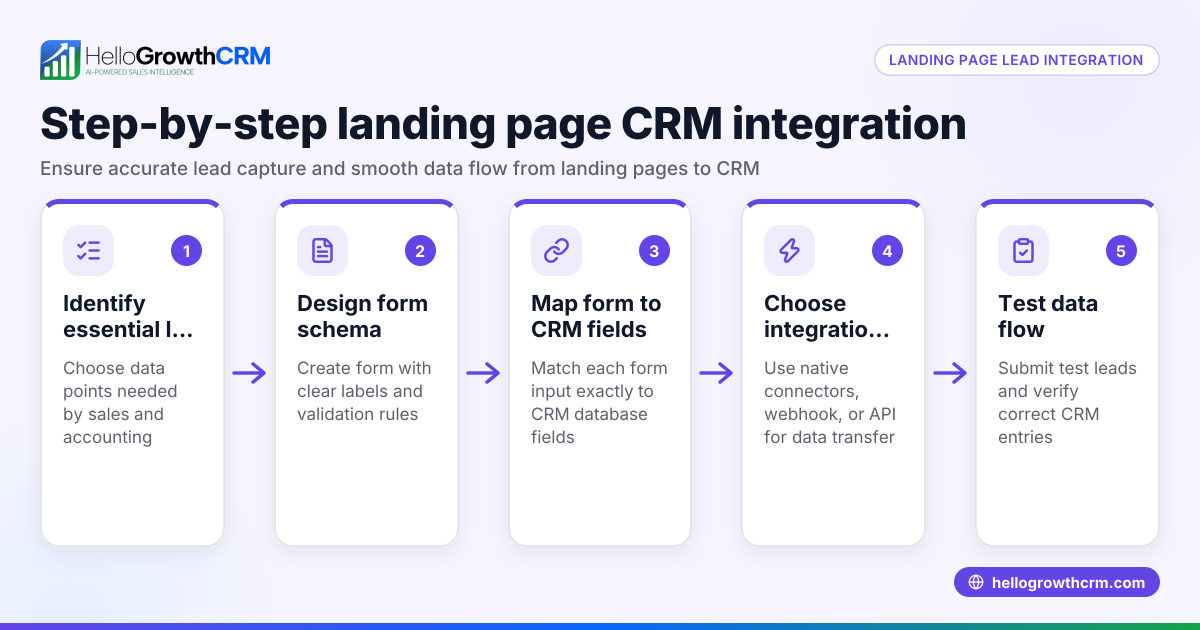
- Choose a CRM that supports Gravity Forms integration or offers API connectivity. Check if the CRM has a native Gravity Forms add-on or supports webhook/API connections.
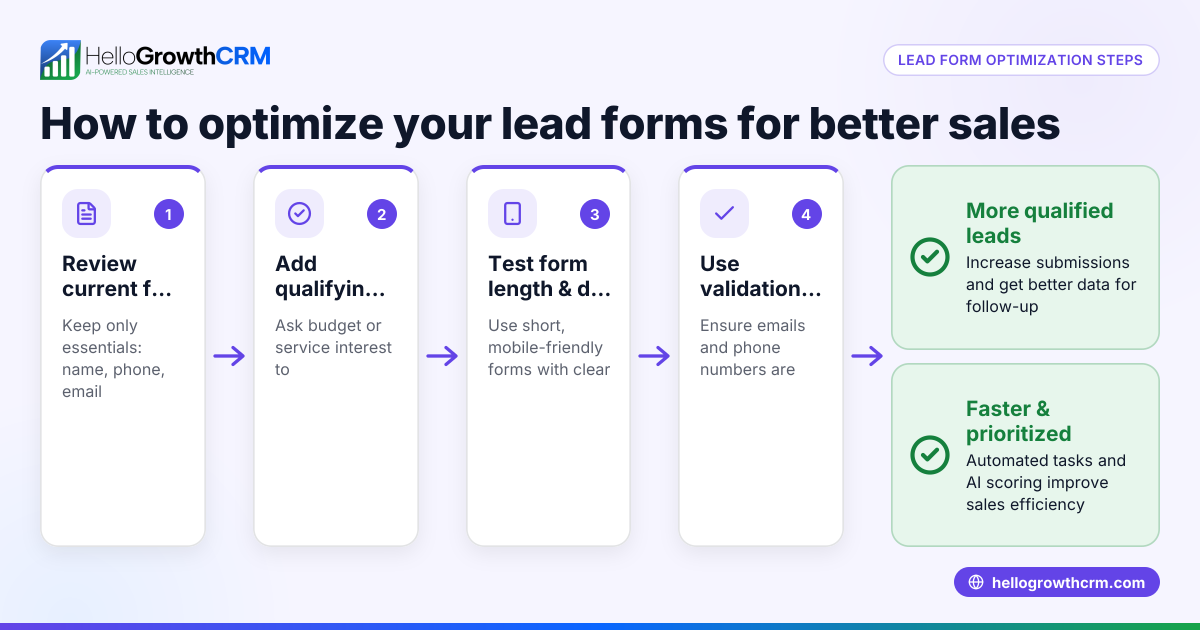
- Set up your Gravity Form with all necessary fields for lead capture. Include contact info, inquiry details, and any qualification questions.
- Configure the integration method:
- Use a CRM plugin or add-on for Gravity Forms if available.
- Or set up Gravity Forms webhooks to send data to the CRM’s API endpoint.
- Alternatively, use middleware tools like Zapier to connect Gravity Forms and your CRM.
- Map the form fields to the corresponding CRM lead fields. Ensure every piece of data goes to the right place in the CRM.
- Test the integration with sample form submissions. Confirm leads appear correctly in the CRM with all data and no errors.
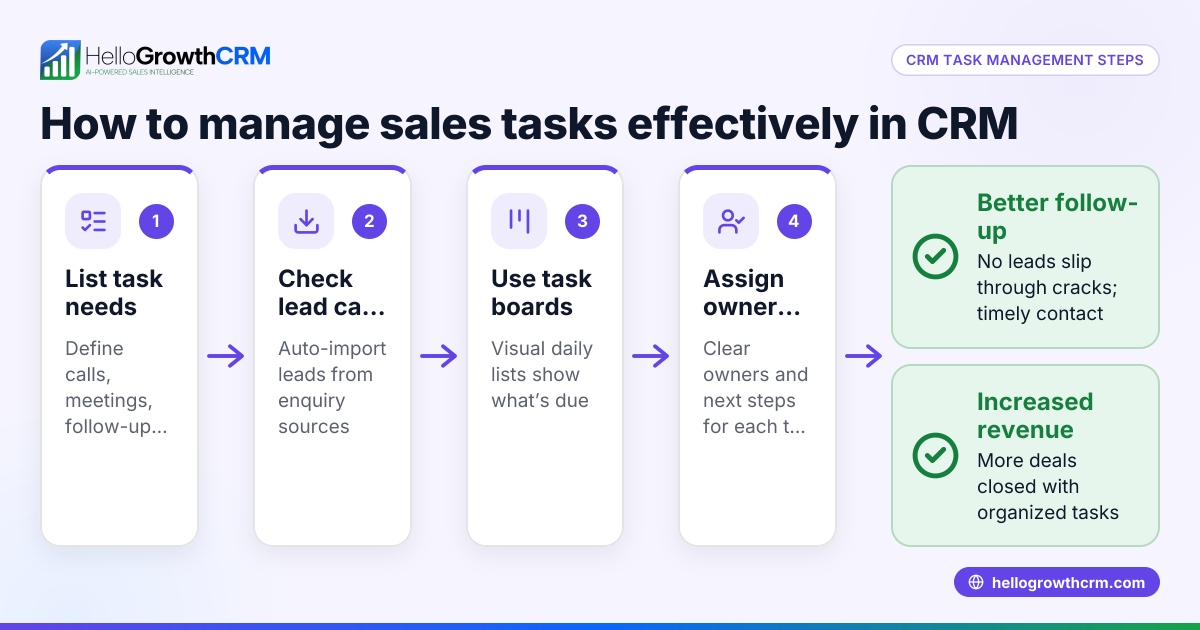
- Set up lead assignment and notification rules in the CRM. Automate routing leads to sales reps and alerting teams.
- Train your sales team on how leads will appear and how to follow up using the CRM.
- Monitor and optimize the integration regularly. Check for data sync issues or missed leads and adjust as needed.
Check out the integrations page for CRM options that support API connections and workflows.
Example (fictional figures)
A B2B software reseller in Denver, Colorado, uses Gravity Forms on their site to capture demo requests. They want to integrate it with their CRM to automate lead capture and follow-up.
- Monthly demo requests via Gravity Forms: 250
- Average deal size: $12,000
- Current manual lead entry causes 10% lead loss
By integrating Gravity Forms with the CRM, they aim to reduce lead loss to 2%.
Leads lost before integration: 250 × 10% = 25 leads lost
Leads lost after integration: 250 × 2% = 5 leads lost
Leads gained by integration: 25 - 5 = 20 leads saved
Potential revenue saved: 20 × $12,000 = $240,000
Date of implementation: 07/01/2026
This example shows how integration can protect significant revenue by improving lead capture and follow-up efficiency.
Common mistakes
- Choosing a CRM without proper Gravity Forms support. Prevent by verifying native integration or reliable API access beforehand.
- Incorrect field mapping causing data loss or confusion. Prevent by carefully mapping and testing all form fields to CRM fields.
- Not testing the integration before going live. Prevent by submitting test entries and confirming data arrives correctly.
- Ignoring lead assignment rules, causing leads to sit unassigned. Prevent by setting up automatic lead routing and notifications.
- Failing to train the sales team on the new process. Prevent by providing training sessions and documentation.
- Overlooking ongoing monitoring, leading to unnoticed sync failures. Prevent by scheduling regular checks and alerts for integration issues.
See the integrations page for more on connecting workflows effectively.
Doing this in HelloGrowthCRM
HelloGrowthCRM supports API and integrations, letting enquiries from web forms and other connected lead sources arrive automatically as leads. It also logs WhatsApp conversations on lead records and enables follow-ups via WhatsApp and SMS messages. Additionally, AI agents (in Beta on the Growth plan) can draft follow-up messages after calls for reps to review and send. Learn more about HelloGrowthCRM's WhatsApp and SMS CRM and integrations.
Frequently asked questions
Can I integrate Gravity Forms with any CRM? Not all CRMs offer native Gravity Forms integration. Many require API connections or middleware like Zapier. Check your CRM’s integration options before proceeding.
What is the easiest way to connect Gravity Forms to a CRM? Using a native add-on or plugin designed for your CRM is easiest. Otherwise, webhooks or middleware tools can automate data transfer but may require more setup.
Will the integration automatically assign leads to sales reps? That depends on your CRM’s features. Many CRMs allow automatic lead assignment based on rules like territory or product interest.
How do I ensure data from Gravity Forms maps correctly in the CRM? Carefully map each form field to the corresponding CRM field during setup and test with sample entries to confirm accuracy.
Can I use HelloGrowthCRM with Gravity Forms? HelloGrowthCRM supports API and integrations that can bring leads from various sources. Check the integrations page and contact support to confirm Gravity Forms compatibility.
Does HelloGrowthCRM support messaging follow-ups for leads from Gravity Forms? Yes, WhatsApp conversations with leads are logged and follow-ups can be sent via WhatsApp and SMS. AI agents can also draft follow-up messages for reps.
Key takeaways
- Gravity Forms CRM integration automates lead capture, reducing lost opportunities.
- Choose a CRM with native support or reliable API connectivity for Gravity Forms.
- Follow step-by-step setup: field mapping, testing, lead assignment, and training.
- Avoid common mistakes like poor field mapping and lack of testing.
- HelloGrowthCRM offers integrations, WhatsApp/SMS messaging, and AI agents to help manage leads effectively.
Start your integration journey with confidence and improve your sales process. Start on the Free Forever plan (200 leads, no credit card).
Ready to put this into practice?
Set up your pipeline, WhatsApp follow-ups, and AI lead scoring in minutes — free, no credit card.
Try HelloGrowthCRM freeGet CRM tips in your inbox
Join thousands of sales professionals who get weekly insights on CRM strategy, AI automation, and pipeline optimization.

The HelloGrowthCRM team publishes guides on CRM strategy, AI sales tools, and revenue operations for small business sales teams.