HelloGrowthCRM software
Built for real small-business sales teams
HelloGrowthCRM helps reps qualify faster, follow up on time, and close more deals—with practical automation in one place.
- AI lead scoring and pipeline visibility
- Built-in dialer, WhatsApp, and email automation
- Sales forecasting and RevOps-ready reporting
Lead form optimization means improving your web or digital forms to capture more leads and better-quality information that helps your sales team follow up faster and convert more. This article covers why lead form optimization matters, step-by-step actions to improve your forms, a practical example, common mistakes to avoid, and how HelloGrowthCRM can help streamline lead capture and prioritization.
Why this comes up / what goes wrong
Many small business owners rely on basic contact forms or scattered spreadsheets to collect leads. These forms often ask for too much or too little information, causing potential customers to abandon them or provide unusable data. Slow or unorganized follow-up means leads go cold or get lost. Sales teams working with text messages, emails, and notebooks struggle to prioritize which leads to call first. Without proper lead form optimization, your business wastes valuable opportunities and time.
Step-by-step
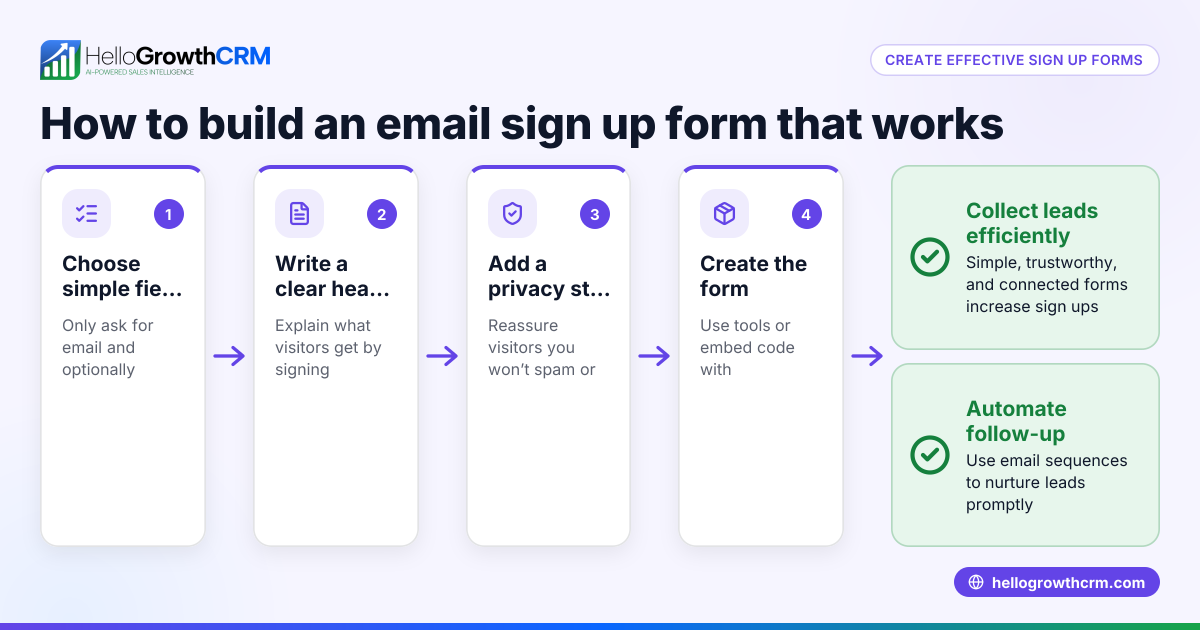
- Review your current lead form fields: Check if your form asks only for essential information like name, phone, and email. Remove unnecessary fields that can discourage submissions.
- Add qualifying questions: Include a few targeted questions that help identify serious buyers, such as budget range or service interest.
- Test form length and design: Shorter forms with clear labels and mobile-friendly layouts improve completion rates.
- Use validation rules: Ensure fields like email and phone number are correctly formatted to avoid bad data.
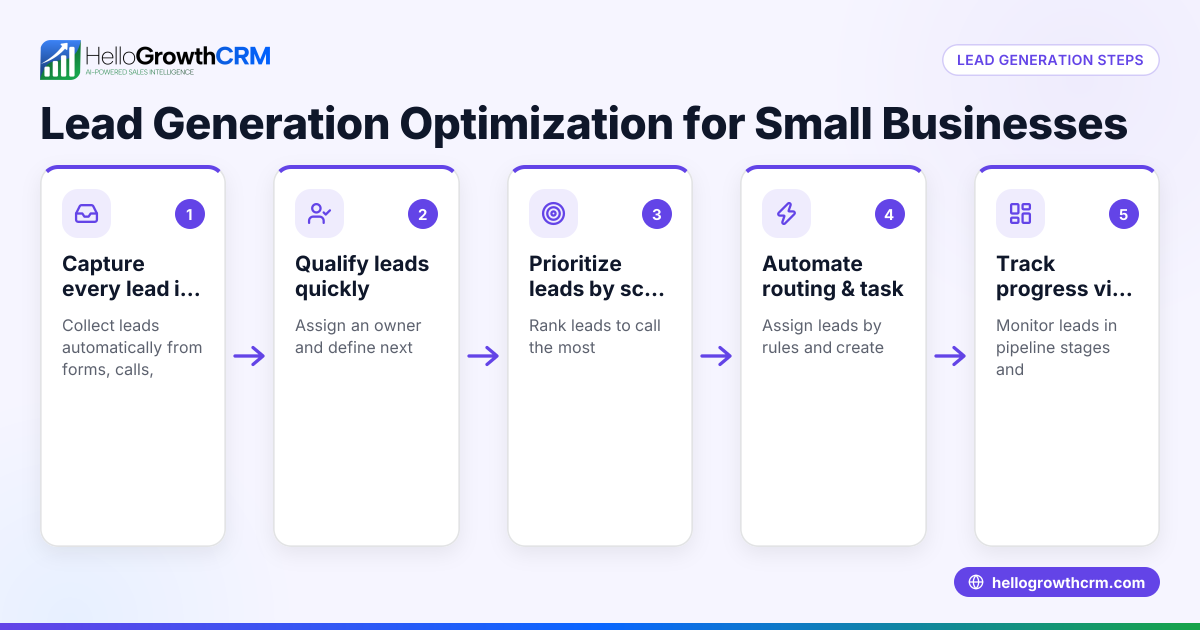
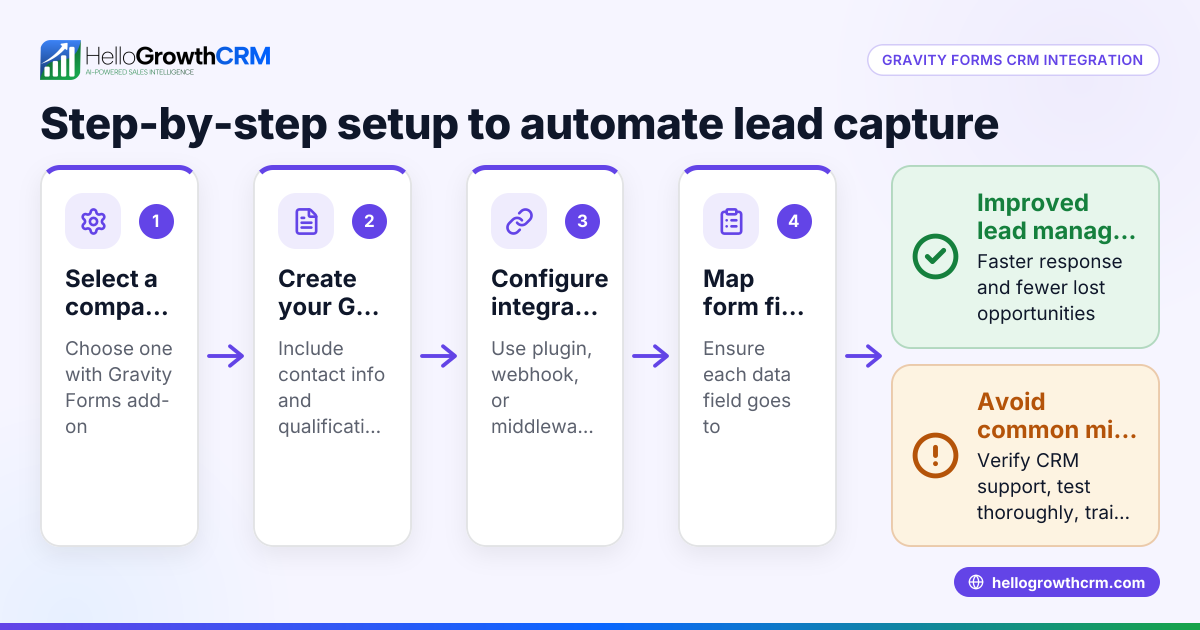
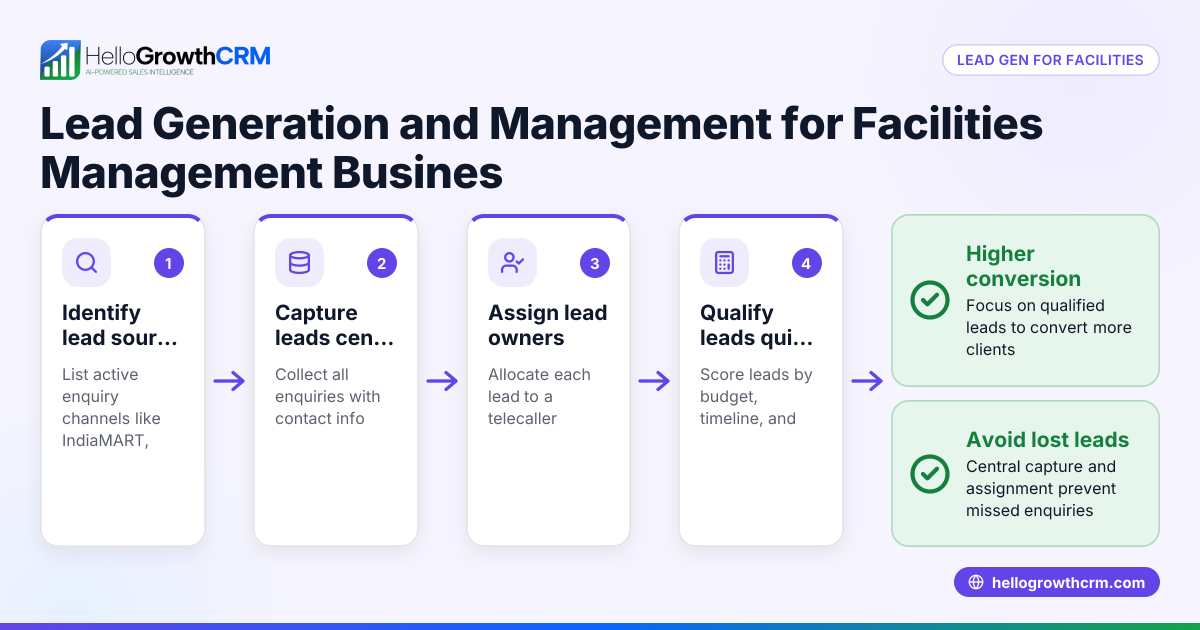
- Set up automatic lead capture: Connect your form to a CRM so every enquiry is recorded with an owner and next step, avoiding manual entry errors.
- Implement AI lead scoring: Use AI to prioritize leads most likely to convert, so sales teams focus their efforts effectively. See AI lead scoring.
- Create workflows and lead routing: Automate lead assignment and task creation to speed up follow-up. For example, assign leads round-robin to telecallers and trigger first-call tasks automatically. Learn more about workflows, lead routing and validation rules.
- Monitor form performance: Track submission rates, drop-off points, and conversion metrics to continually refine your form.
Example (fictional figures)
A plumbing company in Austin, Texas, called "Austin Flow Plumbing," wants to increase lead capture from its website.
- Current monthly website visitors: 5,000
- Current form submission rate: 3% (5,000 × 3% = 150 leads)
- Lead conversion rate (lead to sale): 10% (150 × 10% = 15 sales)
- Average sale value: $1,200
Austin Flow Plumbing optimizes their form by removing 5 unnecessary fields, adding a budget question, and implementing validation rules.
- New form submission rate increases to 5% (5,000 × 5% = 250 leads)
- Lead conversion rate improves to 12% due to better lead qualification (250 × 12% = 30 sales)
Revenue before optimization:
$1,200 × 15 = $18,000
Revenue after optimization:
$1,200 × 30 = $36,000
This shows doubling sales revenue from the same traffic by optimizing the lead form and follow-up process.
Common mistakes
- Asking for too much information upfront: This causes form abandonment. Prevent by limiting fields to essentials and adding qualifying questions later.
- Ignoring mobile users: Forms that don’t display well on phones lose leads. Test your form on multiple devices.
- Not validating fields: Leads with incorrect emails or phone numbers waste sales time. Use validation rules to catch errors.
- Manual lead handling: Leads lost in notebooks or spreadsheets delay follow-up. Automate lead capture and assignment with a CRM.
- No lead prioritization: Calling leads in random order wastes effort. Use AI lead scoring to focus on the most promising leads. See AI lead scoring.
- Lack of follow-up tasks: Without reminders or task creation, leads slip through. Set up workflows to automate next steps. More on workflows, lead routing and validation rules.
Doing this in HelloGrowthCRM
HelloGrowthCRM captures every enquiry from your web forms, calls, or WhatsApp messages as a lead with an assigned owner and a next step, removing the need for notebooks or spreadsheets. Its AI lead scoring helps telecallers prioritize calling leads most likely to convert first. Automated workflows and lead routing assign new enquiries round-robin and create first-call tasks automatically, ensuring timely follow-up and better conversion. Learn more about HelloGrowthCRM’s features for the United States here.
Frequently asked questions
What is lead form optimization? Lead form optimization improves your lead capture forms to increase submission rates and collect useful information for sales follow-up. It balances form length, field relevance, and data quality to maximize conversions.
How many fields should a lead form have? Aim for 3 to 6 fields: essential contact info plus 1 or 2 qualifying questions. Longer forms reduce completion rates, especially on mobile.
How does AI lead scoring help with lead form optimization? AI lead scoring ranks incoming leads by likelihood to convert based on their form responses and past data, so sales teams call the best leads first, improving efficiency and results. See AI lead scoring.
Can I automate lead assignment after form submission? Yes, automated workflows in HelloGrowthCRM assign leads based on rules like round-robin distribution, source, or score, and create follow-up tasks automatically. This speeds up response time and ensures no lead is forgotten. More details at workflows, lead routing and validation rules.
Why is mobile optimization important for lead forms? Most users access websites on phones, so forms must be easy to complete on small screens. Poor mobile forms lead to high abandonment rates.
Key takeaways
- Optimize lead forms by limiting fields and adding qualifying questions.
- Use validation rules to ensure accurate contact data.
- Automate lead capture, assignment, and follow-up tasks with a CRM.
- Use AI lead scoring to prioritize calling the best leads first.
- Test and monitor form performance regularly, including mobile usability.
Start optimizing your lead forms today to capture more qualified leads and speed up follow-up. Try HelloGrowthCRM’s free plan with 200 leads and no credit card required to see how automated lead capture and AI lead scoring can help your sales team convert better. Get started at Start on the Free Forever plan (200 leads, no credit card).
Ready to put this into practice?
Set up your pipeline, WhatsApp follow-ups, and AI lead scoring in minutes — free, no credit card.
Try HelloGrowthCRM freeGet CRM tips in your inbox
Join thousands of sales professionals who get weekly insights on CRM strategy, AI automation, and pipeline optimization.

The HelloGrowthCRM team publishes guides on CRM strategy, AI sales tools, and revenue operations for small business sales teams.